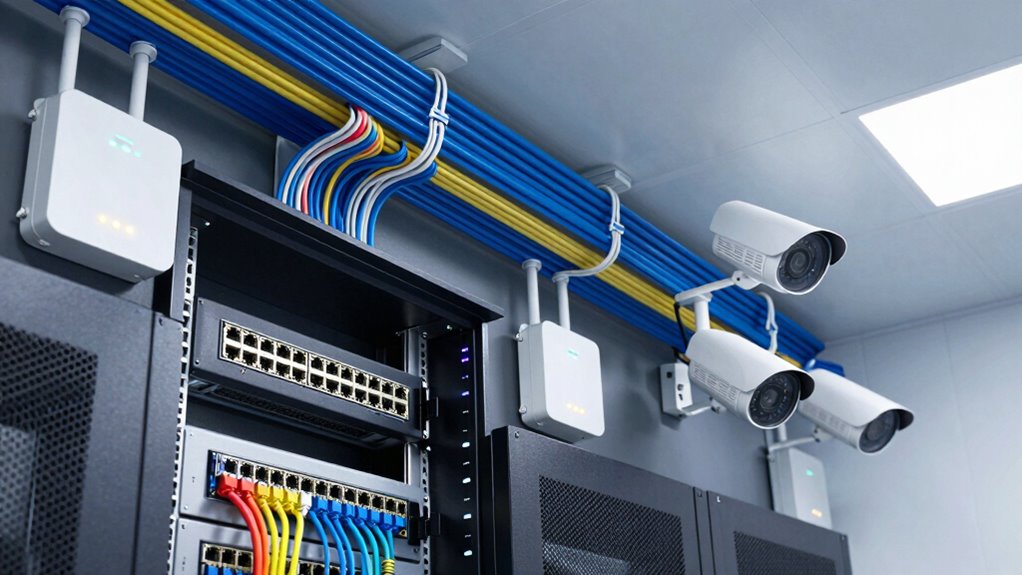

To support more cameras and access points with better PoE planning, guarantee your power sources can handle the total load of all devices. Use high-quality PoE switches with enough power budgets, and calculate each device’s power needs beforehand. Position switches strategically to reduce cable length and improve power efficiency. Implement power management practices, monitor usage, and consider redundancy. For more tips on optimizing your setup and future expansion, explore the full methods outlined here.
Listen free for 30 days with Audible
Thousands of audiobooks and originals — cancel anytime.
As an affiliate, we earn on qualifying purchases.
Key Takeaways
- Calculate total power requirements for all devices and select switches with sufficient PoE power budgets.
- Use high-capacity PoE switches and midspan injectors to support additional cameras and access points.
- Strategically position switches closer to devices to reduce cable length and power loss.
- Implement power management and monitoring to optimize energy use and prevent overloads.
- Plan for future expansion by choosing scalable network topology and incorporating redundancy.
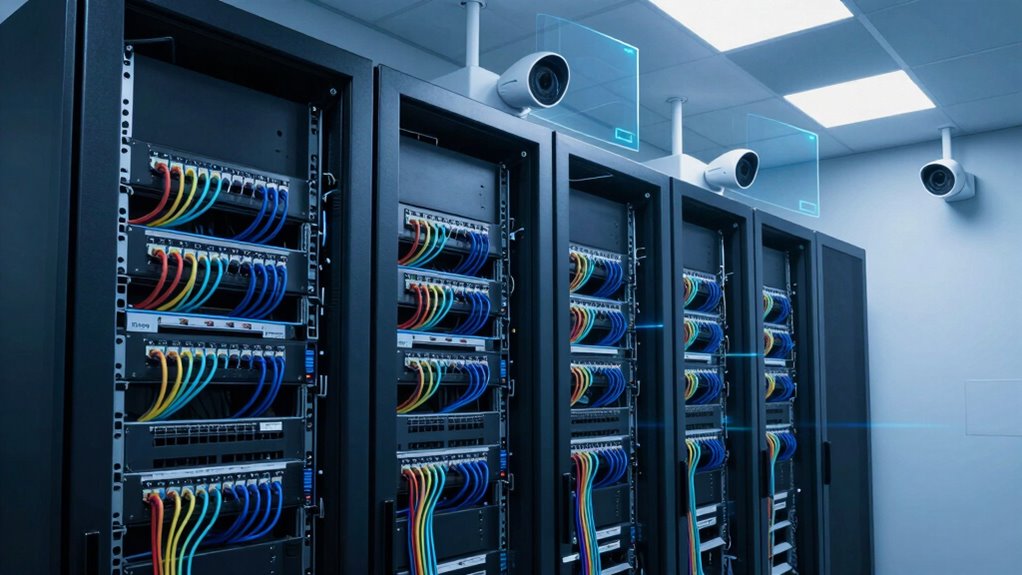
Power over Ethernet (PoE) has become an indispensable technology for deploying cameras and access points efficiently. When you plan your PoE network thoughtfully, you can support more devices without sacrificing performance or reliability. To do this, focus on power supply optimization, which involves guaranteeing your power sources can handle the total load of all connected devices. By selecting high-quality PoE switches with sufficient power budgets, you prevent overloads and reduce downtime. It’s important to calculate the power requirements for each camera and access point before installation, so you avoid underpowering vital devices, which can lead to poor performance or failures. Distributing power evenly across your network helps maintain stability and allows you to add more devices as your needs grow. Proper network topology design plays an essential role in maximizing your PoE deployment, as it impacts both performance and scalability. You’ll want to map out your physical and logical layout carefully, considering the placement of cameras and access points. A well-designed topology minimizes cable runs and ensures that power is delivered efficiently. For example, using a star topology, where all devices connect directly to a central switch, simplifies power management and makes it easier to monitor and troubleshoot issues. Alternatively, segmenting your network into smaller, manageable subnets can improve overall stability and reduce the risk of power overloads in any single segment. Proper topology design also involves planning for future expansion, so your network can accommodate additional devices without major reconfigurations or power constraints. Additionally, understanding the importance of power budgeting helps ensure your system remains reliable as you scale up. Another key aspect of better PoE planning is strategic placement of network devices. Placing switches closer to your cameras and access points reduces cable length, which not only lowers installation costs but also decreases power loss and potential points of failure. Using PoE extenders or midspan injectors can extend the reach of your power and data signals, allowing you to cover larger areas without sacrificing performance. Incorporating power management strategies can further optimize energy efficiency and reduce operational costs. Implementing these strategies can help prevent power overloads by distributing load and monitoring consumption more effectively. Proper cable management practices can minimize interference and ensure consistent power delivery across your network. A thorough understanding of power supply capacity allows you to plan for future growth and avoid unforeseen limitations. Think about incorporating redundancy into your network design—having backup power sources or redundant links can keep your system running smoothly even if a component fails. This proactive approach guarantees continuous operation, which is vital for security and network reliability.
PoE switch with high power budget
As an affiliate, we earn on qualifying purchases.
As an affiliate, we earn on qualifying purchases.
Frequently Asked Questions
How Do I Calculate Power Requirements for Different Device Types?
To calculate power requirements, first check each device’s power consumption and guarantee device compatibility with PoE standards. Then, perform power budgeting by summing the wattages of all connected devices. This helps you determine if your switch or injector can support the total load. Always leave some margin for future expansion, and verify that your equipment meets the power needs of each device to prevent outages.
Can Poe Switches Be Upgraded Later to Support More Devices?
Yes, PoE switches can often be upgraded later to support more devices, but it depends on the switch’s design and capacity. You should check the switch’s power budget and PoE security features to guarantee it can handle additional devices without issues. Proper PoE troubleshooting helps identify power limitations, while upgrading can improve network efficiency. Keep in mind some switches may require hardware replacements for significant capacity increases.
What Are the Best Practices for Cable Management With Multiple Access Points?
Did you know proper cable management can reduce installation time by up to 30%? For multiple access points, focus on cable organization by using cable trays and conduits to keep everything neat. Employ labeling techniques, like color-coded tags or clear labels, to easily identify connections during maintenance. This approach not only improves airflow and aesthetics but also simplifies troubleshooting, ensuring your network stays reliable and efficient.
How Does Cable Length Affect Poe Power Delivery?
Cable length limitations considerably affect PoE power delivery because longer cables cause more power loss considerations. As the cable length increases beyond 100 meters, voltage drops can reduce the power reaching your cameras or access points, potentially causing performance issues. To guarantee reliable PoE, keep cable runs within recommended limits and consider using powered switches or PoE extenders for longer distances, maintaining ideal power and network stability.
Are There Specific Poe Standards Best Suited for High-Density Deployments?
Did you know that PoE++ (802.3bt) is ideal for high-density deployments? It delivers up to 90W per port, perfect for multiple cameras and access points. This standard enhances PoE security by providing reliable power and reduces troubleshooting issues caused by insufficient power. By choosing the right standard, you guarantee your network handles increased device demands smoothly, minimizing downtime and security risks.
PoE network switch for security cameras
As an affiliate, we earn on qualifying purchases.
As an affiliate, we earn on qualifying purchases.
Conclusion
By carefully planning your PoE setup, you guarantee your cameras and access points run smoothly and reliably. Remember, a well-designed power strategy isn’t just a detail—it’s the backbone of your network’s success. Think of your PoE plan as the roots of a tree; strong roots lead to a thriving, resilient network. Don’t leave your network’s future to chance—invest in thoughtful PoE planning now, and watch your connectivity flourish.
As an affiliate, we earn on qualifying purchases.
As an affiliate, we earn on qualifying purchases.
NFL season / tailgating Picks
team gear
As an affiliate, we earn on qualifying purchases.