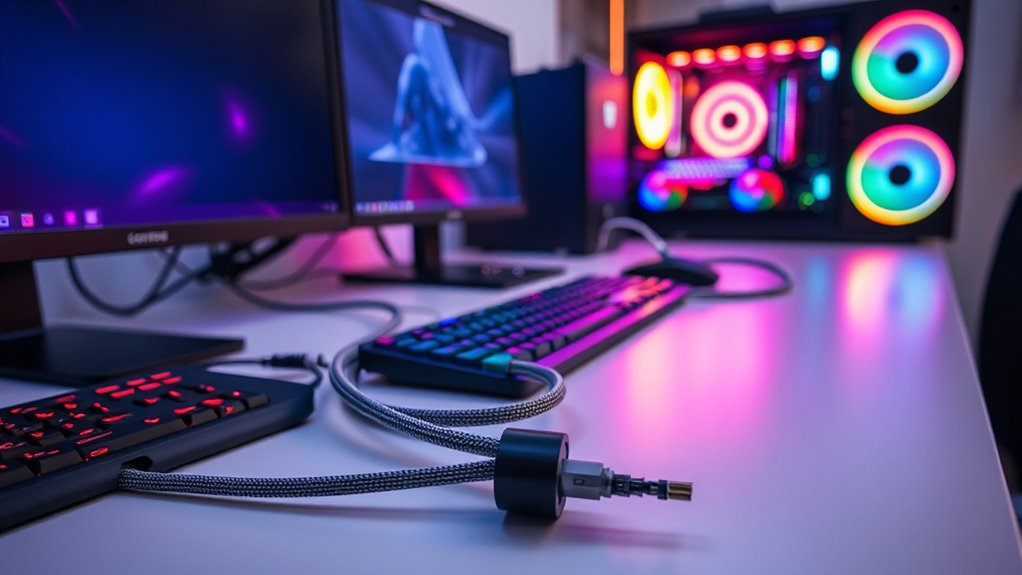
Proper cable management isn’t just about looks; it directly impacts your device’s performance and longevity. When cables are organized, airflow improves, preventing overheating and reducing hardware failures. But the benefits go beyond that—neatly arranged cables make troubleshooting and upgrades easier, saving you time and effort. If you want your system to run smoothly and last longer, understanding how to manage your cables effectively is essential. Keep going to see how it all makes a difference.
Key Takeaways
- Proper cable management improves airflow, reducing heat buildup and preventing overheating of components.
- Organized cables facilitate easier troubleshooting and maintenance, minimizing system downtime.
- Neatly routed cables prevent damage and connection issues, extending hardware lifespan.
- Effective cable management ensures optimal device performance by maintaining stable power and data connections.
- A tidy setup enhances workspace efficiency and reduces distractions, supporting overall productivity.
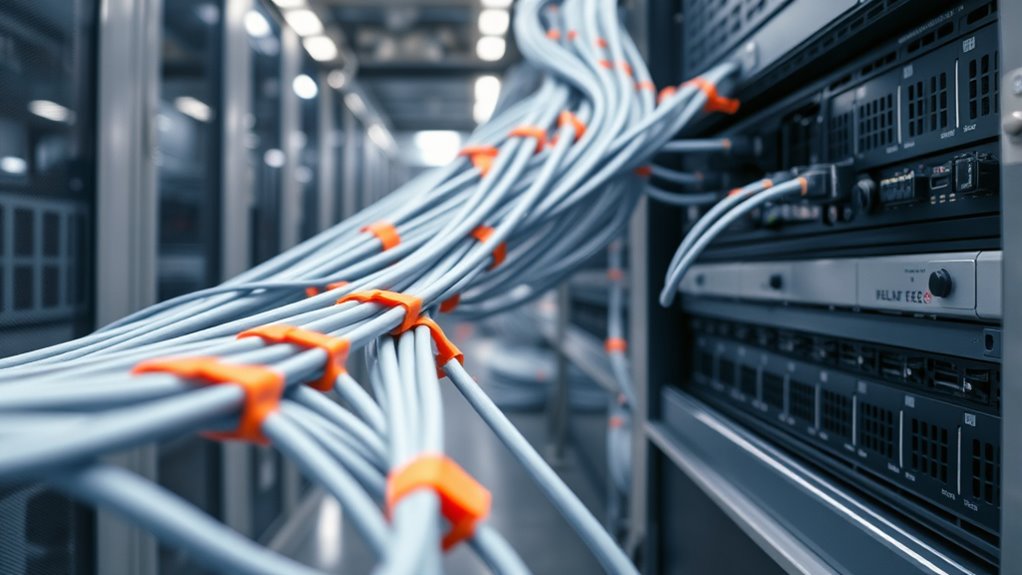
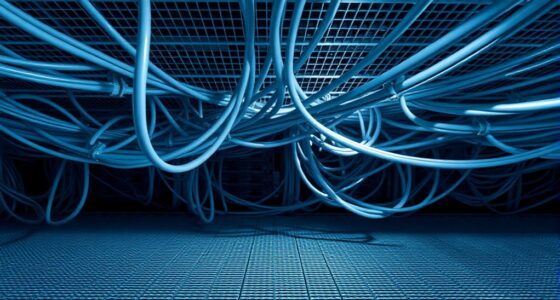
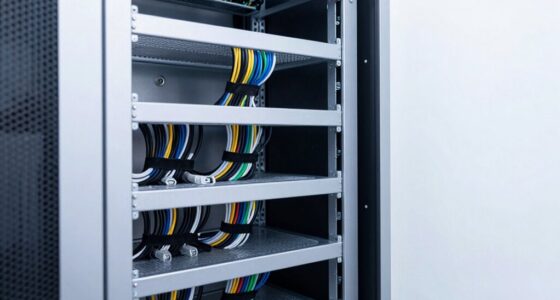
Have you ever considered how cable management impacts your device’s performance? When cables are tangled or cluttered, it’s easy to overlook the critical role proper cable organization plays in ensuring your system runs smoothly. Effective cable organization isn’t just about aesthetics; it’s about creating a streamlined environment that promotes better airflow and reduces potential issues. When cables are neatly arranged, it becomes easier to identify and troubleshoot problems, saving you time and frustration. It also prevents cables from becoming damaged due to bending or pinching, which can lead to connectivity issues or even hardware failure down the line.
Proper cable management ensures smooth system performance and easier troubleshooting.
One of the key benefits of good cable management is airflow enhancement. When cables are disorganized or piled up, they obstruct the natural flow of air within your device or workspace. This can cause heat to build up, especially around components like your CPU, GPU, or power supply, which rely on proper cooling to perform at their best. Overheating not only shortens the lifespan of your components but also causes your system to throttle, reducing performance to prevent damage. By keeping cables tidy and properly routed, you allow air to circulate freely, maintaining ideal temperatures. This simple step can greatly improve your device’s stability, speed, and longevity.
Another aspect worth considering is how cable organization can boost your overall setup’s efficiency. When cables are neatly managed, it’s easier to access ports, switch out hardware, or add new devices. This reduces the risk of accidentally disconnecting essential cables or causing short circuits. Properly routed cables also prevent accidental pulls or tugs that can loosen connections or damage ports. Not only does this make maintenance quicker and safer, but it also minimizes downtime. Plus, a clean setup reduces clutter, which can be distracting and make troubleshooting more complicated. When everything is in its place, you spend less time untangling cords and more time focusing on your work or gaming.
In essence, cable management is a simple yet powerful way to improve your device’s performance. It supports airflow enhancement, protects your hardware, and streamlines your workspace. Taking a few minutes to organize cables properly pays off by keeping your system cool, reliable, and easy to maintain. Whether you’re a casual user or a professional, investing in good cable organization isn’t just about looking tidy — it’s about ensuring your device operates at peak efficiency and lasts longer. When you prioritize cable management, you’re making a smart choice for your equipment’s health and your overall productivity.

Alta Labs Route10 | 10 Gig Multi-WAN Router | High-Performance Qualcomm Quad-Core Hardware-Accelerated VPN Router | 2 10 Gbps SFP+ and 4 2.5 Gbps Ports | Real-Time Stats | Load Balancing | 40W PoE+
Professional 10Gbps Wired Routing – Route10 is a high-performance 10 Gigabit wired router designed for advanced home, business,...
As an affiliate, we earn on qualifying purchases.
Frequently Asked Questions
How Does Cable Management Affect Airflow and Cooling Efficiency?
Proper cable management directly impacts airflow enhancement and cooling performance. When you organize cables neatly, you prevent obstructions that could block airflow within your system. This allows cool air to circulate freely and hot air to escape efficiently, maintaining ideal temperatures. As a result, your components stay cooler, reducing thermal throttling and extending their lifespan. Good cable management is essential to keep your system running smoothly and at peak performance.
Can Poor Cable Management Lead to Hardware Damage Over Time?
Poor cable management can indeed lead to hardware damage over time. Imagine tangled cables tugging at ports, causing wear on cable insulation and stressing connectors. This strain accelerates connector longevity issues and increases the risk of shorts or disconnections. Over time, the constant tension weakens components, potentially damaging your hardware. Keeping cables neat and secure prevents this damage, ensuring your system remains reliable and performs at its best.
What Tools Are Best for Effective Cable Organization?
You should use cable sleeves and cable labels for effective organization. Cable sleeves keep your wires neat and prevent tangling, making maintenance easier and reducing damage risks. Cable labels help you identify connections quickly, saving time during upgrades or troubleshooting. Together, these tools streamline your setup, improve airflow, and guarantee your hardware performs at its best. Keep your cables tidy and labeled for a cleaner, more efficient workspace.
Does Cable Management Impact Network Speed and Connectivity?
Yes, cable management impacts network speed and connectivity. When cables are organized, you reduce signal interference and minimize network latency, which can cause slowdowns or disconnections. Proper cable routing guarantees a clear path for data flow, preventing accidental disconnections or damage. By keeping cables tidy, you optimize your network’s performance, ensuring fast, reliable connections and reducing issues caused by tangled or poorly managed cables.
How Often Should I Re-Evaluate My Cable Setup?
You should re-evaluate your cable setup every six to twelve months to ensure ideal cable visibility and cable flexibility. Regular checks help you spot tangles, wear, or loosened connections that could impact performance. By maintaining clear visibility and flexible cables, you prevent potential issues before they arise. This routine keeps your setup efficient, safe, and easy to manage, ensuring your network stays fast and reliable.

NETGEAR Nighthawk WiFi 7 Router (BE9300) – Router Only, 9.3Gbps Wireless Speed, 2.5 Gigabit Internet Port, Tri-Band for Gaming, Covers 2,500 sq. ft., 100 Devices, VPN – Free Expert Help
Blazing-fast WiFi 7 speeds up to 9.3Gbps for gaming, smooth streaming, video conferencing and entertainment
As an affiliate, we earn on qualifying purchases.
Conclusion
Think of your cables like the veins of a thriving city. When they’re well-organized, traffic flows smoothly, preventing blockages and delays. But if you neglect proper cable management, chaos ensues, and your system’s health suffers. By keeping your cables tidy, you’re like a skilled city planner, ensuring everything runs efficiently and reliably. Good cable management isn’t just about looks — it’s about keeping your digital city alive, vibrant, and performing at its best.

ASUS ExpertWiFi EBG15 Gigabit VPN Wired Router, up to 3 WAN ethernet Ports + 1 USB WAN, IPS Intrusion Prevention, Layer 7 Firewall, Commercial-Grade Network Security, Remote Management with App
Easier-Than-Ever Setup — Convenient and easy router management via web browser or the ASUS ExpertWiFi mobile app through...
As an affiliate, we earn on qualifying purchases.

PoE Switch, 16 Port Managed POE+ Ethernet Switch(16 POE+ Ports+2 Gigabit Uplink,1 x 1.25G SFP), 240W Built-in Power, Support VLAN, QoS, Fanless Metal, Plug & Play(Wall Mount/Rack Mount)
High-Power PoE+ Connectivity for All Your Devices: The STEAMEMO 16 port managed PoE switch is a powerhouse for...
As an affiliate, we earn on qualifying purchases.