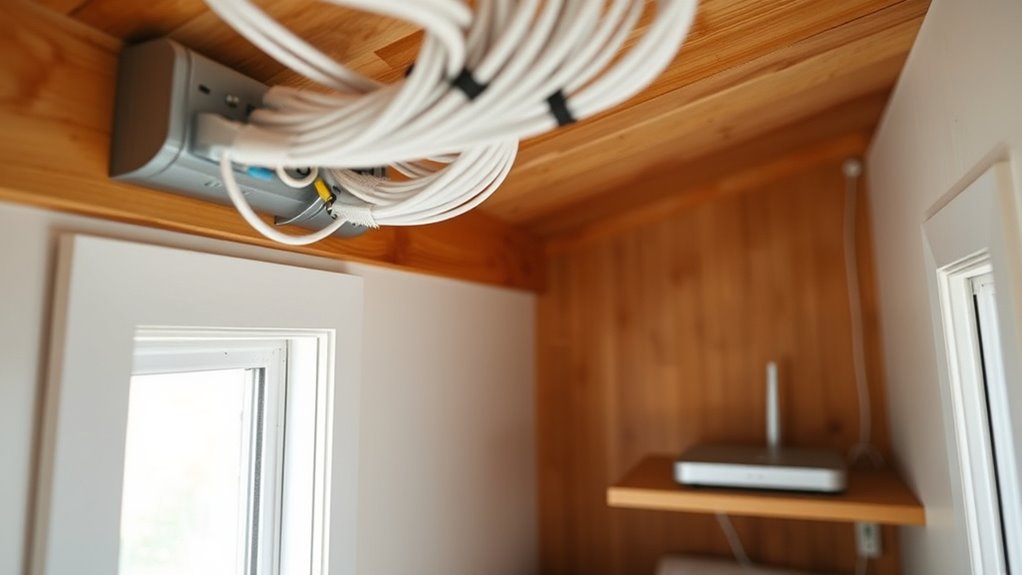

Did you know that over 80% of tiny house owners choose Ethernet wiring for their internet setup? This choice guarantees a stable, high-speed connection, which is essential in small spaces where signal interference can be a problem. Properly wiring your tiny house can seem complex at first, but understanding the key steps can make the process much smoother. If you’re considering this upgrade, there are important factors to keep in mind before you get started.
Key Takeaways
- Plan your network layout to identify critical areas like workspaces and entertainment zones for Ethernet wiring.
- Use high-quality Ethernet cables (Cat6 or higher) for reliable, high-speed connections throughout the tiny house.
- Run Ethernet cables through walls, ceilings, or conduits, avoiding interference and ensuring neat installation.
- Install wall plates and switches at accessible locations to facilitate device connections and future expansion.
- Combine Ethernet wiring with wireless or PLC solutions for flexible coverage in hard-to-wire or less critical areas.
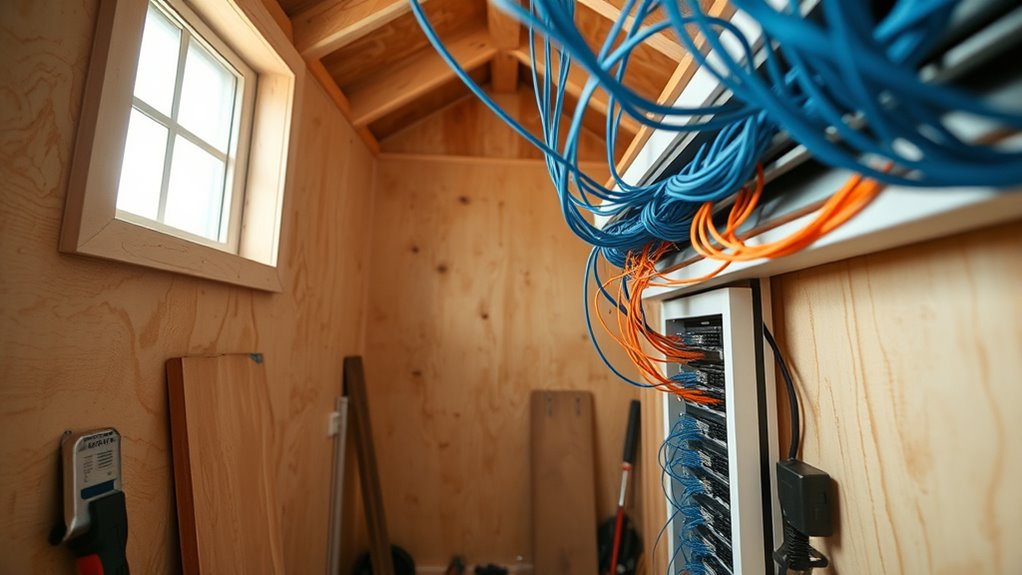
Ever wonder how to keep your tiny house connected and tech-ready? In today’s digital world, having reliable internet isn’t a luxury—it’s a necessity. While Ethernet wiring provides a stable and fast connection, you might also explore wireless alternatives or power line communication to maximize your setup. These options can give you flexibility, especially in tight spaces where running traditional Ethernet cables might be challenging.
Wireless alternatives, such as Wi-Fi mesh systems or range extenders, are popular choices for tiny houses. They’re easy to install and can cover your entire space without the need for extensive wiring. With a strong Wi-Fi signal, you can connect multiple devices without cluttering your walls with cables. However, keep in mind that wireless signals can be affected by walls, insulation, and other obstacles, which might lead to inconsistent speeds or dead zones. If you’re looking for a more reliable connection, particularly for work or streaming, Ethernet remains the prime standard, but wireless tech can fill in the gaps.
Wireless options like Wi-Fi mesh and extenders offer easy, cable-free coverage but may face signal issues from walls and obstacles.
Power line communication (PLC) offers an innovative alternative by transmitting internet data through your existing electrical wiring. This method uses adapters plugged into power outlets, effectively turning your electrical system into a network backbone. It’s especially handy if running Ethernet cables throughout your tiny house seems complicated or intrusive. With PLC, you avoid tearing into walls or floors, and you still get a wired-like connection. Keep in mind, though, that the effectiveness of power line communication depends on your electrical wiring’s age and quality. Interference from other appliances or circuits can sometimes reduce performance, so testing your setup beforehand is a good idea.
When wiring a tiny house, blending these options can give you both reliability and convenience. For example, you might run Ethernet cables to critical areas such as your workspace or entertainment zone for maximum stability, then use wireless alternatives or power line communication in less demanding spots. This hybrid approach can save you time and effort while ensuring your internet stays consistent. Remember, planning your network layout before wiring begins can save you headaches later. Think about where you’ll need the most bandwidth and how best to position your routers and adapters for prime coverage.
In the end, the choice between Ethernet, wireless alternatives, and power line communication depends on your specific needs, budget, and the layout of your tiny house. Combining these methods allows you to enjoy a dependable internet connection that suits your lifestyle—whether you’re working remotely, streaming shows, or just browsing comfortably. With some thoughtful planning and the right equipment, your tiny house can be as connected and tech-ready as a much larger home. Additionally, understanding the technological limitations of each method can help you optimize your setup for the best performance.

Cable Matters 10Gbps Snagless Short Cat 6 Ethernet Cable – 1ft, Cat 6 Cable, Cat6 Cord, Ethernet Cord, Black
High-Performance Connectivity: This Cat 6 ethernet cable is designed for superior performance, with a 24 AWG copper wire…
As an affiliate, we earn on qualifying purchases.
As an affiliate, we earn on qualifying purchases.
Frequently Asked Questions
Can Ethernet Wiring Handle Outdoor Weather Conditions?
Ethernet wiring can handle outdoor weather conditions if you use outdoor-rated cables and proper weatherproofing techniques. These cables are designed for outdoor durability, resisting moisture, UV rays, and temperature changes. You should also protect connections with weatherproof enclosures and seal all entry points. By taking these precautions, your Ethernet wiring will stay reliable and functional, even in harsh weather conditions.
What Is the Cost Comparison Between Ethernet and Wi-Fi?
You’ll find that Ethernet wiring generally has higher installation expenses compared to Wi-Fi, but offers better reliability and speed. The cost analysis shows that Ethernet requires upfront investment in cables and connectors, while Wi-Fi has lower initial setup costs but may need ongoing upgrades or signal boosters. If you prioritize stable, high-speed connections, Ethernet’s worth the extra expense, but for simplicity, Wi-Fi can be more budget-friendly.
How Do I Troubleshoot Ethernet Connectivity Issues in a Tiny House?
Imagine you’re in a tiny house, trying to get your Ethernet connection working like a well-oiled machine. To troubleshoot, start by checking your cable testing to verify the cables are intact and properly connected. Look for signal interference from nearby electronics or wiring issues. If problems persist, replace the cable or try a different port. This proactive approach helps you quickly identify and fix connectivity hiccups.
Is It Possible to Add Ethernet Ports After Initial Installation?
Yes, you can add Ethernet ports after the initial installation. You have extension options like running new cables or installing additional wall plates. When upgrading, consider your existing wiring layout and the capacity of your current network switch. Make certain to use compatible cables and connectors to guarantee peak performance. Planning ahead helps you avoid future upgrades and keeps your tiny house’s Ethernet network efficient and reliable.
What Safety Precautions Are Necessary When Wiring Ethernet in a Tiny House?
Protect yourself and your project by prioritizing proper precautions when wiring ethernet in your tiny house. You should make certain grounding safety to prevent electrical mishaps and minimize fire risk. Always turn off power before working, use insulated tools, and follow manufacturer instructions carefully. Double-check connections, avoid overloading circuits, and consider consulting a professional if unsure. Staying vigilant with these steps keeps your tiny house safe, secure, and connected efficiently.

TP-Link Deco S4 Mesh AC1900 WiFi System – Up to 5,500 Sq.ft. Coverage, Replaces WiFi Router and Extender, Gigabit Ports, Works with Alexa, Deco S4(3-Pack)
A New Way to WiFi: Deco Mesh technology gives you a better WiFi experience in all directions with…
As an affiliate, we earn on qualifying purchases.
As an affiliate, we earn on qualifying purchases.
Conclusion
Wiring your tiny house with Ethernet is like giving it a backbone for reliable, lightning-fast connections. With careful planning and neat installation, you’ll enjoy seamless streaming, smooth work-from-home setups, and smart home control without a hitch. Think of it as planting roots for your digital life — sturdy, dependable, and ready to grow. Embrace Ethernet wiring, and watch your tiny house transform into a powerhouse of connectivity, making every device a trusted teammate.

TP-Link AV600 Powerline Ethernet Adapter Kit – Gigabit Port, Plug Pair &Play, Power Saving, Nano Sized Powerline Network Adapter (TL-PA4010 KIT)
Fast speed: Wired connection with high speed data transfer rate, ideal for HD video or 3D video streaming…
As an affiliate, we earn on qualifying purchases.
As an affiliate, we earn on qualifying purchases.

VCE Ethernet Wall Plate (UL Listed), 1-Port Cat6 Female to Female Wall Jack, Keystone Wall Plate with RJ45 Keystone Inline Coupler, White (2-Pack)
Connect 2 Ethernet Cables: VCE ethernet wall outlet easily connects two separate cat6, cat5e, and cat5 wires.
As an affiliate, we earn on qualifying purchases.
As an affiliate, we earn on qualifying purchases.