

To build a more reliable backbone for your growing office, focus on deploying scalable wireless infrastructure that minimizes dead zones and supports mobility. Incorporate advanced security protocols to guard sensitive data, and establish disaster recovery plans with backups and redundant systems to guarantee continuous operations. Use network management tools to monitor performance proactively and address issues early. Regular maintenance, staff training, and ongoing upgrades keep your network resilient as your team expands—discover more strategies to strengthen your network infrastructure.
Key Takeaways
- Implement scalable wireless infrastructure to support increasing device density and office expansion seamlessly.
- Integrate advanced security protocols to protect sensitive data amid growing network complexity.
- Establish redundant systems and disaster recovery plans to ensure continuous operations during outages.
- Utilize network management tools for real-time monitoring, troubleshooting, and performance optimization.
- Conduct regular maintenance, staff training, and system updates to adapt to evolving business needs.
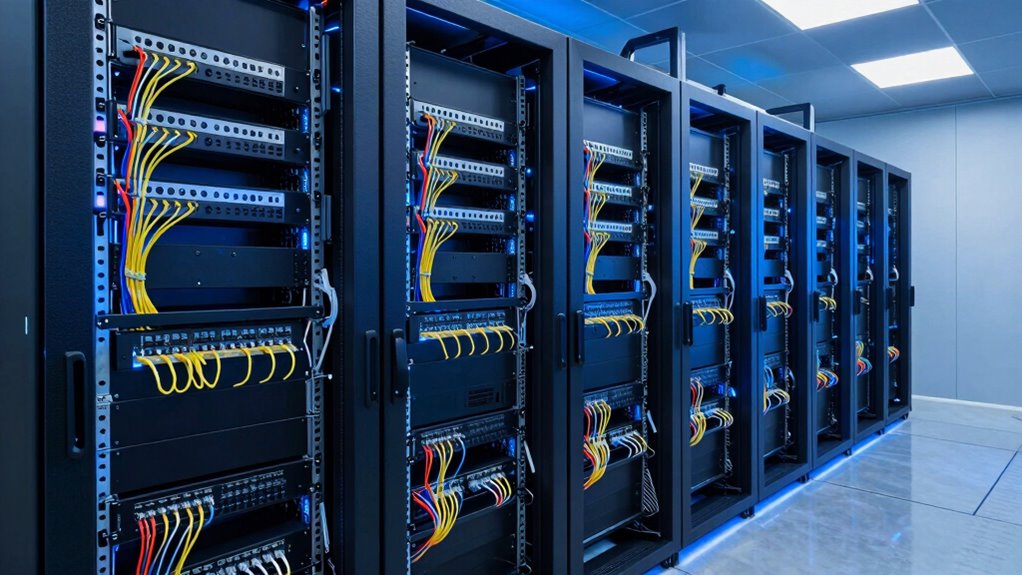
A dependable network backbone is crucial for guaranteeing seamless office operations, especially as businesses rely more on digital tools and cloud services. As your office grows, so does the complexity of your network. To keep everything running smoothly, you need a solid foundation that can handle increased traffic and prevent disruptions. One of the first steps is to invest in a robust wireless infrastructure. Wireless networks provide flexibility and scalability, allowing your team to connect from anywhere within the office and reducing dependence on wired connections. A well-designed wireless setup minimizes dead zones and guarantees high-speed, reliable connectivity, which is essential for productivity and collaboration. It also simplifies expansion—adding new devices or workstations becomes easier without extensive cabling or infrastructure changes. Additionally, implementing modern network security protocols**** helps safeguard your wireless infrastructure from cyber threats, protecting sensitive business data.
However, a strong wireless infrastructure alone isn’t enough. You need to think about disaster recovery strategies to protect your network from unforeseen events like power outages, hardware failures, or cyberattacks. Implementing all-encompassing disaster recovery plans ensures that your data remains safe and accessible, even when disruptions occur. This involves regular data backups, redundant systems, and failover protocols that automatically switch to backup resources if primary systems fail. By doing so, you minimize downtime and prevent data loss, keeping your office operational and your clients satisfied. Regular testing and updating of these plans are also vital to ensure their effectiveness during actual emergencies. Incorporating network redundancy further enhances resilience by providing multiple pathways for data transmission, reducing the risk of total network failure.
To build an even more reliable backbone, consider integrating network management tools that give you real-time insights into your infrastructure’s health. These tools help you identify potential issues before they escalate, allowing you to perform proactive maintenance. Managing bandwidth efficiently is also critical—by monitoring network usage, you can allocate resources where they’re needed most and avoid bottlenecks that slow down productivity. Additionally, establishing clear security protocols fortifies your network against cyber threats, ensuring that sensitive information stays protected as your office expands. Staying informed about network performance and emerging threats can further enhance your security measures and operational efficiency. Incorporating continuous monitoring allows for timely detection and resolution of network issues, minimizing impact on your daily operations.
Finally, don’t overlook the importance of regular updates and staff training. Technology evolves rapidly, and keeping your hardware and software current reduces vulnerabilities. Educating your team about best practices for network security and troubleshooting can prevent minor issues from becoming major outages. Building a reliable backbone isn’t a one-time effort but an ongoing process that adapts to your growing business needs. When you prioritize a resilient wireless infrastructure combined with strategic disaster recovery planning, you set a foundation that supports growth, enhances productivity, and keeps your office connected no matter what challenges come your way.

Zyxel WiFi 6 Wireless Access Point AX3000 | 2.5G | PoE+ | NWA50AXPRO
- WiFi 6 Speed: 3000 Mbps with 160MHz channels
- Multi-Gig Uplink: 2.5G Ethernet port for fast connections
- Extended Coverage: Three high-gain antennas for wider reach
As an affiliate, we earn on qualifying purchases.
As an affiliate, we earn on qualifying purchases.
Frequently Asked Questions
What Are the Signs of an Unreliable Office Backbone?
You’ll notice signs of an unreliable office backbone when your network experiences frequent outages, slow speeds, or inconsistent connectivity. Poor cable management creates tangled, damaged cables that cause disruptions. If you don’t have redundancy planning, a single failure can cripple your entire system. Regularly check your cables, guarantee proper organization, and implement backup plans to prevent downtime, maintaining a reliable backbone as your office grows.
How Often Should Network Infrastructure Be Upgraded?
You should upgrade your network infrastructure every three to five years, especially when you notice slow speeds or compatibility issues. Coincidentally, advancements in wireless integration and hardware compatibility often drive these upgrades, ensuring your office stays current. Regular updates prevent bottlenecks, support new devices, and boost reliability. Staying proactive guarantees your network remains robust and ready for growth, avoiding costly downtimes and keeping your team connected seamlessly.
What Budget Considerations Are Involved in Backbone Upgrades?
When planning backbone upgrades, you need to take into account your budget carefully. Conduct a thorough cost analysis to identify expenses for new equipment, installation, and ongoing maintenance. Incorporate these findings into your budget planning to guarantee you allocate sufficient funds without overspending. Prioritize upgrades that deliver the most value and scalability, helping your growing office stay reliable without straining your financial resources.
How to Ensure Minimal Downtime During Upgrades?
To guarantee minimal downtime during upgrades, you should implement network redundancy by setting up backup links and hardware. This way, if one connection or device fails, traffic seamlessly shifts to backup systems. Additionally, develop robust backup strategies that include regular data backups and testing failover procedures. By proactively planning for redundancy and backups, you minimize disruption, keep your network operational, and ensure a smooth upgrade process for your growing office.
Which Backbone Technologies Are Most Future-Proof?
Fiber optic technology is the most future-proof backbone, offering high speed and scalability to support your growing office needs. Pair it with cloud integration to guarantee seamless connectivity, remote access, and flexibility. These technologies are resilient, upgrade-friendly, and capable of handling increasing data demands, making them ideal for future-proofing your office network. By investing in fiber optics and cloud integration, you build a reliable, adaptable backbone that keeps your business ahead.
Ultimate Linux Network Security for Enterprises: Master Effective and Advanced Cybersecurity Techniques to Safeguard Linux Networks and Manage … (Network Defense Engineer — Security Path)
As an affiliate, we earn on qualifying purchases.
As an affiliate, we earn on qualifying purchases.
Conclusion
By investing in a strong, reliable backbone for your office, you guarantee smooth operations and future growth. Remember, businesses with resilient infrastructure are 60% more likely to adapt quickly to changes, giving you a competitive edge. So, prioritize robust networking and security measures today—your team will thank you for seamless connectivity tomorrow. Building this foundation now sets the stage for long-term success, making your office more dependable and ready for whatever comes next.

High Availability and Disaster Recovery: Concepts, Design, Implementation
- Condition: Used Book in Good Condition
As an affiliate, we earn on qualifying purchases.
As an affiliate, we earn on qualifying purchases.

Professional Network Tool Kit, ZOERAX 14 in 1 – RJ45 Crimp Tool, Cat6 Pass Through Connectors and Boots, Cable Tester, Wire Stripper, Ethernet Punch Down Tool
- All-in-One Professional Kit: Includes tools and sturdy case for portability
- Complete Tool Set: For pros and DIYers with crimper, punch down, and more
- Versatile Ethernet Crimper: Adjustable, works with pass-through and non-pass-through connectors
As an affiliate, we earn on qualifying purchases.
As an affiliate, we earn on qualifying purchases.