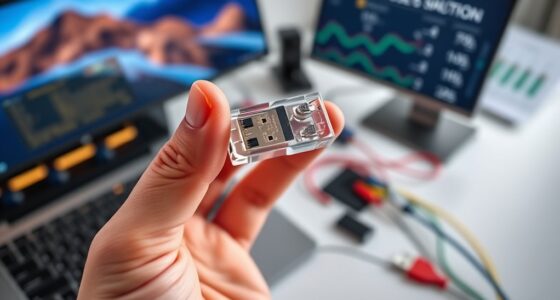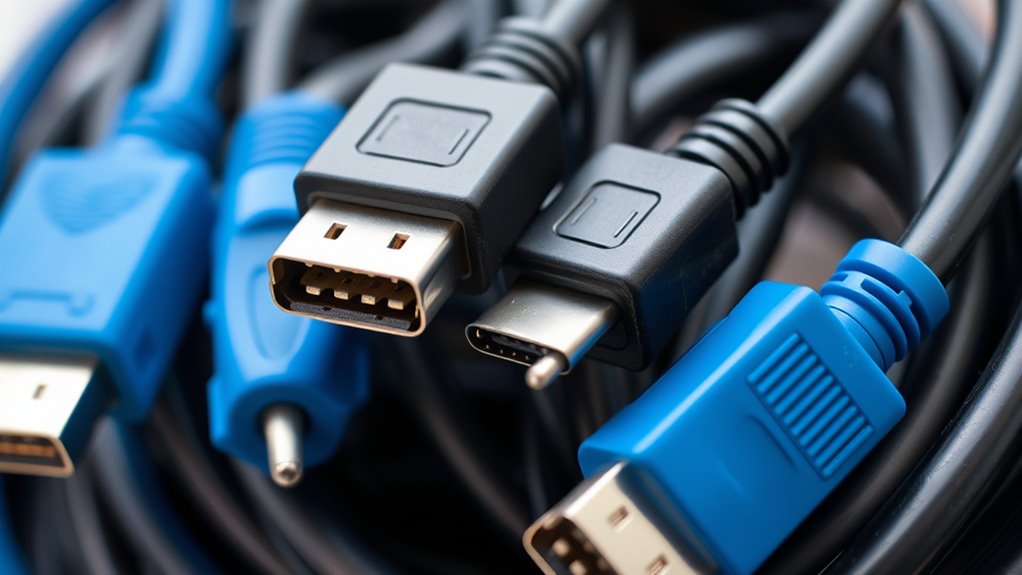

Imagine a time when data cables like FireWire were the highways for your digital world, connecting high-speed devices with ease. These legacy cables once made video editing, audio recording, and data transfer smooth and reliable. Now, as newer technologies take their place, you might wonder if there’s still a place for these old connectors. Understanding their past and current relevance can help you decide whether to keep them in your setup or let them fade away.
Key Takeaways
- FireWire cables support specific devices like digital camcorders and external drives but may require adapters for modern systems.
- FireWire offers stable data transfer speeds (400-800 Mbps), ideal for professional video and audio workflows.
- Signal reliability over longer distances makes FireWire suitable for critical, high-performance data transfers.
- Compatibility issues arise as newer devices lack FireWire ports, often needing expansion cards or adapters.
- Despite being outdated, FireWire remains valuable for stable, legacy data transfer in specialized professional applications.
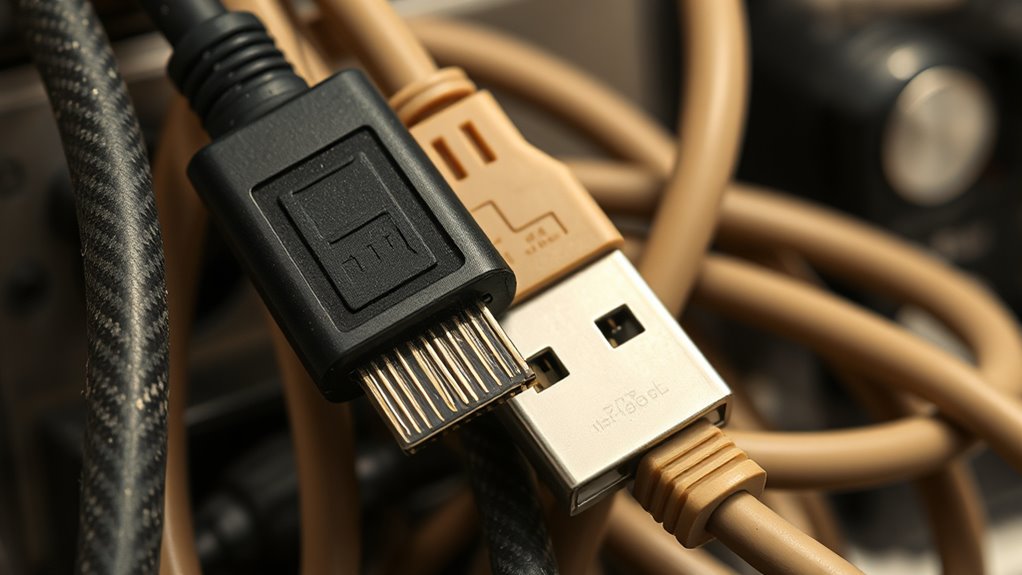
Legacy data cables, though increasingly replaced by newer technologies, still play a vital role in many systems today. FireWire, also known as IEEE 1394, is one such legacy cable that has served as a dependable connection method for high-speed data transfer. When contemplating FireWire and other legacy data cables, cable compatibility becomes a key factor. These cables were designed to work with specific devices and ports, meaning not all modern equipment supports them. If you’re trying to connect old digital camcorders, external hard drives, or audio interfaces, you’ll need to verify your devices have the appropriate FireWire ports, or you might require adapters. Compatibility issues can hinder your ability to transfer files or connect peripherals seamlessly, making it essential to verify your device specifications before attempting a connection.
Data transfer speeds are another critical aspect to think about with legacy cables like FireWire. Although newer standards such as USB 3.0 and Thunderbolt offer faster speeds, FireWire still holds its ground in certain applications. For example, FireWire 400 can transfer data at up to 400 Mbps, while FireWire 800 doubles that speed to 800 Mbps. These speeds are sufficient for many professional workflows, such as high-quality video editing or audio production, where stable and consistent data transfer is more important than raw speed. When working with legacy cables, you should be aware that the transfer speeds are limited by the cable’s specifications and the ports on your devices. Additionally, the actual speeds you experience can be lower due to cable quality or cable length, which can introduce signal degradation or latency issues.
Despite their age, FireWire cables excel at maintaining steady data transfer speeds over longer distances compared to some other older standards. This reliability made them popular in professional video and audio environments. However, because of their physical design and the decline of FireWire ports on newer devices, they often require adapters or special expansion cards to work with modern systems. If you’re still using legacy FireWire cables, understanding their compatibility with your current hardware and their transfer speeds helps you optimize your workflow. You might find that, for certain tasks, sticking with FireWire provides a more stable connection than some newer options. Ultimately, while they might not be the fastest or most compatible choice for every situation, FireWire and other legacy data cables continue to serve valuable roles in specific contexts where their reliability and performance meet your needs.

Herfair Firewire to USB Cable 6-Pin IEEE 1394-a Male to USB 2.0 A Male Adapter Cord for Firewire 400 Digital Camera Camcorder Printer Scanner Hard Disk to MacBook Laptop Computer (Black)
This firewire to usb cable is specially designed for connecting 6 pin 1394 firewire 400 devices to USB…
As an affiliate, we earn on qualifying purchases.
As an affiliate, we earn on qualifying purchases.
Frequently Asked Questions
Are Firewire Cables Compatible With USB Devices?
No, Firewire cables aren’t compatible with USB devices directly. You can’t connect them without special USB adapters designed for this purpose, but cable compatibility remains limited. These adapters often don’t support high data transfer speeds or full functionality. If you want to connect a Firewire device to a USB port, look for a reliable USB-to-Firewire adapter, but be aware that performance may vary and some features may not work as expected.
How Do I Identify a Legacy Data Cable?
To identify a legacy data cable, look at its connector types, which differ from modern standards. Legacy cables often have unique connectors like FireWire, Thunderbolt, or older USB versions (such as USB 2.0). Use identification methods like checking for labels, inspecting connector shapes, or referencing device manuals. If you see connectors that don’t match current standards, you’re likely dealing with a legacy data cable.
Can Legacy Cables Be Used With Modern Computers?
Yes, legacy cables can be used with modern computers if you have the right adapter. Check for adapter compatibility to guarantee your legacy cable connects properly. Keep in mind, cable longevity varies; older cables may be prone to wear and tear. Using an adapter can extend the lifespan of your legacy cables, but for reliable performance, consider upgrading to newer cables designed for your current system.
What Are the Main Differences Between Firewire and Legacy Data Cables?
You’ll find that Firewire offers faster data transfer speeds compared to most legacy data cables, making it ideal for high-bandwidth tasks like video editing. Firewire cables are also more compatible with certain devices, especially older digital camcorders and external drives. Legacy data cables, on the other hand, often have limited speeds and may not work with modern hardware. The main difference lies in speed and cable compatibility, impacting your device connectivity options.
Are Legacy Cables Still Available for Purchase Today?
Yes, legacy cables like vintage connectors are still available for purchase today, though they’re increasingly rare. You might find them through specialized retailers, online marketplaces, or second-hand shops. Since they represent obsolete technology, availability is limited, and prices can vary. If you need these legacy cables for a specific project or device, be prepared to search carefully and verify compatibility, as they’re not as common as modern alternatives.

LaCie Rugged Triple 1TB External Hard Drive Portable HDD – USB 3.0 FireWire 800 compatible for Mac and PC Computer Desktop Workstation Laptop (STEU1000400)
Perfect for storing up to 1TB of content, Rugged Triple external hard drive is the easy way to…
As an affiliate, we earn on qualifying purchases.
As an affiliate, we earn on qualifying purchases.
Conclusion
Despite their decline, FireWire and legacy cables remain essential for certain professional workflows. Did you know that FireWire 800 can transfer data at speeds up to 800 Mbps, making it still relevant for high-quality audio and video editing? While newer standards like USB-C and Thunderbolt have taken over, these cables offer reliable, consistent performance over longer distances. If you work with legacy equipment, keeping a few on hand can guarantee your workflows stay smooth and dependable.

PASOW FireWire Cable 9 Pin to 4 Pin IEEE 1394 Firewire 800/400 Cable 6 Feet
IEEE 1394b Firewire 800 cables are perfect for connecting your new Firewire 1394b devices to your legacy 1394a…
As an affiliate, we earn on qualifying purchases.
As an affiliate, we earn on qualifying purchases.

Apple Thunderbolt 3 (USB-C) to Thunderbolt2 Adapter
The Thunderbolt 3 (USB-C) to Thunderbolt 2 Adapter lets you connect Thunderbolt and Thunderbolt 2 devices — such…
As an affiliate, we earn on qualifying purchases.
As an affiliate, we earn on qualifying purchases.