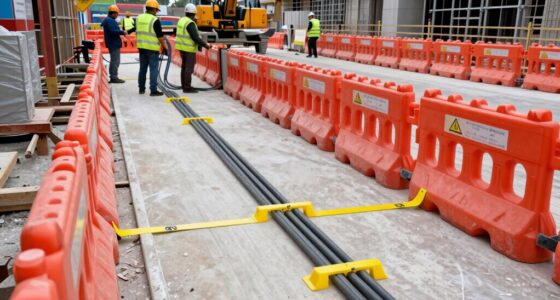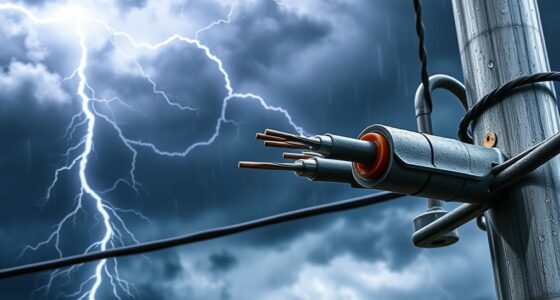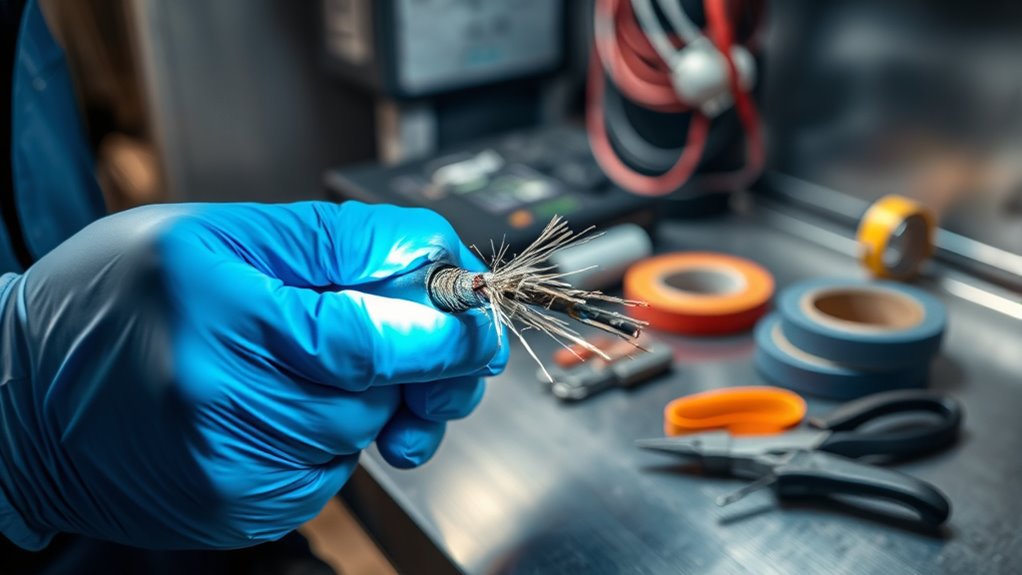

Coincidentally, many equipment failures stem from unnoticed cable damage that could easily be overlooked. When you inspect cables regularly, you prevent potential hazards and guarantee maximum performance. However, identifying subtle signs of wear or internal faults requires careful assessment and the right tools. Knowing how to properly replace damaged cables not only safeguards your system but also avoids costly downtime. So, understanding the proper procedures can make all the difference in maintaining safety and reliability.

Get business pricing on networking and server gear
- Business-only prices and quantity discounts
- Tax-exempt purchasing
- Multiple users, one account, clear invoices
Key Takeaways
- Perform visual inspections for physical damage like fraying, cracks, or burn marks before testing.
- Disconnect power and use appropriate tools, such as multimeters, to test cable continuity and insulation.
- Follow safety protocols, including wearing protective gear and turning off related equipment during inspection.
- Replace damaged cables with ones matching the original specifications, ensuring secure and insulated connections.
- Incorporate regular testing and maintenance into routine schedules to detect issues early and prevent hazards.
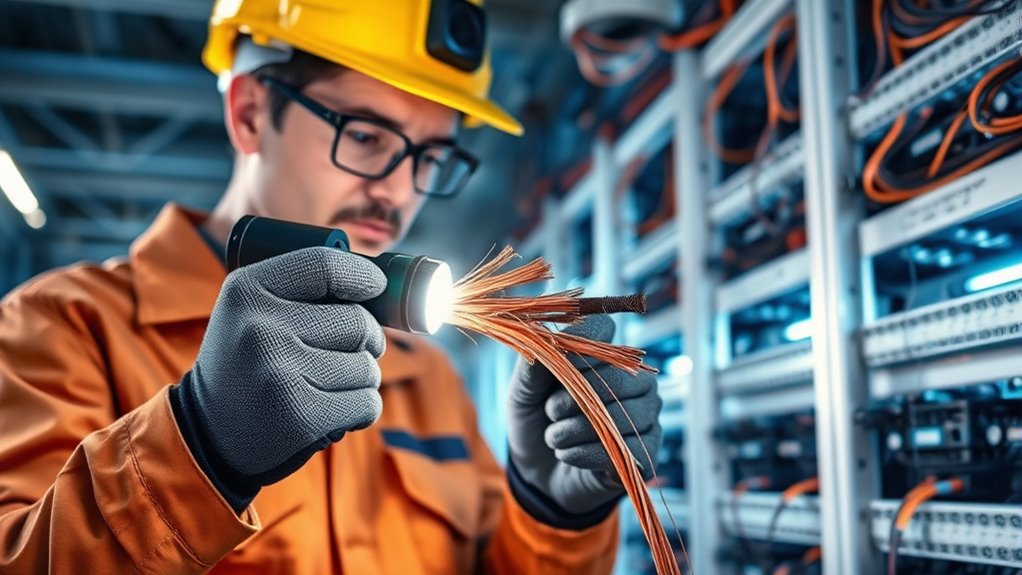
Cables are indispensable for transmitting power and data, but over time, wear and damage can compromise their performance and safety. If you notice any issues like flickering lights, slow data transfer, or physical damage, it’s essential to conduct proper cable testing before proceeding. Cable testing helps identify internal faults, insulation issues, or broken conductors that aren’t immediately visible. Using appropriate testing tools, such as multimeters or specialized cable testers, guarantees you accurately diagnose the problem. Remember, safety precautions are critical during this process; always disconnect power sources before testing and wear protective gear to prevent electrical shocks or injuries. Proper testing not only confirms whether a cable is faulty but also prevents unnecessary replacements, saving you time and money. Additionally, understanding how cable tuning can optimize system performance may be beneficial in certain applications.
Once you determine a cable is damaged, you need to decide whether to repair or replace it. In many cases, damaged cables—especially those with visible fraying, cracks, or exposed conductors—are safer to replace entirely. When inspecting a cable physically, look for signs of wear like cuts, kinks, or burn marks. If the insulation is compromised, the risk of short circuits or electrical fires increases markedly. Before removing the faulty cable, ensure you’ve turned off all related power supplies and followed safety precautions to minimize risk. Handling damaged cables improperly can lead to electric shocks or equipment damage, so take your time and follow safety guidelines carefully.
Replacing a damaged cable involves selecting the correct type and specifications to match your needs. Always double-check the voltage and current ratings, connector types, and cable length. When installing the new cable, make sure connections are secure and insulated properly. Improper connections can cause future failures or safety hazards, so tighten connectors and avoid over-bending or twisting the cable. After installation, perform cable testing again to verify the connection’s integrity and safety. This step confirms that your replacement is functioning correctly and that no new issues have been introduced during installation.
Regular inspection and testing of your cables are indispensable parts of maintaining a safe and efficient system. Incorporate routine checks into your maintenance schedule, especially in environments prone to wear or damage. Keep safety precautions at the forefront of every step—power down equipment before inspecting or replacing cables, use the right tools, and wear protective gear. By taking these precautions and thoroughly testing cables, you guarantee your system remains reliable and safe. Remember, quick action on damaged or faulty cables prevents bigger problems down the line, safeguarding your equipment, data, and personal safety.
As an affiliate, we earn on qualifying purchases.
Frequently Asked Questions
How Often Should I Inspect My Cables for Damage?
You should inspect your cables for damage at least once every three to six months. During these inspections, check the cable insulation for cracks or wear and verify the connector integrity remains intact. If you notice any frayed insulation, exposed wires, or loose connectors, replace or repair the cable immediately to prevent potential hazards. Regular inspections help maintain safe operation and extend the life of your cables.
Can Damaged Cables Be Repaired or Should They Always Be Replaced?
A damaged cable is like a wounded bridge, risking collapse; it’s best to replace it. Repairing often isn’t reliable because cable insulation and connector integrity are compromised. Attempting repairs can lead to safety hazards and unreliable performance. When you spot damage, prioritize safety and replace the cable entirely. Trust your judgment—preserve the integrity of your system by choosing new cables over risky fixes, ensuring long-term safety and stability.
What Safety Precautions Are Necessary During Cable Inspection?
You should always wear protective gear, like gloves and safety goggles, during cable inspection to prevent injury. Be aware of hazards such as exposed wires, electrical shocks, or damaged insulation. Confirm the power is turned off before inspecting, and use insulated tools. Stay alert to potential risks, and follow safety protocols to protect yourself from electrical hazards. Your safety depends on cautious, prepared inspection practices.
Are There Specific Tools Recommended for Inspecting Cables?
You’ll want to use a good set of testing tools like a multimeter or insulation tester for inspecting cables. These tools help you perform a thorough visual inspection and accurately check for wear or damage. Make sure your testing tools are reliable and properly calibrated, so you can easily spot issues without any guesswork. With the right equipment, you’ll keep the inspection process smooth and ensure your cables stay safe and functional.
How Do Environmental Factors Affect Cable Longevity and Damage?
Environmental factors like corrosion issues and UV exposure considerably impact cable longevity and damage. You should regularly check for corrosion, especially in humid or salty environments, as it weakens the cable’s structure. UV exposure from sunlight can degrade cable insulation over time, leading to cracks and failures. Protect cables with proper coatings or coverings and ensure they’re installed in sheltered areas to prolong their lifespan and maintain safety.
As an affiliate, we earn on qualifying purchases.
Conclusion
Remember, your cables are the veins of your system, quietly carrying life and energy. When you inspect and replace damaged ones, you’re tending to the heartbeat of your equipment, ensuring it beats strong and true. By catching issues early, you shield your setup from silent dangers and keep everything flowing smoothly. Treat your cables like trusted threads—repair and replace them diligently, so your system remains resilient, vibrant, and ready to thrive.
As an affiliate, we earn on qualifying purchases.
insulated electrical cable connectors
As an affiliate, we earn on qualifying purchases.
As an affiliate, we earn on qualifying purchases.
Halloween Picks
halloween
As an affiliate, we earn on qualifying purchases.