
Using a punch-down tool might seem straightforward, but doing it correctly is essential for reliable network connections. You need to prepare the wire properly, select the right wiring standard, and apply the right amount of force to seat the conductor without damaging the cable. Mastering these steps guarantees your connections are secure and compliant with standards. Curious about the detailed process to get it just right? Keep going to learn the essential techniques.

Get business pricing on networking and server gear
- Business-only prices and quantity discounts
- Tax-exempt purchasing
- Multiple users, one account, clear invoices
Key Takeaways
- Select the appropriate punch-down tool based on your installation needs, ensuring it is in good condition.
- Strip the wire’s outer jacket carefully to expose conductors without excess slack.
- Position the wire over the correct terminal according to wiring standards like T568A or T568B.
- Place the punch-down tool’s blade onto the wire and terminal, then apply firm, even pressure to seat the wire.
- Double-check the connection for proper seating, no stray strands, and secure wiring before completing the installation.
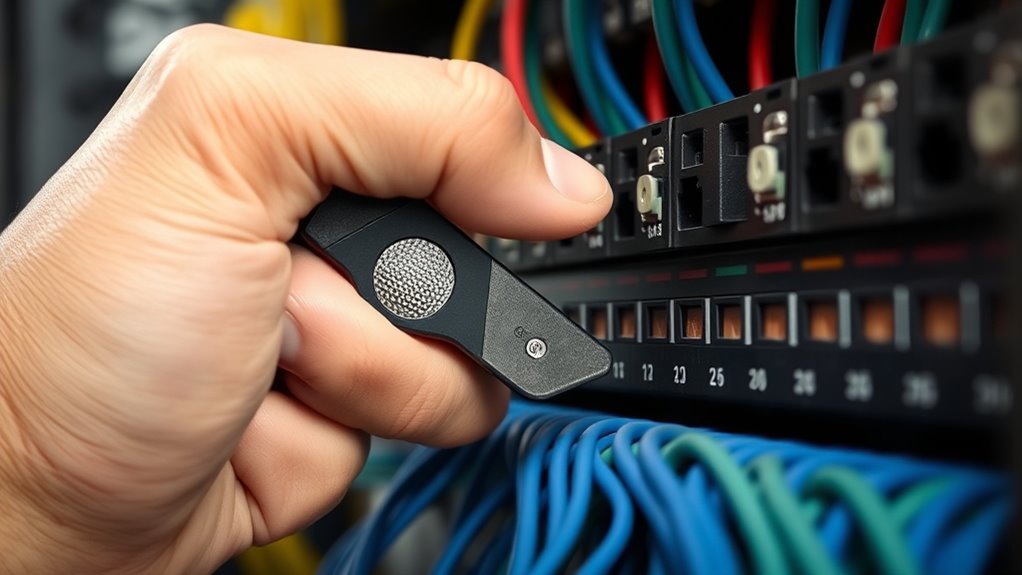
Using a punch-down tool is an essential step when installing or maintaining network cables and punchdown blocks. This tool helps you securely connect individual wires to the terminals in a patch panel, keystone jack, or other punchdown block, ensuring a reliable network connection. Proper usage requires understanding specific installation techniques and following safety precautions to prevent damage to components or injury.
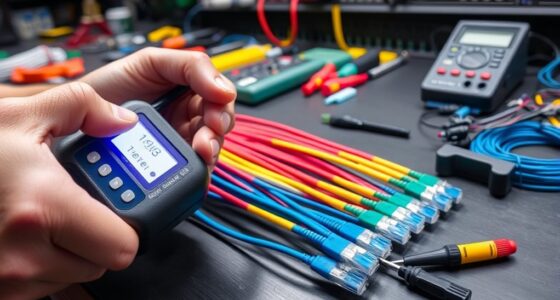
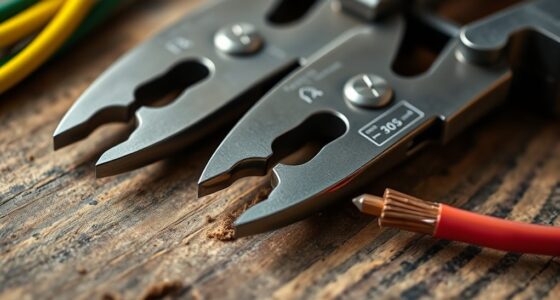
First, familiarize yourself with the different types of punch-down tools available. Some models are single-ended, with a blade on one side, while others are multi-purpose with built-in cutters or impact mechanisms. Choose the right tool for your task, and ensure it’s in good condition before starting. When preparing to punch down cables, strip the outer jacket carefully, exposing the individual conductors. Use a wire stripper to remove just enough insulation so the conductor can make contact with the terminal without excess slack. Proper preparation minimizes the risk of shorts or poor connections.
Familiarize yourself with punch-down tool types and carefully strip conductors to ensure secure, safe connections.
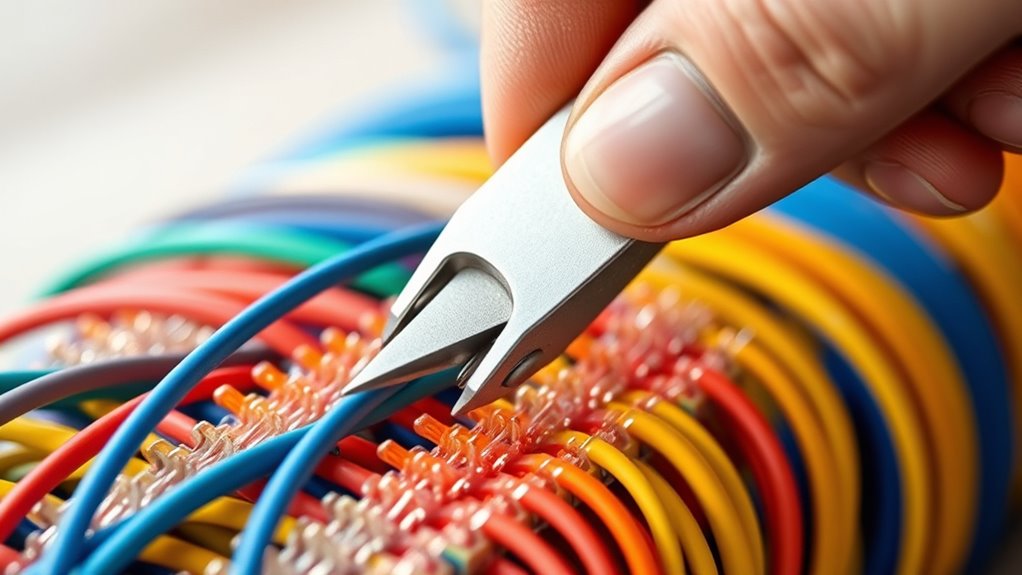
When installing the wires, follow the proper installation techniques. First, position the wire over the correct terminal according to the wiring scheme you’re using, usually T568A or T568B. Make sure the conductor is fully seated on the metal contact inside the punchdown block. Then, place the punch-down tool’s blade onto the wire and terminal, applying firm, even pressure. The impact or compression should seat the wire securely into the connector without damaging the conductor or insulation. Avoid forcing the tool or applying excessive pressure, which can deform the terminal or cut the wire.
Safety precautions are critical during this process. Always wear safety glasses to protect your eyes from flying debris or accidental slips. Keep your fingers clear of the punchdown blade’s sharp edge to avoid cuts. Ensure your workspace is well-lit and free of clutter, reducing the chance of slipping or mishandling the tool. If you’re working with multiple wires, organize them carefully to prevent confusion and accidental disconnection. When using impact punch-down tools, be cautious not to strike too hard, as this can damage the punchdown block or the tool itself. Additionally, understanding cable preparation techniques helps ensure a clean and secure connection.
After punching down each wire, double-check its placement and connection quality. Confirm that each wire is fully seated and that no stray strands are causing shorts. Proper installation techniques combined with safety precautions make the process efficient and safe, leading to a stable, long-lasting network connection. The key is to work methodically and carefully, respecting the integrity of your components and your own safety. With practice, you’ll develop a smooth rhythm that ensures every connection is both secure and safe.
punch-down tool for network cables
As an affiliate, we earn on qualifying purchases.
As an affiliate, we earn on qualifying purchases.
Frequently Asked Questions
What Safety Precautions Should I Take When Using a Punch-Down Tool?
When using a punch-down tool, you should wear personal protective equipment like safety glasses to protect your eyes from flying debris. Keep your workspace clean and organized to prevent accidents, and make certain good lighting so you can see clearly. Always handle the tool with care, avoiding excessive force, and double-check your connections before punching down. These safety precautions help prevent injuries and ensure a smooth, safe working environment.
Can I Use a Punch-Down Tool on Different Types of Cables?
You can use a punch-down tool on different types of cables, but you need to check cable compatibility first. Some tools are versatile enough for various cables like CAT5, CAT6, or coax, while others are specialized. Make sure your punch-down tool matches the cable type you’re working with to guarantee proper connections and avoid damage. Always verify the tool’s versatility and compatibility before starting your project.
How Do I Clean and Maintain My Punch-Down Tool?
Think of your punch-down tool as a finely tuned instrument that needs regular care. To keep it in top shape, follow cleaning tips like wiping it with a damp cloth after use and checking the blade for debris. Incorporate a maintenance checklist that includes lubricating moving parts and storing it in a dry place. This routine guarantees your tool stays sharp, precise, and ready to perform flawlessly every time.
Are There Specific Punch-Down Tools for Ethernet Versus Telephone Cables?
Yes, there are specific punch-down tools for Ethernet versus telephone cables. Ethernet tools are designed for keystone jacks and RJ45 connectors, offering precision for high-density networks. Telephone tools, on the other hand, are optimized for smaller RJ11 connectors used in phone lines. Using the right tool guarantees proper termination and reduces damage, so always select Ethernet tools for data cables and telephone tools for phone lines to get the best results.
What Signs Indicate I Need to Replace My Punch-Down Tool?
You should replace your punch-down tool when you notice signs of reduced tool longevity, like difficulty in making clean cuts or consistent crimps. Worn blades or a loose handle also indicate it’s time for a replacement. If you find yourself applying extra force or if the tool no longer performs reliably, these are clear replacement indicators. Regularly inspecting your tool helps guarantee efficient, safe connections and prevents damage to cables or connectors.
As an affiliate, we earn on qualifying purchases.
Conclusion
Now that you know how to use a punch-down tool, you can confidently create secure, reliable network connections. You’ll strip, position, and seat wires with precision, ensuring each connection is solid and dependable. You’ll double-check your work, stay patient through each step, and take pride in your craftsmanship. With practice, you’ll master this skill, transforming complex wiring tasks into simple, satisfying achievements. Trust your technique, focus on quality, and enjoy the confidence that comes with a job well done.
As an affiliate, we earn on qualifying purchases.
As an affiliate, we earn on qualifying purchases.
Halloween Picks
halloween
As an affiliate, we earn on qualifying purchases.