Did you know that improper environmental conditions can cause up to 40% of server failures? Maintaining ideal temperature, humidity, and airflow is critical to avoiding costly downtime and hardware damage. Environmental monitors provide real-time data and alerts that help you respond quickly to issues before they escalate. Understanding how these systems work and their benefits could be the key to keeping your server room secure and efficient.
Key Takeaways
- They measure critical parameters like temperature, humidity, and airflow to maintain optimal server room conditions.
- Real-time data collection enables immediate alerts for threshold breaches, preventing hardware damage.
- Integrated systems optimize HVAC and power usage, reducing energy costs and enhancing efficiency.
- Accurate monitoring supports proactive maintenance and reduces downtime of equipment.
- Centralized control and reliable data ensure effective environment management and extend hardware lifespan.
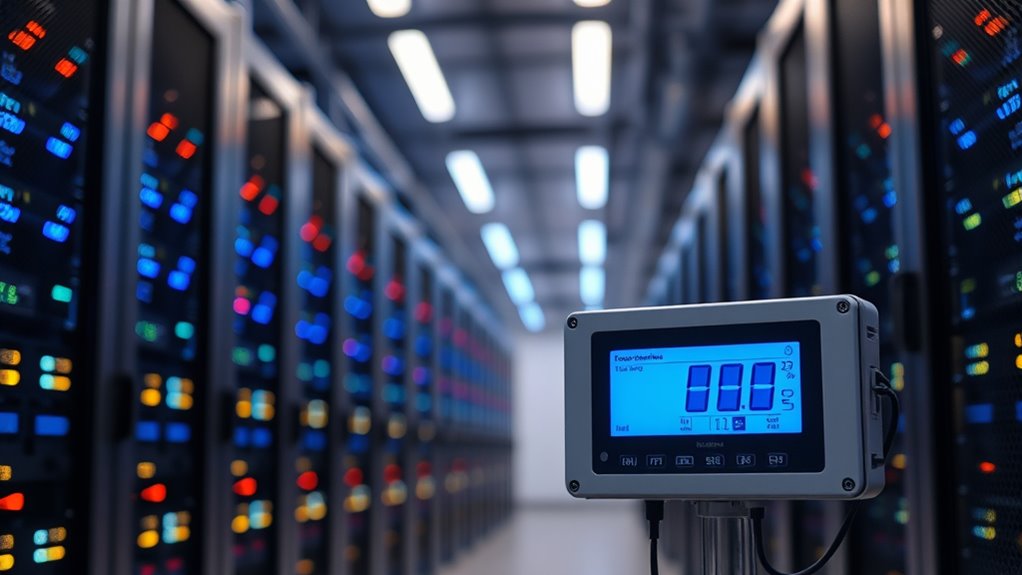
Maintaining ideal conditions in server rooms is essential for preventing equipment failures and ensuring smooth operations. When environmental conditions fluctuate, sensitive hardware can overheat, malfunction, or even suffer permanent damage. To avoid these issues, you need reliable environmental monitors that keep a close eye on key parameters like temperature, humidity, and airflow. These monitors help you identify problems before they escalate, but their importance extends beyond just alerting you to abnormal conditions. They also enable you to optimize systems like HVAC efficiency and power consumption monitoring, which are critical for cost-effective management and sustainability.
Reliable environmental monitors prevent equipment failures and optimize HVAC and power efficiency in server rooms.
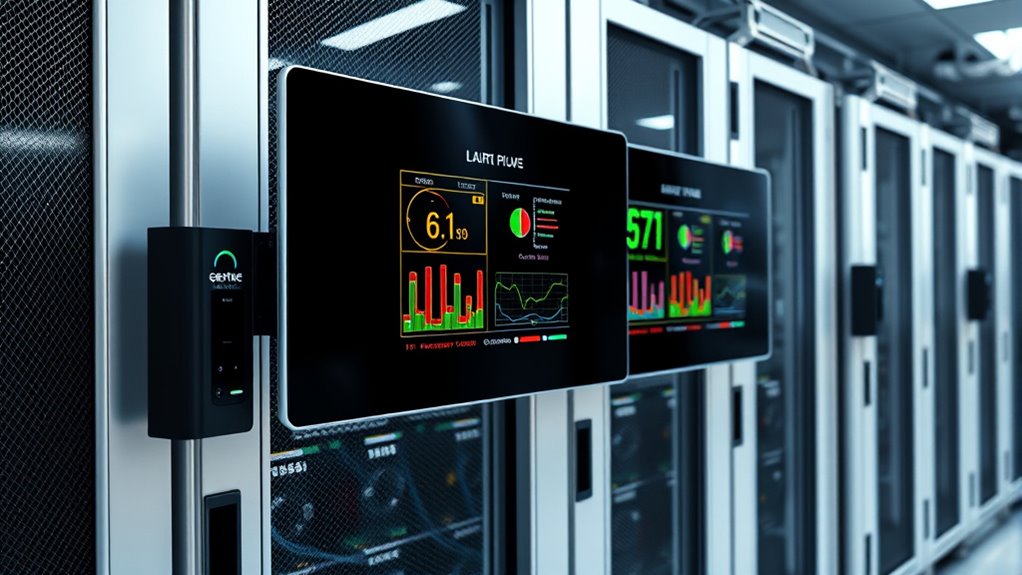
HVAC systems play a significant role in maintaining the right environment, but without proper oversight, they can either waste energy or fail to keep conditions stable. Environmental monitors provide real-time data on temperature and humidity levels, allowing you to adjust HVAC operations accordingly. When these monitors detect temperature spikes or humidity fluctuations, you can fine-tune your cooling systems to operate more efficiently. This not only prevents overheating but also reduces energy consumption, which directly impacts your operational costs. HVAC efficiency improves when your system responds dynamically to the environment, and continuous monitoring makes this possible. It ensures your cooling process isn’t excessive or insufficient, striking the right balance for peak performance.
Power consumption monitoring is another critical aspect that environmental monitors support. Servers and other equipment draw significant amounts of energy, and without tracking this usage, you might miss opportunities to reduce waste. By integrating power monitoring with environmental data, you get a thorough picture of your server room’s energy profile. For instance, if temperature sensors show that cooling is running continuously without a corresponding increase in server activity, you might be overcooling and wasting power. Conversely, if cooling is insufficient during high server loads, you risk overheating hardware. Environmental monitors help you identify these inefficiencies in real-time, allowing you to make adjustments to cut down on unnecessary power consumption and improve overall energy efficiency.
Furthermore, these monitors often come with alert systems that notify you immediately when critical thresholds are crossed. This proactive approach enables swift responses to potential problems, such as rising temperatures or humidity levels, which could lead to hardware failure. By keeping track of HVAC efficiency and power consumption monitoring through a centralized system, you gain greater control over your server room environment. This not only prolongs the lifespan of your equipment but also minimizes downtime and reduces operational costs. In today’s data-driven world, investing in reliable environmental monitoring isn’t just a good idea; it’s a necessity to guarantee your server room operates at peak efficiency and reliability. Additionally, choosing monitors with reliable data accuracy ensures that your decisions are based on trustworthy information, further safeguarding your hardware investments.
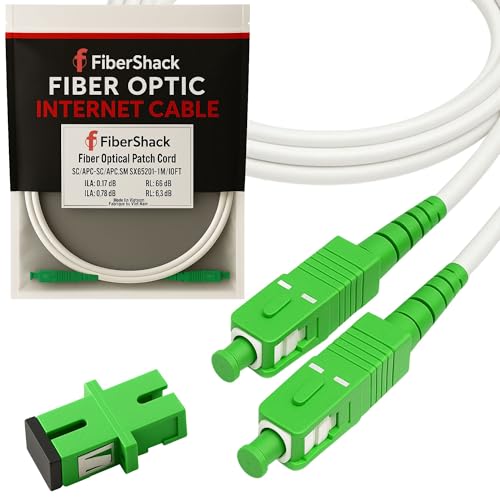
Fibershack - 3M / 10ft Fiber Optic Internet Cable & Connector - SC/APC to SC/APC - White - FTTH Home Fiber Internet Replacement Cable for Residential Optical Networks
FOR HOME FIBER NETWORKS - Our Single mode fiber optic cables are perfect for industrial or Fiber in...
As an affiliate, we earn on qualifying purchases.
Frequently Asked Questions
What Are the Best Brands for Environmental Monitors?
You should consider brands like APC, Monnit, and NetBotz for environmental monitors. They excel in sensor placement, ensuring accurate temperature, humidity, and airflow readings. These brands also offer robust data logging features, helping you track environmental changes over time. Their reliable performance and easy-to-use interfaces make it simple to maintain ideal server room conditions, preventing overheating or moisture issues that could damage your equipment.
How Often Should Server Room Monitors Be Calibrated?
Did you know that improper sensor calibration can cause up to 15% of server failures? You should calibrate your environmental monitors at least once every 6 to 12 months. Regular sensor calibration is essential for accurate readings, so stick to consistent maintenance schedules. This ensures your server room stays within ideal temperature and humidity levels, preventing costly downtime and hardware damage. Keep your monitors calibrated to protect your valuable equipment effectively.
Can Environmental Monitors Detect Fire or Smoke?
Yes, environmental monitors can detect fire or smoke. They typically include fire detection features and smoke sensors that alert you immediately if smoke or heat levels rise, helping prevent damage. These monitors continuously track environmental conditions, providing early warnings for fire hazards. By integrating fire detection with other environmental monitoring, you guarantee a safer server room environment, reducing potential downtime and protecting sensitive equipment effectively.
Are Wireless Monitors More Reliable Than Wired Ones?
Think of your choice as balancing on a tightrope, where reliability is your safety net. Wireless monitors can be dependable, but they’re vulnerable to wireless interference that might disrupt signals. Wired monitors, on the other hand, are anchored by a steady power supply, making them more reliable overall. If you prioritize consistency and minimal risk of interference, wired options often provide a safer, more dependable solution for your server room environment.
What Is the Average Cost of a Professional Environmental Monitoring System?
You can expect the average cost of a professional environmental monitoring system to range from $2,000 to $10,000, depending on features and coverage. When doing a cost comparison, consider installation considerations such as complexity and integration with existing infrastructure. Investing in a reliable system helps you prevent costly downtime and equipment damage, making it a worthwhile expense. Always evaluate vendor options to guarantee you get the best value for your budget.

100M/328FT Outdoor Armored LC to LC Fiber Optic Cable, 4 Core OS2 Single Mode 9/125μm, Industrial TPU Jacket, OD 5mm, 4 Strands, SMF, Direct Burial, Heavy-Duty LC-LC Patch Cord for Harsh Environments
1.Industrial-Grade Durability: Engineered with a rugged 5.0mm industrial TPU jacket and dual-layer armor (steel tube + stainless mesh),...
As an affiliate, we earn on qualifying purchases.
Conclusion
In a server room, your environment can be as unpredictable as weather. Without monitors, you’re flying blind—risking overheating or hardware failure. Yet, with reliable environmental monitors, you gain clarity and control, turning chaos into order. They’re the silent guardians, catching issues before they escalate. So, while you focus on your core tasks, these monitors work tirelessly behind the scenes, ensuring your servers stay cool, safe, and running smoothly—proving that vigilance really is the best defense.
Amazon Product B01GIVHQRY
As an affiliate, we earn on qualifying purchases.
Amazon Product B09XX4366J
As an affiliate, we earn on qualifying purchases.