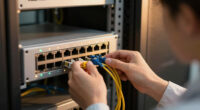
To cut troubleshooting time, focus on implementing clear cable IDs and an organized system. Label cables with essential details like origin, destination, and purpose using durable labels. Use color coding and visual cues to make quick identification easy. Keep your setup neat with proper management tools like ties and racks, and document everything for easy reference. Mastering these practices will help you troubleshoot faster and avoid errors—discover more ways to streamline your process below.

Get business pricing on networking and server gear
- Business-only prices and quantity discounts
- Tax-exempt purchasing
- Multiple users, one account, clear invoices
Key Takeaways
- Implement a standardized labeling system with clear, durable tags indicating origin, destination, and purpose of each cable.
- Organize cables systematically using racks, ties, and color coding to facilitate quick identification and separation.
- Maintain updated documentation and diagrams that correlate labels with system layout for easy troubleshooting reference.
- Use visual cues like color codes to instantly distinguish cable types or functions, reducing reliance on reading labels.
- Regularly review and update labels and documentation to ensure accuracy and prevent confusion during troubleshooting.
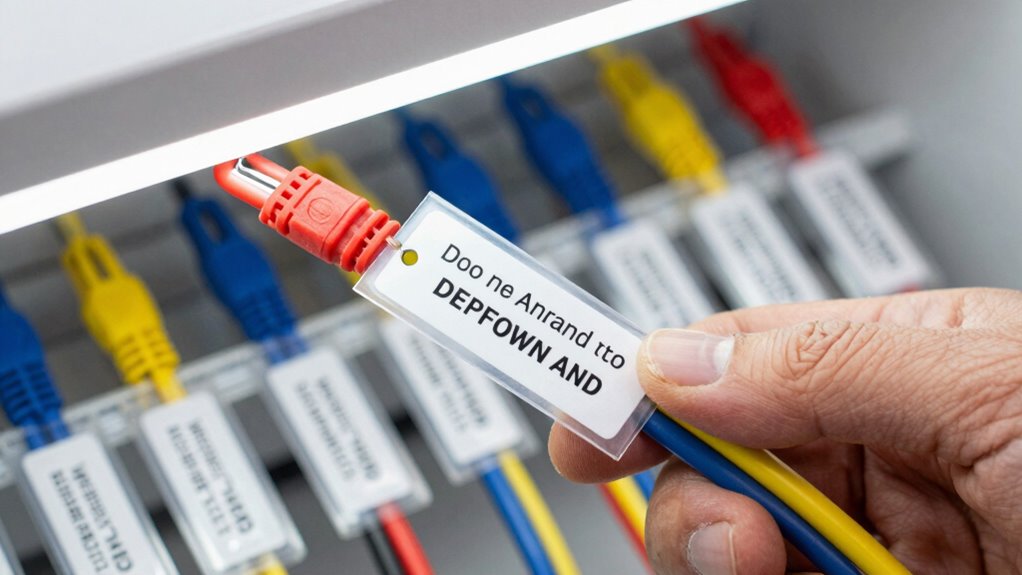
When cables aren’t labeled correctly or their IDs become unclear, troubleshooting can feel like searching for a needle in a haystack. Without proper identification, you waste valuable time tracing each cable, risking mistakes that can lead to system downtime or damage. The key to reducing troubleshooting time lies in effective cable management paired with consistent labeling standards. When cables are well-organized and clearly labeled, you gain a quick overview of your setup, making it easier to identify issues and isolate problematic connections swiftly.
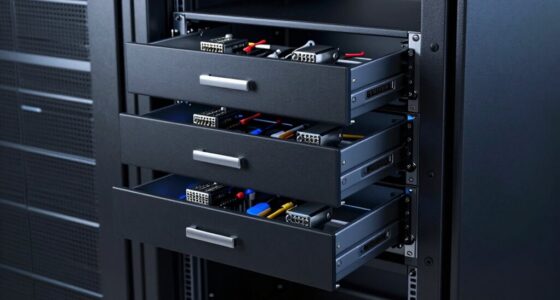
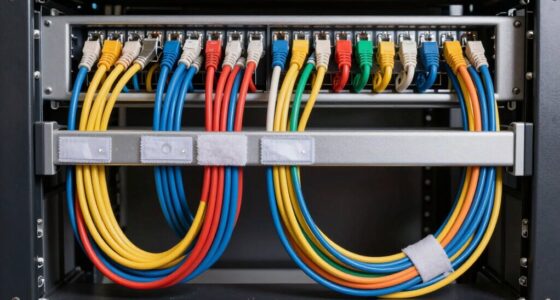
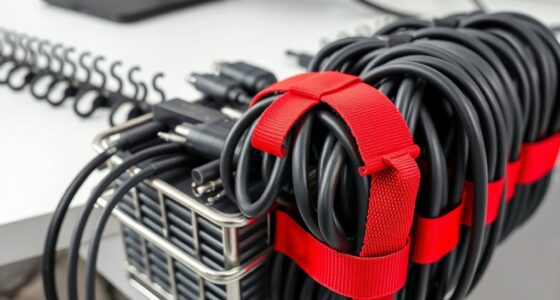
Good cable management isn’t just about neatness; it’s about creating a logical structure that simplifies maintenance. Use cable organizers, ties, and racks to keep cables separated and accessible. Group cables by function, source, or destination, so you don’t have to untangle a spaghetti mess when troubleshooting. When cables are systematically arranged, you can trace signals or power flows without guesswork, saving minutes—or even hours—during critical repairs. Establishing a standardized labeling system** helps ensure consistency and clarity across all cables, further streamlining troubleshooting efforts. Additionally, implementing a cable documentation process can provide quick reference points that make troubleshooting even more efficient. Properly labeling accessories with durable tags enhances visibility and prevents accidental disconnections or mislabeling. Consistent adherence to these standards also minimizes errors caused by poor labeling practices**, which can be costly and time-consuming to rectify.
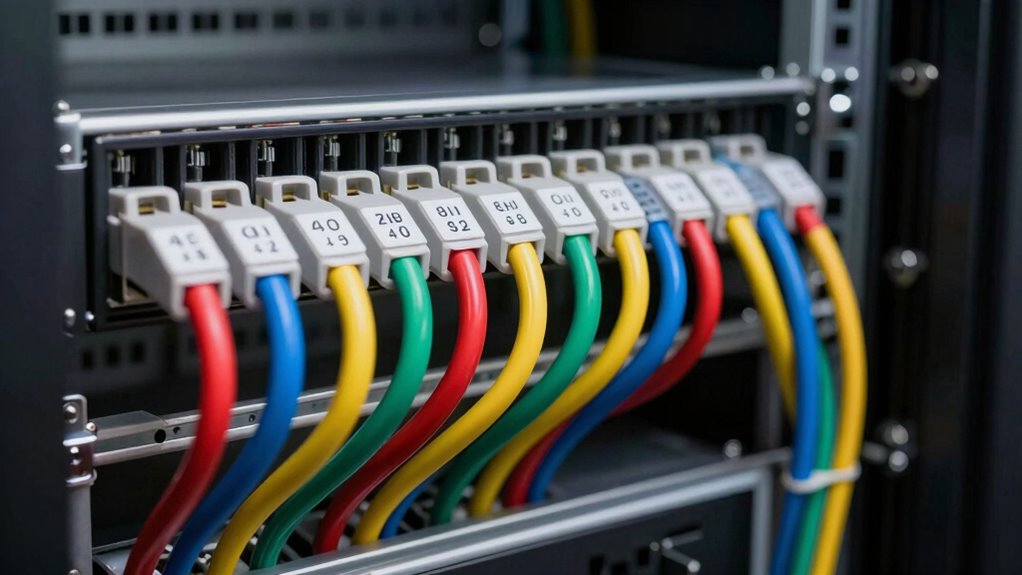
Labeling standards are equally essential. Establish clear, consistent guidelines on how to label each cable. Use durable labels that won’t fade or peel over time, and include essential info such as origin, destination, and purpose. Standardized labels ensure that everyone involved in maintenance or troubleshooting understands the labeling system, reducing confusion. Incorporating visual cues such as color coding, can enhance quick identification and reduce reliance on reading lengthy labels. Applying these standards consistently across your entire setup prevents the chaos that often accompanies ad hoc labeling. When everyone follows the same rules, you can quickly identify a cable’s role without second-guessing. It’s also helpful to keep an updated diagram or inventory that correlates with your labels, so you have a reference point during troubleshooting sessions. Regularly reviewing and updating labels ensures they remain accurate, especially as your system evolves or expands. Over time, these practices build a reliable system where troubleshooting becomes a matter of following logical, well-marked pathways rather than deciphering a tangled mess of unlabeled cables.
Products Worth Considering

Samsung 27-Inch Odyssey QD-OLED G8 4K 240Hz Gaming Monitor

Logitech MX Mechanical Wireless Illuminated Keyboard, Tactile Quiet, Graphite

DJI Osmo Mobile 8 Standard Combo Phone Gimbal Stabilizer
As an affiliate, we earn on qualifying purchases.
Frequently Asked Questions
How Can Digital Tools Improve Cable Identification Accuracy?
Digital tools like RFID tracking and digital verification considerably improve cable identification accuracy. RFID tags allow you to quickly scan and verify cables, reducing human error, while digital verification confirms correct connections instantly. You can access real-time data, ensuring accurate labeling and easier troubleshooting. These tools streamline your workflow, save time, and minimize mistakes, making cable management more efficient and reliable.
What Are the Best Practices for Updating Cable ID Systems?
Updating your cable ID system is like tuning a finely crafted instrument; precision and consistency matter. You should regularly review and revise your cable labeling to reflect changes, ensuring it aligns with established identification standards. Implement digital tools for tracking updates and maintaining accuracy. Train your team on new protocols, and document every change meticulously. This approach keeps your cable system harmonized, reducing troubleshooting time and preventing costly mistakes.
How Do Environmental Factors Affect Cable ID Labels?
Environmental impacts, like moisture, extreme temperatures, and UV exposure, can profoundly affect cable ID labels. These factors may cause labels to fade, peel, or deteriorate, making identification harder during troubleshooting. To maintain label durability, you should choose weather-resistant materials and protective coatings. Regular inspections ensure labels remain clear and legible, minimizing delays. Properly considering environmental impacts ensures your cable IDs stay intact and effective under challenging conditions.
What Training Is Recommended for Staff on Cable ID Protocols?
You should implement thorough staff training focused on cable labeling protocols to guarantee consistency and accuracy. This training should cover proper labeling techniques, the importance of clear, durable labels, and the significance of standardized naming conventions. Regular refresher sessions help maintain high standards. By investing in staff training on cable labeling, you reduce errors, streamline troubleshooting, and improve overall cable management efficiency.
How Can We Ensure Consistency Across Multiple Locations?
Did you know that consistent labeling reduces troubleshooting time by up to 30%? To guarantee consistency across multiple locations, focus on using durable labels and uniform color coding systems. Implement standardized protocols for label application, and train staff regularly to follow these standards precisely. Regular audits and feedback loops help maintain consistency, ensuring cable IDs stay clear, durable, and easy to interpret, no matter where your team is working.
Conclusion
By adopting clear, consistent cable IDs, you streamline troubleshooting and save valuable time. Remember, a well-organized system is the backbone of efficient maintenance. As the saying goes, “A stitch in time saves nine.” Investing a little effort in proper labeling now prevents bigger headaches later. Keep your cable management simple and systematic, and you’ll find troubleshooting becomes quicker, easier, and less frustrating. The effort you put in today pays off in smoother operations tomorrow.