
TL;DR
A personal account published by XDA Developers describes turning an old laptop into a NAS, using its built-in battery as backup power instead of adding a separate UPS. The setup reportedly draws about 12 watts under light-to-medium serving workloads and can run for roughly 3.5 hours on a 46Wh battery, but it is not presented as a fit for every NAS.
XDA Developers published an account on October 26 describing how its writer repurposed an old laptop as a network-attached storage system, using the laptop’s built-in battery to keep the NAS running during power outages instead of buying a separate uninterruptible power supply. The arrangement is presented as a practical option for modest storage needs, not a general replacement for a UPS.

Get business pricing on networking and server gear
- Business-only prices and quantity discounts
- Tax-exempt purchasing
- Multiple users, one account, clear invoices
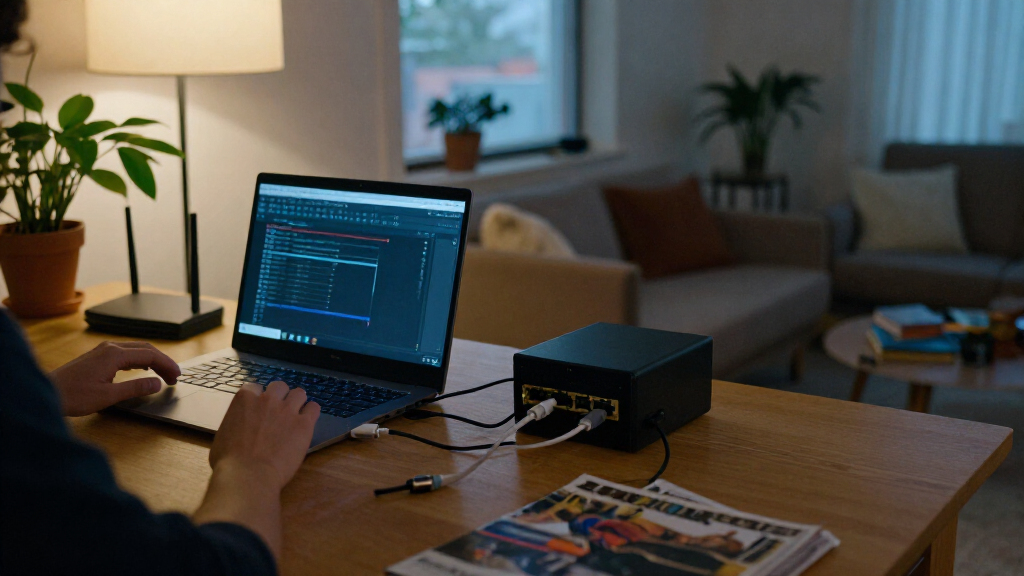
The writer says their storage requirements are limited and that their compact, all-flash NAS has two drive slots occupied. Rather than add a UPS, which would bring extra hardware, cables and cost, they used a laptop that had been sitting unused. The laptop can continue operating from its internal battery when mains power is lost, preventing an abrupt interruption while it has charge remaining.
The reported system uses a Ryzen 5 4500U. Its idle power draw is given as between 3.2 and 8.7 watts, rising to about 12 watts during low-to-medium serving workloads. With a 46Wh battery, the writer estimates roughly 3.5 hours of operation at 12 watts. That figure is an estimate based on the stated power use and battery capacity; actual runtime can vary with battery condition and workload.
Running Linux also allows the laptop’s battery status to be monitored through system interfaces such as /sys/class/power_supply/. The writer says a script could respond when charge falls to around 15% by stopping services, allowing pending file operations to finish, unmounting filesystems where needed and shutting the system down. The account describes this as a way to reduce the risk of filesystem problems or corrupted files after a power loss; it does not establish that the approach prevents all data loss.
Home storage · practical field report
I Turned My Old Laptop Into a NAS
Its built-in battery became the backup power source for one modest home storage setup—avoiding a separate UPS. The reported results are useful context, not a universal promise.
01 / The case for reuse
A battery already inside the box
The writer had an unused laptop and modest storage needs. Repurposing it brought together storage, power monitoring, and short-term outage coverage in hardware already on hand.
01 · Existing hardware
Skip another box
Using the spare laptop avoided purchasing a separate UPS for this particular two-drive system.
02 · Built-in reserve
Ride through an outage
When mains power drops, the laptop can continue from its internal battery while charge remains.
03 · Monitor the battery
Plan a clean stop
Linux exposes battery status through interfaces such as /sys/class/power_supply/.
02 / The reported power profile
Small draw, finite reserve
The runtime estimate comes from the stated 46Wh capacity and roughly 12W workload. It is an estimate for this laptop, and its battery has already lost some original capacity.
Bars use a 0–12W scale. The article does not provide independent measurements across laptop models or workloads.
03 / Possible low-battery response
From power loss to controlled shutdown
The account suggests using battery monitoring to start a shutdown sequence near 15% charge. These are proposed actions, not quantified proof that all data-loss risk is removed.
-
01
Watch charge
Read battery status from Linux system interfaces.
-
02
Trigger near 15%
A script could start the shutdown sequence at a chosen threshold.
-
03
Finish pending work
Stop services and allow active file operations to complete.
-
04
Unmount and stop
Unmount filesystems where needed, then shut the laptop down.
04 / Match backup to the job
Where the laptop approach fits
The right choice depends on power demand, required outage time, battery condition, and how much equipment needs backup.
| Consideration | Laptop battery | Dedicated UPS |
|---|---|---|
| Best fit | ✓ Modest NAS, suitable laptop already owned | ✓ Longer coverage or more equipment |
| Runtime | ~ Limited by capacity, load, and battery age | ✓ Select capacity for target load and duration |
| Setup trade-off | Reuse may reduce extra hardware and cable clutter | Requires a separate device and installation space |
| Key uncertainty | ~ Remaining battery health and workload | Capacity, condition, and supported equipment |
05 / The writer’s account
Useful idea, with clear limits
“I converted my old laptop into a NAS, and it turned out to be a much more practical solution.”
XDA Developers · describing the setup
06 / Before relying on it
Check the system you actually have
Battery capacity declines with age, and the report leaves several operating conditions untested.
- Measure power use under your NAS’s real serving workload.
- Check battery condition and test the runtime you can depend on.
- Verify that services and storage shut down cleanly at low charge.
- Heavier loads, more drives, and longer outages may need a dedicated UPS.
- The reported account does not test repeated outages or every storage configuration.
07 / Trace the protection path
Backup power is only one part
The aim is to keep the system available briefly or give it time to stop safely when an outage lasts longer.
08 / Key questions
What this example can—and cannot—tell you
Can an old laptop battery back up a NAS?
It can support a modest setup if the battery works and the system’s power draw fits its capacity. This report describes one laptop-based NAS.
How long was the reported runtime?
About 3.5 hours was estimated from a 46Wh battery and a stated 12W workload. It is not guaranteed for other systems.
How could it shut down safely?
The account describes monitoring Linux battery information and triggering a script near 15% to stop services, finish operations, unmount where needed, and shut down.
Does this replace a UPS for every NAS?
No. Heavier workloads, more equipment, or longer backup needs may call for a dedicated UPS with suitable battery capacity.
Battery Backup Without Extra Hardware
For a home NAS with light workloads, an existing laptop can combine storage hardware with a built-in battery and power monitoring. That may avoid the purchase and physical clutter of a separate UPS while providing time to ride out a short outage or shut down cleanly. The approach is most relevant to people who already own suitable hardware and do not need a large, continuously available storage system.
The account also highlights that backup power is not only about keeping files accessible during an outage. A controlled shutdown can help protect ongoing operations when power is interrupted. However, the laptop’s battery has limited capacity and may degrade over time, so its expected runtime is not guaranteed. A dedicated UPS with a suitably sized battery remains a more appropriate choice when longer backup periods or heavier equipment loads are required.
Products Worth Considering

Anker SOLIX C1000 Gen 2 Portable Power Station with 200W Solar Panel

Samsung 27-Inch Odyssey OLED G5 QHD Gaming Monitor (G50SF)

Samsung 27-Inch Odyssey G5 QHD Gaming Monitor (G50F)
As an affiliate, we earn on qualifying purchases.
Why the Laptop Fits This NAS
The writer says they previously tried larger five- and six-bay NAS models before settling on a compact all-flash system with two occupied drive slots. Because the system’s power needs and storage demands are modest, adding a dedicated UPS seemed like unnecessary complexity for this particular setup. The laptop was already available, making reuse a lower-cost alternative to buying another device.
The comparison is specific to this personal setup. The article notes that a portable NAS may also have an internal battery, but argues that an old laptop can offer similar backup-power benefits when it meets the user’s needs. Some older laptops do not support USB-C charging; the writer says a USB-C-to-barrel adapter may address that limitation when using a power bank, though compatibility depends on the hardware.
““I converted my old laptop into a NAS, and it turned out to be a much more practical solution.””
— XDA Developers, describing the writer’s setup
Runtime Depends on Battery Health
The account does not provide independent measurements or testing across different laptop models. The stated 3.5-hour runtime is an estimate for one system, and the laptop’s battery has already lost some of its original capacity. Its future runtime will decline as the battery ages, but the rate of degradation is not specified.
It is also unclear how the setup performs through repeated outages, under heavier file-serving loads or with different storage configurations. The writer describes possible Linux monitoring and shutdown actions, but does not report a quantified test showing how much data-loss risk the procedure removes. Readers should not treat the account as evidence that a laptop battery can replace a properly sized UPS in every environment.
Match Backup to the Workload
The practical next step for anyone considering this arrangement is to check the laptop’s battery condition, measure power use under the NAS’s actual workload and test that the system can shut down cleanly when charge is low. The XDA Developers account does not announce a product launch or a broader technical change; it shares one user’s approach and its limits.
For this setup, the writer expects to use a power bank if more runtime is needed. For systems that must remain online through longer outages, the article points to a UPS sized for the required load and runtime. No further tests, product plans or follow-up results are stated.
Source: XDA Developers
Key Questions
Can an old laptop battery act as backup power for a NAS?
It can for a modest setup if the laptop’s battery is functional and the system’s power draw is within its capacity. The XDA Developers account describes one laptop-based NAS using its internal battery during outages.
How long did the reported laptop NAS run on battery?
The writer estimates about 3.5 hours at a stated 12-watt workload with a 46Wh battery. This is an estimate for that setup, not a guaranteed runtime for other laptops or NAS workloads.
How can a laptop NAS shut down safely when power is out?
The account describes monitoring Linux battery information and triggering a script at around 15% charge. The script could stop services, let pending operations finish, unmount filesystems where needed and shut the machine down.
Does a laptop battery replace a UPS for every NAS?
No. The report says the approach suits the writer’s modest storage needs. A system with heavier workloads, more drives or a need for longer outage coverage may call for a dedicated UPS with enough battery capacity.
Source: XDA Developers