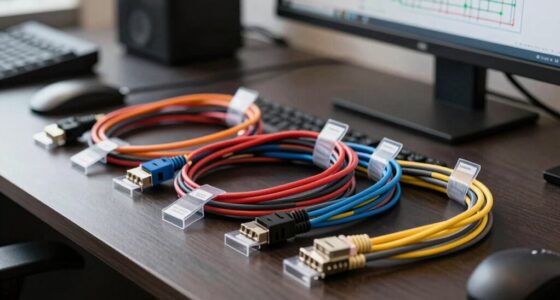
Like a skilled architect choosing the right materials for a building, selecting the appropriate network cable category can substantially impact your connection’s reliability and speed. With options ranging from Cat5e to Cat8, each offers different levels of performance and shielding. Understanding these differences is vital to making an informed decision that meets your current needs—and anticipates future demands. The key to optimizing your network starts here, but what exactly sets these categories apart?

Get business pricing on networking and server gear
- Business-only prices and quantity discounts
- Tax-exempt purchasing
- Multiple users, one account, clear invoices
Key Takeaways
- Cat5e supports up to 1 Gbps speeds and is suitable for most standard home and office networks.
- Cat6 offers higher performance with support for 10 Gbps over shorter distances and reduced crosstalk.
- Cat6a enhances shielding and can handle 10 Gbps over longer distances, ideal for data centers and high-bandwidth applications.
- Cat8 provides the highest performance, supporting up to 25-40 Gbps, mainly used in data centers for ultra-fast, high-frequency connections.
- Higher categories generally feature better shielding and construction, ensuring faster speeds, lower interference, and greater future-proofing.
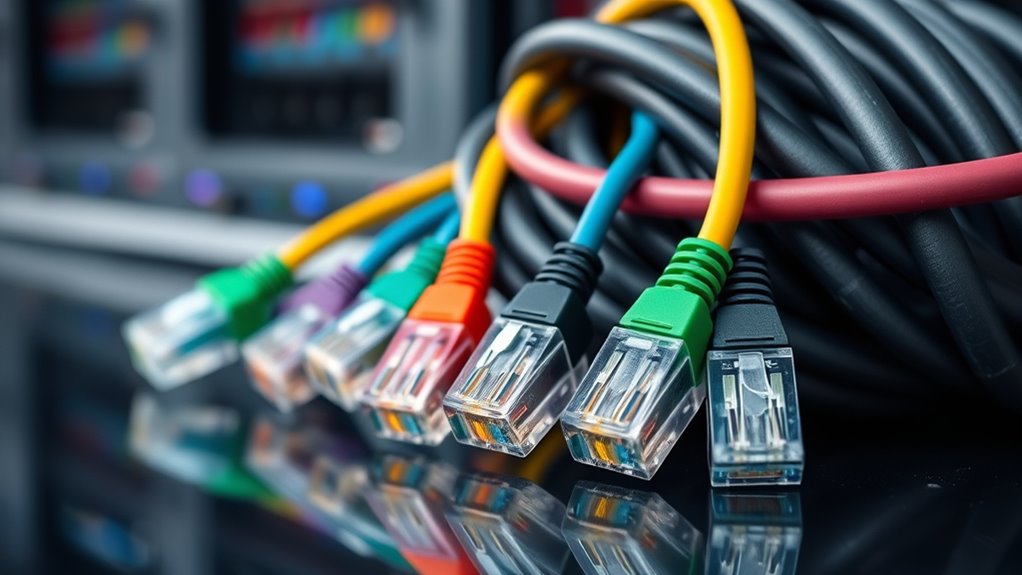
Choosing the right cable category is vital for ensuring your electronic devices perform safely and efficiently. When selecting cables, understanding the different types and their specific purposes can make a notable difference in your setup. For instance, fiber optic cables are known for their high-speed data transfer capabilities and resistance to electromagnetic interference. They use light signals instead of electrical currents, making them ideal for long-distance communication, data centers, and high-bandwidth applications. If you’re setting up a network that demands speed and reliability, fiber optic cables are often the best choice. They may cost more upfront, but their performance and durability often justify the expense.
Fiber optic cables offer high-speed data transfer and immunity to electromagnetic interference, ideal for long-distance and high-bandwidth setups.
On the other hand, shielded cables are designed to protect against electromagnetic interference (EMI) and radio frequency interference (RFI), which can cause signal degradation or data loss. These cables feature an insulating layer or metallic shield around the conductors, which helps maintain signal integrity in environments with high electrical noise. If your setup involves running cables near heavy machinery, fluorescent lights, or other sources of interference, shielded cables are vital. They ensure your signals stay clear and stable, preventing frustrating disruptions or errors in data transmission. Choosing shielded cables over unshielded ones can greatly enhance performance, especially in industrial or densely packed electronic environments.
When it comes to categories, cables are classified based on their construction, shielding, and intended use. Category 5e (Cat5e), Category 6 (Cat6), and Category 6a (Cat6a) are common Ethernet cable categories, each supporting different speeds and bandwidths. The higher the category number, generally, the better the performance and future-proofing. For high-speed networks, opting for a higher category cable can reduce bottlenecks and improve overall efficiency. Combining the right category with appropriate shielding — like choosing shielded twisted pair cables — can further optimize your network’s performance, especially in noisy environments. Additionally, understanding the beneficial ingredients such as collagen and hyaluronic acid found in eye patches can be useful for skincare routines.
Choosing the right cable category isn’t just about speed; it’s also about safety and longevity. Using high-quality fiber optic or shielded cables ensures your setup remains reliable over time, resisting external interference and physical wear. Properly categorized cables help prevent issues like data corruption, signal loss, or even electrical hazards. Investing in the correct type for your specific needs guarantees your devices operate at their best, reducing troubleshooting and maintenance costs down the line. In sum, understanding cable categories and their features empowers you to make informed choices that safeguard your equipment and enhance your connectivity.
Frequently Asked Questions
How Do Cable Categories Affect Internet Speed?
Cable categories directly impact your internet speed by using different twisted pairs and shielding types. Higher categories, like Cat6 or Cat7, have more twisted pairs and enhanced shielding, which reduces interference and allows for faster data transfer. This means you’ll experience better speeds and more reliable connections. Lower categories, with fewer twisted pairs and less shielding, may cause slower speeds and signal issues, especially over longer distances.
Are Higher Category Cables More Future-Proof?
Absolutely, higher category cables are like the superheroes of wiring—they’re incredibly future-proof! They boast unmatched cable durability, handling future tech upgrades with ease, and are designed to keep up with lightning-fast speeds. Plus, their installation considerations are straightforward, making them a smart choice for long-term setups. Investing in higher category cables means you’re building a network that’s ready for whatever the future throws at it—no replacements needed.
Can I Mix Different Cable Categories in One Setup?
You can mix different cable categories in one setup, but you should be aware of cable compatibility and category limitations. Higher category cables, like Cat6 or Cat7, support faster speeds and better performance, but mixing them with lower categories may limit your overall network speed. To guarantee peak performance, use the highest category cable compatible with your devices and avoid mixing cables that don’t meet the same standards.
Do Cable Categories Influence Signal Interference?
Yes, cable categories influence signal interference because higher categories generally have better shielding effectiveness, which reduces interference. When you choose cables, consider their shielding to prevent signal degradation, especially in noisy environments. Also, the bend radius matters; exceeding it can damage the cable, affecting shielding and causing interference. Using the right category with proper shielding and bend radius guarantees ideal signal quality and minimizes interference in your setup.
What Are the Best Cables for 4K Video Transmission?
For 4K video transmission, you should choose HDMI cables that support HDMI 2.0 or higher, ensuring smooth, high-quality visuals. Remarkably, fiber optics cables can also transmit 4K signals over long distances with minimal interference. These cables adhere to the latest HDMI standards, offering faster data transfer and better durability. Opt for high-speed HDMI cables or fiber optic options to enjoy your 4K content without lag or signal loss.
Conclusion
Choosing the right cable category is vital for creating a consistent, cable-connected core. By understanding the distinctions between Cat5e, Cat6, Cat6a, and Cat8, you can confidently select the best for your bandwidth, broadcast, and boundary needs. Prioritize performance, future-proof your setup, and prevent pesky problems. Remember, careful cable choices craft a dependable, dynamic digital domain, delivering the data you need without delay or disruption.
Fall Picks
fall essentials
As an affiliate, we earn on qualifying purchases.