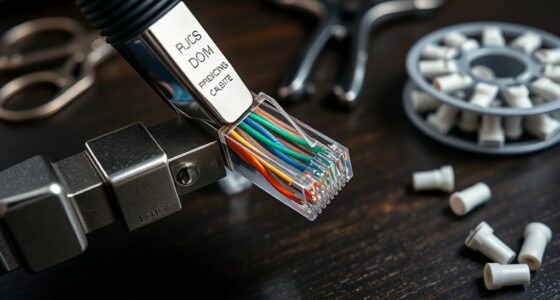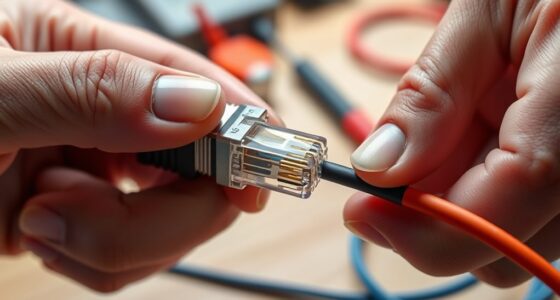
Think of your Wi-Fi signal as a fragile ripple that needs a steady hand to reach its full potential. Building an antenna booster can dramatically improve your connection, but it’s not as simple as attaching some parts and hoping for the best. To turn your setup into a reliable network extender, you’ll need to understand the nuances of antenna types, placement, and alignment. Curious about how to craft a custom solution that truly amplifies your signal?
Key Takeaways
- Select high-gain antennas like Yagi or parabolic dishes and mount them securely with adjustable alignment tools.
- Incorporate reflective surfaces behind antennas to focus signals forward and enhance gain.
- Orient antennas toward weak coverage areas, adjusting angles based on signal strength measurements.
- Use Wi-Fi analyzers to test and optimize antenna positioning for maximum signal improvement.
- Manage indoor reflections and obstacles to reduce interference and extend Wi-Fi coverage effectively.

If you’re struggling with weak Wi-Fi signals or dead zones in your home or office, a Wi-Fi antenna booster can be a simple and effective solution. Building one yourself allows you to customize its performance, especially by understanding concepts like antenna gain and signal reflection. Antenna gain measures how well your antenna can focus energy in a particular direction, essentially boosting signal strength toward your devices. When you increase antenna gain, you improve the ability to transmit and receive signals over longer distances, which is vital for covering large areas or penetrating obstacles like walls. However, higher gain antennas are often more directional, so you need to orient them properly to maximize coverage.
Enhance Wi-Fi signals by understanding antenna gain and proper orientation for better coverage and fewer dead zones.
Signal reflection plays a noteworthy role in Wi-Fi performance, especially indoors. When signals bounce off walls, furniture, or other objects, they can either reinforce or weaken the signal depending on their phase and location. By building a booster that considers these reflections, you can reduce interference and dead zones. For instance, positioning your antenna to minimize destructive reflections or using reflective surfaces strategically can help direct signals more efficiently. Incorporating a reflector or a parabolic dish can focus the signal, effectively increasing antenna gain and reducing the impact of signal reflection that causes dead spots. Understanding reflection patterns can further optimize your setup by helping you identify the best placement and orientation for your antenna.
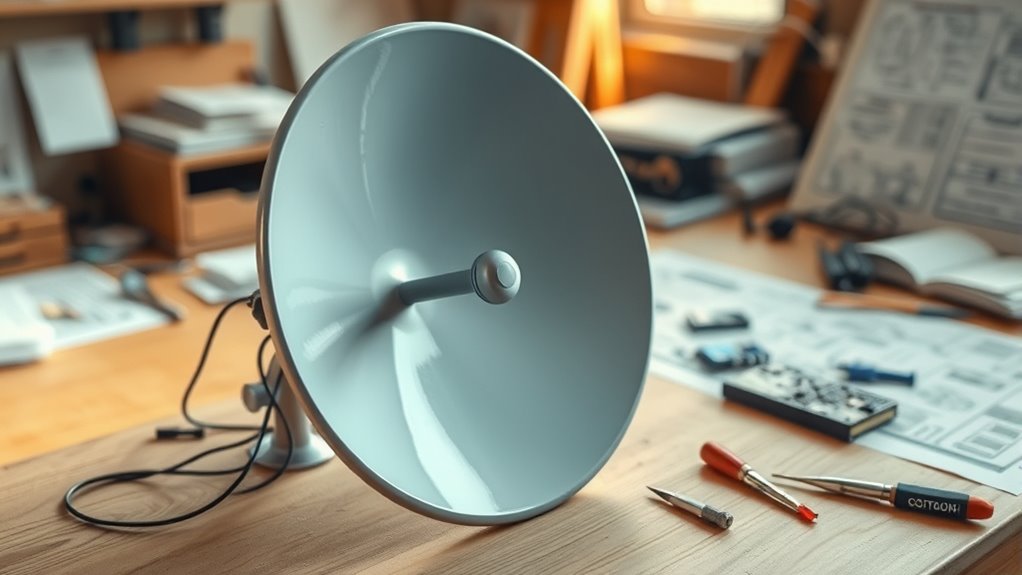
To start building your booster, choose a suitable antenna element—such as a Yagi or a parabolic dish—that offers high gain. Attach it to a sturdy, adjustable mount so you can fine-tune its orientation toward your Wi-Fi router or access point. Use a reflective surface behind the antenna to focus the signal forward, increasing the effective gain. Make sure the connections are secure and shielded from interference, which can degrade signal quality. Keep in mind that the environment affects how reflections influence your signal, so experiment with placement and angles for best results.
When aligning your antenna, always consider both gain and reflections. Aim the antenna toward the part of your home or office where coverage is weak, and adjust for maximum signal strength on your device. Use tools like Wi-Fi analyzers to measure the signal quality and verify improvements. Remember, building a booster isn’t just about increasing gain but also about managing reflections and obstacles that impair your Wi-Fi performance. With patience and proper setup, your homemade antenna booster can greatly extend your Wi-Fi range and eliminate dead zones, providing a stronger, more reliable connection throughout your space.
Frequently Asked Questions
Can I Make a Wi-Fi Antenna Booster at Home?
Yes, you can make a Wi-Fi antenna booster at home. You’ll need to choose the right antenna types, like a Yagi or parabolic reflector, suited for your signal frequency. Using common materials like metal cans or wire, you can craft a simple booster. Just make certain your design focuses the signal properly to improve range, and always test it to see if it enhances your Wi-Fi connection effectively.
What Materials Are Best for Building a DIY Wi-Fi Booster?
Ever wondered what materials give you the best signal gain? For a DIY Wi-Fi booster, you should use materials like copper wire or aluminum foil because they work well with different antenna types. You’ll need a sturdy base like plastic or wood and a reflective surface to focus signals. These materials are affordable, easy to work with, and highly effective for enhancing your Wi-Fi range.
Will a Wi-Fi Booster Improve Signal for All Devices?
A Wi-Fi booster can improve your signal strength, but it may not enhance every device equally. You’ll see better performance on compatible devices, especially those with weaker signals. However, some older or less compatible devices might not benefit much. To guarantee ideal results, check the booster’s compatibility with your devices and positioning. Remember, a booster primarily helps extend coverage and strengthen signals for devices that are already somewhat connected.
How Do I Troubleshoot if My Wi-Fi Booster Isn’t Working?
You should first check for interference issues, like other devices or thick walls blocking signals. Make sure your Wi-Fi booster is plugged in correctly and within range of your router. Restart both devices, and check for firmware updates to guarantee peak performance. If it still doesn’t work, reset the booster to factory settings and reconfigure it. These steps usually resolve common connectivity problems and get your booster functioning properly.
Is It Legal to Enhance My Wi-Fi Signal With a Homemade Booster?
Enhancing your Wi-Fi signal with a homemade booster can raise legal considerations, especially regarding compliance with local regulations. You must guarantee your device doesn’t cause interference issues with other wireless communications, as unauthorized modifications can violate laws. Before proceeding, check your country’s rules on signal boosting and transmission power limits. Staying within legal boundaries helps prevent potential fines or interference problems, ensuring your Wi-Fi improvements remain safe and compliant.
Conclusion
By selecting high-gain antennas, mounting them securely, and aligning them precisely, you enhance your Wi-Fi signal, improve your coverage, and eliminate dead zones. By incorporating reflective surfaces, minimizing obstacles, and optimizing placement, you strengthen your connection, extend your range, and boost your reliability. Through careful adjustments and thoughtful environmental considerations, you create a customized solution that not only boosts your Wi-Fi but also guarantees consistent performance, empowering your wireless experience with confidence and clarity.