
Did you know that a well-placed PoE security camera can cover up to 50% more area than traditional models? Setting up a PoE camera system involves careful planning to guarantee clear footage and reliable operation. You’ll need to choose ideal locations, connect cameras to a network switch or PoE injector, and configure network settings for security. Getting these steps right can make all the difference in creating an effective surveillance system—so let’s explore how to do it properly.

Get business pricing on networking and server gear
- Business-only prices and quantity discounts
- Tax-exempt purchasing
- Multiple users, one account, clear invoices
Key Takeaways
- Select optimal camera locations with clear views, good lighting, and secure mounting to ensure high-quality footage.
- Connect cameras to a network switch or PoE injector, assigning static IPs for reliable access.
- Configure network settings, including VLANs or subnets, to separate security traffic and enhance system security.
- Test camera feeds and angles to verify proper installation, network connectivity, and remote monitoring capability.
- Keep firmware updated and enable security features like encryption and access controls for system stability and safety.
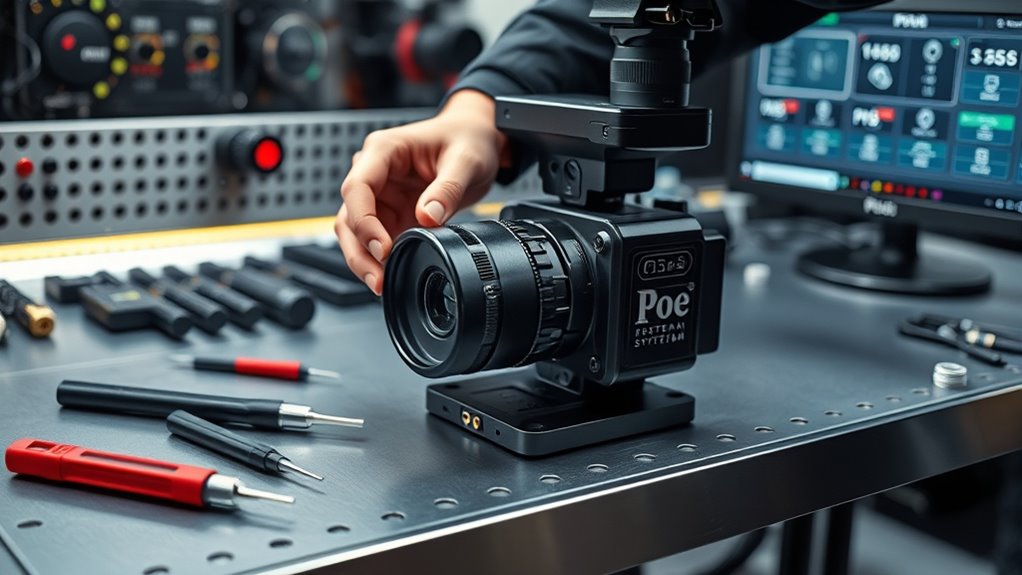
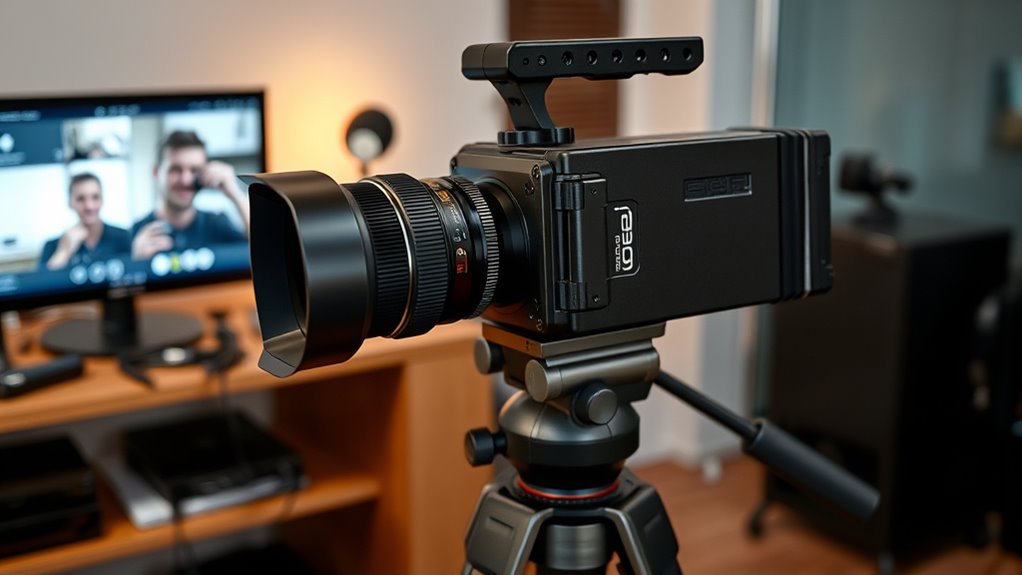
The Poe Camera System revolutionizes security and surveillance by providing real-time monitoring with advanced analytics. When setting up your system, your first focus should be on proper camera installation. This involves choosing paramount locations that offer clear views of critical areas. You want to avoid obstructions and ensure proper lighting, so each camera captures high-quality footage. Mount the cameras securely, making sure they’re positioned at angles that maximize coverage while minimizing blind spots. Pay attention to cable management during installation to keep everything neat and protected from the elements or tampering.
Proper camera placement and secure mounting ensure clear, high-quality footage and optimal security coverage.
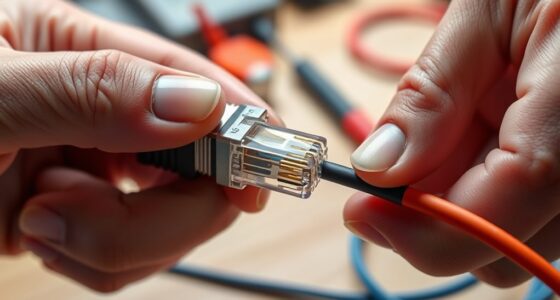
Once your cameras are installed, the next essential step is network configuration. Poe cameras rely on Power over Ethernet, which simplifies wiring by delivering both power and data through a single cable. To get this right, connect each camera to your network switch or PoE injector, ensuring your network supports the necessary power requirements. It’s imperative to assign static IP addresses to your cameras to avoid connectivity issues down the line. This allows you to easily access and manage each device through your security platform or software. During network setup, double-check your router settings to ensure that the cameras can communicate seamlessly with your monitoring station, whether it’s a local server or cloud-based system.
As you configure the network, consider setting up VLANs or separate subnets for your security devices to enhance security and reduce network congestion. This way, your surveillance system won’t interfere with other network activities, and you can isolate security footage for easier management. Make sure your firmware is up to date on both your cameras and network equipment, as this improves stability and security. Also, enable any available security features like encryption and access controls to safeguard your system from unauthorized access. Additionally, understanding essential oils for security is important when considering holistic approaches to safety, as they can be part of stress reduction and alertness.
Testing your setup is essential once everything is in place. Power on your cameras and verify they are properly connected to the network. Use your management software to check the live feeds and ensure each camera is functioning correctly. Adjust camera angles if needed to get the best coverage. Confirm that your network configuration allows for remote access if you plan to monitor footage off-site. This might involve configuring port forwarding or VPN access, depending on your setup.
Frequently Asked Questions
Can Poe Cameras Be Used Outdoors in Harsh Weather Conditions?
Yes, Poe cameras can be used outdoors in harsh weather conditions if you take weatherproofing considerations into account. Make sure to choose cameras rated for outdoor use and install them with proper outdoor installation tips, such as sealing connections and protecting cables from water and debris. You should also verify the camera housing is weather-resistant and securely mounted. This way, your cameras will perform reliably, even in challenging weather.
What Is the Maximum Number of Poe Cameras Supported by the System?
You can support up to 64 PoE cameras with a robust system. Remember, “don’t put all your eggs in one basket”—plan your camera placement strategically to avoid network overload. Make sure your network bandwidth can handle the data flow from multiple cameras, especially if they’re high definition. A well-designed setup balances camera count and bandwidth, giving you reliable surveillance without straining your system.
How Do I Update the Firmware on My Poe Cameras?
To update your PoE cameras’ firmware, first download the latest firmware from the manufacturer’s website. Then, access your camera’s web interface or management software, navigate to the camera maintenance or firmware update section, and upload the firmware file. Follow the on-screen instructions carefully to complete the update. Regular firmware updates are essential for camera maintenance, ensuring security patches and new features are effectively installed.
Are Poe Camera Systems Compatible With Third-Party Security Software?
You might think PoE camera systems are incompatible with third-party security software, but that’s not always true. Many PoE cameras support software compatibility and third-party integration, allowing you to customize your security setup. Check your camera’s specifications and manufacturer’s guidelines to verify compatibility. By doing this, you can seamlessly incorporate third-party security software, enhancing your system’s flexibility and control without sacrificing performance.
What Is the Typical Power Consumption of a Poe Camera?
A typical PoE camera consumes between 4 to 15 watts of power, depending on its features and resolution. You’ll find that many models are designed for energy efficiency, helping you save on electricity costs. To guarantee peak performance, check the camera’s specifications for exact power consumption. Using efficient PoE switches can also help you manage power usage better, making your security setup both effective and cost-effective.
Conclusion
As you finalize your PoE camera system, remember that clarity and security go hand in hand. While the clear footage captures every detail, strong network security shields your privacy. The peace of mind you gain from a well-placed, reliable system contrasts sharply with the chaos of neglect or vulnerability. By balancing visibility with protection, you create a surveillance setup that’s not just effective but truly trustworthy—an invisible guard you can rely on, day and night.
Fall Picks
fall essentials
As an affiliate, we earn on qualifying purchases.