
TL;DR

Get business pricing on networking and server gear
- Business-only prices and quantity discounts
- Tax-exempt purchasing
- Multiple users, one account, clear invoices
Building an AI workstation used to be cheaper, but supply shortages and rising component prices now often make prebuilt systems more cost-effective. The decision hinges on your need for speed, control, and support, not just upfront cost.
Build vs buy
an AI workstation.
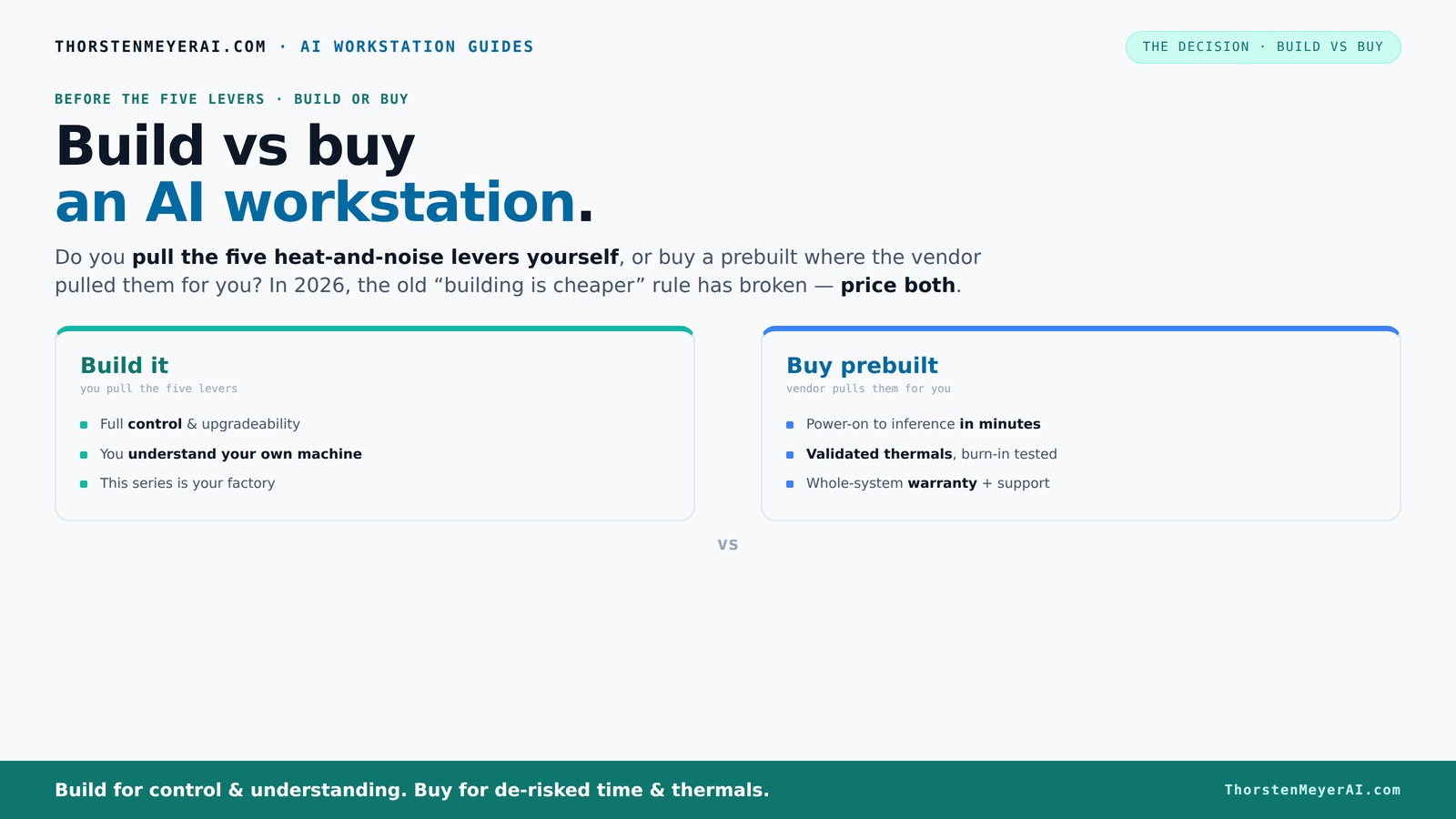
The real question behind this whole series: do you pull the five heat-and-noise levers yourself, or buy a prebuilt where the vendor pulled them for you? And in 2026, the old “building is cheaper” rule has broken. Match your situation in Part 3.
Key Takeaways
- In 2026, the traditional cost advantage of building your own AI workstation is often reversed due to component shortages and price hikes.
- Prebuilt systems come with validated thermals, warranties, and quick deployment, reducing risk and setup time.
- DIY builds offer maximum control, customization, and upgradeability, but require time, patience, and technical skills.
- Market shifts mean always price out both options for your specific configuration before deciding.
- Choose prebuilt if speed, support, and reliability matter most; build if you want control, customization, and enjoy the process.
As an affiliate, we earn on qualifying purchases.
Why Building Your Own AI Workstation Isn’t Always Cheaper Anymore
Building a custom AI workstation used to save you a lot of cash. But in 2026, the game has changed. Prices for GPUs, DDR5 RAM, and SSDs have shot up 20-50% due to component shortages, making DIY builds often pricier than prebuilt systems.
For example, a DIY rig with a top-tier GPU and 64GB DDR5 RAM now easily exceeds $2,000, while some prebuilt systems include similar specs for around the same or less. The reason? Bulk buying by manufacturers and better supply chain management let them offer competitive prices.
So, if your main goal is saving money, you need to double-check today’s prices before jumping into a build. The old rule — ‘build is always cheaper’ — no longer holds. Instead, it’s a match of real-time costs and your ability to manage the build process.
Beyond just costs, consider the implications: DIY can offer customization, but it also introduces risks like incompatible parts, assembly errors, and longer setup times. Conversely, prebuilt systems may cost more upfront but come with tested stability and support, which can be crucial for mission-critical AI workloads. The tradeoff is between potential savings and reliability — understanding this balance helps avoid surprises down the line.
As an affiliate, we earn on qualifying purchases.
The Five Levers of a High-Performance AI Workstation — Who Pulls Them?
Making a high-power AI workstation run cool and quiet hinges on five key levers: undervolting the GPU, matching the cooling system, optimizing case airflow, tuning fan curves, and strategic placement. Do you pull these levers, or does the vendor?
Prebuilt vendors like Lambda or BIZON handle all this behind the scenes. They validate thermals, run stress tests, tune fans, and often install water cooling. Your system arrives ready to handle the heat of multi-GPU loads, with a warranty.
Building it yourself means you become the thermal engineer. You pick a quiet GPU, like the NVIDIA RTX 4090, undervolt it using tools like [this guide](https://thorstenmeyerai.com/undervolt-gpu-local-inference/), then match cooling and airflow carefully. It’s rewarding but demands patience and know-how.
Why does this matter? Thermal management directly impacts performance and longevity. Overheating can cause thermal throttling, reducing GPU performance, and in worst cases, damage hardware. Properly tuned systems maintain peak performance longer and reduce downtime. The tradeoff: DIY allows precise control and potentially quieter, cooler operation, but requires expertise and time. Prebuilt solutions, meanwhile, often come with optimized thermal designs that balance noise and cooling but might not be perfectly tailored to your specific workload. Recognizing who manages these thermal levers helps you decide which approach aligns with your priorities — maximum control or convenience.
As an affiliate, we earn on qualifying purchases.
When a Prebuilt System Makes Your Life Easier
If time is money, prebuilt is the clear winner. You power it on, install your AI software stack — CUDA, PyTorch, TensorFlow — and you’re ready to run. No sourcing parts, no BIOS tweaking, no troubleshooting.
For professionals who need to deploy fast, a prebuilt system offers peace of mind. Many vendors perform 24-48 hour burn-in tests, ensuring your system won’t throttle under load. Plus, their warranties cover failures, saving you headaches.
Especially if you’re tackling multi-GPU setups or demanding inference tasks, a factory-validated system reduces risks. It’s like buying a car that’s been thoroughly tested — you pay a premium, but the reliability is built in. This reliability isn’t just convenience; it can translate into fewer unexpected downtimes, faster project turnaround, and peace of mind knowing your hardware is optimized for demanding workloads. For many users, this assurance outweighs the slightly higher initial cost, especially when project timelines and uptime are critical factors.
As an affiliate, we earn on qualifying purchases.
When Building Yourself Is the Better Choice
If you have the time and passion, building your own AI rig can be deeply satisfying. It’s also often cheaper if you’re willing to hunt for deals and do the work. You control every component — from quiet GPUs to custom cooling.
For example, you might choose a [quiet GPU](https://thorstenmeyerai.com/quiet-gpus-local-ai/), undervolt it, and tune your case fans for near-silent operation. Plus, you can upgrade parts later — adding more RAM, swapping a GPU, or upgrading storage.
This route suits hobbyists, students, or anyone who enjoys the hands-on process and wants to tailor their system precisely to their needs. The key benefit is flexibility: DIY allows you to adapt your system over time, responding to evolving AI workloads or hardware advancements. However, this flexibility comes with the need for technical skills, patience, and ongoing maintenance. The tradeoff is that DIY builds can sometimes lead to compatibility issues or overlooked thermal management, which could impact performance and hardware lifespan if not carefully managed. For more insights, see this comparison. Weighing these factors helps determine if the control and customization are worth the extra effort.
Frequently Asked Questions
Is a prebuilt AI workstation worth it, or should I build my own?
If you prioritize quick setup, support, and validated thermals, a prebuilt is often worth it. Building your own offers control and potential savings but demands time and technical skill.Which option is cheaper in the long run?
Market conditions in 2026 often tilt the cost-effectiveness toward prebuilt systems, especially when factoring in time, troubleshooting, and thermal management expenses associated with DIY builds. Learn more at this site.What hardware matters most for AI workloads: GPU, NPU, RAM, or storage?
GPU performance is king for AI inference and training, following the latest hardware trends.wed by ample RAM and fast storage. An NPU can boost specific tasks but isn’t always necessary for all workflows.Do I really need local AI processing, or can I use cloud tools instead?
Local AI offers privacy, offline operation, and often faster response times. Cloud is flexible but depends on network quality and ongoing costs, which can add up over time.Can a prebuilt be upgraded later?
Most prebuilt systems support some upgrades like adding RAM or storage. GPU upgrades depend on compatibility and space, so check the vendor’s upgrade policy before purchasing.Conclusion
Choosing between building or buying your AI workstation in 2026 isn’t just about price. It’s about what you value: speed and certainty, or control and customization. Both paths have their merits, but market realities now favor a balanced approach: lean on prebuilt for quick deployment, but build if your project demands tailored control.
Imagine your ideal AI setup — then decide which path gets you there faster, cheaper, and more reliably. After all, your AI journey is too important to settle for less.
Halloween Picks
halloween
As an affiliate, we earn on qualifying purchases.