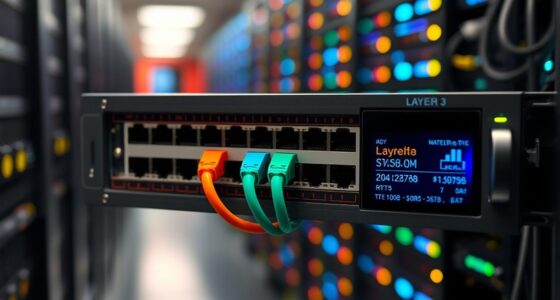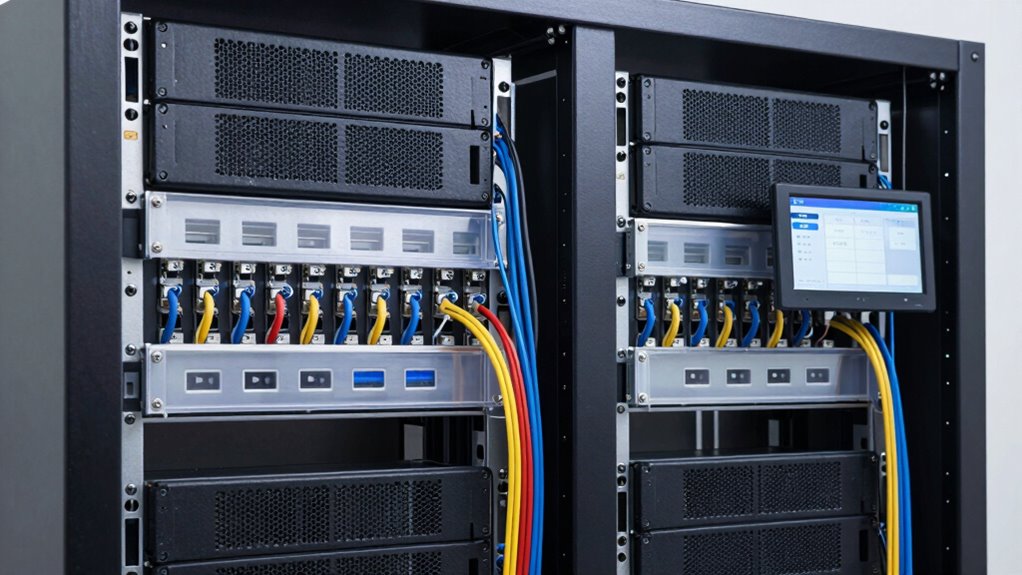

To make your network rack easier to maintain over time, focus on organizing cables with ties, labels, and structured pathways to reduce clutter. Guarantee good airflow by keeping space around equipment, cleaning dust regularly, and installing ventilation if needed. Develop a routine maintenance schedule and document your setup to simplify troubleshooting. Using visual aids like diagrams and color codes helps you quickly identify issues. Keep these practices in mind, and you’ll find maintenance becomes more straightforward and efficient as you continue to improve your setup.

Get networking and server gear delivered free — and shop member deals
- Fast, free delivery on millions of items
- Access to Prime Big Deal Days deals on October 6–7
- Prime Video, Amazon Music and more included
Key Takeaways
- Implement structured cabling with labels and color coding for quick identification and troubleshooting.
- Ensure proper airflow through adequate spacing, ventilation, and regular dust removal.
- Maintain a clean environment by routine cleaning and debris removal around the rack.
- Conduct scheduled maintenance checks and keep detailed documentation of all activities.
- Use visual aids like diagrams and organized pathways to simplify upgrades and ongoing management.
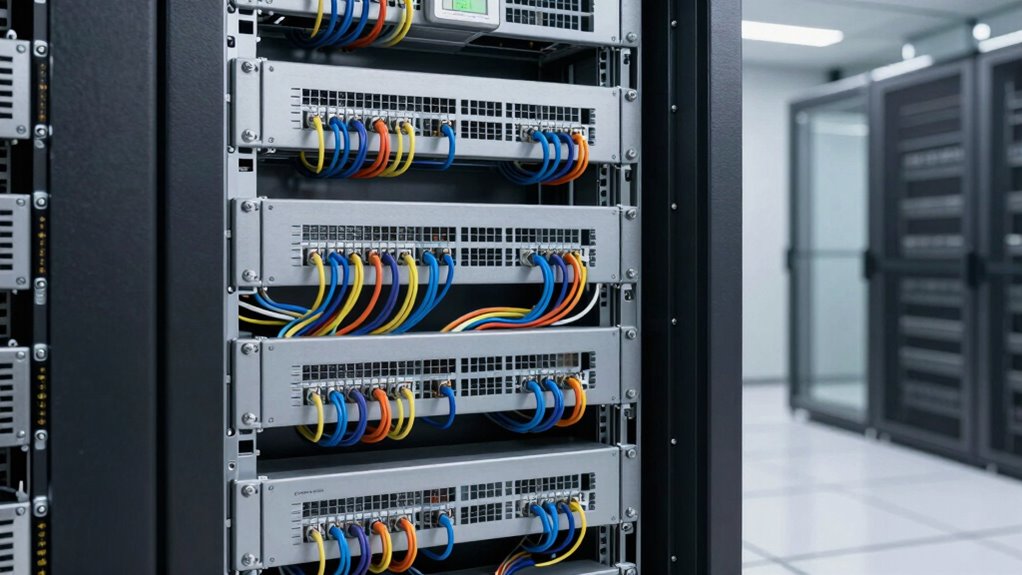
Have you ever considered how indispensable proper maintenance is for your network rack? Keeping your rack in good shape isn’t just about preventing downtime; it’s about making future management smoother and more efficient. One key aspect that profoundly impacts maintenance ease is cable management. When cables are organized neatly, you’ll find it much easier to identify, troubleshoot, and replace components without causing chaos. Use cable ties, labels, and structured pathways to keep everything tidy. Not only does this reduce the risk of accidental disconnections, but it also minimizes clutter that can obstruct airflow. When cables are well-managed, you can quickly assess what’s connected where, saving you time and frustration during maintenance or upgrades. Proper cable management also helps prevent damage to cables and hardware, extending the lifespan of your equipment. Additionally, implementing structured cabling systems can further simplify troubleshooting and future expansion efforts. Good cable management practices can also aid in preventing hardware failure, as they make it easier to spot potential issues before they escalate. Regularly reviewing and updating your cable organization can help identify potential problems early on, ensuring ongoing efficiency. Incorporating visual aids such as diagrams or color coding can enhance your understanding of the setup and facilitate faster maintenance responses. Ventilation efficiency is another essential factor that makes maintaining your network rack less of a hassle over time. Proper airflow prevents overheating, which can cause hardware failures or reduce the lifespan of your equipment. To enhance ventilation, guarantee that your rack has enough space around it for air to circulate freely. Install ventilation panels or fans if necessary, especially in environments with high equipment density. Keep vents clear of dust and debris, which can block airflow and lead to overheating. When your rack is ventilated properly, you’ll notice fewer temperature-related issues, reducing the frequency of hardware failures and the need for extensive troubleshooting.
Proper cable management simplifies maintenance, troubleshooting, and upgrades, ensuring a tidier, more efficient network rack.
Beyond cable management and ventilation, maintaining a clean environment around your rack plays a critical role. Regularly dust off equipment and ensure that no debris accumulates on or inside the rack. Dust and dirt can hinder airflow and cause equipment to overheat more quickly. Additionally, ensuring that all hardware is correctly mounted and secured prevents accidental disconnections or damage that could complicate maintenance routines. Developing a cleanliness routine and sticking to it can significantly improve overall maintenance ease and equipment longevity. Implementing a routine maintenance schedule is also essential. Check connections, clean filters, and verify that cooling systems are functioning properly. By doing so consistently, you catch potential problems early, avoiding larger issues that could disrupt your network. Keep detailed records of maintenance activities, so you know what’s been done and when, making future upkeep more straightforward.
network rack cable management accessories
As an affiliate, we earn on qualifying purchases.
As an affiliate, we earn on qualifying purchases.
Frequently Asked Questions
How Often Should Network Racks Be Inspected for Maintenance?
You should inspect your network rack monthly to guarantee peak performance. Check rack ventilation to prevent overheating and verify that airflow isn’t obstructed. Inspect the power supply for signs of wear or loose connections, and confirm all cables are secure. Regular inspections help catch issues early, preventing downtime. Keeping your rack clean and well-organized also contributes to easier maintenance over time, ensuring your network runs smoothly.
What Tools Are Essential for Network Rack Upkeep?
Think of maintaining your network rack like tuning a musical instrument—precision tools are vital. You’ll need a Phillips screwdriver for securing components, a cable tester for connectivity issues, and a thermal camera to monitor rack cooling. A multimeter guarantees power redundancy, preventing outages. Keep your tools organized and accessible, like a conductor’s baton, so you can swiftly address issues and keep your network harmonized.
How Can Cable Management Improve Rack Maintenance?
Cable management notably improves rack maintenance by promoting cable organization, making it easier to identify and access connections quickly. Properly labeled cables enhance label clarity, reducing confusion during troubleshooting or upgrades. When cables are neatly bundled and labeled, you save time and minimize errors, preventing accidental disconnections or damage. Overall, effective cable management creates a tidy, accessible rack environment that simplifies ongoing maintenance and guarantees reliable network performance.
What Are Common Signs of Rack Component Failure?
You’ll notice signs like component overheating, power supply issues, or inconsistent performance. These issues often manifest as unexpected shutdowns, flickering lights, or unusual noises. Regularly inspecting your rack for these signs helps you catch problems early. When components get hot or power supplies falter, it signals potential failure. Addressing these signs promptly prevents downtime, preserves equipment longevity, and keeps your network running smoothly.
How to Prioritize Maintenance Tasks in a Busy Environment?
You should prioritize maintenance tasks by identifying critical components first, ensuring you schedule regular inspections and tech training for your team. Focus on preventive measures like cleaning and checking for signs of wear to avoid unexpected failures. Use a maintenance checklist to stay organized, and address urgent issues promptly. This approach helps keep your network rack running smoothly, reduces downtime, and makes maintenance more manageable over time.
As an affiliate, we earn on qualifying purchases.
Conclusion
By keeping your network rack organized and accessible, maintenance becomes much simpler. Imagine a small business that implemented clear labeling and regular cable management—when a server needed a quick upgrade, they avoided hours of frustration. With just a little effort upfront, you’ll save time and reduce downtime down the line. A well-maintained rack isn’t just easier to manage; it keeps your network running smoothly, helping your business stay connected and productive.
As an affiliate, we earn on qualifying purchases.
structured cabling system for server rack
As an affiliate, we earn on qualifying purchases.
As an affiliate, we earn on qualifying purchases.
Halloween Picks
halloween
As an affiliate, we earn on qualifying purchases.