
To design a dependable home office network for remote work, start by placing your router in a central, open spot to guarantee strong signal coverage. Secure your Wi-Fi with WPA3 encryption and use unique, strong passwords. Keep your router firmware updated and consider setting up a separate guest network for visitors. Organize cables for safety and airflow, and invest in advanced equipment like mesh Wi-Fi systems if needed. Continuing will reveal more tips to optimize your setup effectively.
Key Takeaways
- Position your router centrally in your home to ensure strong, stable Wi-Fi coverage throughout the office area.
- Enable WPA3 encryption and change default passwords to secure your network against unauthorized access.
- Use a dedicated, separate guest network for visitors and smart devices to enhance security and reduce congestion.
- Invest in a router with QoS and beamforming features to prioritize work-related traffic and improve connection stability.
- Organize cables and keep equipment well-ventilated to maintain a tidy workspace and prevent overheating.
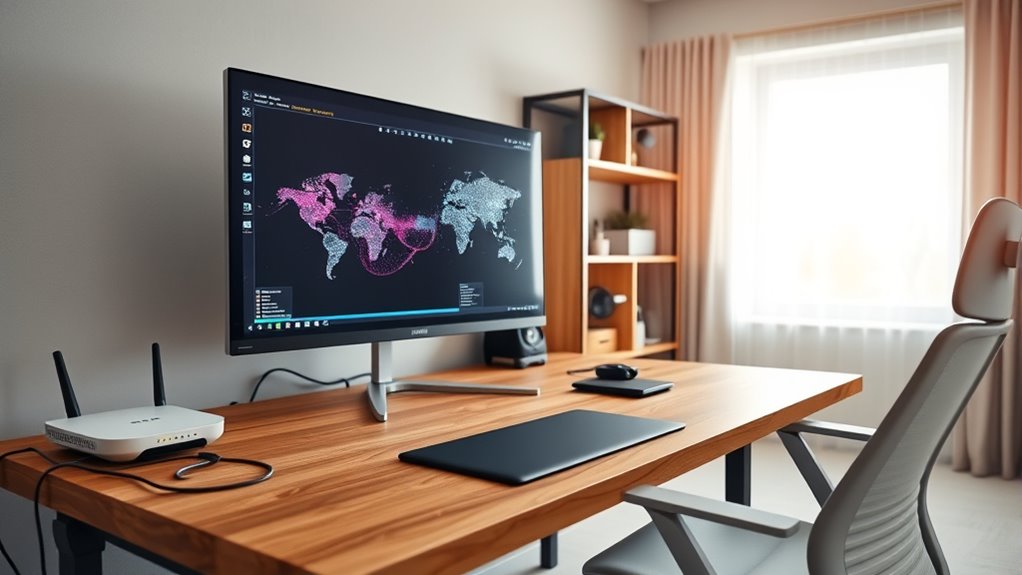
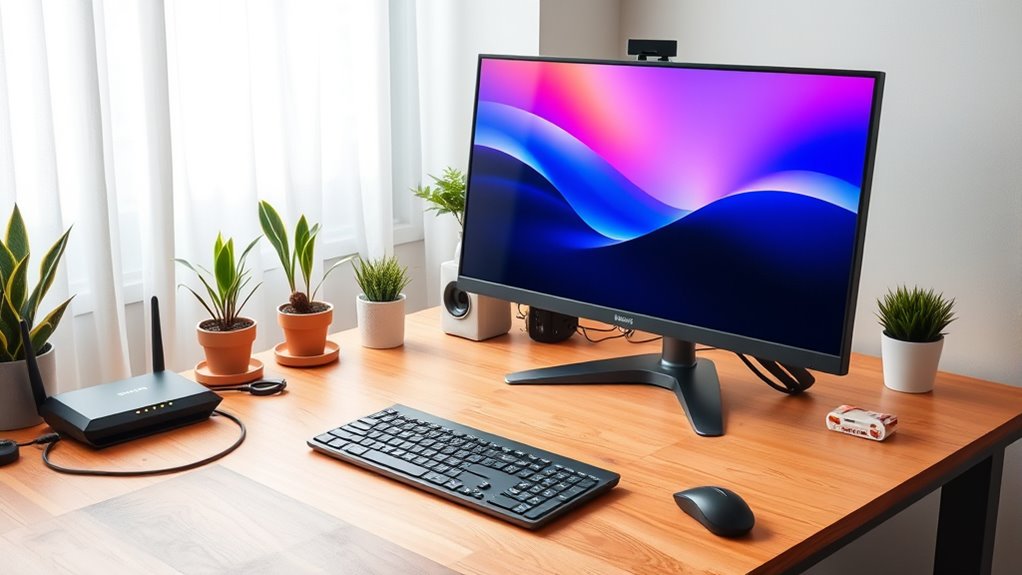
Setting up a reliable home office network is essential for staying productive and connected, especially as remote work becomes more common. When designing your network, focus on creating a secure, efficient environment that supports your daily tasks. Wireless security should be a top priority to protect your sensitive information from hackers and unauthorized access. Start by changing default passwords on your Wi-Fi router to strong, unique ones. Enable WPA3 encryption if your router supports it, as it provides the best security currently available. Regularly update your router’s firmware to patch vulnerabilities and improve performance. Consider setting up a separate guest network for visitors or smart devices, which keeps your primary network more secure. Using a strong password and enabling network encryption helps prevent intruders from accessing your data.
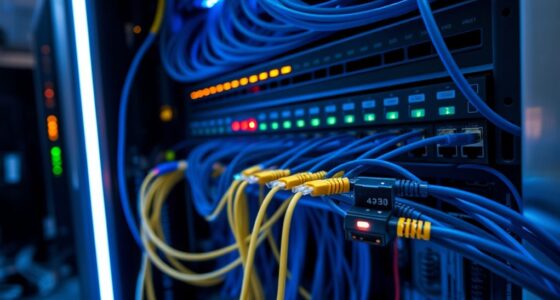
Cable management also plays a crucial role in designing an effective home office network. Even with a focus on wireless connectivity, proper cable organization helps keep your workspace neat and reduces the risk of accidental disconnections or damage. Use cable clips, sleeves, or organizers to keep cords tidy and out of the way. This not only improves safety by preventing tripping hazards but also makes it easier to troubleshoot or upgrade your equipment later. Position your modem and router in a central, open location, away from thick walls or metal objects that can interfere with signal strength. Proper placement ensures a more stable Wi-Fi connection, which is vital for video calls, file transfers, and streaming. Additionally, understanding AI cybersecurity jobs can help you recognize the importance of securing your network against evolving threats and vulnerabilities.
Furthermore, consider investing in a quality router with advanced features like multiple antennas, beamforming, and Quality of Service (QoS). These features help optimize your wireless security and improve overall network performance. For larger homes or those with multiple devices, a mesh Wi-Fi system can provide seamless coverage and eliminate dead zones. When managing cables, plan your setup to minimize clutter, keeping power strips and cords organized to avoid overheating and interference. This organization improves airflow around your equipment, prolonging its lifespan.
Frequently Asked Questions
How Can I Ensure My Wi-Fi Is Secure From Hackers?
To keep your Wi-Fi secure from hackers, you should use strong encryption protocols like WPA3 and regularly update your router’s firmware. Manage your passwords carefully by using unique, complex passwords and a trusted password manager. Enable network encryption, change default credentials, and disable remote management features. These steps protect your network, ensuring your data stays private and secure from potential threats.
What Is the Best Way to Prioritize Bandwidth for Work Tasks?
Did you know 70% of remote workers say a stable connection boosts productivity? To prioritize bandwidth for work tasks, set up Quality of Service (QoS) on your router. This allows you to allocate bandwidth specifically for work applications, ensuring smooth video calls and file uploads. Adjust bandwidth allocation settings to prioritize essential tasks, reducing lag and interruptions during critical work periods.
How Do I Set up a Guest Network Safely?
You should set up a guest network on your router, enabling guest isolation to prevent guests from accessing your main devices. Use network segmentation to separate the guest network from your primary network, adding an extra layer of security. Regularly update your router’s firmware, and avoid sharing the guest network password unnecessarily. This way, you keep your work devices safe while allowing visitors internet access without risking your sensitive data.
What Are Common Causes of Network Interruptions?
Did you know that 80% of network interruptions are caused by common issues? You might experience disruptions due to wireless interference from nearby devices or thick walls blocking signals. Hardware failures, like malfunctioning routers or cables, also play a significant role. To minimize these problems, guarantee your wireless channels are optimized, keep hardware updated, and reduce interference sources. Regularly checking your equipment helps maintain a stable, reliable network connection for remote work.
How Can I Improve Wi-Fi Coverage in Large or Multi-Story Homes?
To improve Wi-Fi coverage in large or multi-story homes, consider using mesh networking systems. They create a seamless network that covers every corner. Wi-Fi extenders can also boost signals to dead zones, but mesh networks generally provide more consistent coverage and easier management. Place the mesh nodes or extenders strategically, such as on different floors or near problem areas, to guarantee strong, reliable Wi-Fi throughout your home.
Conclusion
Now that you’ve set up your home office network, you’re ready to conquer remote work like a modern-day digital knight. Remember, a strong Wi-Fi signal and secure connections keep your productivity soaring faster than a drone on a delivery run. Think of your network as your own Batcave—your secret base for success. So, gear up, stay connected, and enjoy your work-from-home adventure—because even in a digital age, a good network is your best sidekick.