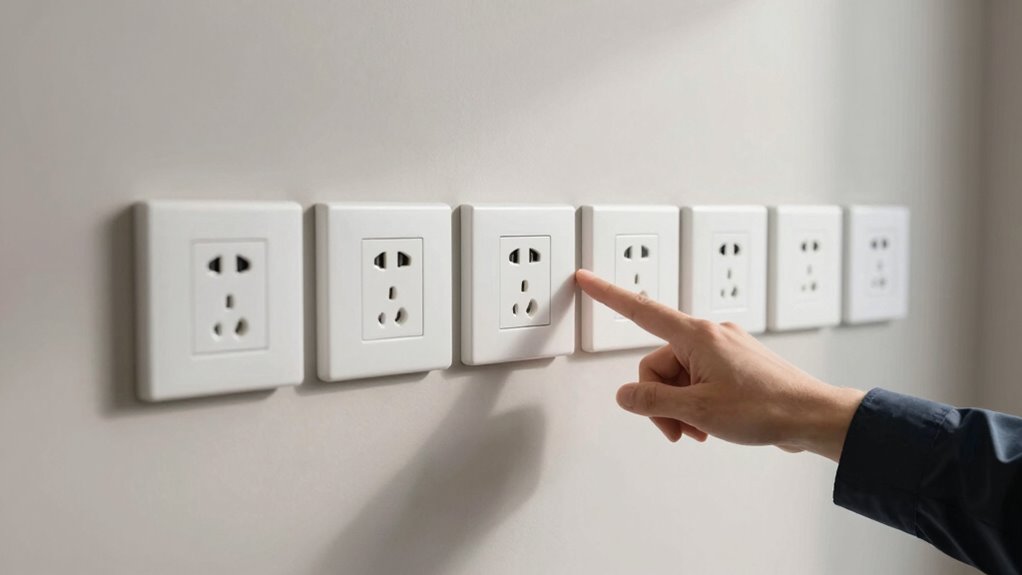

To decide where to place wall jacks for better flexibility, focus on positioning near main devices like desktops and TVs for easy access. Keep jacks in spots that prevent cords from crossing walkways or creating tripping hazards, and consider accessibility by placing them at convenient heights. Include extra outlets for future needs and plan placements that support room layout and reconfiguration. If you want more tips, you’ll find helpful strategies for optimizing your setup just ahead.
Key Takeaways
- Position jacks near main devices and at accessible heights to facilitate easy connection and future adjustments.
- Plan for extra outlets in strategic areas to allow for future device additions or room reconfigurations.
- Avoid placing jacks in high-traffic or awkward locations to prevent damage and ensure safety.
- Use flexible wiring routes and concealment methods to allow easy reorganization and maintain a tidy appearance.
- Consider room layout and furniture placement to maximize accessibility and accommodate potential changes.
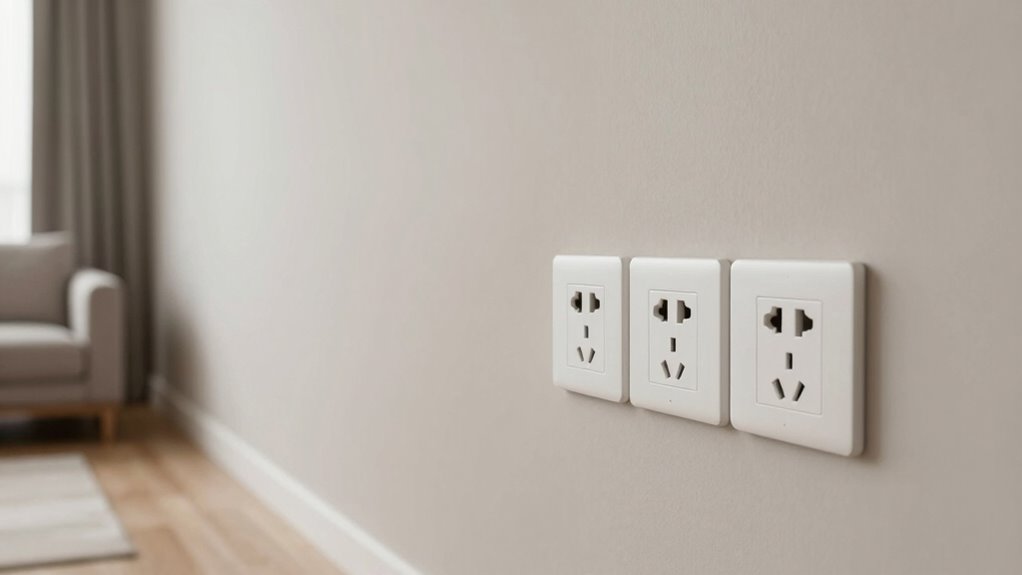
Are you unsure where to place your wall jack for ideal support and convenience? Choosing the right spot is more than just finding an empty wall; it’s about maximizing functionality while keeping your space neat and attractive. Start by considering how you’ll use the space and what devices you’ll connect. For instance, if you frequently use a desktop computer or a TV, placing the wall jack near your desk or entertainment center makes sense. Think about the layout of your room and plan the placement so cords won’t stretch across walkways or clutter your space. This helps you avoid tripping hazards and keeps your environment tidy.
Position your wall jack near your main devices to enhance convenience and maintain a tidy space.
Cable management plays a vital role in this process. Proper placement allows you to organize cords efficiently, preventing tangles and reducing wear and tear on cables. Use cable clips, sleeves, or conduits to route cables neatly along walls or behind furniture. When you plan your wall jack location, consider accessibility—placing it at a height that makes plugging and unplugging devices simple without requiring you to crouch or reach awkwardly. This not only improves ease of use but also prolongs the lifespan of your cables and connectors. Additionally, understanding cable management techniques can help you keep your setup organized and safe. Incorporating wire concealment methods can further enhance the room’s appearance by hiding unsightly cables and jacks. Proper planning of outlet placement also contributes to a cleaner, more organized environment.
Aesthetic considerations are just as important as functionality. You want your wall jacks to blend seamlessly with your decor, not stand out like an afterthought. Choose locations where the jacks are less conspicuous but still practical. For example, installing a jack behind a piece of furniture or in a corner can hide unsightly cables and keep your space looking clean. If your room has a specific style, pick wall plates that match your wall color or have a sleek design that complements your overall decor. Remember, well-placed jacks can achieve both convenience and visual harmony, making your space look polished. Planning flexible outlet placement can also help accommodate future device additions or room reconfigurations.
Another point to think about is future flexibility. You might not need a wall jack in the same spot forever. Planning a few extra outlets or jacks in strategic areas can save you trouble down the line. Consider potential changes in your setup, such as adding new devices or rearranging furniture, and accommodate those needs now. Additionally, understanding wall jack placement techniques can help you optimize your room’s setup for current and future needs. Also, avoid placing wall jacks in high-traffic areas where accidental damage might occur.

SUPERDANNY Extension Cord,Flat Plug Surge Protector Power Strip,10Ft
- 12-in-1 Surge Protector: 8 AC outlets, 2 USB-C, 2 USB-A ports
- Multi-Device Compatibility: Supports multiple devices simultaneously
- Spacious Outlet Design: Extra 1.65-inch space between outlets
As an affiliate, we earn on qualifying purchases.
As an affiliate, we earn on qualifying purchases.
Frequently Asked Questions
How Do I Future-Proof Wall Jack Placement for Tech Upgrades?
To future-proof wall jack placement, you should install extra jacks near areas where you’ll add tech later, considering wireless integration needs. Position jacks at versatile spots to accommodate new devices and avoid clutter. Use cable management solutions to keep wiring organized and accessible. Planning for potential upgrades now guarantees easy integration of wireless tech and reduces future remodeling, giving you a flexible, clean setup that adapts to evolving technology.
What Are the Best Heights for Different Rooms?
For ideal wall jack placement, consider room-specific placement and wall height considerations. In living rooms, install jacks around 12-18 inches from the floor for easy access to TVs and sound systems. In bedrooms, place them near bedside tables at about 18-24 inches high. Kitchens benefit from higher placements, around 48 inches, to suit appliances or counters. Always tailor the height to the room’s function, ensuring convenience and future flexibility.
Should Wall Jacks Be Placed Near Furniture or Open Spaces?
Coincidence often guides smart placement; you should avoid putting wall jacks near furniture to prevent interference and maintain a clean look. Instead, position them in open spaces where they’re accessible yet unobtrusive, considering aesthetic considerations. This allows you to connect devices effortlessly without clutter or visual distraction, ensuring your space feels open and functional. Proper placement balances convenience with visual harmony, making your room both practical and appealing.
How Many Jacks Are Needed for a Typical Home Setup?
For a typical home setup, you’ll usually need 4 to 8 wall jacks to guarantee good cable management and aesthetic integration. Place them strategically in common areas like the living room, bedrooms, and home office to maximize flexibility. This way, you keep cables organized, hidden, and easily accessible, reducing clutter. Adjust the number based on your devices’ needs and the layout to maintain a clean, functional space.
Are There Specific Wall Jack Types for Different Devices?
Think of wall jacks as gateways, each designed for specific devices. You’ll find different types—Ethernet, coaxial, power—to match device compatibility. For smooth installation, consider your devices’ needs, like high-speed internet or TV signals, and choose jacks suited for them. This guarantees seamless connectivity and avoids future upgrades. Picking the right jack type now simplifies setup and keeps your tech running efficiently, like a well-orchestrated symphony.
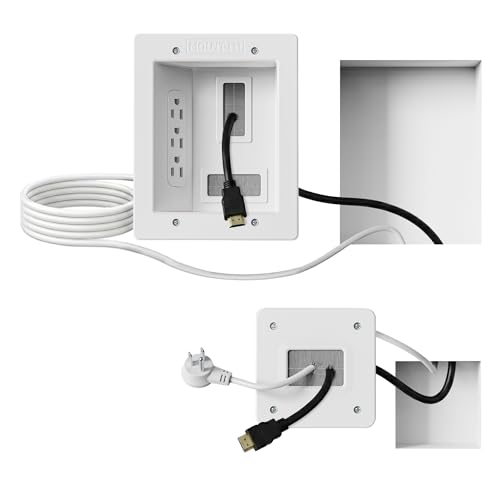
Mount-It! in-Wall TV Cable Concealer Kit with Recessed Power – Triple Outlet, 9ft Cord, and Hand Saw – Easy, Safe Cable Management for Organized TV and Home Theater Setups
- Organized Home Theater: Eliminate messy wires for a clean look
- Flexible Cable Concealment: Accommodates HDMI, Ethernet, and A/V cables
- Easy DIY Installation: Setup in under 30 minutes with included tools
As an affiliate, we earn on qualifying purchases.
As an affiliate, we earn on qualifying purchases.
Conclusion
Think of wall jacks like the roots of a tree — the better they’re placed, the stronger and more flexible your setup becomes. I once helped a homeowner who strategically placed jacks near their favorite furniture spots, and now they easily rearranged their space without hassle. Remember, thoughtful placement isn’t just about convenience; it’s about creating a flexible, efficient home. With a little planning, your walls can adapt just as smoothly as that tree bending with the wind.

VCE CAT6 Ethernet Wall Plate (UL Listed) White 2-Pack
- Connects Two Ethernet Cables: Easily connect two Ethernet cables
- UL Certified Quality: UL Listed, fire-retardant, impact resistant
- High-Speed Data Transfer: Supports 1000 Mbps gigabit Ethernet
As an affiliate, we earn on qualifying purchases.
As an affiliate, we earn on qualifying purchases.

Anker Power Strip with 2100J Surge Protector, Outlet Extender, 20W, 12 AC
- Power outlets and ports: 12 AC outlets, 1 USB-C, 2 USB-A ports
- Fast charging for iPhone: 20W USB-C port for quick charge
- Enhanced safety features: 8-point surge and overload protection
As an affiliate, we earn on qualifying purchases.
As an affiliate, we earn on qualifying purchases.