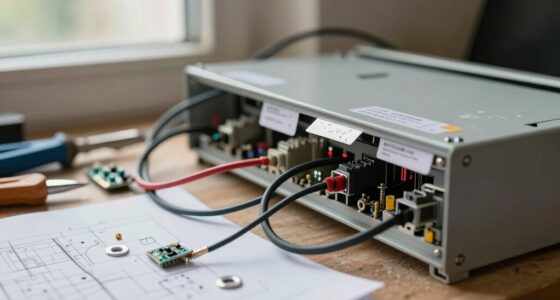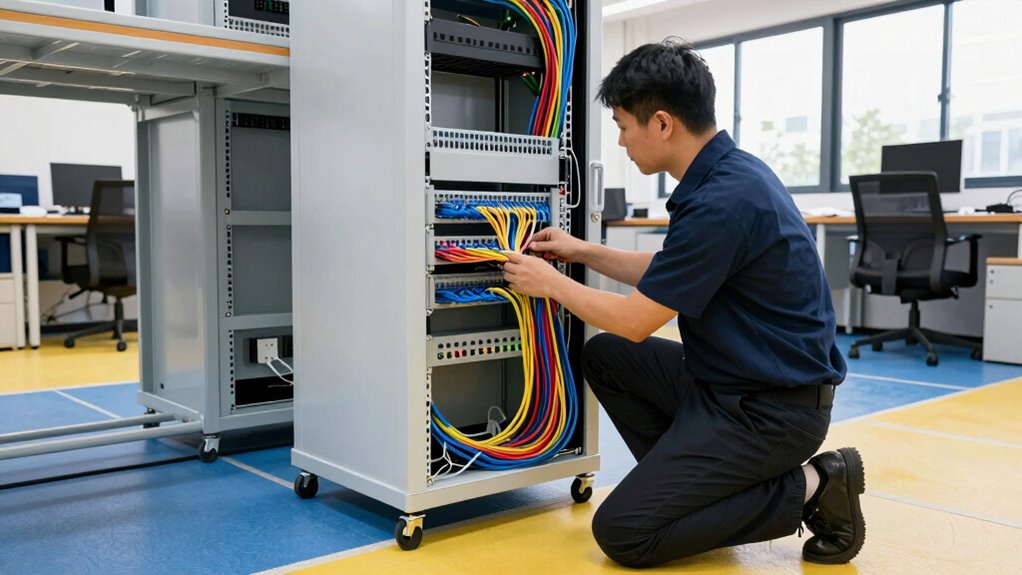

Start by evaluating your building’s current infrastructure and identifying future needs across floors. Map device locations, plan cable routes, and determine where switches and access points should go. Consider wireless options for hard-to-cable areas and estimate costs for all equipment and labor. Coordinate with building management and develop detailed plans and diagrams. Keep scalability in mind for ongoing maintenance and upgrades. Exploring these steps further will help you create a reliable, efficient network plan.

Get business pricing on networking and server gear
- Business-only prices and quantity discounts
- Tax-exempt purchasing
- Multiple users, one account, clear invoices
Key Takeaways
- Conduct a thorough infrastructure assessment and layout planning to identify optimal cable routing and device placement.
- Evaluate wireless alternatives for areas where cabling is impractical or costly.
- Obtain detailed cost estimates and multiple vendor quotes to stay within budget.
- Develop comprehensive wiring diagrams, secure permits, and schedule installation during low-traffic times.
- Plan for ongoing maintenance, scalability, and documentation to ensure long-term network reliability.
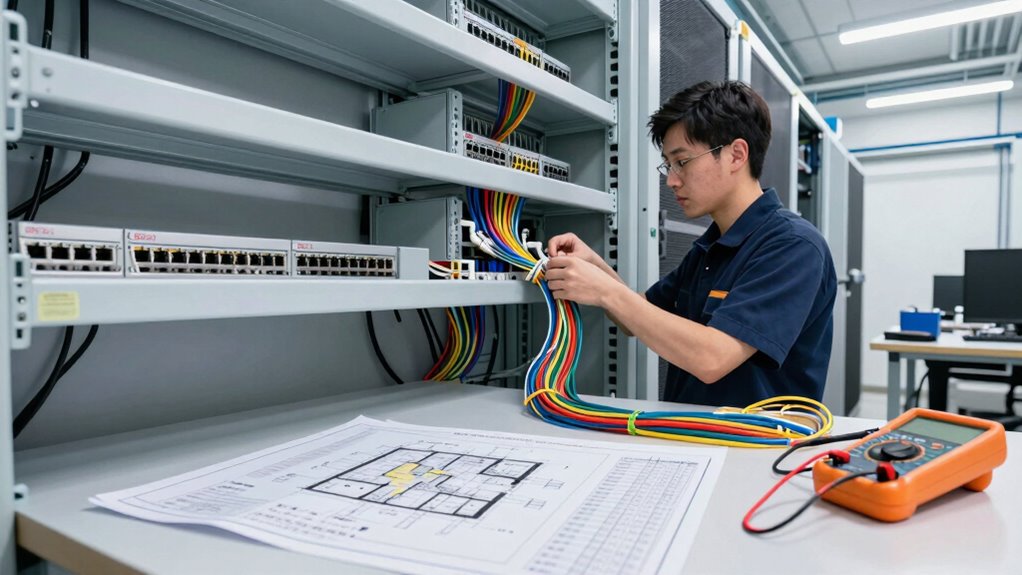
When planning a multi-floor Ethernet installation, thorough preparation is vital to guarantee a smooth and successful setup. You need to begin by evaluating the current infrastructure and understanding your specific connectivity needs across different floors. This involves mapping out where devices will be located, considering future expansion, and identifying any physical obstacles that could impact cable routing. Knowing the layout helps you determine the amount of cabling, switch placement, and access points required, ultimately influencing your budget and timeline.
As you analyze your options, you should also explore wireless alternatives. While Ethernet provides reliable, high-speed connections, wireless solutions like Wi-Fi extenders or mesh networks can supplement or sometimes replace hardwired connections. These alternatives are especially useful for areas where running cables is impractical or costly. Incorporating wireless options into your plan offers flexibility and can reduce installation time, but keep in mind that they might not match Ethernet’s speed and stability. Weighing the benefits of wireless alternatives against wired connections helps you make informed decisions that align with your performance expectations and budget constraints.
Cost estimation plays a vital role early on. You need to account for the price of Ethernet cables, switches, routers, and installation labor. Don’t forget to include costs for wireless devices if you plan to implement wireless alternatives. Creating a detailed budget based on your evaluation ensures you don’t overspend and helps you prioritize essential components. It’s wise to get multiple quotes from vendors and installers to compare prices and identify potential savings. Also, consider future expansion, which might involve additional cabling or equipment, and incorporate those costs into your estimate. Additionally, understanding network infrastructure is essential to ensure your setup is scalable and efficient. Proper planning and documentation can also prevent costly errors during installation. Incorporating cabling standards can further improve the longevity and performance of your network. A well-designed plan should also account for potential interference issues, which can affect signal quality and network reliability.
Preparation also involves securing the necessary permits and coordinating with building management to avoid disruptions. You’ll want to plan the installation during times that minimize impact on daily operations. Additionally, prepare a wiring diagram and a detailed installation plan, which serve as blueprints during setup. This planning minimizes errors and streamlines the process, saving you time and money.
Finally, remember that proper planning extends beyond the initial installation. Regular maintenance and periodic upgrades ensure your network remains reliable. By thoroughly evaluating your needs, exploring wireless alternatives, estimating costs accurately, and preparing detailed plans, you set a strong foundation for a successful multi-floor Ethernet setup. This proactive approach not only guarantees efficiency but also maximizes your investment, providing a robust, scalable network that supports your organization’s growth.
As an affiliate, we earn on qualifying purchases.
Frequently Asked Questions
What Tools Are Essential for Multi-Floor Ethernet Installation?
You’ll need essential tools like a drill for drywall drilling, cable management supplies, and a stud finder to locate ideal pathways. A fish tape helps guide Ethernet cables through walls and ceilings, while a screwdriver ensures secure connections. Don’t forget a level to keep everything aligned and cable clips or ties to organize the wiring neatly. These tools streamline your multi-floor Ethernet installation, making it efficient and less stressful.
How Long Does a Typical Multi-Floor Ethernet Project Take?
A typical multi-floor Ethernet project can take anywhere from a few days to a couple of weeks, depending on complexity. Ironically, the most time-consuming part isn’t pulling cable but ensuring proper cable management and thorough signal testing. You’ll want to double-check every run, label cables clearly, and verify signal integrity. Rushing these steps might save time initially, but it’ll cost you later with troubleshooting and network issues.
Can I Install Ethernet Cables Myself on Multiple Floors?
You can attempt DIY wiring for home networking on multiple floors if you have basic electrical skills and proper tools. However, multi-floor Ethernet installation can be complex, requiring planning for cable runs, wall drilling, and avoiding electrical interference. If you’re unsure, consider consulting a professional to make sure your home networking system is reliable and safe. Proper planning and caution make DIY wiring possible, but expertise helps prevent common mistakes.
What Are the Common Challenges Faced During Multi-Floor Installations?
Managing a multi-floor Ethernet installation is like threading a delicate needle through a maze of walls and ceilings. You’ll face challenges with cable management, ensuring cables stay tidy and organized, and maintaining signal integrity across distances. Obstructions can cause interference, and improper routing risks signal loss. Planning carefully, using quality cables, and securing proper shielding help you overcome these hurdles, ensuring a seamless, reliable network that spans your entire building.
How Do I Ensure Future Scalability of the Network?
To guarantee future scalability, you should focus on future-proofing your network by incorporating scalable switches and routers that support higher bandwidths. During scalability planning, leave room for additional cabling and hardware upgrades. Opt for modular equipment that allows easy expansion, and document your current infrastructure thoroughly. Regularly review your network’s capacity and stay updated on emerging technologies, so you can adapt quickly and avoid costly overhauls later.
As an affiliate, we earn on qualifying purchases.
Conclusion
As you stand in the freshly wired building, you can almost hear the hum of reliable internet coursing through each cable, connecting every floor seamlessly. With your tools in hand and plans in mind, you’ve turned a tangled web of wires into a smooth-flowing network. Imagine the future—streaming, working, gaming—everything running effortlessly across every level. You’ve not just installed Ethernet; you’ve built the backbone for countless moments of connection and productivity.
As an affiliate, we earn on qualifying purchases.
As an affiliate, we earn on qualifying purchases.
Halloween Picks
halloween
As an affiliate, we earn on qualifying purchases.