
Running Ethernet over power lines (EoP) lets you use your home’s existing electrical wiring to create a wired network without installing new cables. You plug adapters into outlets on the same circuit, and they connect your devices reliably when interference is minimal. Keep in mind, electrical noise from appliances can slow speeds or cause disconnections. To get the best performance, follow some simple tips—discover more ways to optimize your setup as you continue.

Get networking and server gear delivered free — and shop member deals
- Fast, free delivery on millions of items
- Access to Prime Big Deal Days deals on October 6–7
- Prime Video, Amazon Music and more included
Key Takeaways
- Powerline adapters use existing electrical wiring to create a wired Ethernet network without new cables.
- Ensure adapters are plugged directly into wall outlets on the same electrical circuit for optimal performance.
- Electrical noise from appliances like refrigerators can interfere, reducing speed and stability.
- Older or poorly maintained wiring may limit network speeds and reliability.
- Using adapters with noise filtering and avoiding power strips enhances connection quality.
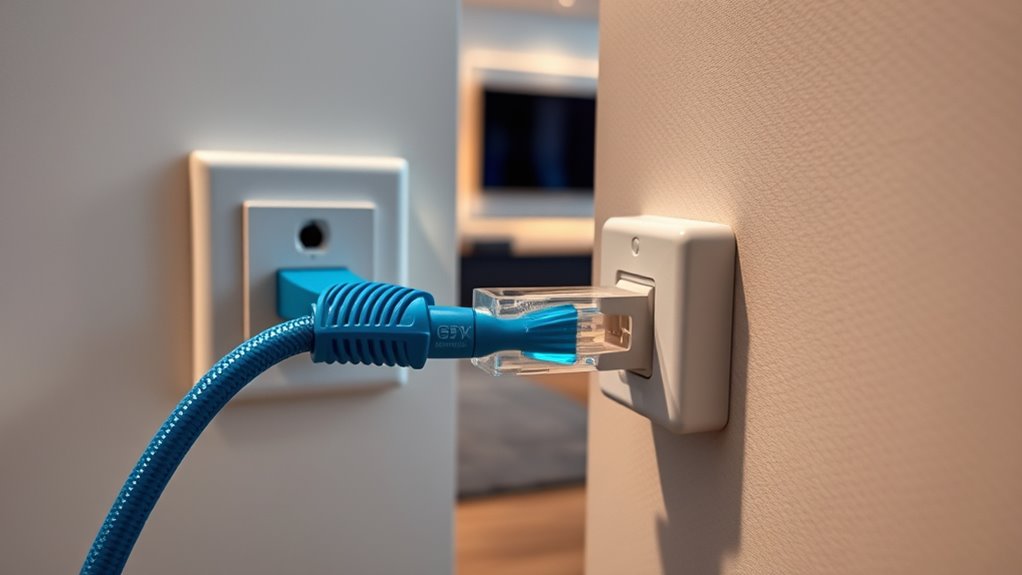
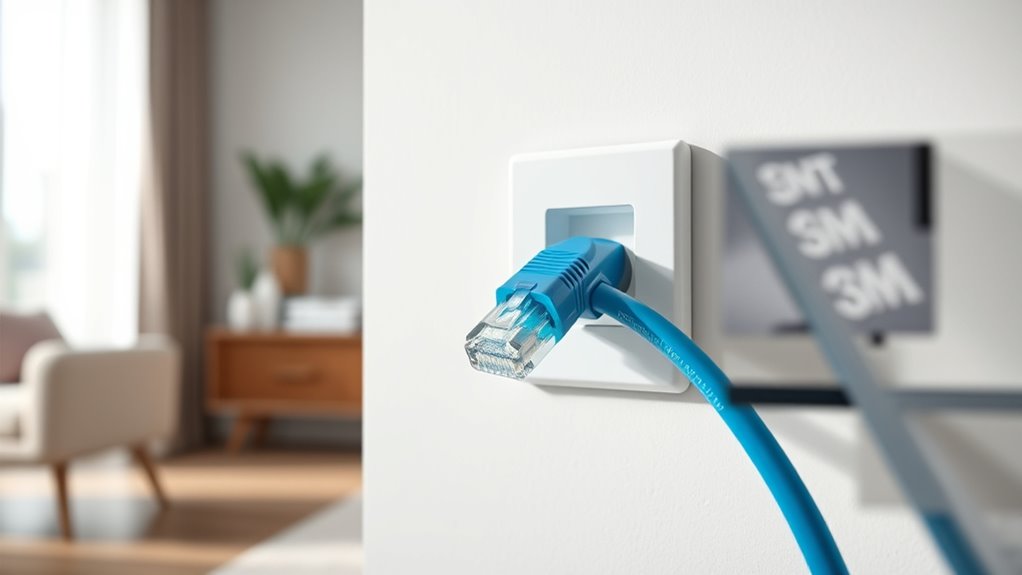
Running Ethernet over power lines offers a convenient way to expand your network without installing new cables. With powerline adapters, you can turn your existing electrical wiring into a functional Ethernet network, making it easier to connect devices in different parts of your home or office. Instead of drilling holes or running long Ethernet cables across rooms, you simply plug these adapters into your wall outlets, creating a wired connection that’s often more stable than Wi-Fi. This setup is especially helpful if your Wi-Fi signals struggle to reach certain areas or if you want a more reliable connection for streaming, gaming, or large data transfers.
Expand your network effortlessly by using existing electrical wiring for a stable, reliable Ethernet connection throughout your home or office.
However, before diving in, it’s important to comprehend some key factors that influence performance. Powerline adapters rely on your home’s electrical wiring to transmit data, but the quality of your wiring and the electrical environment can impact signal strength. One of the main issues you might encounter is signal interference. Appliances that draw a lot of power—such as refrigerators, microwave ovens, or space heaters—can introduce electrical noise, disrupting the data signals traveling through your wires. This interference can cause slower speeds, dropped connections, or inconsistent performance, especially if multiple high-power devices are running simultaneously on the same circuit.
To minimize signal interference, it’s recommended to connect your powerline adapters directly into wall outlets rather than power strips or extension cords. Power strips often introduce additional noise and can weaken the signal, reducing the overall effectiveness of your setup. Also, try to plug adapters into outlets on the same electrical circuit whenever possible. This ensures a more direct path for the signals and reduces the chances of interference bouncing around different circuits, which can degrade performance.
Another aspect worth thinking about is the quality and age of your electrical wiring. Older wiring might not support the higher frequencies used by powerline adapters, which can limit your network speeds. If you experience persistent issues, testing different outlets or upgrading your wiring might be necessary. Additionally, some powerline adapter models come with built-in noise filters or advanced technology to help counteract interference, so investing in these can improve reliability.
Powerline Ethernet Adapter with Noise Filtering
As an affiliate, we earn on qualifying purchases.
As an affiliate, we earn on qualifying purchases.
Frequently Asked Questions
Can Eop Work Through All Types of Electrical Wiring?
EoP doesn’t work through all types of electrical wiring, as wiring compatibility varies. You might face issues if your wiring has poor quality or electrical interference, which can disrupt data transmission. Older or damaged wiring can also hinder performance. For reliable EoP setup, guarantee your wiring is compatible and free from electrical interference, as these factors considerably impact the effectiveness of your Ethernet over power lines.
What Are the Security Risks of Using Eop?
Did you know that nearly 60% of home networks face security breaches? Using EoP can pose risks if data isn’t properly encrypted, making it vulnerable to interception. To protect yourself, enable data encryption and consider network segmentation, isolating your EoP devices from sensitive systems. These steps help reduce hacking risks and ensure your network stays secure while enjoying the convenience of Ethernet over power lines.
How Does Eop Impact Energy Consumption?
EoP can slightly increase your power consumption since the adapters and devices draw extra energy to transmit data over power lines. However, many EoP devices are designed for energy efficiency, minimizing power use when idle. While it may not drastically impact your overall energy consumption, it’s good to contemplate the energy efficiency ratings of your equipment to keep power use optimized and reduce unnecessary energy costs.
Is Eop Suitable for Outdoor or Wet Environments?
Surprisingly, EoP isn’t the best choice for outdoor installation or wet environments. Its moisture resistance isn’t designed for rain or humidity, so you’ll want to avoid using it outdoors. Instead, look for equipment specifically rated for outdoor use, with proper weatherproofing. If you try to run EoP in wet conditions, expect unreliable connections and potential damage, making it a poor choice for moisture-prone environments.
What Is the Typical Lifespan of an Eop Adapter?
You can expect an EoP adapter’s lifespan to be around 5 to 10 years, though this depends on adapter durability and lifespan factors like power surges, environmental conditions, and usage frequency. To maximize longevity, guarantee you use high-quality adapters, keep them dry and well-ventilated, and avoid power fluctuations. Regularly inspect your adapters for wear and tear to prevent unexpected failures and prolong their effective lifespan.
Ethernet over Powerline Kit for Home Network
As an affiliate, we earn on qualifying purchases.
As an affiliate, we earn on qualifying purchases.
Conclusion
Now that you know about Ethernet over Power, you’re practically a networking superhero! With just a simple adapter, you can turn your home’s power lines into a lightning-fast internet highway—faster than the speed of thought! No more dead zones or slow buffers; your connection will be unstoppable, like a data hurricane tearing through your house. Get ready to conquer your Wi-Fi woes and release internet power that’s truly out of this world!
High-Speed Powerline Network Adapter
As an affiliate, we earn on qualifying purchases.
As an affiliate, we earn on qualifying purchases.
Powerline Ethernet Extender for Whole House
As an affiliate, we earn on qualifying purchases.
As an affiliate, we earn on qualifying purchases.
Halloween Picks
halloween
As an affiliate, we earn on qualifying purchases.