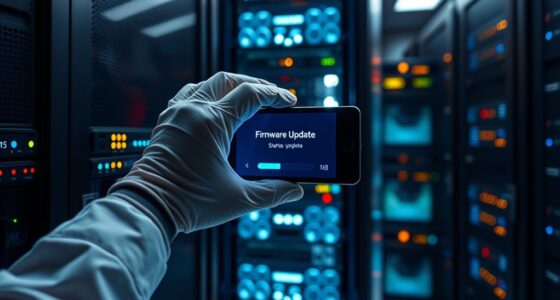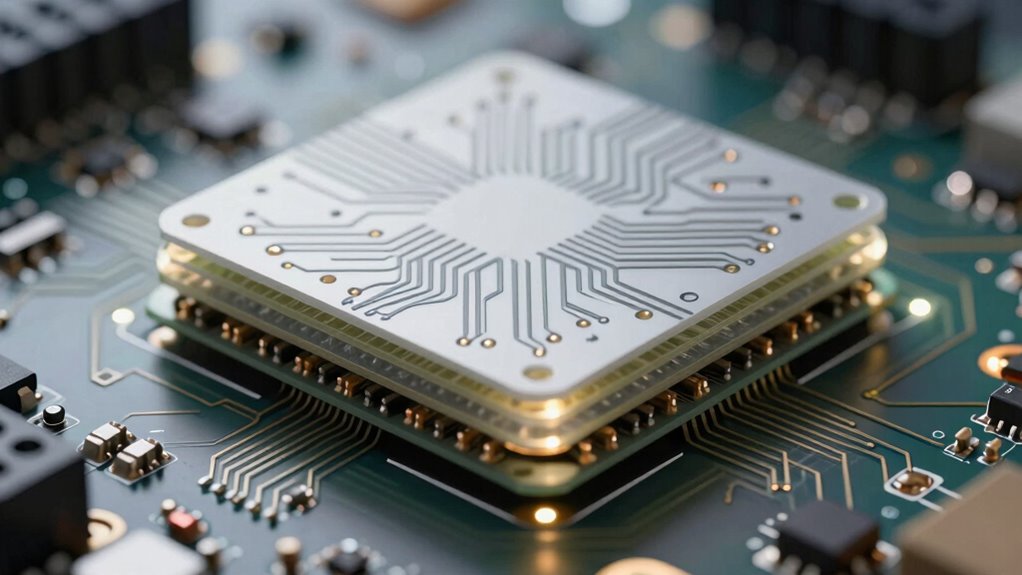

To improve troubleshooting with cleaner Layer 1 design, focus on keeping traces short and consistent, implementing proper termination, and following industry standards. These practices reduce signal reflections, noise, and impedance mismatches, making faults easier to identify. Use diagnostic tools early in the design process to catch issues before they become problems. Combining disciplined design with advanced diagnostics helps you troubleshoot faster and more confidently—so continue exploring how these approaches can streamline your workflow.

Get business pricing on networking and server gear
- Business-only prices and quantity discounts
- Tax-exempt purchasing
- Multiple users, one account, clear invoices
Key Takeaways
- Keep trace lengths short and consistent to reduce signal delay and reflections.
- Implement proper termination techniques to prevent signal bouncing and improve signal integrity.
- Use simulation tools to analyze Layer 1 signal behavior and identify potential issues early.
- Follow industry standards for PCB layout to ensure predictable and reliable signal performance.
- Document design changes and diagnostic results to facilitate troubleshooting and continuous improvement.
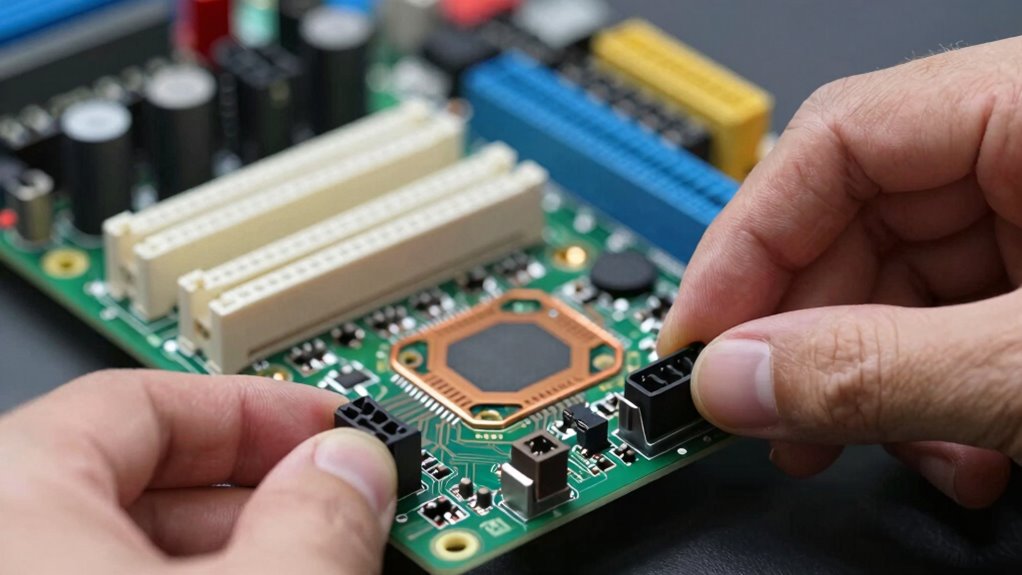
Have you ever encountered issues with your cleaner Layer 1 design that seem impossible to resolve? If so, you’re not alone. Troubleshooting at this level can be tricky because problems often stem from subtle signal integrity issues or hidden design flaws that aren’t immediately apparent. To improve your troubleshooting process, leveraging automated diagnostics tools can make a significant difference. These tools help quickly identify faults by analyzing the entire signal path, revealing inconsistencies or anomalies that might be causing performance degradation. Automated diagnostics remove the guesswork, allowing you to pinpoint issues faster and with greater confidence.
One of the most critical aspects of a clean Layer 1 design is maintaining signal integrity. When signals degrade, it’s often due to noise, crosstalk, impedance mismatches, or reflections, all of which can be difficult to detect manually. To enhance troubleshooting, you need to incorporate techniques that assess signal integrity throughout your design. This could involve using specialized simulation software or measurement instruments that offer real-time insights into how signals behave under different conditions. By doing so, you can identify problematic areas early—before they cause system failures—saving you time and resources in the long run. Additionally, understanding signal integrity and how it impacts overall system performance can guide more effective troubleshooting. Knowing how to interpret these measurements and data can also help you develop better diagnostic strategies.
Improving troubleshooting isn’t just about tools; it’s also about understanding your design principles and ensuring best practices are followed. For example, keeping trace lengths short and consistent minimizes signal delay and reduces the likelihood of reflections. Proper termination is crucial to prevent signal bouncing, which can distort data and create errors. When issues arise, reviewing these fundamentals can often shed light on the root cause. Additionally, understanding the importance of design best practices and how they align with industry standards can further enhance your ability to diagnose issues accurately. Incorporating industry standards into your process ensures a consistent approach to troubleshooting and design optimization. Complementing this with automated diagnostics allows you to test specific segments of your Layer 1 and quickly see where the signal integrity breaks down, streamlining your troubleshooting process.
Furthermore, staying updated on the latest diagnostic tools and techniques can provide new insights and methods for resolving complex issues more efficiently. Regularly attending industry workshops or training sessions can also expand your troubleshooting skill set. Additionally, maintaining thorough documentation of your design and the diagnostic results can lead to continuous improvements. When you record the outcomes of automated diagnostics and signal integrity tests, you build a knowledge base that helps you recognize recurring issues and refine your design process. This proactive approach minimizes future problems and enhances your ability to troubleshoot effectively. Combining disciplined design practices with advanced diagnostic tools creates a powerful strategy for resolving Layer 1 issues swiftly and with precision.
PCB signal integrity testing tools
As an affiliate, we earn on qualifying purchases.
As an affiliate, we earn on qualifying purchases.
Frequently Asked Questions
How Does Layer 1 Design Impact Overall System Reliability?
Layer 1 design directly impacts your system’s reliability by enhancing fault tolerance and maintaining signal integrity. A well-structured layer 1 reduces noise, minimizes faults, and guarantees consistent data transmission, which helps prevent system failures. When you prioritize clean, organized design, you make troubleshooting easier and improve overall robustness. This proactive approach ensures your system remains reliable, even under challenging conditions, by supporting fault tolerance and preserving signal quality throughout the network.
What Tools Are Best for Analyzing Layer 1 Issues?
You should use tools like oscilloscopes and time-domain reflectometers (TDRs) for analyzing Layer 1 issues. Did you know that over 60% of signal integrity problems stem from poor fault isolation? These tools help you visualize signal quality, identify reflections, and locate faults quickly. By focusing on precise fault isolation, you can troubleshoot more efficiently and guarantee your Layer 1 design remains reliable and robust.
How Can I Prevent Common Layer 1 Design Mistakes?
To prevent common Layer 1 design mistakes, focus on layer optimization and signal integrity from the start. Use proper impedance control, maintain consistent trace widths, and guarantee short, direct signal paths. Avoid abrupt bends and unnecessary vias that can cause reflections. Regularly verify your design with simulation tools, and adhere to industry best practices. This proactive approach minimizes errors, enhances performance, and simplifies troubleshooting down the line.
What Are the Cost Implications of Redesigning Layer 1?
Redesigning Layer 1 involves significant cost implications, including hardware upgrades, testing, and potential downtime. You should conduct a detailed cost analysis to evaluate these expenses against the benefits of improved troubleshooting. Implementing effective redesign strategies, like incremental changes or modular architecture, can help minimize costs. While upfront expenses may be high, a well-executed redesign ultimately reduces maintenance costs and enhances system reliability, saving you money long-term.
How Does Layer 1 Troubleshooting Differ From Higher Layers?
Troubleshooting Layer 1 is like untangling a knot—more physical and immediate. You focus on signal integrity and fault isolation directly on the hardware, often using oscilloscopes and testers. Higher layers involve complex software and protocols, making issues less tangible. Your challenge is to identify physical faults quickly, whereas higher layers require digging through layers of data and logic. Layer 1 troubleshooting demands a hands-on approach to clear physical issues efficiently.
Layer 1 diagnostic measurement instruments
As an affiliate, we earn on qualifying purchases.
As an affiliate, we earn on qualifying purchases.
Conclusion
By adopting a cleaner Layer 1 design, you simplify troubleshooting much like a master chef refines a recipe—removing unnecessary steps and focusing on clarity. Just as Sherlock Holmes pieces together clues, your streamlined approach helps you pinpoint issues swiftly, saving time and reducing frustration. Embrace these principles, and you’ll navigate network problems with the precision of a detective uncovering the truth—making your troubleshooting not just easier, but truly insightful.
automated PCB troubleshooting software
As an affiliate, we earn on qualifying purchases.
As an affiliate, we earn on qualifying purchases.
signal reflection and impedance analyzer
As an affiliate, we earn on qualifying purchases.
As an affiliate, we earn on qualifying purchases.
Halloween Picks
halloween
As an affiliate, we earn on qualifying purchases.