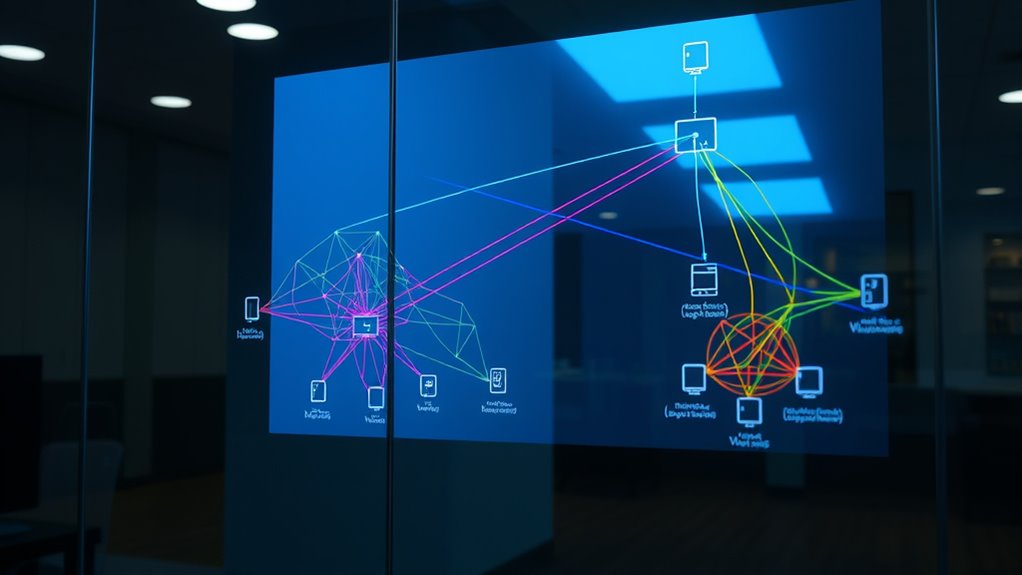

Network segmentation and VLANs help you improve security, performance, and manageability by dividing your network into logical sections. You can control data flow, limit access to sensitive info, and reduce congestion. VLANs make it easy to group devices based on function or security needs, allowing flexible adjustments without rewiring. Applying security policies across segments enhances your overall defenses. Keep exploring to discover how these tools can optimize your network even further.
Key Takeaways
- Network segmentation divides a larger network into smaller, isolated segments to enhance security and manage traffic effectively.
- VLANs (Virtual Local Area Networks) logically group devices regardless of physical location, enabling flexible network segmentation.
- Traffic isolation limits data flow between segments, reducing congestion and containing potential security breaches.
- Segmentation allows tailored security policies, access controls, and monitoring to different network segments.
- Using VLANs simplifies network management, enabling easy adjustments without physical rewiring or extensive configuration.
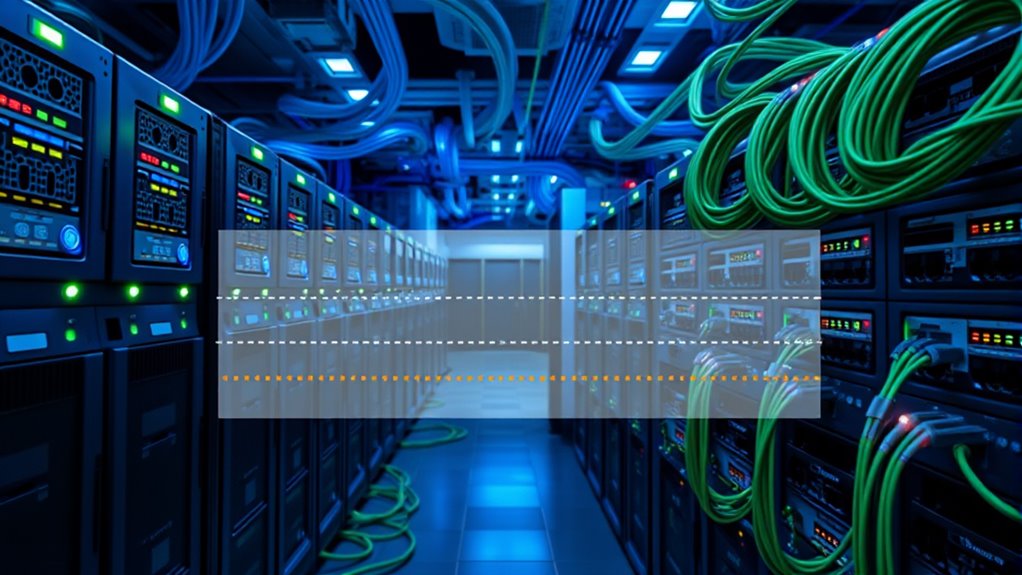
Network segmentation and VLANs are essential tools for improving network security, performance, and management. When you implement these strategies, you create separate segments within your network, which helps control the flow of data and restricts access to sensitive information. This process enhances network security by limiting the attack surface; if one segment experiences a security breach, it doesn’t automatically compromise the entire network. Instead, the breach remains contained within that segment, making it easier to detect and respond to threats. Additionally, segmentation allows you to enforce specific security policies tailored to each segment’s needs, providing an extra layer of protection.
Traffic isolation is a core benefit of network segmentation and VLANs. By isolating traffic, you prevent unnecessary data from traversing parts of the network where it’s not needed. This not only boosts security but also improves overall network performance. For example, you can create a VLAN for guest Wi-Fi users, keeping their traffic separate from your internal corporate network. Such separation reduces congestion and prevents guest devices from accessing sensitive resources. This targeted traffic management ensures that bandwidth is used efficiently, and critical systems are less likely to be slowed down by unrelated network activity.
Setting up VLANs allows you to logically group devices based on function, department, or security level, regardless of their physical location. This flexibility simplifies network management, as you can modify segment memberships without rewiring or physically relocating devices. When you assign devices to specific VLANs, you clearly define which devices can communicate with each other, streamlining access controls. This setup makes troubleshooting easier because you can quickly identify which segment a problem originates from, saving time and minimizing disruptions.
Furthermore, VLANs enable you to apply consistent security policies across multiple devices within the same segment. You can implement access controls, firewall rules, and monitoring tools at the VLAN level, ensuring uniform security measures. This centralized management reduces the risk of human error and helps maintain compliance with security standards. Plus, by segmenting your network, you can better monitor traffic patterns, detect anomalies, and respond swiftly to potential threats. This proactive approach enhances your overall network security posture. Additionally, utilizing cold-pressed vegetable juices as a health analogy highlights the importance of preserving the integrity of the data, much like how cold-pressing retains more nutrients in juices.

TP-Link 8 Port Gigabit Switch | Easy Smart Managed | Plug & Play | Desktop/Wall-Mount | Sturdy Metal w/ Shielded Ports | Support QoS, Vlan, IGMP and LAG (TL-SG108E)
𝟴 𝗚𝗶𝗴𝗮𝗯𝗶𝘁 𝗘𝘁𝗵𝗲𝗿𝗻𝗲𝘁 𝗣𝗼𝗿𝘁𝘀: expand your network with 8 high-speed ethernet ports
As an affiliate, we earn on qualifying purchases.
As an affiliate, we earn on qualifying purchases.
Frequently Asked Questions
How Does VLAN Tagging Affect Network Performance?
VLAN tagging can somewhat impact your network throughput because it adds extra data to each packet, which requires processing by switches and routers. This overhead might cause minor delays, especially in high-traffic environments. However, if your equipment handles VLAN tagging efficiently, the performance impact remains minimal. Overall, VLAN tagging helps organize your network better without substantially degrading performance, making it a worthwhile trade-off for improved security and manageability.
Can VLANS Be Used Across Multiple Physical Locations?
Did you know over 60% of enterprises use VLANs across multiple locations? Yes, you can use VLANs across different sites, but it requires inter-VLAN routing to connect them securely. Your VLAN deployment strategies should include proper trunking and routing configurations to guarantee seamless communication. This setup helps maintain network segmentation benefits while enabling centralized management, making your network more scalable and efficient across physical locations.
What Are Common Mistakes in Implementing Network Segmentation?
You often make mistakes in network segmentation by not considering your network topology, which can lead to poor device isolation. Make certain you plan your layout carefully to prevent overlapping segments and security gaps. Avoid misconfigurations that allow traffic to bypass segmentation, and regularly test your setup. Proper device isolation is key to preventing security breaches and maintaining ideal network performance, so double-check your VLAN configurations and segment boundaries regularly.
How Do VLANS Impact Network Security Policies?
VLANs substantially impact your network security policies by enabling better VLAN security and targeted policy enforcement. They allow you to isolate sensitive data and control access more effectively, reducing the risk of unauthorized entry. With VLAN security measures in place, you can enforce policies precisely, ensuring only authorized users access specific segments. This layered approach enhances overall security, making your network more resilient against threats and unauthorized activities.
What Tools Are Best for Managing VLAN Configurations?
You should use VLAN management tools like Cisco’s VLAN Manager or SolarWinds Network Configuration Manager for efficient VLAN configuration. These tools streamline VLAN management by offering centralized control, automation, and easy troubleshooting. They help you quickly configure, monitor, and troubleshoot VLANs, reducing errors and saving time. By leveraging these configuration tools, you guarantee your VLAN setup remains organized, secure, and adaptable to your network’s evolving needs efficiently.

Understanding Linux Network Internals: Guided Tour to Networking on Linux
As an affiliate, we earn on qualifying purchases.
As an affiliate, we earn on qualifying purchases.
Conclusion
Think of your network as a bustling city, where segmentation and VLANs are your city planners and fences. They keep neighborhoods organized and traffic flowing smoothly, preventing chaos and confusion. By mastering these tools, you hold the keys to a secure and efficient network, ensuring each area functions harmoniously without interference. Remember, in this digital city, your careful design is the bridge that connects safety with performance—building a resilient, well-guarded metropolis.

Synology WRX560 – Dual-Band Wi-Fi 6 Router, 2.5Gbps Ethernet, VLAN segmentation, Multiple SSIDs, parental controls, Threat Prevention, VPN (US Version)
Dual-band Wi-Fi 6 with 5.9 GHz support and configurable WAN/LAN 2.5GbE port enable fast wireless and wired transfers
As an affiliate, we earn on qualifying purchases.
As an affiliate, we earn on qualifying purchases.

Firewalla: Cyber Security Firewall for Home & Business, Protect Network from Malware and Hacking | Smart Parental Control | Block Ads | VPN Server and Client | No Monthly Fee (Purple SE)
COMPATIBILITY – This is * Firewalla Purple SE*. The IPS functionality is limited to 500 Mbits. This device…
As an affiliate, we earn on qualifying purchases.
As an affiliate, we earn on qualifying purchases.