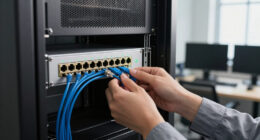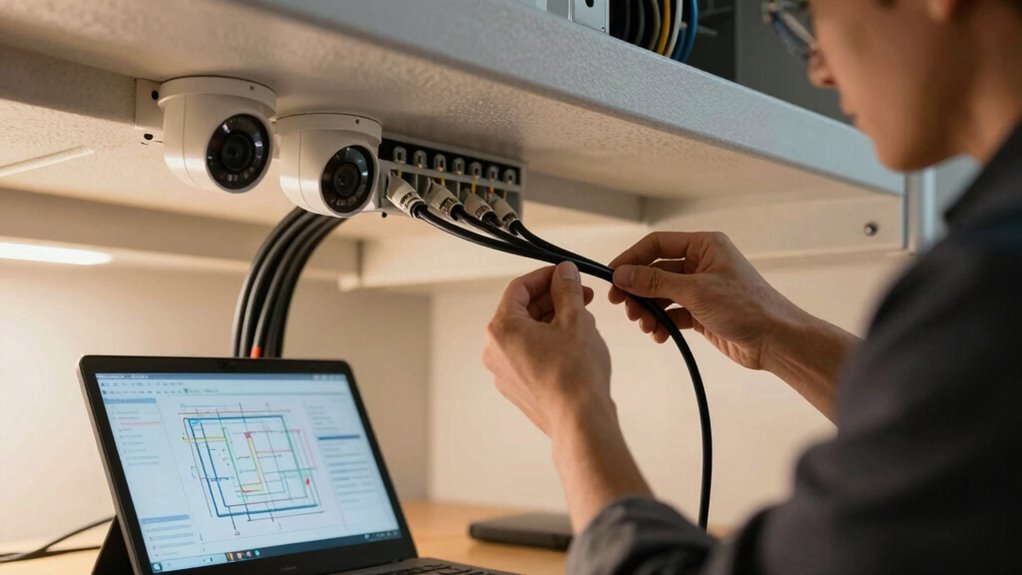
To plan cabling for security cameras and door access, start by mapping out ideal locations for your devices, considering each camera’s field of view and access points. Guarantee cables can reach without obstructions and hide them behind walls or ceilings for a clean look. Use weatherproof conduits for outdoor setups and plan network capacity to handle high data traffic. Choosing the right cables and equipment now will make future expansion easier and more reliable. Continue to learn how to optimize your system.

Get business pricing on networking and server gear
- Business-only prices and quantity discounts
- Tax-exempt purchasing
- Multiple users, one account, clear invoices
Key Takeaways
- Map camera and access point locations considering optimal field of view and ease of cable routing.
- Choose weatherproof conduits and secure mounting for outdoor installations.
- Plan cable routes to hide behind walls or ceilings for a clean, unobtrusive setup.
- Ensure sufficient network capacity and PoE support for high-resolution cameras and multiple devices.
- Include extra cabling or outlets to facilitate future system expansion and maintenance.
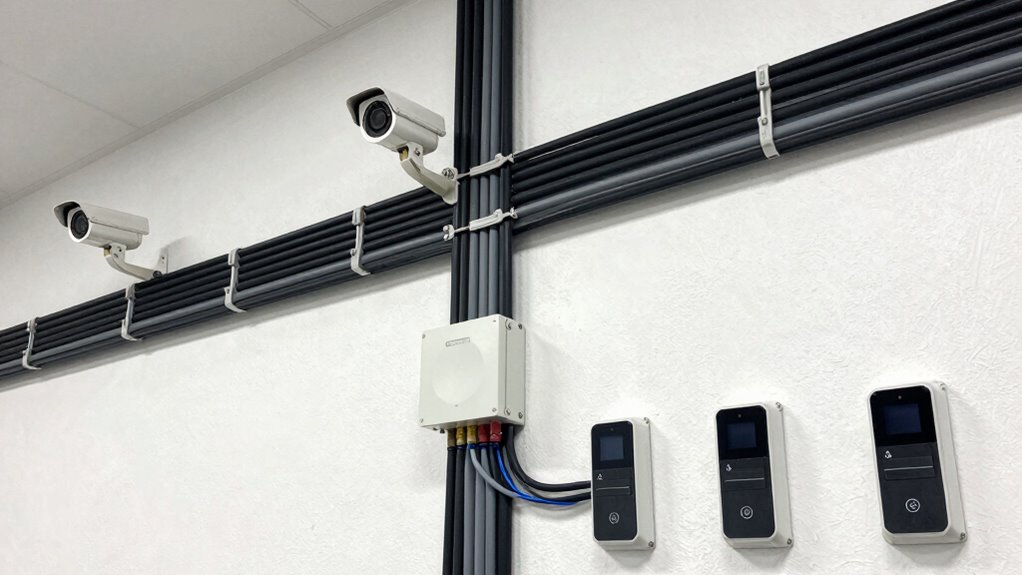
Planning the cabling for security cameras and door access systems is crucial to guarantee reliable performance and smooth installation. When designing your system, consider that wired connections typically provide more stability and security, but wireless alternatives can offer flexibility, especially in challenging or hard-to-wire locations. Wireless options eliminate the need for extensive cabling, making installation faster and less invasive. However, they can be susceptible to interference and signal disruption, so assess your environment carefully. Combining wireless solutions with traditional wired setups might be your best approach, ensuring both robustness and adaptability.
Power over Ethernet (PoE) is a game-changer in security system planning. It allows you to transmit power and data through a single Ethernet cable, simplifying installation and reducing clutter. When using PoE, you don’t need separate power supplies for each camera or access point, which cuts down on wiring costs and installation time. Make sure your network infrastructure can support PoE by selecting switches that deliver the necessary power levels. This approach also makes it easier to relocate or expand your system later, as you only need to run Ethernet cables, not power cords.
Before laying out your cabling, map out the locations of all cameras and access points. Consider the field of view and the areas you want to monitor, ensuring your cables reach ideal spots without obstruction. For outdoor cameras, plan for weatherproof conduits and secure mounting points to prevent tampering or damage. Inside, hide cables behind walls or ceilings whenever possible to maintain a clean appearance and avoid accidental disconnections. Additionally, evaluating your network capacity will help prevent potential data bottlenecks and ensure smooth operation.
Think about the network capacity required for your system. High-resolution cameras generate significant data, which can strain your network if not properly managed. Ensure your network infrastructure can handle the bandwidth, especially if you plan to record footage locally or stream live feeds simultaneously. Installing switches with sufficient ports and supporting PoE will streamline your setup and prevent bottlenecks.
Lastly, plan for future scaling. As your security needs evolve, you’ll want to add more cameras or access points. Running extra cabling or installing additional network outlets now can save you time and effort later. Keep in mind that proper planning, including choosing the right cabling, supporting wireless alternatives, and leveraging PoE, will result in a more dependable, flexible, and cost-effective security system that’s easy to maintain and expand.
As an affiliate, we earn on qualifying purchases.
Frequently Asked Questions
What Types of Cables Are Best for Outdoor Security Cameras?
For outdoor security cameras, Ethernet cables like Cat6 or Cat5e are ideal because of their durability and ability to support high-quality video. If you prefer wireless alternatives, guarantee your cameras have strong Wi-Fi signals. However, wired cables offer more reliable connections and withstand weather better. Look for cables with UV-rated, weatherproof jackets to ensure maximum cable durability, especially in harsh outdoor conditions.
How Do I Conceal Cables to Improve Aesthetics?
Concealing cables is like hiding a secret — it keeps your home looking sleek and uncluttered. You can use concealment techniques like running cables through walls, using raceways, or burying them underground. Good cable management not only hides wires but also prevents damage. Choose paint-matched or decorative covers to blend with your surroundings, making your security setup both effective and visually appealing without sacrificing your home’s aesthetics.
What Are the Power Requirements for Different Camera Types?
You need to guarantee your security cameras have the correct power source and voltage compatibility. For example, some cameras require Power over Ethernet (PoE) with 48V, while others need a 12V DC power supply. Check each camera’s specifications to match the power source exactly, avoiding voltage fluctuations that could damage the device. Properly matching power requirements guarantees reliable operation and extends your camera’s lifespan.
How Can I Ensure Cabling Meets Local Building Codes?
You realize the importance of safe wiring when you see a cable installation that’s both secure and compliant. To guarantee your cabling meets local building codes, check with your city’s regulations and follow manufacturer guidelines. Prioritize wiring safety by using approved materials and proper techniques. Regularly inspect your installation, and consult a licensed professional if you’re unsure. This approach keeps your security system reliable and your property safe from potential hazards.
What Tools Are Necessary for Installing Security Cabling?
You’ll need basic tools like a drill, screwdriver, cable tester, and wire strippers for installing security cabling. If you’re considering wireless options, make certain your devices are compatible and have strong signal strength. For camera mounting, use a level, anchors, and screws to secure the cameras properly. Having these tools on hand makes installation smoother and helps guarantee your security system functions reliably, whether wired or wireless.
weatherproof conduit for outdoor cameras
As an affiliate, we earn on qualifying purchases.
As an affiliate, we earn on qualifying purchases.
Conclusion
By carefully planning your cabling, you guarantee seamless security and access control, transforming complex systems into simple solutions. Just as a well-designed network fosters reliability, neglect can turn security into vulnerability. The difference lies in your attention to detail—each cable, each connection—shaping a safer, more connected space. In the end, the true security isn’t just in the technology you install, but in the thoughtful planning that keeps it all running smoothly.
Ethernet cable for security cameras
As an affiliate, we earn on qualifying purchases.
As an affiliate, we earn on qualifying purchases.
security camera mounting brackets
As an affiliate, we earn on qualifying purchases.
As an affiliate, we earn on qualifying purchases.
Fall Picks
fall essentials
As an affiliate, we earn on qualifying purchases.