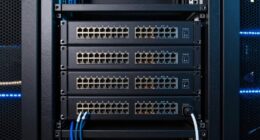
Choosing the right cable for your home network can seem straightforward, but with so many options available, it’s important to take into account your specific needs. Factors like speed, distance, and potential interference can influence your choice, and making the wrong decision could affect your connectivity. To ensure you get the best performance without overspending, understanding the differences between cable types and their ideal uses is essential—something worth exploring further.
Key Takeaways
- Determine your bandwidth needs and future expansion plans to select the appropriate cable category and type.
- Consider environmental factors and interference sources to decide between shielded and unshielded cables.
- Choose fiber optic cables for high-speed, long-distance, or future-proof setups; opt for copper for cost-effective, short-range needs.
- Match cable shielding and category (e.g., Cat6 or Cat7) to your network’s performance requirements and environment.
- Balance your budget with performance demands, considering installation complexity and long-term network reliability.
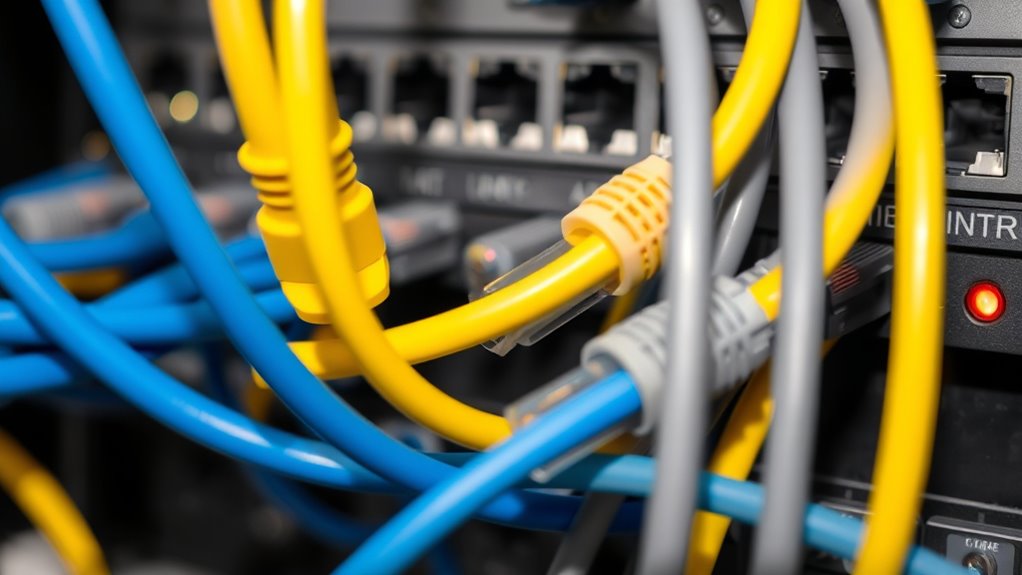
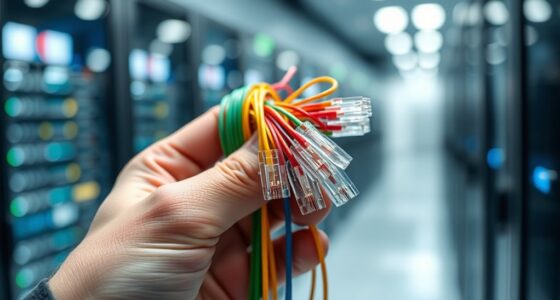
Selecting the right cable for your home network is essential to guarantee fast, reliable internet and smooth data transfer. With so many options available, understanding the differences can help you make an informed choice that suits your needs. One of the most significant decisions involves choosing between traditional copper cables, like Ethernet cables, and fiber optic cables. Fiber optic cables are increasingly popular because they use light to transmit data, allowing for much higher speeds and longer distances without degradation. If you require a future-proof setup or have a large household with multiple devices streaming or gaming simultaneously, fiber optic is a smart investment. Keep in mind, however, that fiber optic cables can be more expensive and may require specialized installation, so consider your budget and technical comfort level before opting for this type.
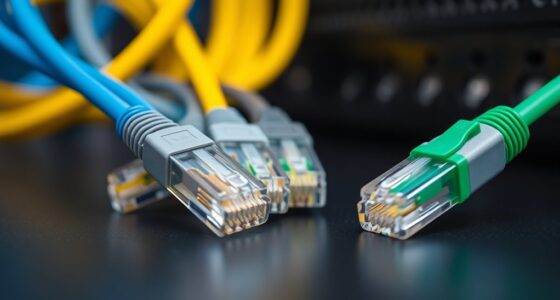
Choosing between copper and fiber optic cables depends on speed, distance, and budget considerations for your home network.
Another critical factor to consider is shielding options. Cables with proper shielding help protect data from electromagnetic interference (EMI) and radio frequency interference (RFI), which can cause disruptions or slowdowns. If your home has a lot of electronic devices, fluorescent lighting, or wireless signals, choosing cables with enhanced shielding becomes vital. Shielding options can include foil, braided shields, or a combination of both, each offering different levels of protection. For high-performance needs, such as gaming or streaming 4K content, shielded cables can considerably improve stability and reduce lag. On the other hand, if your environment is relatively free of interference, unshielded cables might suffice and can be more flexible and easier to install. Additionally, understanding cable categories like Cat6 or Cat7 can help ensure you select cables that meet your current and future bandwidth needs.
When selecting cables, also think about future scalability. If you plan to upgrade your internet plan or add more devices, choosing a cable with higher bandwidth capacity and better shielding options now can save you from costly rewiring later. Additionally, consider the length of the cable needed and the installation environment. Longer runs may benefit more from fiber optic cables due to their ability to transmit over longer distances without signal loss. For shorter distances, high-quality Cat6 or Cat7 copper cables with good shielding might be enough and more cost-effective.
Ultimately, your choice should balance performance, durability, and budget. Fiber optic cables, with their superior speed and shielding options, are ideal for demanding setups, but copper cables with appropriate shielding can still deliver excellent performance for most households. By understanding your specific needs and environment, you’ll be better equipped to select the perfect cable that guarantees your home network runs smoothly now and in the future.

Cable Matters 10Gbps Snagless Cat 6 Ethernet Cable – 25ft, Cat 6 Cable, Cat6 Cord, Ethernet Cord, Black
High-Performance Connectivity: This Cat 6 ethernet cable is designed for superior performance, with a 24 AWG copper wire…
As an affiliate, we earn on qualifying purchases.
As an affiliate, we earn on qualifying purchases.
Frequently Asked Questions
Can I Mix Different Types of Cables in My Network?
Yes, you can mix different types of cables in your network, but you need to take into account cable compatibility and wiring standards. Mixing cables like Cat5e, Cat6, or fiber optic can work if they connect properly and follow the same wiring standards. However, using incompatible cables or inconsistent standards may cause connectivity issues or slow speeds. Always verify that your cables meet the necessary standards for your network requirements.
How Long Can a Cable Run Be Before Signal Degrades?
Imagine your home network as a stream flowing seamlessly—cable runs should stay within 100 meters (328 feet) to prevent signal degradation. Beyond this, signal repeaters or switches become necessary. Choose cables with proper shielding to reduce interference, ensuring your connection stays strong over longer distances. When planning your setup, consider how cable shielding and the strategic placement of repeaters can help maintain ideal signal quality throughout your home.
Are There Eco-Friendly or Biodegradable Cable Options?
Yes, you can find eco-friendly or biodegradable cable options. These cables use biodegradable materials like plant-based plastics and eco-friendly manufacturing processes, reducing environmental impact. Look for products that highlight sustainable practices and biodegradable components. By choosing these cables, you contribute to environmental preservation while maintaining your home network’s performance. Always check for certifications or labels indicating eco-conscious manufacturing to guarantee you’re making a responsible choice.
What Is the Best Cable for Outdoor or Harsh Environments?
Think of outdoor cables as your network’s armor against the elements. For harsh environments, you should choose cables with excellent outdoor durability, like UV-resistant, waterproof, and weatherproof options. These cables resist moisture, temperature extremes, and sunlight, ensuring your connection stays strong even in the toughest conditions. Opt for armored or gel-filled cables for added protection. They’re built to withstand the harshest environments, keeping your network reliable outside no matter what Mother Nature throws at it.
Do I Need Special Connectors for High-Speed Data Transfer?
You don’t usually need special connectors for high-speed data transfer, but guaranteeing connector compatibility is vital. Standard connectors like RJ45 work well for Ethernet cables, supporting high data transfer speeds. If you’re using newer or specialized cables, check the connector type to confirm it matches your devices. Using compatible connectors helps maintain peak speed and prevents connection issues, so always verify compatibility before setting up your network.

Bangun 50ft (15 Meters) SC/APC to SC/APC Fiber Optic Internet Cable, Armored Single Mode Patch Cable, Fiber Optic Jumper Optical Patch Cord – SIMPLEX – 9/125um – OS1/OS2 Compatible, LSZH White
Replacement fiber optic cable for ATT Fiber modem/router, Verizon Fios. This Optical Fiber cable suitables for all networks,…
As an affiliate, we earn on qualifying purchases.
As an affiliate, we earn on qualifying purchases.
Conclusion
So, next time you’re wiring up your home, remember that the perfect cable isn’t always the priciest or flashiest. Sometimes, a simple Cat6 does the trick, proving that you don’t need to break the bank for a speedy connection. Ironically, in your quest for the ultimate setup, it’s often the humble, budget-friendly cable that keeps your network running smoothly—proof that good things really do come in affordable packages.

DbillionDa Cat 8 Ethernet Cable 40Gbps 2000MHz, 6FT Heavy-Duty for Indoor/Outdoor Use, High-Speed Wired Internet Cable, Gold-Plated RJ45, Weatherproof & UV Resistant for Gaming, PC, Router, Modem
Designed for Outdoor & Direct Burial Installations – Heavy-duty double-shielded Cat8 Ethernet cable minimizes EMI/RFI interference and delivers…
As an affiliate, we earn on qualifying purchases.
As an affiliate, we earn on qualifying purchases.

UGREEN Cat 8 Ethernet Cable 6FT, High Speed Braided 40Gbps 2000Mhz Network Cord Cat8 RJ45 Shielded Indoor Heavy Duty LAN Cables Compatible with Gaming PC PS5 PS4 PS3 Xbox Modem Router 6FT
40 Gbps 2000 Mhz High Speed: The Cat 8 ethernet cable support max. 40 Gbps data transfer and…
As an affiliate, we earn on qualifying purchases.
As an affiliate, we earn on qualifying purchases.