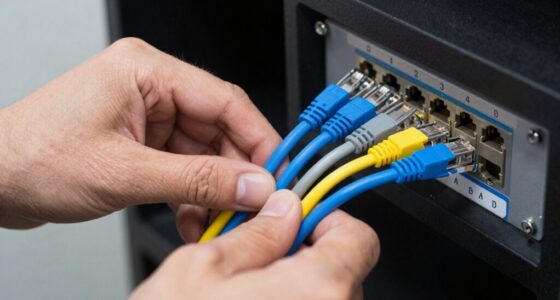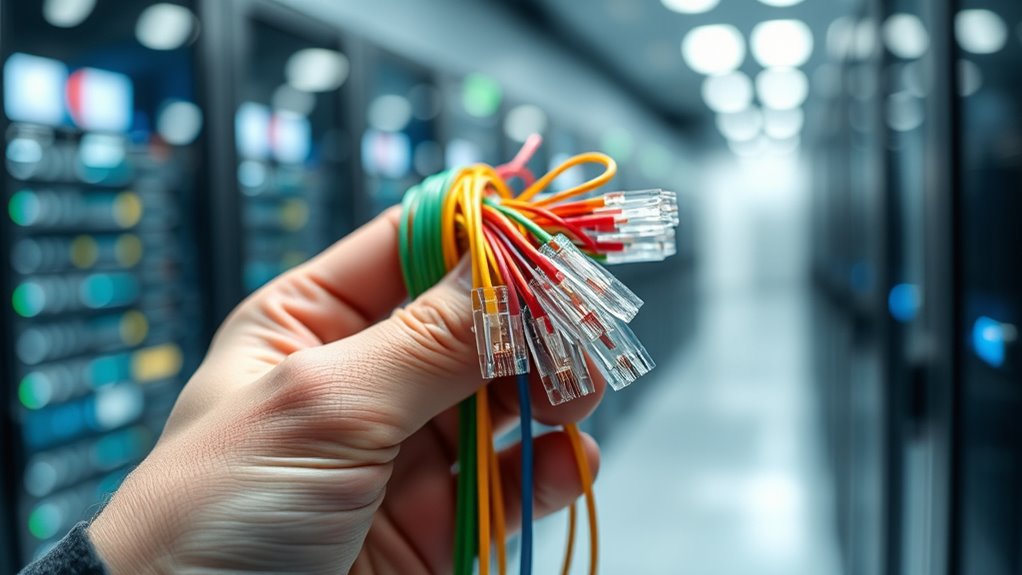
You rely on cables to connect, transmit, and deliver data smoothly. You might think of signals as invisible streams of information, moving swiftly through these wires. But how exactly do these signals carry your internet, videos, and messages? Understanding the process behind data traveling through cables reveals a fascinating system that keeps your digital world running seamlessly. Keep exploring to discover how this complex process works so efficiently.
Key Takeaways
- Digital data is converted into electrical or light signals for transmission through cables.
- Signals are modulated onto a carrier wave, encoding data for efficient transfer.
- Cable insulation prevents interference, signal loss, and physical damage during data travel.
- Proper insulation and signal quality ensure the data reaches its destination accurately and quickly.
- At the receiving end, signals are demodulated back into digital data for use.
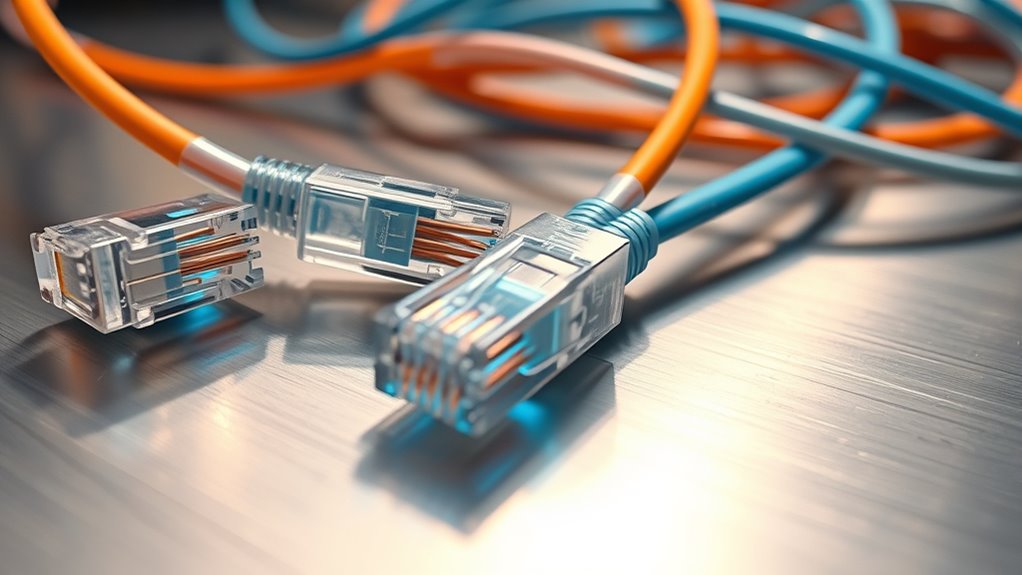
Data travels through cables by converting digital information into electrical signals or light pulses, which move rapidly along the wire or fiber. These signals are the essence of how data transfers from one device to another, whether you’re browsing the internet or streaming a video. But for these signals to reach their destination without losing quality, several key factors come into play, including signal modulation and cable insulation.
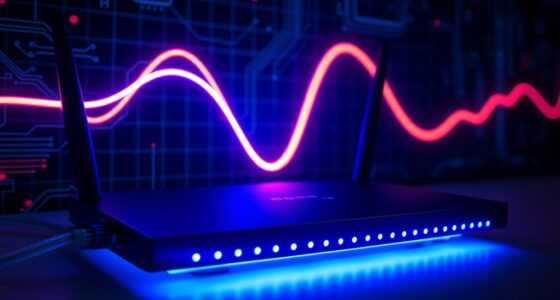
Signal modulation is a pivotal process that allows digital data to be transmitted efficiently over cables. Think of it as tuning a radio to pick up a specific station; the process involves modifying a carrier wave’s properties—such as its amplitude, frequency, or phase—to encode the data. This way, multiple signals can share the same cable without interfering with each other, a technique known as multiplexing. When you send data, your device encodes it through signal modulation, ensuring the information is clear and can be distinguished from other signals traveling through the same medium. When the data reaches its destination, demodulation occurs, decoding the signals back into usable digital information. This process is essential for maintaining the integrity and speed of data transfer over cables.
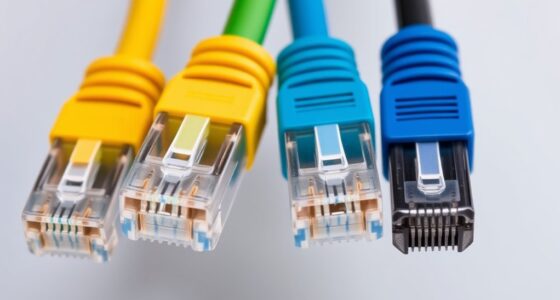
Cable insulation plays an essential role in protecting these delicate signals. Without proper insulation, electrical signals could leak, interfere with other signals, or be affected by external noise, resulting in slower speeds or corrupted data. Cable insulation is typically made from materials like plastic or rubber that encase the conductors, preventing signal degradation. It also shields the cables from physical damage, moisture, and electromagnetic interference (EMI). For example, in fiber optic cables, the core glass fiber is protected by layers of protective coating and cladding, ensuring light pulses travel with minimal loss. In copper cables, insulation prevents crosstalk—interference between neighboring wires—keeping your data secure and intact. The quality and design of this insulation are pivotal, especially for long-distance or high-speed connections, where even minor interference can considerably impact performance.
In essence, the journey of data through cables hinges on effective signal modulation and robust cable insulation. These elements work together to ensure your digital information travels swiftly and accurately from source to destination. A high-quality cable construction is vital for minimizing signal loss and maintaining optimal performance over long distances. When you understand how these processes operate, it becomes clear why high-quality cables and proper installation are essential for reliable internet and data transmission. Whether you’re streaming movies, making a video call, or transferring files, the seamless movement of data relies on these fundamental principles working behind the scenes. They keep your digital life running smoothly, ensuring that every byte reaches its destination without hiccups or loss.

UGREEN Cat 8 Ethernet Cable 6FT, High Speed Braided 40Gbps 2000Mhz Network Cord Cat8 RJ45 Shielded Indoor Heavy Duty LAN Cables Compatible with Gaming PC PS5 PS4 PS3 Xbox Modem Router 6FT
- High-Speed Data Transfer: Supports 40 Gbps and 2000 MHz bandwidth
- Anti-Interference Design: Shielded with F/FTP, gold-plated connectors
- Durable and Flexible: Cotton braided exterior, bends over 10,000 times
As an affiliate, we earn on qualifying purchases.
As an affiliate, we earn on qualifying purchases.
Frequently Asked Questions
How Are Data Signals Protected From Interference During Transmission?
You safeguard data signals from interference by using electromagnetic shielding, which blocks external signals and reduces noise. Additionally, you implement signal encryption to secure the data, making it unreadable to unauthorized parties during transmission. These methods ensure your data remains intact and private, even when traveling through cables that could be affected by electromagnetic interference or eavesdropping. Combining shielding and encryption offers a robust defense against potential transmission disruptions.
What Materials Are Used to Make High-Speed Data Cables?
Imagine you’re installing a high-speed network, and you choose between fiber optics and copper wiring. Fiber optics use glass or plastic fibers to transmit data using light, offering faster speeds and higher bandwidth. Copper wiring, like twisted pair cables, relies on conductive metal to carry electrical signals. Both materials are engineered for durability and efficiency, ensuring your data travels swiftly and securely through the cables you select.
How Does Cable Length Affect Data Transmission Speed?
When your cable length increases, you’ll notice signal latency rises, which can slow down data transmission. Longer cables cause more attenuation, weakening the signal as it travels, leading to potential data errors or delays. To maintain ideal speed, keep cable lengths as short as possible, especially for high-speed data transfer, and consider using signal boosters or repeaters if longer runs are necessary.
Can Data Travel Through Wireless Cables or Only Physical Ones?
Think of data as a message you send; it can travel through wireless transmission or physical cables. Wireless allows your device to communicate without cords, like an invisible thread connecting you to the internet. Physical cables, on the other hand, are tangible pathways like highways for data. Both methods work, but wireless offers more flexibility, while physical cables often provide faster, more stable connections.
How Are Data Errors Detected and Corrected During Transmission?
You can detect and correct data errors during transmission using error detection and correction techniques, which help maintain signal integrity. These methods include adding extra bits like parity bits or checksums that identify mistakes. When errors are found, correction techniques like retransmission or forward error correction fix them, ensuring the data arrives accurately. This process keeps your data reliable, even if interference or noise disrupts the signal.

Amazon Basics Toslink Digital Optical Audio Fiber Optic Cable, Multi-Channel, for Sound Bar, Audio System, Home Theatre, Game Console, Blu-Ray Player, Gold-Plated Connectors, 6 Foot, Black
- Cable Length: 6 feet long
- Usage Reminder: Remove protective caps before use
- Audio Quality: Multi-channel, clear digital audio
As an affiliate, we earn on qualifying purchases.
As an affiliate, we earn on qualifying purchases.
Conclusion
Now you know how data darts through cables, driven by delicate signals and protected by sturdy insulation. By modulating and moving these signals swiftly, you can enjoy seamless streaming, smooth surfing, and swift sharing. Remember, the simple science behind cables keeps your connection constant and your content clear. So, next time you browse or stream, celebrate the clever, cable-contained current carrying your content with confidence and clarity!

Highwings 8K 10K 4K HDMI Cable 48Gbps 6.6FT/2M, Certified Ultra High Speed
- Supports 8K@60Hz and 4K@120Hz: Ultra-high speed HDMI 2.1 technology
- High Data Transfer Rate: Supports 48Gbps bandwidth for seamless video
- Backward Compatibility: Compatible with HDMI 2.0 and earlier versions
As an affiliate, we earn on qualifying purchases.
As an affiliate, we earn on qualifying purchases.

USB C Data Cable 20Gbps High-Speed Transfer, 3FT 2-Pack, USB 3.2 Gen 2×2
- High-Speed Data Transfer: Supports up to 20Gbps transfer rate
- Universal Compatibility: Compatible with USB4, Thunderbolt 3, and USB 3.0/2.0
- 4K@60Hz Video Output: Supports UHD video and audio from laptops
As an affiliate, we earn on qualifying purchases.
As an affiliate, we earn on qualifying purchases.