
To improve your network room’s airflow and cable layout, focus on organizing cables with labels, racks, and trays to prevent clutter and blockages. Use hot/cold aisle configurations, vented floor tiles, and targeted cooling systems to keep equipment cool and avoid hotspots. Guarantee cables don’t obstruct airflow and maintain regular cleaning of filters and vents. By applying these strategies, you’ll create a more reliable environment — and there’s more to discover for ongoing success.

Get business pricing on networking and server gear
- Business-only prices and quantity discounts
- Tax-exempt purchasing
- Multiple users, one account, clear invoices
Key Takeaways
- Implement hot/cold aisle configurations to separate exhaust and intake airflow effectively.
- Organize and label cables using racks and trays to prevent obstruction and improve airflow.
- Ensure proper hardware spacing to avoid overcrowding and heat buildup.
- Use vented floor tiles and targeted cooling solutions to enhance airflow distribution.
- Regularly clean dust filters and vents to maintain optimal airflow and prevent overheating.
Have you ever experienced slow network speeds or unexpected outages in your data center? If so, you probably realize how essential proper airflow and cable layout are for maintaining ideal performance. Improving your network room isn’t just about upgrading equipment; it’s about creating an environment that promotes efficient cooling, reduces downtime, and enhances overall security. Proper airflow management ensures your hardware stays cool, preventing overheating that can lead to failures and costly repairs. At the same time, a well-thought-out cable layout minimizes clutter, makes maintenance easier, and reduces the risk of accidental disconnections or damage. When you focus on these factors, you set the stage for a more reliable and secure network.
Effective airflow and cable management are key to a reliable, secure, and high-performing data center environment.
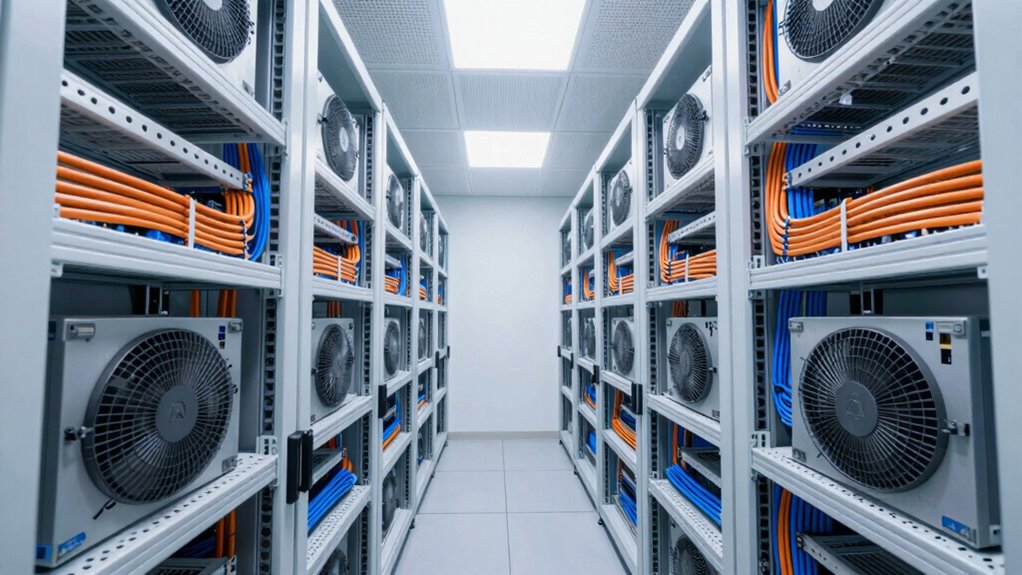
One of the key aspects to think about is airflow. You want to establish a hot aisle and cold aisle configuration, which effectively separates the cool intake air from the hot exhaust air. This method prevents hot air from recirculating and keeps your equipment operating within safe temperature ranges. Installing vented floor tiles or dedicated air conditioning units directed precisely where cooling is needed can make a significant difference. Additionally, make sure that your hardware is evenly spaced and not overcrowded, as cramped setups hinder airflow and increase heat buildup. Regularly cleaning dust filters and inspecting vents also maintain airflow efficiency, helping to avoid unnecessary overheating issues that could disrupt your network performance. Incorporating proper airflow management practices further optimizes cooling and extends the lifespan of your equipment. Understanding airflow dynamics can help you identify potential dead zones where heat might accumulate, ensuring a more effective cooling strategy. Recognizing how ventilation systems influence airflow can also aid in designing a more efficient cooling environment for your network room.
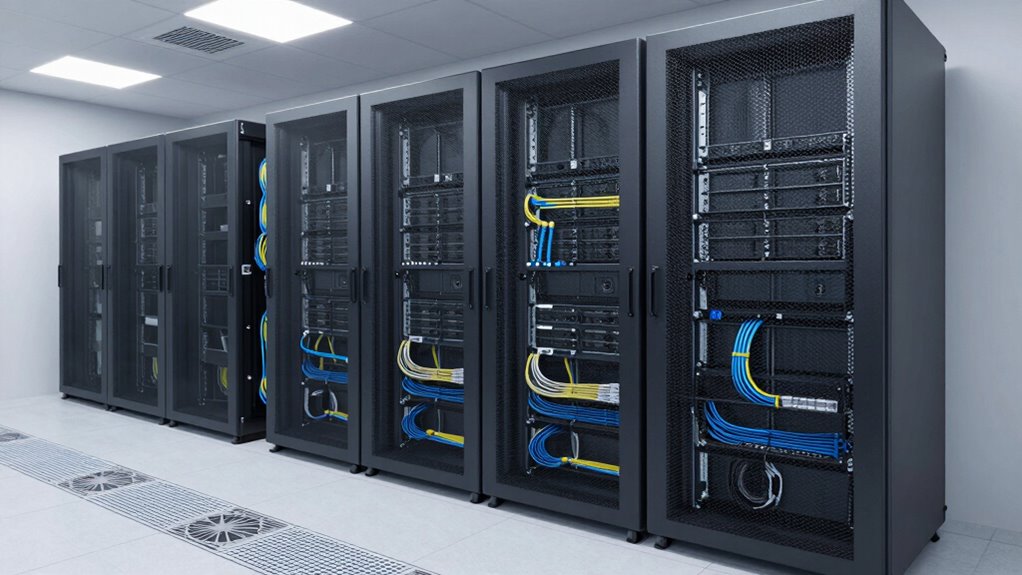
Cable layout plays an equally critical role in improving your network room. You want to guarantee cables are organized, labeled, and routed thoughtfully to facilitate quick troubleshooting and reduce congestion. Using cable management solutions like racks, trays, and ties keeps everything tidy and prevents accidental disconnections. Avoid running cables haphazardly across floors or walls, as this creates hazards and complicates airflow. Proper cable management also supports better wireless security by limiting physical access to critical connections and reducing interference that can degrade network performance.
Power management is another essential element. Invest in uninterruptible power supplies (UPS) and surge protectors to shield your equipment from power fluctuations and outages. Managing power effectively reduces unexpected downtime, which can be costly and disruptive. When you integrate power management with airflow and cabling strategies, you build a resilient network environment. This setup not only improves performance but also enhances security by reducing vulnerabilities caused by physical or electrical faults. With a well-organized network room, you gain peace of mind knowing your infrastructure is tailored for reliability, speed, and security, ensuring your data center runs smoothly now and into the future.
As an affiliate, we earn on qualifying purchases.
Frequently Asked Questions
How Often Should Airflow Systems Be Inspected in Network Rooms?
You should inspect your airflow systems at least quarterly to guarantee ideal ventilation maintenance and airflow enhancement. Regular inspections help identify dust buildup, blocked vents, or malfunctioning fans that could compromise cooling efficiency. By staying proactive, you prevent overheating risks and maintain equipment performance. Keep detailed records of inspections, and schedule more frequent checks if your network room experiences high traffic or environmental changes.
What Are the Best Materials for Cable Management?
You should choose durable materials like plastic, metal, or nylon for cable management. Using a cable organizer helps keep cables tidy and prevents tangling, while cable labeling ensures quick identification. These materials are flexible yet sturdy, making installation easy and maintenance efficient. Proper cable labels and organizers reduce clutter, improve airflow, and make troubleshooting faster, guaranteeing your network room stays organized and functions smoothly.
How Do You Prevent Overheating in High-Density Server Racks?
In a high-density server rack, overheating can be prevented through effective cooling strategies and airflow enhancement. For example, implementing hot aisle/cold aisle containment in a data center considerably reduces temperature buildup. You should also guarantee proper cable management to avoid airflow obstructions and use blanking panels to prevent hot air recirculation. Regularly monitoring temperature sensors helps you identify hotspots early, maintaining ideal temperatures and preventing equipment failure.
What Are Common Mistakes in Network Room Layout Planning?
You often make mistakes in network room layout planning by poorly positioning equipment, which hampers cooling efficiency. Overcrowding racks or placing heat-generating devices near vents blocks airflow, leading to overheating. Ignoring cable management can create obstructions and reduce airflow. Also, neglecting proper airflow paths results in uneven cooling. To prevent these issues, plan equipment placement carefully, prioritize cooling efficiency, and guarantee clear pathways for air to circulate freely.
How Can Noise Levels Be Minimized in Network Rooms?
Imagine your network room as a quiet sanctuary amid a bustling office. To minimize noise, you can implement soundproofing strategies like installing acoustic panels or sealing gaps around doors and vents. Use noise reduction materials such as foam tiles or mass-loaded vinyl to absorb sound vibrations. These tweaks create a calmer environment, reducing distractions and protecting sensitive equipment from disruptive noise, ensuring your network room remains a peaceful, efficient hub.
vented floor tiles for server room
As an affiliate, we earn on qualifying purchases.
As an affiliate, we earn on qualifying purchases.
Conclusion
Optimizing airflow and cable layout in your network room can boost performance and reduce equipment failures. By keeping temperatures in check and organizing cables neatly, you’ll extend your hardware’s lifespan and improve efficiency. Did you know that poorly ventilated network rooms can increase equipment failure rates by up to 40%? Taking these simple steps guarantees your network runs smoothly and reliably, saving you time and money in the long run. Don’t wait—start improving your network room today!
As an affiliate, we earn on qualifying purchases.
As an affiliate, we earn on qualifying purchases.
Fall Picks
fall essentials
As an affiliate, we earn on qualifying purchases.