
To keep your home networking projects tidy, plan your layout carefully by mapping device locations and routing cables along walls or ceiling panels. Use cable management tools like ties and labels to prevent clutter, and keep cables away from walkways and interference zones. Regularly update device firmware and security settings to avoid issues. Maintain an organized space with proper storage and consider using a network rack. If you want to master each step, there’s more to discover below.
Key Takeaways
- Plan device placement and cable routes before installation to prevent clutter and interference.
- Use proper cable management tools like ties and labels to keep wires organized.
- Regularly update firmware and security settings to avoid troubleshooting later.
- Route cables along walls or ceiling panels for a tidy and safe setup.
- Maintain an organized network environment with dedicated storage and proactive upkeep.
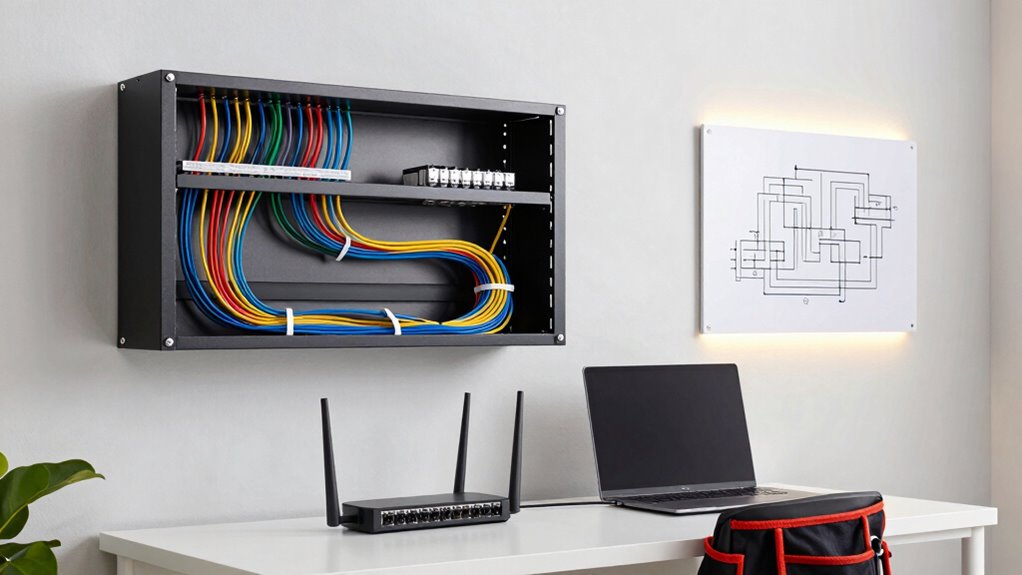
Creating a reliable and efficient home network can seem overwhelming, but with the right projects, you can enhance your connectivity and security. When tackling your home networking setup, it’s easy to get sidetracked by a messy tangle of wires or overlooked security gaps. To keep your DIY efforts organized and effective, focus on two key areas: wireless security and cable management. These elements are fundamental to preventing your project from turning into a chaotic, unreliable mess.
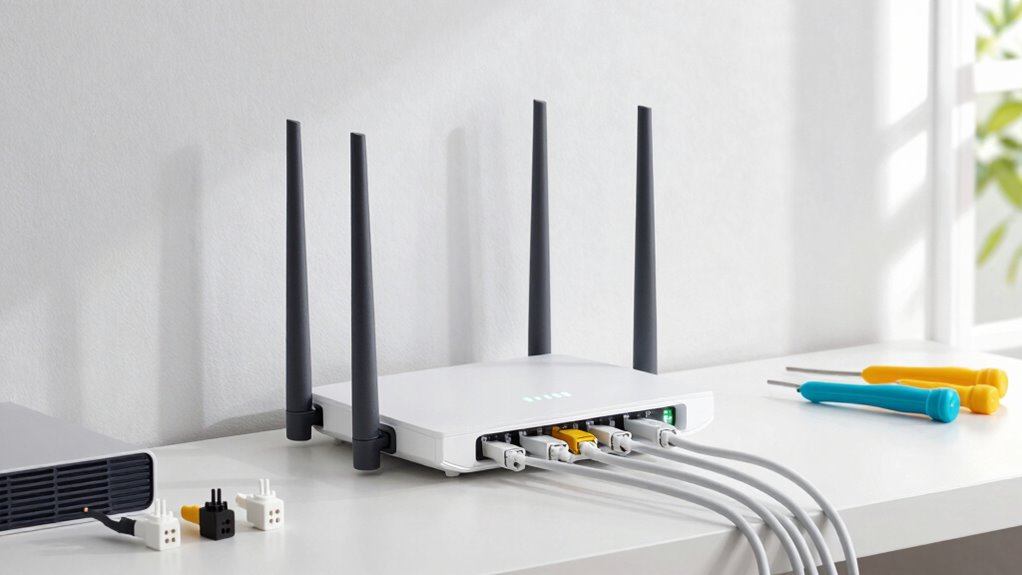
Start by planning your network layout carefully. Map out where your devices will be located, and determine the best spots for your router and switches. Good planning helps you avoid unnecessary cable clutter and guarantees your network signals reach all your devices efficiently. When it comes to wireless security, make sure to change default passwords on your router and enable encryption protocols like WPA3. Strong passwords and updated firmware protect your network from unauthorized access, saving you headaches down the line. Consider setting up a guest network for visitors so they can access the internet without compromising your main network’s security. These steps keep your network safe and help prevent security breaches that could disrupt your service.
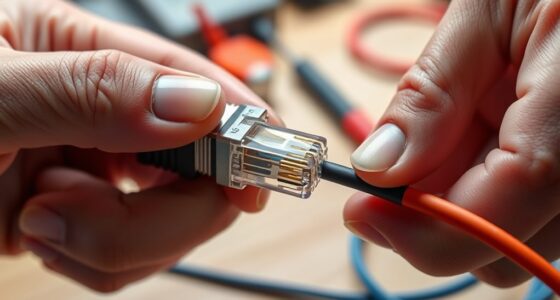
Cable management is another essential aspect. Use cable ties, clips, or sleeves to bundle wires neatly along walls or behind furniture. Label each cable with a descriptive tag so that future troubleshooting or upgrades are straightforward. Proper cable management not only makes your setup look cleaner but also reduces the risk of accidental disconnections or damage. Avoid running cables across walkways or in areas prone to interference; instead, route them along baseboards or ceiling panels, keeping everything out of sight and safe from damage. This organized approach minimizes clutter and makes maintenance easier, preventing your DIY project from devolving into a tangled mess. Additionally, understanding the science behind sound vibrations and their influence on health can inspire you to incorporate calming elements into your space, making your home network area more relaxing and inviting.
Furthermore, including sustainable practices in your setup, such as energy-efficient devices and eco-friendly materials, can contribute to a more environmentally conscious home network. Additionally, consider investing in a network rack or a dedicated cabinet if you’re managing multiple devices. This keeps everything contained and accessible, making it easier to add or replace components later. Regularly update your firmware and review your wireless security settings to stay ahead of vulnerabilities. By maintaining good habits, you prevent small issues from snowballing into major problems that can compromise your entire network.
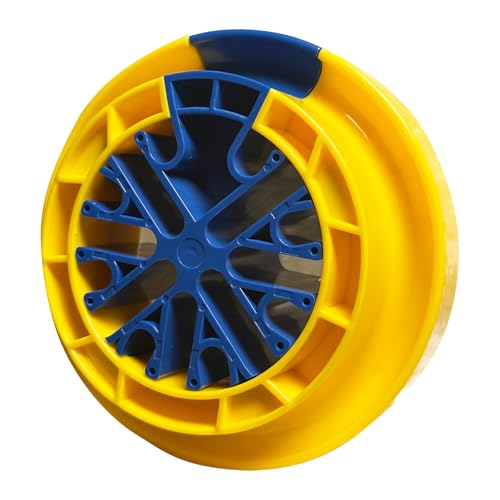
Network Cable Management Tool, Wire Comb, Category 5/6 Universal Cabling Cable Management Tool, Cable Organizing Tool for Comb Any Cables or Wires with a Diameter Up to 0.25”
- Multi-Cable Combing Capacity: Combs up to 48 cables simultaneously
- Compact and Lightweight: Size: 4.92 x 1.57 inches, easy to store
- Efficient Cable Organization: Simplifies straightening and tying cables
As an affiliate, we earn on qualifying purchases.
As an affiliate, we earn on qualifying purchases.
Frequently Asked Questions
How Do I Plan My Home Network Layout Effectively?
To plan your home network layout effectively, start with wireless optimization by placing your router centrally for better coverage. Use cable management techniques like clips and sleeves to keep wires tidy and avoid clutter. Map out device placement and network points beforehand, ensuring your setup minimizes interference. Regularly check signal strength and organize cables neatly, making future upgrades easier. This approach keeps your network organized, efficient, and easy to maintain.
What Are Common Mistakes to Avoid in DIY Networking?
You should avoid neglecting cable management, which leads to a cluttered, hard-to-troubleshoot setup. Make certain all equipment is compatible to prevent costly errors or replacements. Don’t rush connections; double-check ports and configurations. Overlooking these details can cause network instability. Keep cables organized with ties and labels, and verify device compatibility beforehand. These steps help maintain a clean, efficient network and save you time troubleshooting later.
Which Tools Are Essential for Home Networking Projects?
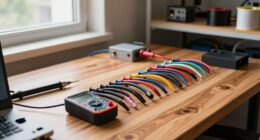
Think of your home network as a garden that needs tending. You’ll need a screwdriver, cable testers, and Ethernet cables for solid cable management. A wireless troubleshooting tool helps you diagnose issues quickly, preventing chaos. Keep a label maker handy to organize your cables and connections. These tools act like your gardening gloves and pruning shears, helping you keep your network tidy, efficient, and trouble-free.
How Can I Ensure Network Security During Setup?
To guarantee network security during setup, you should use strong, unique passwords and enable password management tools to keep track of them. Regularly check for firmware updates for your router and connected devices, as these patches fix security vulnerabilities. Avoid default passwords, and change them as soon as possible. Implementing these steps helps protect your network from unauthorized access and keeps your data safe during and after setup.
When Should I Hire a Professional Instead of DIY?
When the job starts to feel like too much of a tall order, it’s time to call in a pro. If you’re unsure about certification requirements or encounter complex setups beyond your skill level, professional consultation guarantees safety and compliance. Don’t bite off more than you can chew; hiring an expert helps avoid costly mistakes, ensures proper security, and saves you time, giving you peace of mind that everything’s done right.

VEVOR 12U Open Frame Server Rack, 23-40 in Adjustable Depth, Free Standing or Wall Mount Network Server Rack, 4 Post AV Rack with Casters, Holds All Your Networking IT Equipment AV Gear Router Modem
- Adjustable Depth: 23-40 inches for versatile equipment fit
- High Load Capacity: 500 lbs ground, 150 lbs wall-mounted
- Durable Carbon Steel Construction: Ensures strength and weldability
As an affiliate, we earn on qualifying purchases.
As an affiliate, we earn on qualifying purchases.
Conclusion
To keep your home networking projects from becoming messy DIY jobs, stay organized, plan ahead, and stick to a clear system. Label cables, document configurations, and keep tools within reach. Regularly review your setup to spot issues early. Remember, neatness saves time, clarity prevents frustration, and consistency guarantees longevity. By maintaining these habits, you’ll enjoy a smooth, efficient network that remains as clean and reliable as you intended—simple, organized, and stress-free.

Wmiwulien 8 Sheet 240 Pcs Cable Labels for Management
- Sheet Size: A4 210mm x 297mm
- Sticker Size: 3.31 x 1.02 inches
- Quantity: 8 sheets, 240 labels
As an affiliate, we earn on qualifying purchases.
As an affiliate, we earn on qualifying purchases.

TP-Link AC1200 Gigabit WiFi Router (Archer A6) – Dual Band MU-MIMO Wireless Internet Router, 4 x Antennas, OneMesh and AP Mode, Long Range Coverage
- High-Speed Dual Band WiFi: Up to 1200 Mbps for smooth streaming
- Gigabit Ethernet Ports: 4 LAN ports for wired devices
- Extended Coverage: Four antennas with Beamforming technology
As an affiliate, we earn on qualifying purchases.
As an affiliate, we earn on qualifying purchases.