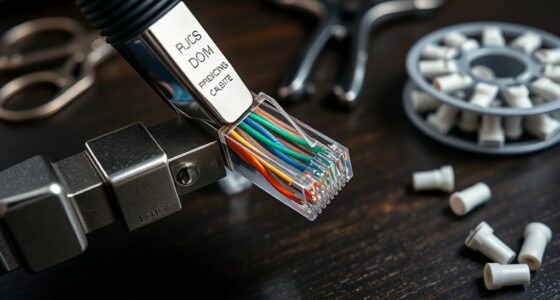
Designing a custom cable label printer allows you to create durable, professional labels tailored to your specific needs. By selecting the right materials and components, you can build a device that withstands harsh environments and offers precise, consistent results. But there are important decisions to make about hardware, materials, and design that can impact performance. Understanding these factors is key to creating an effective solution that meets your expectations—and there’s more to contemplate as you move forward.
Key Takeaways
- Select durable labeling materials like vinyl or polyester suited for cable and industrial environments.
- Choose a reliable print head and feeding system compatible with your selected label materials.
- Incorporate sensors for accurate label positioning and quality control during the printing process.
- Use a microcontroller or small computer (e.g., Raspberry Pi) to manage printing commands and user interface.
- Ensure proper hardware assembly and maintenance for consistent, high-quality, and long-lasting cable labels.
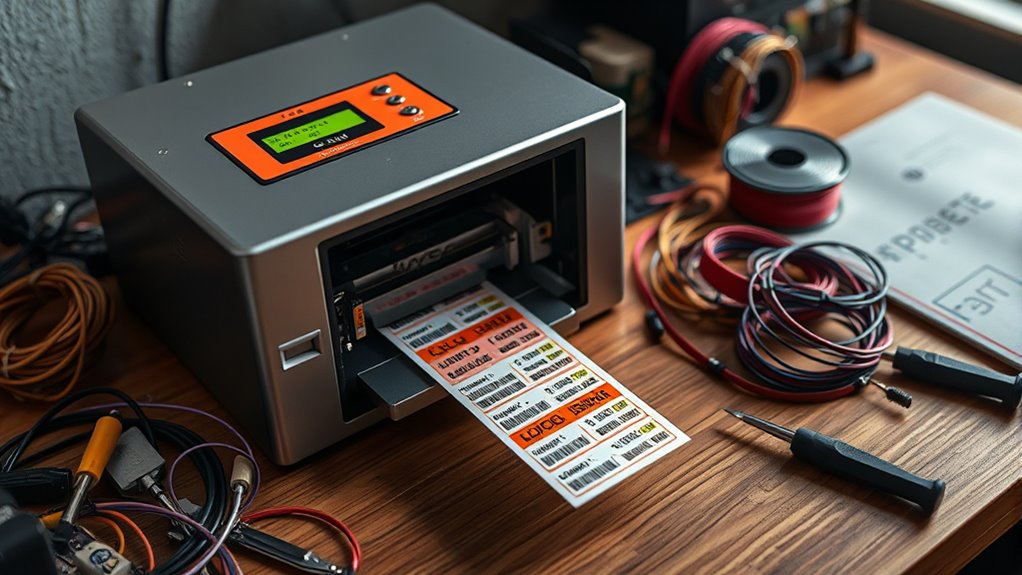
Creating a custom cable label printer allows you to produce durable, clear labels tailored to your specific needs. When designing your printer, one of the most essential steps is selecting the right labeling materials. These materials determine the longevity, readability, and overall quality of your labels. You want labels that can withstand environmental factors like moisture, heat, and abrasion, especially if you’re working in industrial or technical environments. Options include vinyl, polyester, or laminated paper, each offering different levels of durability. Vinyl labels are flexible and resistant to chemicals, making them ideal for outdoor or harsh settings. Polyester provides excellent heat and chemical resistance, ensuring your labels stay intact over time. Laminated paper offers a cost-effective choice for indoor applications where labels won’t face extreme conditions. Choosing the appropriate labeling materials ensures your labels won’t peel, smudge, or fade, maintaining clarity and professionalism.
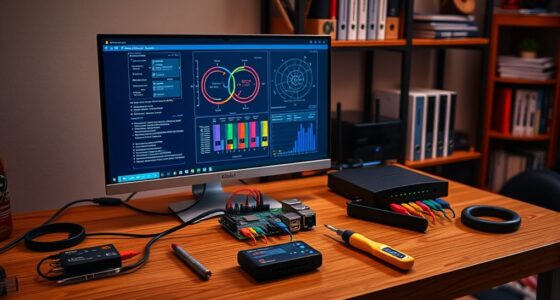
Next, focus on the hardware components needed to build your custom printer. You’ll need a reliable print head capable of handling your chosen labeling materials, as well as a feeding system that accurately advances the labels through the printing process. Stepper motors are commonly used for precise control of label movement, helping you produce consistent, high-quality prints. A sturdy frame that supports all hardware components is essential for stability and alignment. You’ll also need a control system, such as a microcontroller or small computer like a Raspberry Pi, to manage printing commands and coordinate the hardware. Incorporating a user interface—be it a simple LCD screen or a computer connection—makes operation straightforward. Don’t forget about sensors that detect label positioning and ensure proper alignment; these prevent misprints and waste. When selecting hardware components, prioritize compatibility and ease of integration. Investing in quality parts might cost more upfront, but it pays off with reliability and the ability to produce professional-grade labels over the long term. Additionally, understanding familiarity with components and their functions can help in troubleshooting and optimizing your printer’s performance.
Top picks for "build custom cable"
Open Amazon search results for this keyword.
As an affiliate, we earn on qualifying purchases.
Frequently Asked Questions
What Types of Cables Can the Printer Accommodate?
Your custom cable label printer can accommodate various cable types, ensuring broad cable compatibility. It handles different connector types like USB, HDMI, Ethernet, and power cords. The printer’s versatile design allows you to print labels for both thick and thin cables, making it perfect for multiple applications. You’ll find it easy to customize labels based on cable compatibility and connector types, streamlining your cable management tasks efficiently.
How Long Does It Take to Print a Batch of Labels?
It typically takes just a few seconds per label, depending on the printing speed you set. When batch processing, printing a large batch can take several minutes, but it’s generally efficient. You’ll notice faster output with higher printing speeds, allowing you to complete your batch quickly. Adjust the speed settings to balance quality and efficiency, so you can meet your deadlines without sacrificing label clarity.
Can the Printer Operate Wirelessly or Connect via Bluetooth?
It’s a pleasant surprise that your custom cable label printer does support wireless connectivity and Bluetooth compatibility. You can operate it wirelessly, which means no tangled cords or limited mobility. Simply pair it via Bluetooth, and you’re ready to print labels effortlessly from your device. This seamless integration enhances your workflow, making label printing quicker and more flexible, ensuring you stay productive without being tethered to a desk.
What Is the Maximum Label Length the Printer Can Handle?
You can typically handle label lengths up to 4 inches (about 100mm), depending on your specific printer model. Check the label length limitations in the user manual, as the maximum label size varies by device. Exceeding the maximum label size may cause jams or printing errors. To guarantee smooth operation, always stay within the maximum label size recommended by your printer’s specifications.
Are There Options for Color-Coded or Multi-Language Labels?
Think of your label printer as a painter’s palette—you can choose vibrant color coding options and support multiple languages to suit any project. Yes, you can customize labels with different colors for easy identification and include multilingual support for diverse environments. This flexibility helps keep cables organized and accessible, much like a well-crafted infographic makes information clearer. Your printer’s versatility guarantees your labels meet all your specific needs effortlessly.
Conclusion
By building your own cable label printer, you can create durable labels tailored to your needs, saving time and money. Did you know that custom labels can last up to five times longer in harsh environments compared to standard ones? With the right materials and components, you’ll guarantee professional results that withstand moisture, heat, and wear. Take control of your labeling process and enjoy reliable, long-lasting labels built exactly to your specifications.