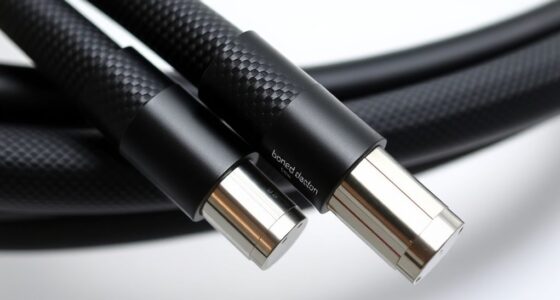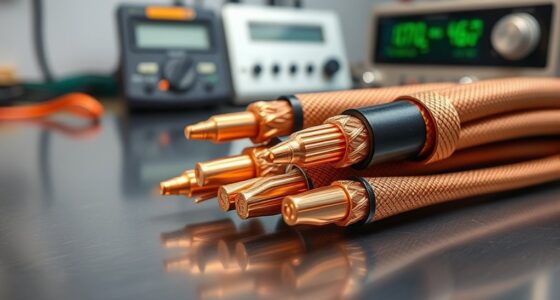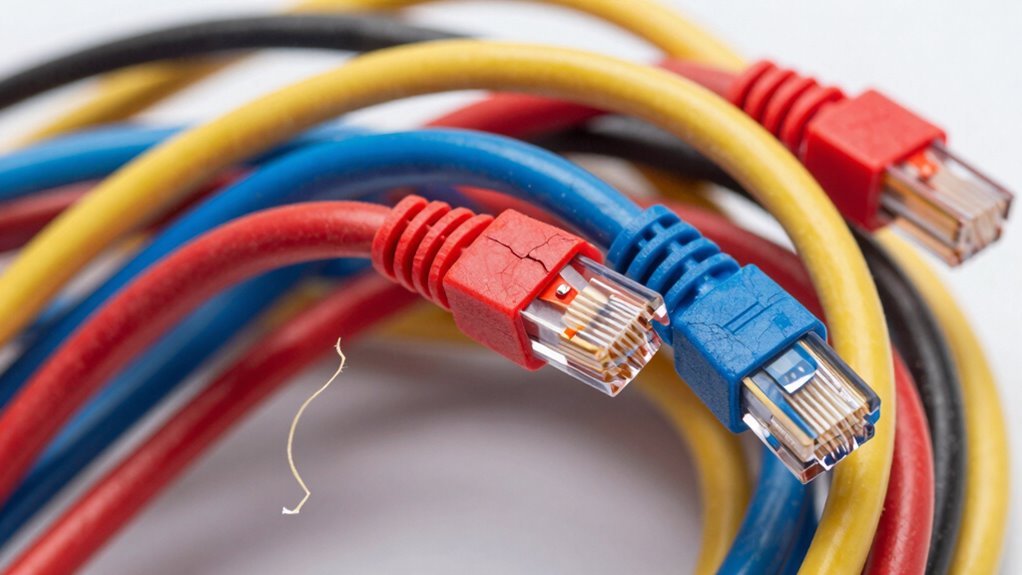

When you bend an Ethernet cable too far, it can damage the internal wiring, which leads to signal degradation and connection problems. Excessive bending strains or breaks the conductors inside, causing slow data transfer, dropped connections, or complete failure. Over time, even invisible damage worsens, making your network unreliable. To keep your cables working well, follow proper bend radius guidelines and handle them carefully. If you stay cautious, you’ll better understand how to prevent this issue.

Get networking and server gear delivered free — and shop member deals
- Fast, free delivery on millions of items
- Access to Prime Big Deal Days deals on October 6–7
- Prime Video, Amazon Music and more included
Key Takeaways
- Excessive bending causes internal wire damage, leading to signal degradation and connection failures.
- Bent cables can result in slower data transfer speeds and increased latency.
- Internal conductor damage from sharp bends may cause intermittent or complete connection loss.
- Over-bending can create microfractures in fiber optic cables, impairing light signal transmission.
- Ignoring recommended bend radius reduces cable lifespan and increases long-term network reliability issues.
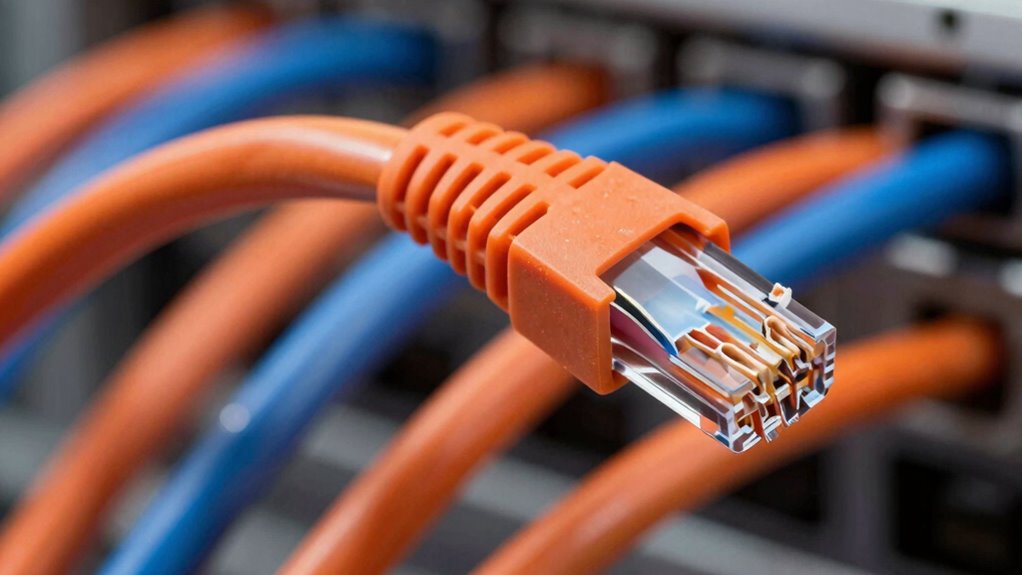
Bent Ethernet cables can cause significant disruptions in your network by reducing signal quality or preventing connections altogether. When you bend a cable too sharply, you’re risking more than just an awkward bend — you’re potentially damaging the internal wiring, which can lead to serious performance issues. Unlike fiber optic cables, which are designed to carry light signals over long distances with minimal loss, traditional Ethernet cables rely on electrical signals that are highly sensitive to physical damage. Excessive bending can cause signal degradation, making data transfer slower and less reliable. If you notice frequent disconnects or sluggish network speeds, it might be due to a bent cable that’s impairing the signal.
Bent Ethernet cables can degrade signals and cause network disruptions over time.
When an Ethernet cable is bent beyond its recommended radius, the internal conductors can become strained or even broken. This damage hampers the cable’s ability to transmit data efficiently, resulting in intermittent connectivity or total failure. The problem worsens over time, especially if the cable remains bent or is repeatedly flexed. In some cases, the damage isn’t immediately visible, but the performance issues become increasingly apparent. You might experience lag, dropped connections, or corrupted data packets, all of which point to internal damage caused by improper handling. The risk of signal degradation is especially high with poorly manufactured or low-quality cables, which are less forgiving of bends.
Fiber optic cables are often praised for their durability and resistance to signal degradation, but they’re not invincible. Bending fiber optic cables too tightly can cause microfractures in the glass or plastic core, leading to significant data loss. While fiber optic cables are less susceptible to electromagnetic interference, they still require careful handling to maintain their integrity. Similarly, Ethernet cables have a recommended bend radius specified by manufacturers, and ignoring this guideline can diminish their lifespan and performance. When you bend a cable too far, you compromise the insulation around the conductors or the core in the case of fiber optics, which can cause permanent damage and reduce overall network reliability. Proper cable management and understanding the bend radius specifications can help prevent such issues and extend the lifespan of your cables. Additionally, understanding how cable quality affects durability can help you choose the right cables for your setup. Being aware of cable manufacturing standards can also ensure you select cables that are more resilient to improper handling.
Taking the time to properly manage cables and follow manufacturer guidelines can significantly extend their lifespan and maintain network performance.
Ethernet cable bend radius guide
As an affiliate, we earn on qualifying purchases.
As an affiliate, we earn on qualifying purchases.
Frequently Asked Questions
Can Bent Ethernet Cables Cause Permanent Damage?
Bent Ethernet cables can cause permanent damage if you bend them too far, especially if their cable flexibility and bending durability are compromised. Over-bending can break the internal wires or damage the insulation, leading to signal loss or degraded performance. To avoid this, avoid sharp bends and handle cables gently. Using cables with high bending durability helps maintain their longevity and guarantees consistent, reliable connections over time.
How Can I Test if My Ethernet Cable Is Damaged?
Is your Ethernet cable hiding secrets? To test if it’s damaged, plug it into your device and run a speed test or use network diagnostic tools. Check for issues like weak signals or dropped connections, which could indicate damage to the cable insulation or increased signal interference. If problems persist, try replacing the cable to guarantee a reliable connection, as damage can silently sabotage your network’s performance.
Are Certain Ethernet Cable Types More Resistant to Bending?
Some Ethernet cable types, like shielded twisted pair (STP) or premium outdoor cables, are more resistant to bending because of their thicker or more flexible cable insulation. These designs help minimize signal interference and protect internal wiring when bent. If you need durability, choose cables specifically rated for flexibility, and avoid sharp bends to guarantee the best performance and longevity. Proper installation prevents damage and maintains signal quality.
What Tools Help in Safe Bending of Ethernet Cables?
You can use tools like cable rollers and bending guides to help bend Ethernet cables safely. These tools maintain the proper bending radius, preventing damage to the cable insulation. By following the recommended bending radius, you avoid stressing the internal wires and preserve signal quality. Always use gentle, steady pressure and avoid sharp bends to guarantee your Ethernet cable remains functional and durable over time.
How Long Does It Take for Bending to Damage a Cable?
Bending damages cable durability quickly if you don’t respect cable flexibility and proper bending techniques. Usually, damage occurs instantly if you bend an Ethernet cable beyond its bend radius, especially with sharp, tight bends. However, gradual stress over time from repeated improper bends can weaken the cable’s integrity, leading to delayed failures. To avoid this, always use gentle bending techniques and keep within recommended bend radii to preserve cable longevity.
As an affiliate, we earn on qualifying purchases.
Conclusion
If you bend Ethernet cables too far, you’re risking damage that could lead to slower internet speeds or complete connection failures. Studies show that nearly 40% of network issues are caused by improperly handled cables. To keep your connection reliable, avoid sharp bends and use cable protectors. Remember, a small effort now can save you hours of troubleshooting later, ensuring your network stays fast and stable. Keep your cables smooth and secure for the best performance.
As an affiliate, we earn on qualifying purchases.
fiber optic cable microfracture repair kit
As an affiliate, we earn on qualifying purchases.
As an affiliate, we earn on qualifying purchases.
Halloween Picks
halloween
As an affiliate, we earn on qualifying purchases.