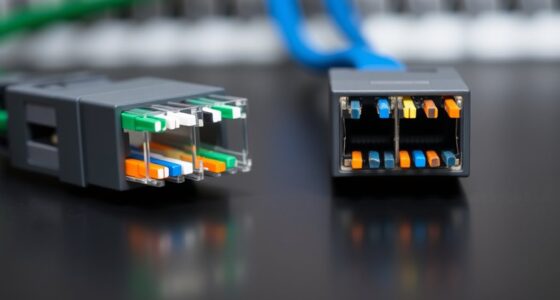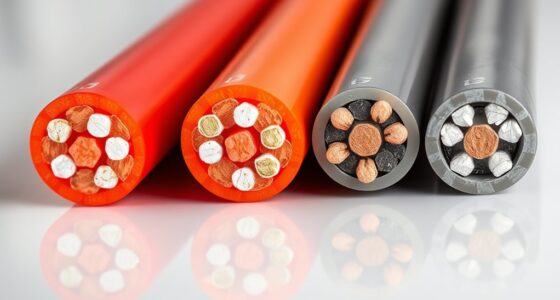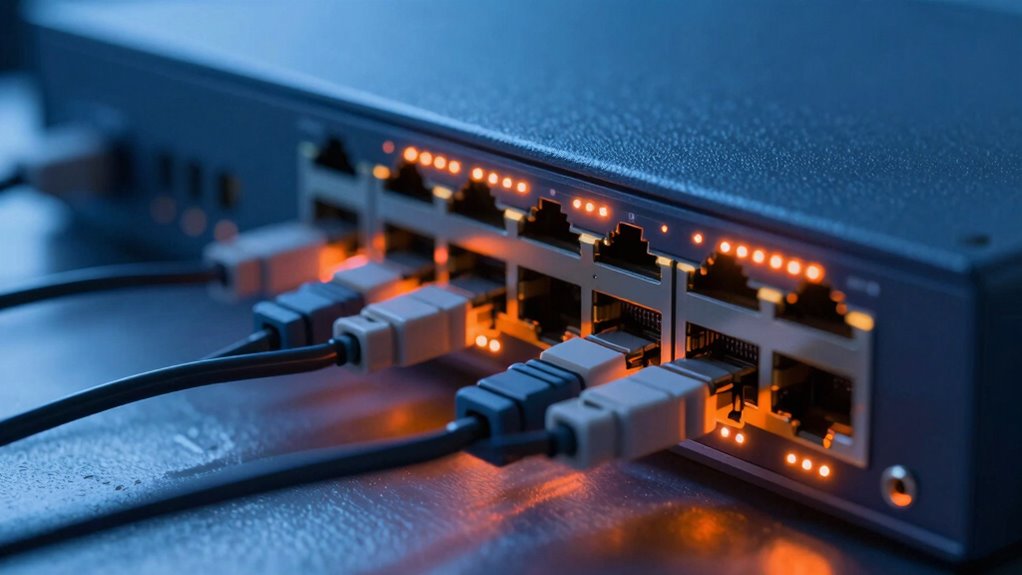
As a network team, you need to understand that heat generated by PoE devices impacts their performance and lifespan. Higher power levels produce more heat, which can cause overheating and failures if not properly managed. Incorporate thermal sensors, improve airflow, and guarantee adequate ventilation to prevent damage. Dense deployments and environmental factors make cooling even more critical. Keep these facts in mind to enhance reliability—and the more you know, the better your thermal management strategies will become.

Get business pricing on networking and server gear
- Business-only prices and quantity discounts
- Tax-exempt purchasing
- Multiple users, one account, clear invoices
Key Takeaways
- PoE devices generate heat proportional to power levels, impacting performance and longevity if not properly managed.
- Effective thermal management, including cooling solutions and ventilation, is essential in dense PoE deployments.
- Thermal sensors and real-time monitoring enable proactive responses to overheating risks.
- Proper cable placement and airflow design prevent heat buildup and ensure efficient dissipation.
- Understanding power dissipation helps plan for infrastructure upgrades and maintain network reliability.
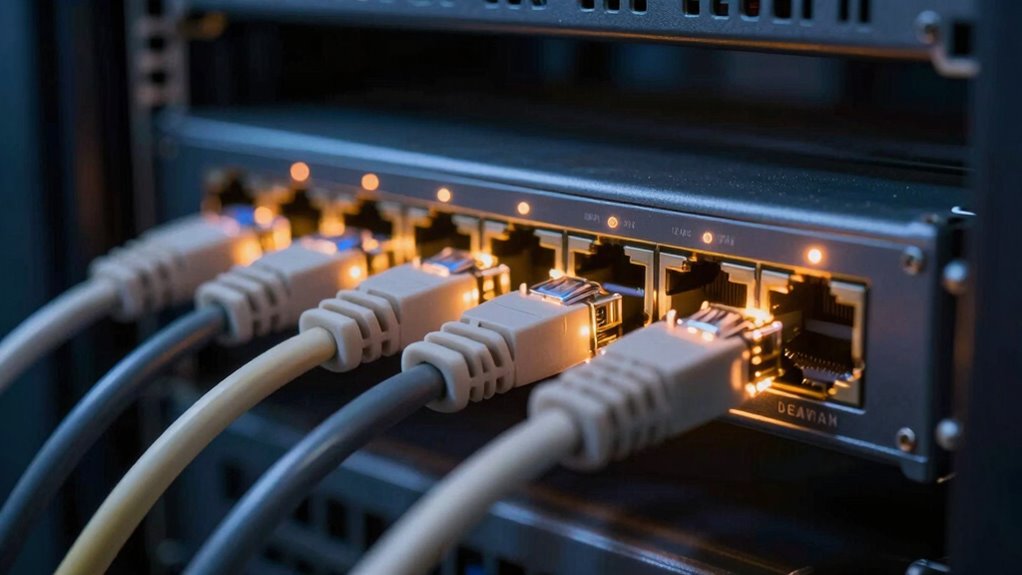
Power over Ethernet (PoE) is a game-changer for network teams, enabling you to deliver power and data through a single cable. However, with this convenience comes the responsibility of managing heat generated during operation. As PoE devices transmit power, they inevitably dissipate some of that energy as heat, which can impact device performance and longevity if not properly addressed. Understanding power dissipation is vital because it directly influences thermal management strategies. Excessive heat buildup can cause devices to overheat, leading to failures, reduced efficiency, or even permanent damage.
PoE devices generate heat that can affect performance and lifespan if not properly managed.
When deploying PoE, you need to be aware of how power dissipation varies depending on the power levels your devices require. For example, higher power levels, such as PoE++ or Ultra PoE, generate more heat during transmission. This means your network equipment must be designed or selected with sufficient thermal management features. Without proper heat dissipation measures, the heat can accumulate within switches, injectors, or connected devices, compromising their reliability. You should consider factors like ventilation, heat sinks, and placement to guarantee heat is effectively carried away from critical components.
Effective thermal management begins with understanding how your equipment handles heat. Many modern PoE switches include built-in thermal sensors and management features that monitor temperature levels in real-time. These tools can automatically adjust power output or trigger alerts when temperatures rise beyond safe thresholds, preventing damage. Additionally, you might need to implement physical solutions such as fans or improved airflow routes within racks to keep temperatures in check. Proper cable management also plays a role; bundling cables tightly can restrict airflow and trap heat, so spacing and organizing cables strategically helps mitigate thermal issues.
Moreover, as network environments become more complex and densely populated with PoE devices, heat becomes a more prominent concern. Dense deployments require careful planning of power distribution and cooling solutions. You should evaluate the thermal characteristics of your entire setup, including the environment where your equipment resides. An environment with good ventilation or climate control can considerably reduce the risk of overheating. Color accuracy and contrast ratio are also important considerations, as they impact the overall performance and reliability of connected display systems, which can be affected by thermal fluctuations. Understanding the thermal characteristics of your network components is essential for maintaining optimal operation. Additionally, staying informed about emerging thermal management technologies can help you develop more effective cooling strategies in the future. Moreover, being aware of the power dissipation within your network infrastructure can help you plan upgrades or improvements proactively.
As an affiliate, we earn on qualifying purchases.
Frequently Asked Questions
How Does Poe Heat Impact Network Device Lifespan?
PoE heat can shorten your network device lifespan by increasing heat buildup, which accelerates component wear. Higher power consumption generates more heat, so ensuring proper ventilation solutions is essential. You should monitor temperature levels regularly and implement efficient cooling methods to prevent overheating. Proper ventilation helps maintain ideal device temperatures, reducing thermal stress and extending your network equipment’s operational life.
Are Certain Environments More Prone to Poe Heat Issues?
Certain environments are more prone to PoE heat issues, especially those with poor ventilation efficiency and challenging environmental factors. If airflow is restricted or temperatures fluctuate wildly, heat can accumulate, risking device lifespan. You need to monitor these conditions closely, as in such environments could quietly compromise your network equipment’s longevity. Identifying and addressing ventilation gaps now prevents costly failures later—don’t wait until heat becomes a silent threat.
What Are the Best Practices for Monitoring Poe Heat?
To monitor PoE heat effectively, you should regularly track power consumption of your devices, as higher consumption often indicates increased heat dissipation. Use thermal sensors or network management tools with temperature monitoring features to identify hotspots early. Schedule routine inspections, especially in high-density setups, and guarantee your switches have proper ventilation. Keeping an eye on these factors helps prevent overheating, ensuring reliable network performance and device longevity.
Can Poe Heat Affect Network Performance?
Yes, PoE heat can affect network performance. When power consumption increases, thermal dissipation also rises, causing equipment to heat up. Excess heat may lead to overheating, which can throttle device performance or cause shutdowns. By managing power levels and monitoring thermal conditions, you guarantee proper thermal dissipation, preventing performance issues and maintaining network reliability. Proper cooling and equipment placement are essential to avoid heat-related disruptions.
How Can Network Teams Prevent Poe Heat Buildup?
To prevent PoE heat buildup, you should implement effective thermal management strategies. For example, in a small office, installing cooling fans or heat sinks near PoE switches can dissipate heat more efficiently. Use proper cooling techniques like airflow optimization and temperature monitoring. Regularly inspecting equipment for dust buildup and ensuring proper ventilation help maintain ideal temperatures, reducing the risk of overheating and preserving network performance.
As an affiliate, we earn on qualifying purchases.
Conclusion
Understanding PoE heat isn’t just about avoiding equipment failure—it’s about safeguarding your entire network’s life. Think of heat as the silent enemy lurking unseen, threatening to unravel your efforts. By staying vigilant and managing heat effectively, you’re not just maintaining equipment—you’re anchoring the stability and resilience of your network. Remember, in the battle against heat, awareness is your strongest shield, turning potential chaos into a well-oiled, reliable system.
As an affiliate, we earn on qualifying purchases.
As an affiliate, we earn on qualifying purchases.
Fall Picks
fall essentials
As an affiliate, we earn on qualifying purchases.