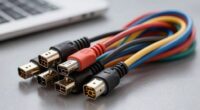
To build a smarter wiring plan, balance wired and wireless connections for stability and flexibility—use wired for critical devices and wireless like Zigbee or Z-Wave for less essential gadgets. Plan pathways for future upgrades by installing extra conduit, and choose high-quality, shielded cables to guarantee signal integrity and longevity. Focus on energy efficiency and scalability by strategically placing devices and incorporating central hubs. Keep these tips in mind, and you’ll discover more ways to create an adaptable, efficient smart home.

Get business pricing on networking and server gear
- Business-only prices and quantity discounts
- Tax-exempt purchasing
- Multiple users, one account, clear invoices
Key Takeaways
- Combine wired and wireless connections strategically for system reliability, flexibility, and energy efficiency.
- Plan for future upgrades by installing extra conduit, outlets, and scalable wiring pathways.
- Use high-quality cables, proper shielding, and grounding to prevent interference and ensure signal integrity.
- Prioritize wired connections for critical devices, while employing low-energy wireless protocols for less essential gadgets.
- Create detailed wiring diagrams and label components to simplify troubleshooting and future modifications.

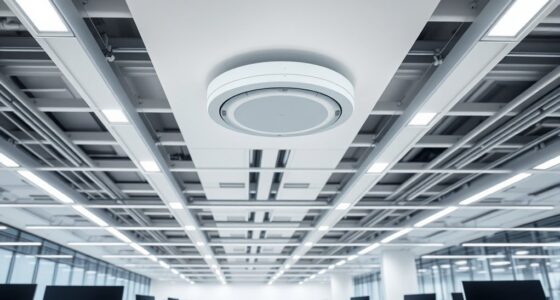
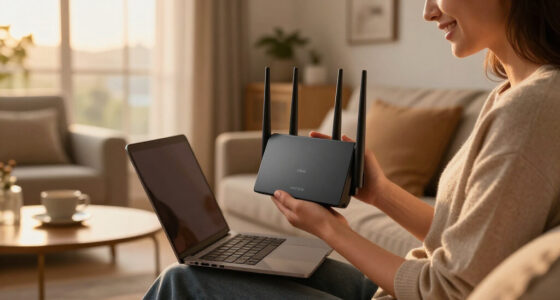
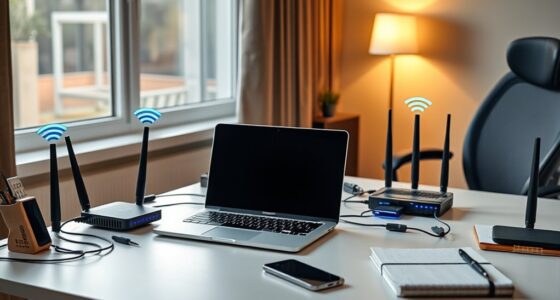
Are you planning a smart home and wondering how to create a wiring setup that keeps everything connected seamlessly? The key is designing a plan that balances wired connections with wireless alternatives, so your system remains flexible, reliable, and energy-efficient. Start by evaluating your home’s layout and identifying the core devices you want to connect, such as security cameras, thermostats, lighting controls, and entertainment systems. While traditional wiring provides stability, integrating wireless alternatives can simplify installation and reduce clutter. Wireless options like Wi-Fi, Zigbee, or Z-Wave allow you to control devices remotely without running extensive cables, which is especially helpful in retrofit projects or areas where wiring is impractical.
Balance wired and wireless connections for a flexible, reliable, and energy-efficient smart home setup.
When planning your wiring, consider how to optimize energy efficiency. Wired connections tend to be more stable and can support higher data transfer rates, but they often consume more energy during installation and maintenance. Wireless alternatives, on the other hand, typically use less power, especially with modern low-energy protocols like Zigbee or Z-Wave. By strategically combining wired and wireless solutions, you can reduce overall energy consumption and improve the system’s responsiveness. For instance, placing critical devices on wired connections ensures reliability, while less essential gadgets can operate wirelessly to save energy and simplify setup. Additionally, wireless protocols can enhance your system’s flexibility and future compatibility.
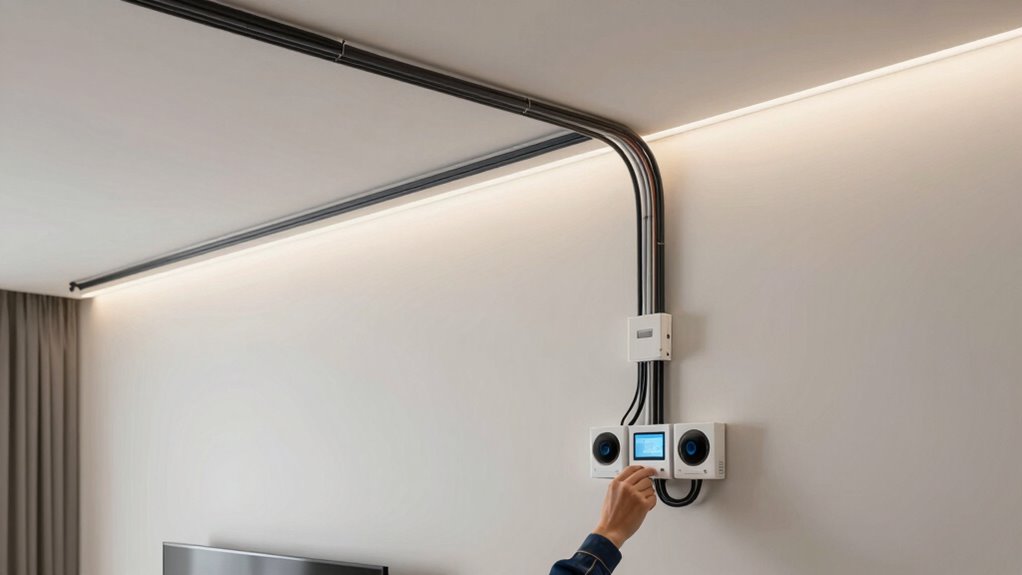
Another vital aspect of building a smarter wiring plan is future-proofing. Technology evolves rapidly, so choose wiring pathways and outlets that can support upgraded devices down the line. Installing extra conduit or cable runs now might seem unnecessary but will save you time and money later. Consider installing a central hub or panel where all wires and wireless controllers converge. This setup makes managing your smart home easier and provides a clear point for troubleshooting or upgrades. Additionally, incorporating natural landscaping elements can help integrate the wiring and devices more seamlessly into your outdoor spaces. Moreover, planning for scalability ensures your system can grow without requiring major rewiring or upgrades, saving costs over time.
Don’t forget to incorporate proper shielding and grounding techniques to prevent interference and maintain signal integrity. This is particularly important in homes with many wireless devices, as overlapping signals can cause disruptions. Opt for high-quality cables and connectors to ensure longevity and minimize energy loss, which also contributes to energy efficiency. Labeling your wiring and creating a detailed diagram can help you troubleshoot issues quickly and upgrade components seamlessly in the future.
Ultimately, building a smarter wiring plan involves thoughtful integration of wired and wireless alternatives, focusing on energy efficiency and scalability. By planning ahead and choosing the right combination of connections, you’ll create a smart home that’s not only easier to operate but also more sustainable and adaptable for years to come.
As an affiliate, we earn on qualifying purchases.
Frequently Asked Questions
How Often Should I Upgrade My Smart Home Wiring System?
You should consider upgrading your smart home wiring system every 5 to 10 years, especially if you notice slow device responses or connectivity issues. This is a good time to explore wireless alternatives that reduce wiring complexity and improve flexibility. Additionally, wiring customization can help future-proof your system, making upgrades easier and more efficient. Regular upgrades ensure your smart home stays current with technology advancements and maintains peak performance.
What Are the Cost Implications of a Comprehensive Wiring Plan?
A thorough wiring plan involves significant wiring expenses, but it’s a worthwhile investment for future-proofing your smart home. You should conduct a detailed cost analysis to understand the overall expenses, including materials, labor, and potential upgrades. While upfront costs might seem high, they can save you money long-term by avoiding frequent rewiring. Proper planning ensures your smart home functions efficiently, minimizing unexpected repairs and upgrades down the line.
How Can I Future-Proof My Smart Home Wiring?
You can future-proof your smart home wiring by incorporating flexibility for wireless integration and prioritizing energy efficiency. Don’t worry about complexity; modern wiring allows for seamless upgrades without major overhauls. Install versatile wiring, like Cat6 cables, that support current and future smart devices. Also, choose energy-efficient solutions to reduce long-term costs. This way, your home stays adaptable, efficient, and ready for the latest innovations in smart technology.
Are There Specific Safety Regulations for Smart Home Wiring?
Yes, there are specific safety regulations for smart home wiring. You must guarantee your wiring complies with fire safety standards and local building codes to prevent fire hazards. Follow compliance standards like the National Electrical Code (NEC) and any local amendments. Proper installation, grounding, and using approved materials are essential. Always consult a licensed electrician to verify your wiring setup meets all safety regulations, ensuring your smart home remains safe and compliant.
What Are Common Wiring Mistakes to Avoid in Smart Homes?
You should avoid common wiring mistakes like ignoring wire color coding, which helps prevent confusion and guarantee safety. Also, improper circuit breaker placement can cause overloads or outages. Always verify that wires are correctly color-coded and circuit breakers are conveniently located to easily shut off power when needed. Double-check connections and follow manufacturer instructions, ensuring your smart home wiring is safe, efficient, and easy to troubleshoot.
conduit and cable installation kit
As an affiliate, we earn on qualifying purchases.
As an affiliate, we earn on qualifying purchases.
Conclusion
By planning your wiring thoughtfully, you guarantee your smart home is future-proof and effortlessly integrated. For instance, imagine installing dedicated circuits for your smart security system, allowing seamless updates or expansions without rewiring. This proactive approach not only boosts reliability but also saves you time and money down the line. So, invest in a thorough wiring plan now—your smarter, more efficient home will thank you for it.
As an affiliate, we earn on qualifying purchases.
shielded Ethernet cables for smart home
As an affiliate, we earn on qualifying purchases.
As an affiliate, we earn on qualifying purchases.
Fall Picks
fall essentials
As an affiliate, we earn on qualifying purchases.