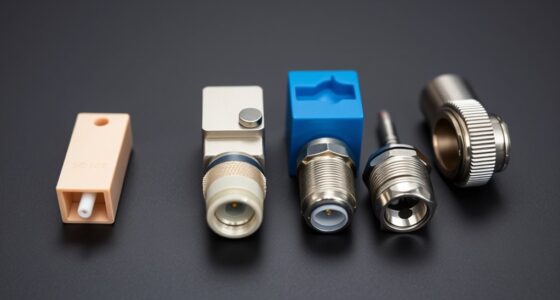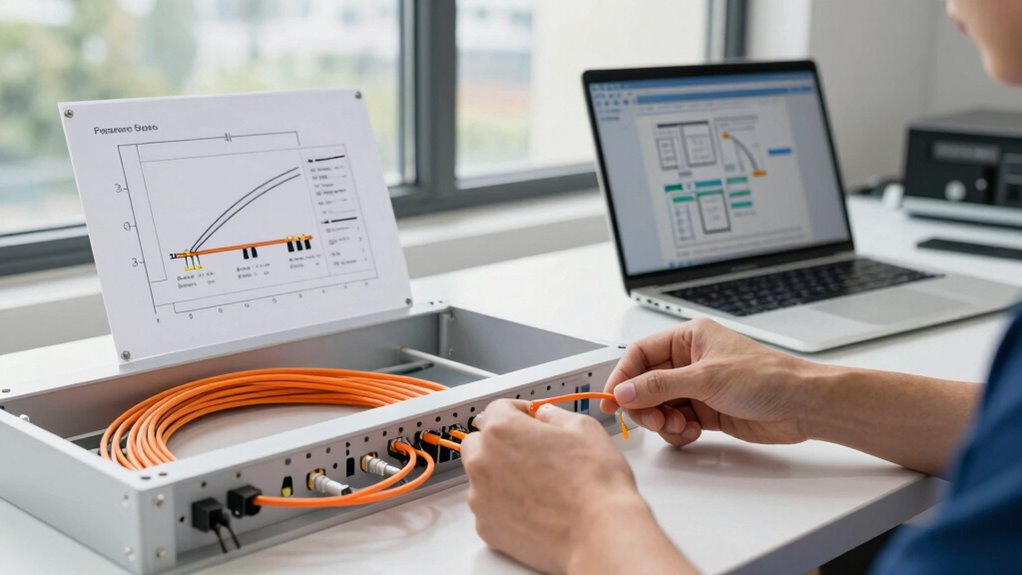

To use fiber for long distances without overcomplicating your project, choose the right type of fiber—single-mode for extended ranges and multimode for shorter runs—and plan your route carefully to avoid obstacles and environmental hazards. Use proper connectors, follow manufacturer guidelines, and guarantee cables are securely installed without sharp bends or tension. Regular testing and maintenance help ensure longevity and performance. Keep exploring for more tips on streamlining your fiber deployment.

Get business pricing on networking and server gear
- Business-only prices and quantity discounts
- Tax-exempt purchasing
- Multiple users, one account, clear invoices
Key Takeaways
- Choose the appropriate fiber type (single-mode for long distances, multimode for shorter ranges).
- Plan the route carefully, avoiding obstacles and environmental hazards.
- Follow best installation practices, including proper cable management and connector cleaning.
- Use weatherproof enclosures and protective materials for outdoor or challenging environments.
- Conduct signal testing with OTDR after installation to ensure minimal loss and reliable performance.
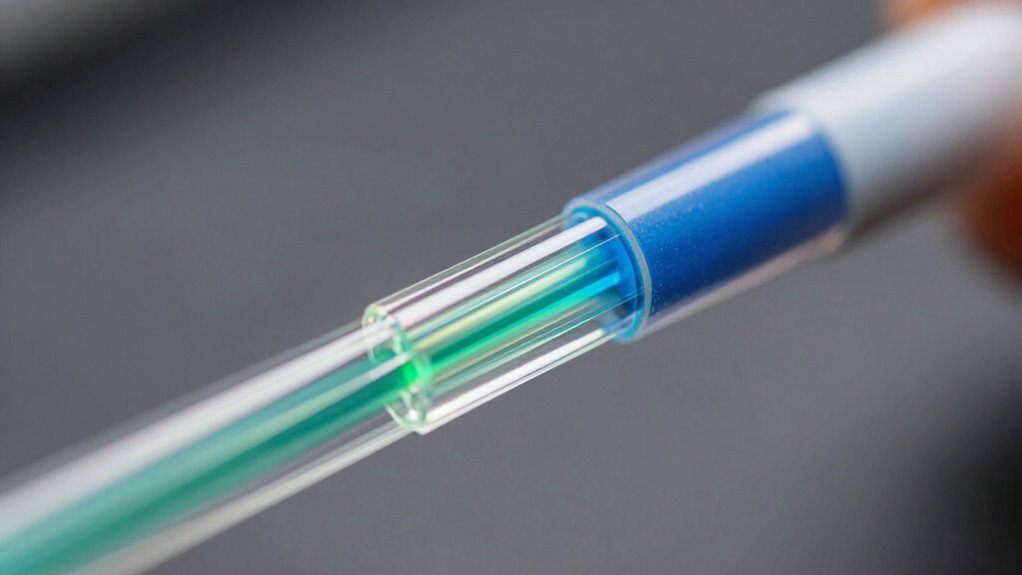
Have you ever wondered how fiber optic technology allows signals to travel over long distances with minimal loss? The secret lies in the design of fiber cables and the way they transmit data using light. When planning to use fiber for distance, understanding the different fiber cable types is essential. Generally, you’ll encounter single-mode and multimode fibers. Single-mode fibers have a small core that carries light directly down the fiber, making them ideal for long-distance communication because they experience less signal loss. Multimode fibers, on the other hand, have a larger core and are better suited for shorter distances, like within a building or campus. Choosing the right fiber cable type guarantees you maximize performance while avoiding unnecessary complications down the line.
Once you’ve selected the appropriate fiber cable, following installation best practices is key to maintaining signal integrity and avoiding future issues. First, plan your route carefully. Avoid physical obstacles, areas prone to moisture, or locations with excessive vibration, which can damage the cable or degrade signal quality. When installing, use proper cable management techniques—secure the fiber loosely to prevent bending beyond its minimum bend radius. Sharp bends or excessive pulling can cause microcracks or break the fiber, resulting in signal loss. Use appropriate connectors and splicing techniques to guarantee minimal insertion loss at connection points. Properly cleaning connectors before installation also helps prevent dirt or debris from impairing signal quality. Additionally, choosing cables with robust construction can enhance durability in challenging environments. It’s also important to consider fiber testing to ensure the installation meets performance standards. Conducting regular inspections and maintenance can further extend the lifespan of your fiber network, especially in diverse environments where conditions may vary significantly.
During installation, protect the fiber from environmental factors. If the cable runs outdoors, use weatherproof enclosures and conduit to shield it from moisture, UV rays, and temperature fluctuations. For indoor runs, avoid placing fiber in areas with high electromagnetic interference or where it could be accidentally damaged. When connecting fibers, always follow manufacturer guidelines and industry standards to ensure peak performance. Testing the fiber after installation is vital—use optical time domain reflectometers (OTDR) to verify the integrity of the connection and confirm minimal signal loss over the distance.
As an affiliate, we earn on qualifying purchases.
Frequently Asked Questions
What Types of Fiber Optic Cables Are Best for Long Distances?
For long distances, you should choose single-mode fiber optic cables, as they offer minimal signal loss over extended runs. During cable installation, focus on proper fiber optic splicing to maintain signal integrity. Single-mode fibers are ideal for high-speed, long-distance connections, reducing the need for repeaters. Make sure you select quality cables and precise splicing techniques to simplify your project and achieve maximum performance without overcomplication.
How Do I Choose the Right Fiber Optic Connectors?
Choosing the right fiber optic connectors is like selecting a perfect dance partner—compatibility is key. You’ll want to take into account connector types such as SC, LC, or ST, ensuring they match your equipment. Pay close attention to compatibility issues, like core size and connector style, to avoid connection hiccups. Opt for high-quality, well-matched connectors, and you’ll keep your network running smoothly without unnecessary complications.
What Safety Precautions Are Necessary When Handling Fiber?
When handling fiber, always prioritize safety by wearing proper safety gear like gloves and eye protection to prevent injury from sharp fibers or accidental exposure to laser light. Be cautious during fiber handling to avoid bending or breaking the cables, which can cause splinters or damage. Work in a clean, controlled environment to minimize contamination, and follow manufacturer guidelines to guarantee safe and effective fiber installation without complications.
How Does Ambient Temperature Affect Fiber Performance?
Ambient temperature impacts fiber performance by affecting its insulation properties. When temperatures fluctuate, fiber insulation can expand or contract, potentially leading to signal loss or damage. You should guarantee proper temperature regulation in your setup to maintain ideal performance. Keep the environment stable and avoid extreme heat or cold, which could compromise fiber integrity and transmission quality. Proper temperature control helps your fiber connections stay reliable over time.
Can Existing Network Equipment Support Fiber for Long-Distance Use?
Did you know that over 80% of network upgrades involve existing equipment? Your current network gear might support fiber for long-distance use if it includes compatible SFP modules and supports fiber installation. However, to guarantee signal quality over extended runs, consider signal amplification devices. Upgrading or adding amplifiers can help you maintain peak performance without overhauling your entire system, making long-distance fiber deployment easier and more efficient.
As an affiliate, we earn on qualifying purchases.
Conclusion
Using fiber optic cables for long-distance connections doesn’t have to be complicated. Keep it simple by choosing the right type, planning your route carefully, and working with reputable installers. Did you know that fiber can transmit data over 25 miles without losing signal quality? That’s like sending a message across a city in less than a second! With the right approach, you’ll enjoy fast, reliable connectivity without the headache of overthinking the process.
As an affiliate, we earn on qualifying purchases.
As an affiliate, we earn on qualifying purchases.
Fall Picks
fall essentials
As an affiliate, we earn on qualifying purchases.