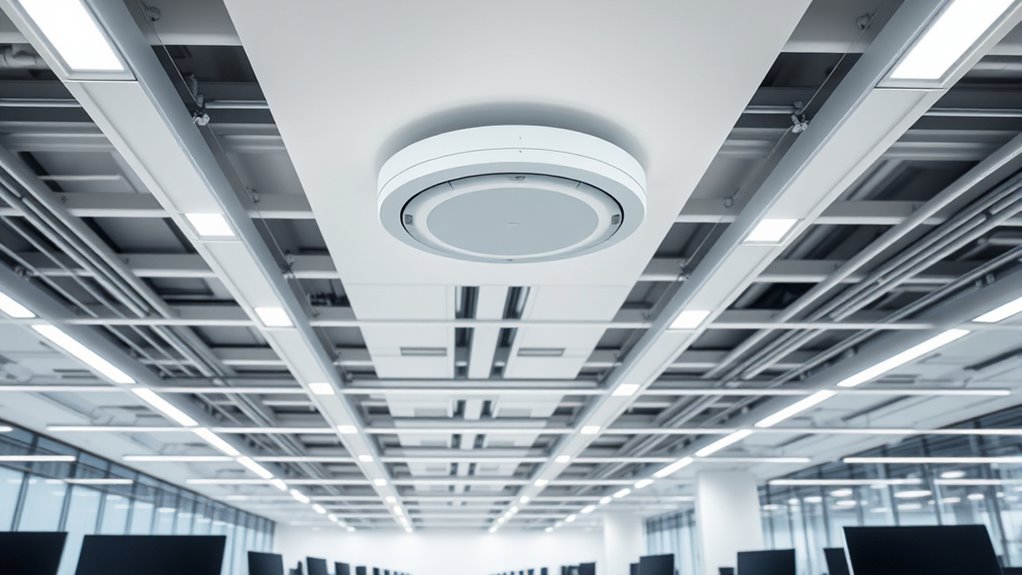

To optimize your Wi-Fi coverage, place your WAPs away from electronic devices, thick walls, and other networks on similar channels. Mount them high, like on ceilings or shelves, and avoid metal objects or large water containers nearby. Keep cables organized with ties or clips to prevent interference and accidental disconnections. Strategically positioning your WAPs and managing cables properly can considerably improve signal stability. For more in-depth tips, you’ll find useful insights if you continue exploring further.
Key Takeaways
- Position WAPs away from electronic devices and obstacles to minimize interference and maximize coverage.
- Mount WAPs at ceiling height or high shelves for optimal signal distribution and reduced dead zones.
- Use site surveys and Wi-Fi analyzers to identify high traffic areas and interference sources for strategic placement.
- Manage cables with ties or conduits to ensure organized routing, preventing damage and simplifying troubleshooting.
- Regularly inspect and adjust WAP placement and cabling to maintain a stable, high-performance wireless network.

Proper placement of wireless access points (WAPs) is vital for ensuring reliable and fast network coverage. When you position your WAPs correctly, you can markedly reduce signal interference and improve overall performance. Signal interference often occurs when WAPs are placed near electronic devices, thick walls, or other wireless networks operating on similar channels. To minimize this, you should strategically locate your access points away from potential sources of interference, such as microwaves, cordless phones, and Bluetooth devices. Keep in mind that placing WAPs at ideal heights, like on ceilings or high shelves, can help broadcast signals more evenly across your space, reducing dead zones and guaranteeing consistent connectivity.
Cable management plays a fundamental role in maintaining a clean, efficient network setup that maximizes your WAPs’ effectiveness. Proper cable management not only keeps your workspace organized but also prevents accidental disconnections or damage to your cables. Use cable ties, clips, or conduits to route cables neatly along walls or ceilings, avoiding tangles and unnecessary bends. Well-organized cables make it easier to identify and troubleshoot issues if your network performance drops. Remember that cables should be kept away from sources of electrical noise, like power strips or heavy machinery, which can contribute to signal degradation. When planning your cabling, consider the length of your Ethernet runs, ensuring they are not stretched too tight or stretched out too loosely, as both can cause problems over time. Additionally, understanding your environment’s wireless signal propagation characteristics can help optimize WAP placement for maximum coverage and performance.
Another aspect of effective WAP placement involves understanding your environment’s layout and the typical usage patterns. Conduct a site survey to identify areas with high traffic or significant obstacles that could hinder signals. Position your access points to cover these areas adequately, balancing coverage and bandwidth. Using tools like Wi-Fi analyzers helps you detect signal strength and interference levels, guiding you to the best spots for your WAPs. Proper placement also means avoiding placing WAPs directly next to metal objects or large water containers, which can reflect or absorb signals, respectively. When combined with thoughtful cable management, this strategic approach ensures your network remains stable and fast, providing a seamless experience whether you’re streaming, working remotely, or running critical business applications.
Frequently Asked Questions
How Do I Prevent Signal Interference From Neighboring Wi-Fi Networks?
To prevent Wi-Fi interference from neighboring networks, you should change your access point’s channel to one with less traffic, avoiding signal overlap. Use tools like Wi-Fi analyzers to identify crowded channels and select the clearest option. Also, position your access points away from other electronics and thick walls that can cause interference. By reducing signal overlap and choosing ideal channels, you’ll improve your Wi-Fi performance and minimize interference.
What Are the Best Practices for Securing Wired Cabling?
Think of your wired cabling like a fortress; you need strong defenses. To secure it, implement proper cable management to prevent accidental disconnections and physical damage. Use security protocols, such as VLANs and encryption, to protect data integrity. Keep cables in locked or secure enclosures, and regularly audit your setup. These practices help guarantee your network remains safe from tampering and unauthorized access, much like a well-guarded castle.
How Often Should Wireless Access Points Be Repositioned?
You should consider repositioning your wireless access points every 2 to 3 years to ensure ideal coverage and performance. This repositioning helps extend the access point lifespan by adapting to changing environments and user needs. Regularly evaluating your network’s signal strength and interference sources will guide you on when to move the access points. Consistent adjustments maintain strong connectivity, prevent dead zones, and maximize your wireless network’s efficiency over time.
What Is the Optimal Height for Installing Access Points?
Like Apollo guiding the sun, you should install your access points at a height that maximizes coverage—typically ceiling mounting at about 8-10 feet. Ensure proper antenna orientation for ideal signal dispersion, avoiding obstructions. This height reduces interference and dead zones, much like the stars’ steady glow. Keep these guidelines in mind, and your network will shine brightly, offering seamless connectivity across your space.
How Can I Troubleshoot Connectivity Issues Related to Cabling?
To troubleshoot connectivity issues related to cabling, start by performing cable testing to identify breaks or faults. Then, inspect connectors for damage, loose connections, or dirt. Guarantee cables are properly seated and not bent sharply. Replace faulty cables or connectors if needed. Also, verify that the cable runs are within recommended lengths. These steps help you quickly pinpoint and resolve issues affecting network stability.
Conclusion
So, go ahead and toss your access points anywhere, ignore proper cabling, and hope for the best. Who needs reliable Wi-Fi anyway? After all, a few dropped connections and sluggish speeds are just part of the adventure, right? Just remember, in the world of wireless, chaos reigns when you ignore best practices. Happy surfing—and may your signal be ever unpredictable!