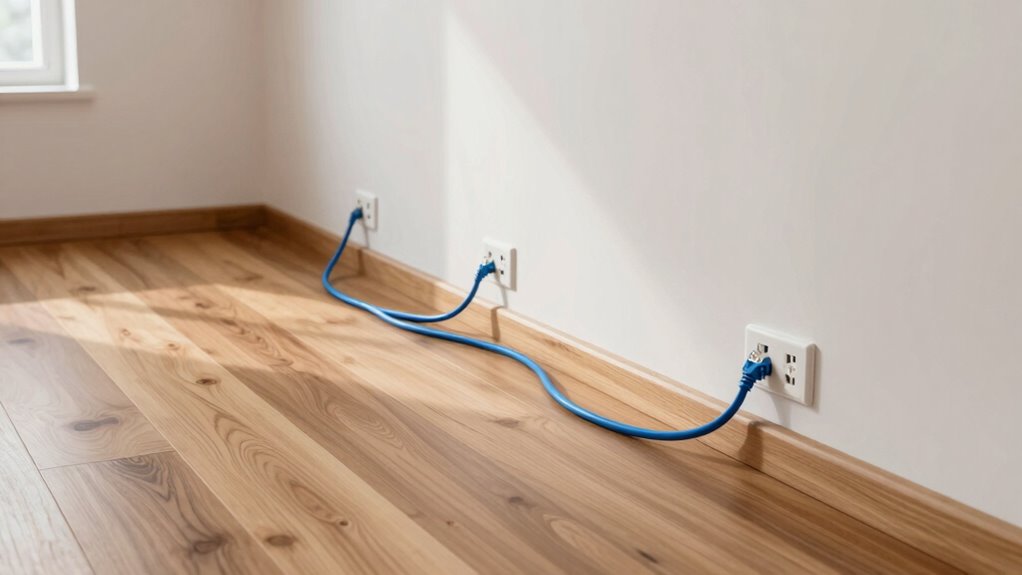

Installing network drops room by room guarantees your home has a stable, high-speed internet connection everywhere you need it. It reduces frustrating outages, especially during important activities like work or streaming. Wired setups, like Ethernet cables and alternatives such as powerline adapters, offer better reliability and lower latency compared to wireless. Planning your wiring carefully can improve coverage in large spaces and across thick walls. Keep exploring to learn how these solutions can transform your entire home’s connectivity.

Get business pricing on networking and server gear
- Business-only prices and quantity discounts
- Tax-exempt purchasing
- Multiple users, one account, clear invoices
Key Takeaways
- Ensures a stable, high-speed internet connection in every room, reducing frustration from Wi-Fi dropouts.
- Provides a reliable foundation for activities like streaming, remote work, and online gaming.
- Minimizes wireless interference issues caused by thick walls or large spaces.
- Enhances overall network resilience, reducing the need for multiple Wi-Fi extenders or troubleshooting.
- Supports future-proofing by enabling straightforward upgrades and expansions of wired network infrastructure.
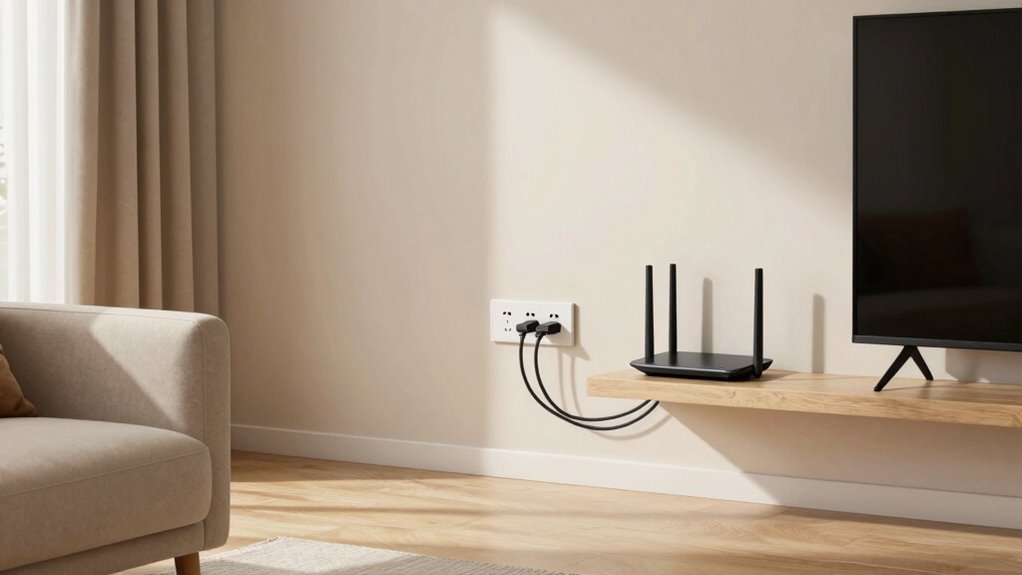
Have you ever experienced a sudden internet outage right when you needed it most? It’s frustrating, especially when you’re in the middle of an important video call or streaming your favorite show. One common cause of these disruptions is inconsistent network coverage across different rooms. That’s why, as a homeowner, you should consider the idea of network drops room by room. It’s not just about having Wi-Fi in every corner; it’s about creating a reliable, seamless connection throughout your entire home.
Relying solely on wireless alternatives like Wi-Fi extenders or mesh networks can help improve coverage, but they often fall short if you’re dealing with large spaces or thick walls. Instead, wiring installation techniques come into play. Running Ethernet cables directly to key areas ensures a stable, high-speed connection that’s immune to interference. Installing wired connections might seem intrusive initially, but it guarantees faster speeds, lower latency, and fewer dropouts—especially important if you work from home or stream in 4K. Additionally, understanding the importance of network reliability can help guide your planning process for a more resilient home network.
Wiring your home for Ethernet ensures reliable, high-speed internet—perfect for work, streaming, and minimizing frustrating dropouts.
When planning your wiring installation techniques, consider the layout of your home and the placement of your devices. It’s often best to run cables through walls, ceilings, or floors to keep things tidy and unobtrusive. You might also explore options like using powerline adapters or MoCA (Multimedia over Coax Alliance) technology, which leverage existing electrical wiring or coaxial cables for network transmission. These alternatives can serve as wireless alternatives in hard-to-wire areas, providing flexibility while maintaining stability. Moreover, considering the contrast ratio of your network hardware can also influence your choices, especially in terms of display quality and data transmission. Proper planning and understanding of these network hardware factors can significantly enhance your overall connectivity experience.
In the end, thinking about network drops room by room isn’t just about avoiding inconvenience; it’s about ensuring a smooth, reliable internet experience in every part of your house. Whether you choose to implement wiring installation techniques or optimize wireless alternatives, taking a room-specific approach makes your network more resilient, faster, and ready to handle whatever you throw at it. After all, a well-planned setup means fewer frustrations and more seamless online moments for you and your family.
As an affiliate, we earn on qualifying purchases.
Frequently Asked Questions
How Much Does Installing Network Drops Cost per Room?
Installing network drops typically costs between $100 and $300 per room, depending on the complexity. You might consider wireless alternatives if you want to save on installation costs, but cable durability offers a more reliable connection. Installing drops guarantees a stable, fast network connection, especially important for streaming or gaming. Weigh the cost against the benefits of a dedicated, wired setup versus wireless options to find what best fits your home’s needs.
Can Network Drops Be Added After Home Construction?
To answer your question, yes, network drops can be added after home construction. Think of it as a modern-day upgrade—like installing Wi-Fi extenders in the Victorian era. You can incorporate wired drops during renovation or retrofit rooms later. Consider wireless alternatives and future-proofing strategies to guarantee your network remains robust. Adding drops enhances speed and stability, making your home more efficient, even post-construction.
What Types of Cables Are Best for Network Drops?
You should choose Ethernet cables that meet current standards like Cat6 or higher, guaranteeing fast, reliable data transfer. These cables are designed for peak performance and durability, making them suitable for network drops. Opt for cables with robust insulation and shielding to prevent damage and interference. By selecting cables that follow Ethernet standards and prioritize durability, you’ll guarantee your network remains stable and performs well over time.
How Do Network Drops Improve Wi-Fi Performance?
Think of network drops as the backbone of your home’s digital highway. They improve Wi-Fi performance by providing a direct, wired connection that’s immune to signal interference and congested wireless channels. This setup offers a reliable alternative to wireless, ensuring smoother streaming, faster downloads, and reduced lag. By installing network drops room by room, you create a dedicated lane for your devices, boosting overall internet speed and stability in every corner of your home.
Are Network Drops Necessary for Smart Home Devices?
Network drops aren’t strictly necessary for smart home devices, but they can greatly enhance reliability, especially for high-bandwidth or critical applications. While wireless alternatives like Wi-Fi and mesh networks work well, future technology might rely more on wired connections for stability. Installing network drops ensures your smart devices function consistently, reducing lag or disconnects, and provides a solid foundation as your smart home ecosystem expands and evolves.
As an affiliate, we earn on qualifying purchases.
Conclusion
Thinking about network drops room by room might seem like a hassle now, but neglecting them can leave you frustrated with slow connections and dead zones. Just like choosing the right furniture transforms your space, proper wiring creates a seamless digital experience. Investing in these drops today means smoother streaming, quicker downloads, and fewer interruptions tomorrow. Don’t settle for a home that’s connected in some places but not others—upgrade your network now to enjoy the full benefits of a truly connected home.
As an affiliate, we earn on qualifying purchases.
As an affiliate, we earn on qualifying purchases.
Halloween Picks
halloween
As an affiliate, we earn on qualifying purchases.