
Using fiber media converters can markedly improve your network’s flexibility and reach, especially when integrating different types of cabling. They help extend your connection distances, support high data speeds, and protect against electromagnetic interference. But to get the most out of these devices, you need to understand proper installation and configuration. Exploring how they fit into your current infrastructure can reveal opportunities for a more reliable and scalable network setup.
Key Takeaways
- Connect fiber optic cables to Ethernet networks by using media converters for seamless integration.
- Ensure proper termination, connector cleanliness, and testing for optimal signal quality.
- Use media converters to extend network reach beyond standard Ethernet distances safely.
- Support secure data transmission by converting signals in controlled environments to reduce interference.
- Simplify network upgrades and management by integrating legacy copper equipment with fiber infrastructure.
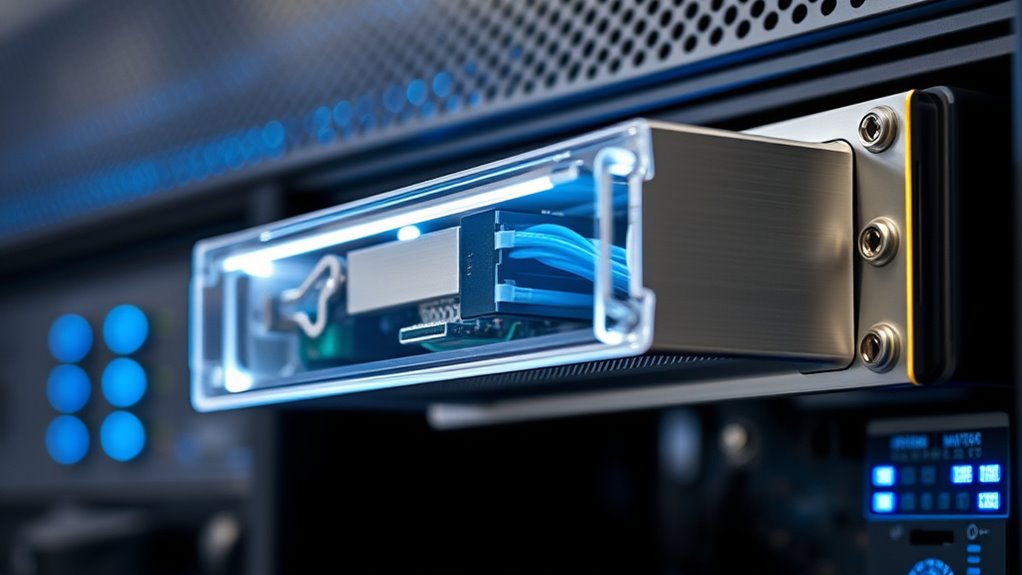
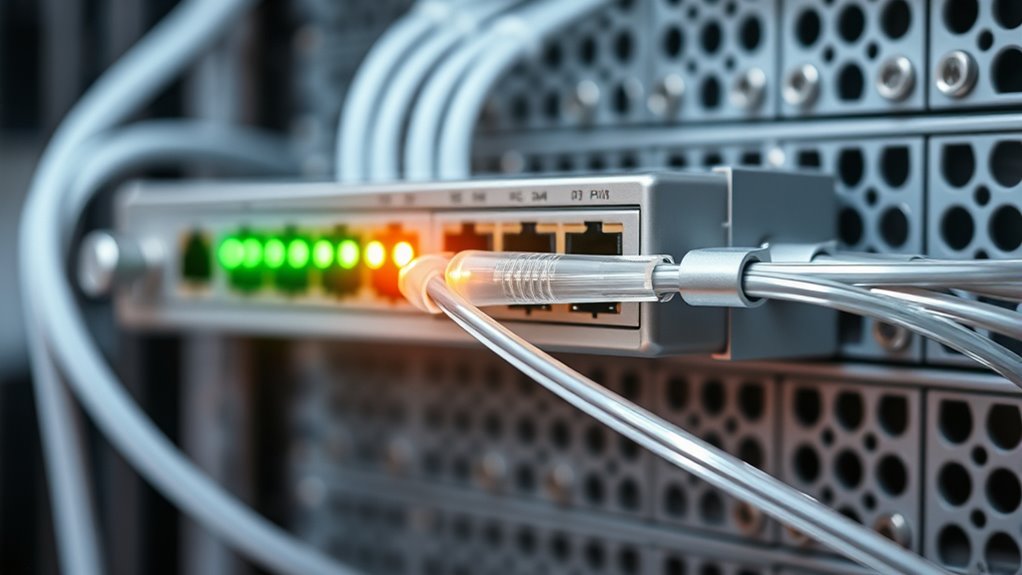
Fiber media converters play a critical role in extending and enhancing your network infrastructure by bridging different types of cabling. When you’re setting up or upgrading your network, understanding how these devices work can markedly improve performance and reliability. They enable seamless communication between fiber optic cables and traditional copper Ethernet cables, which is indispensable when you want to leverage the high-speed capabilities of fiber without overhauling your entire infrastructure. Proper fiber optic installation is essential here, as it guarantees maximum signal quality and reduces potential points of failure. By integrating media converters into your setup, you can extend the reach of your network over longer distances than standard Ethernet cables allow, making them a cost-effective solution for expanding your network.
In addition to extending your network, fiber media converters enhance network security. Fiber optic cables are inherently more secure than copper cables because they are less susceptible to electromagnetic interference and eavesdropping. When you incorporate fiber media converters, you add an extra layer of security by converting signals from fiber to copper in a controlled environment, reducing the risk of unauthorized access. This is especially important for sensitive data transmissions, such as in financial institutions or healthcare facilities, where data protection is paramount. Furthermore, fiber media converters can be configured to support secure encryption protocols, further strengthening your network against cyber threats.
Using fiber media converters also simplifies network management. They allow you to connect legacy equipment that might only support copper Ethernet, enabling you to upgrade your network gradually without replacing all your existing hardware at once. This flexibility saves you money and minimizes downtime. When installing fiber media converters, you should pay close attention to compatibility with your existing hardware and guarantee proper fiber optic installation practices. Proper termination, connector cleanliness, and testing are necessary to maintain signal integrity and maximize your network’s performance.
Additionally, fiber media converters can support various network topologies, including point-to-point and star configurations, giving you flexibility in how you design your network. They also often come with features such as auto-negotiation and plug-and-play setup, making installation straightforward even if you’re new to fiber optics. Overall, integrating fiber media converters into your network infrastructure provides a reliable, secure, and scalable solution that can adapt to your growing needs. Whether you’re expanding your business or upgrading your current setup, understanding their role in fiber optic installation and network security will help you make informed decisions, ensuring your network remains fast, secure, and future-proof.

A Pair of 1.25G/s Bidi Gigabit Multi-Mode Fiber Ethernet Media Converter with 2PCS Bidi SFP LC Dual Transceiver Module Included, 10/100/1000Base-Tx to 1000Base-SX SMF RJ45 to SFP Slot up to 550M
What You Get: 2pcs Gigabit Multi-Mode Ethernet SFP Slot media converters; 2pcs SFP BiDi LC Dual Multi-Mode transceiver;…
As an affiliate, we earn on qualifying purchases.
As an affiliate, we earn on qualifying purchases.
Frequently Asked Questions
Can Fiber Media Converters Support Poe Devices?
Yes, fiber media converters can support PoE devices if they have PoE compatibility. You need to verify the converter allows power sourcing over Ethernet, meaning it’s designed to deliver PoE power. Not all converters do this, so check the specifications carefully. When compatible, the converter supplies both data and power, enabling your PoE devices to operate seamlessly over fiber connections without additional power supplies.
What Is the Maximum Transmission Distance for Fiber Media Converters?
The maximum transmission distance for fiber media converters varies based on fiber optic standards and signal attenuation, like a marathon runner facing different terrains. Typically, for multi-mode fiber, you can expect up to 2 kilometers, while single-mode fibers can stretch up to 80 kilometers or more. Signal attenuation and the quality of the fiber dictate this limit, so choosing the right fiber ensures your data travels smoothly across these distances.
Are Fiber Media Converters Compatible With All Network Types?
Fiber media converters are generally compatible with most network types, but you should check their network compatibility to guarantee seamless device integration. They work well with Ethernet, Fast Ethernet, and Gigabit Ethernet networks, among others. However, some converters are designed for specific media or protocols, so verify the device specifications. This way, you can confidently integrate fiber into your existing network without compatibility issues.
How Do I Troubleshoot Fiber Media Converter Connectivity Issues?
You troubleshoot fiber media converter connectivity issues by first checking cabling maintenance; make certain all fiber cables are properly connected, clean, and undamaged. Look for signs of signal interference from nearby electronic devices, which can disrupt data transmission. Restart the converter, verify the configuration settings, and test with different cables if needed. Regularly inspecting and maintaining your cabling helps prevent and resolve connectivity problems efficiently.
What Are the Cost Differences Between Single-Mode and Multi-Mode Converters?
The cost comparison between single-mode and multi-mode converters varies, with single-mode typically being more expensive due to its advanced technology and longer-distance capabilities. Installation costs can also differ; single-mode setups often require more precise alignment, increasing labor costs. Multi-mode converters are usually more affordable upfront and easier to install, making them suitable for shorter distances. Your choice depends on your network’s distance needs and budget constraints.

TP-Link MC220L | Gigabit SFP to RJ45 Fiber Media Converter | Fiber to Ethernet Converter | Plug and Play | Durable Metal Casing | Versatile Compatibility | Auto-Negotiation | UL Certified
【Convert Fiber to Ethernet】Designed to convert 1000BASE-SX/LX fiber to 1000Base-T copper media or vice versa.
As an affiliate, we earn on qualifying purchases.
As an affiliate, we earn on qualifying purchases.
Conclusion
By using fiber media converters, you can effortlessly extend your network’s reach and guarantee compatibility across different cabling types. These devices boost security and reduce interference, making your system more reliable. Did you know that organizations that upgrade with fiber media converters experience up to 50% faster data transfer speeds? Incorporating them into your infrastructure not only simplifies future upgrades but also helps you stay ahead in a rapidly evolving digital landscape.
TP-Link MC220L | Gigabit SFP to RJ45 Fiber Media Converter | Fiber to Ethernet Converter | Plug and Play | Durable Metal Casing | Versatile Compatibility | Auto-Negotiation | UL Certified
【Convert Fiber to Ethernet】Designed to convert 1000BASE-SX/LX fiber to 1000Base-T copper media or vice versa.
As an affiliate, we earn on qualifying purchases.
As an affiliate, we earn on qualifying purchases.
TP-Link MC220L | Gigabit SFP to RJ45 Fiber Media Converter | Fiber to Ethernet Converter | Plug and Play | Durable Metal Casing | Versatile Compatibility | Auto-Negotiation | UL Certified
【Convert Fiber to Ethernet】Designed to convert 1000BASE-SX/LX fiber to 1000Base-T copper media or vice versa.
As an affiliate, we earn on qualifying purchases.
As an affiliate, we earn on qualifying purchases.