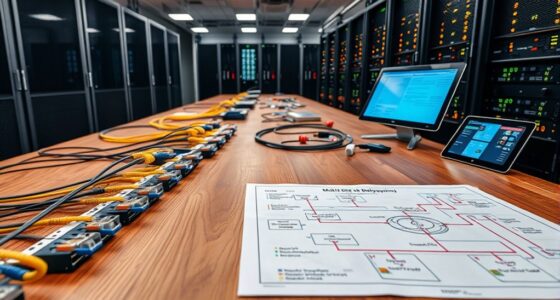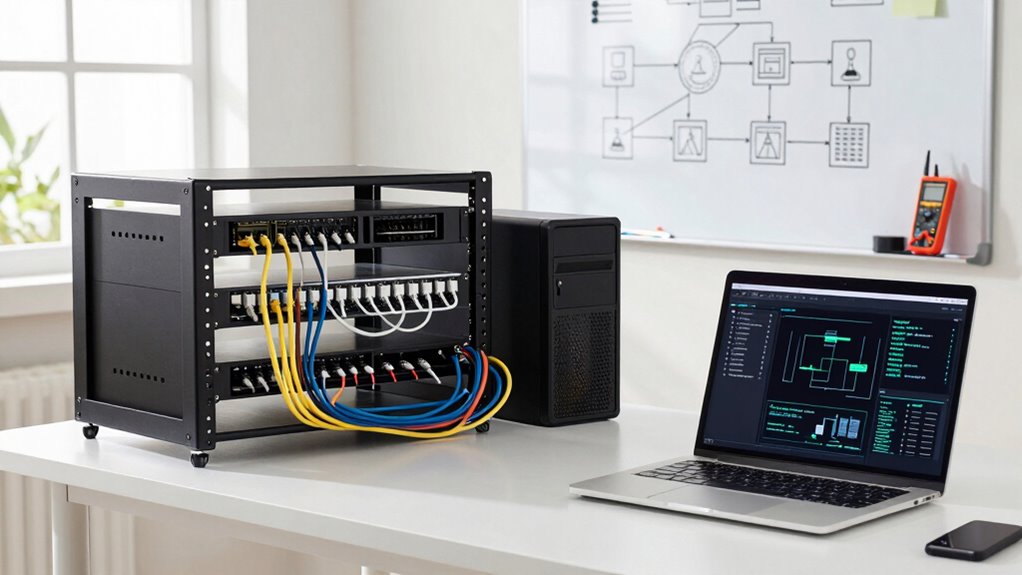

To avoid overbuilding your small business network, focus on your current needs, such as employee count, devices, and applications, and choose scalable hardware that can grow with you. Prioritize security early on with firewalls and regular updates, but keep things simple to reduce vulnerability. Avoid high-end gear unless necessary, and plan for future expansion by selecting modular equipment. By balancing current requirements with flexibility, you can build a cost-effective, effective network that adapts over time.
Key Takeaways
- Assess current needs accurately to prevent purchasing unnecessary hardware or bandwidth.
- Choose scalable, modular equipment that can be upgraded as your business grows.
- Prioritize essential security features without overcomplicating the network setup.
- Regularly review network performance to identify and eliminate unused capacity.
- Plan for future expansion with flexible hardware to avoid costly overhauls later.
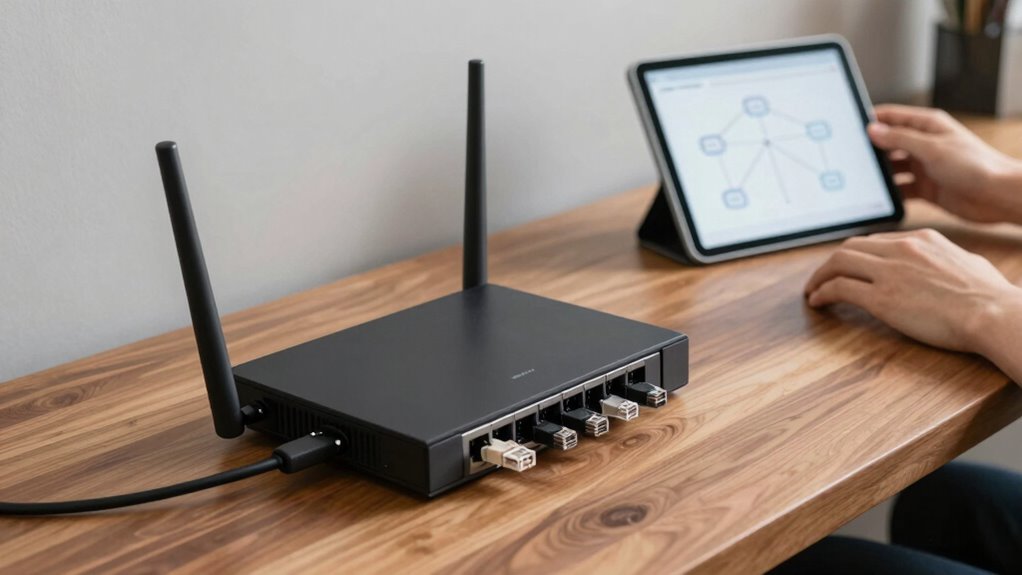
Are you concerned about investing in a network that’s too large for your small business? It’s a common worry, especially when you want to avoid wasting money on unnecessary hardware or complicated systems. The key is to find the right balance—building a network that’s secure, scalable, and efficient without overdoing it. A network that’s too extensive can lead to unnecessary expenses and management headaches, while one that’s too small might limit your growth and productivity.
When planning your network, focus on core needs first. Think about the number of employees, devices, and applications that will be running daily. This helps you determine your bandwidth requirements and the right type of hardware. Investing in hardware scalability is vital because it allows your network to grow as your business expands. Instead of overbuilding upfront, choose equipment that can be upgraded easily or expanded with minimal disruption. For example, select switches and routers that support additional ports or higher speeds, so you’re not forced to replace hardware prematurely.
Network security should be a top priority from the start. Even if your network is small now, a breach can be damaging and costly. Implementing strong security measures, like firewalls, VPNs, and regular updates, doesn’t have to be complicated or expensive. It’s better to have a secure foundation than to risk vulnerabilities later. Keep in mind that overbuilding a network can sometimes introduce unnecessary complexity, which can undermine security if not managed properly. Aim for a straightforward, well-protected setup that can be scaled easily. Being aware of network security best practices helps ensure you’re protecting your business effectively from the outset. Additionally, understanding network infrastructure concepts can help you make informed decisions about hardware and architecture choices. Recognizing the importance of vetted wave and wind can also guide you in selecting resilient and reliable equipment that withstands environmental factors. Furthermore, considering future-proofing your network can help prevent costly overhauls as your business grows.
Avoid the temptation to purchase high-end equipment designed for large enterprises. Instead, select reliable, mid-range hardware that meets your current needs but can be upgraded as you grow. This approach minimizes initial costs and prevents your network from becoming bloated with unused capacity. Additionally, understanding the role of contrast ratio in projectors can help you choose the right visual setup if you’re considering expanding into multimedia or presentation capabilities. Regularly review your network’s performance and adapt as needed. This ensures you’re not investing in more capacity than necessary, which is the essence of avoiding overbuilding.
Finally, plan for future growth without overextending. Think about how your business might evolve in the next few years—adding new employees, devices, or remote work capabilities. By choosing modular, scalable hardware and focusing on essential security, you’ll create a network that supports your growth without the burden of excess. A well-balanced, scalable network saves you money, reduces management complexity, and keeps your small business secure and ready to expand.

B00A128S24
As an affiliate, we earn on qualifying purchases.
As an affiliate, we earn on qualifying purchases.
Frequently Asked Questions
What Are the Signs of Overbuilding a Network?
You’ll notice signs of overbuilding your network when you see excessive equipment that exceeds your current needs, leading to unnecessary costs. Overly complex setups can hinder scalability, making future expansion difficult. Too much redundancy might seem beneficial but can cause management challenges and wasted resources. To avoid this, focus on scalable solutions that match your growth plans, ensuring your network remains efficient without unnecessary complexity or expense.
How Do I Assess My Current Network Needs?
Imagine your business is growing rapidly; you notice increased data transfer needs. To assess your current network needs, analyze your bandwidth usage during peak hours and consider future growth. Focus on network scalability by evaluating if your infrastructure can handle increased traffic without major upgrades. Conduct a network audit and plan bandwidth accordingly, ensuring your network supports current demands and future expansion without overbuilding or unnecessary expenses.
What Are Cost-Effective Ways to Upgrade My Network?
To upgrade your network cost-effectively, focus on wireless security and cloud integration. Prioritize upgrading your wireless security to protect data without overhauling the entire system. Opt for cloud services that scale with your business, reducing hardware costs. You can also implement affordable, high-quality routers and switches, and regularly update firmware. These steps help you improve network performance while maintaining budget-friendly solutions, ensuring your network grows with your business needs.
How Often Should I Review My Network Infrastructure?
You should review your network infrastructure regularly—ideally every six to twelve months—to stay ahead of network security threats, guarantee cloud integration runs smoothly, and adapt to business growth. Regular checks help identify vulnerabilities, optimize performance, and determine if hardware or software upgrades are needed. Staying proactive allows you to maintain a secure, efficient network that supports your evolving business needs, avoiding overbuilding and unnecessary expenses.
What Mistakes Lead to Overbuilding in Small Businesses?
You often overbuild when you neglect scalability planning and future-proofing strategies. If you don’t consider your growth trajectory, you might install excessive hardware or advanced features that won’t be needed immediately. This leads to unnecessary costs and complexity. To avoid this, focus on designing your network with scalability in mind, choosing flexible solutions that can expand with your business, ensuring you’re prepared for future growth without overspending now.

ASUS ExpertWiFi EBR63 AX3000 WiFi 6 Business Router – Custom Guest Portal & SDN, Easy Setup & Remote Management, Scalable with ExpertWiFi AIMesh, Free Commercial-Grade Security, VPN, VLAN
Separate and Secure Usage – Up to five SSIDs to separate and prioritize devices for different business scenarios.
As an affiliate, we earn on qualifying purchases.
As an affiliate, we earn on qualifying purchases.
Conclusion
To avoid overbuilding your small business network, focus on your current needs and plan for future growth carefully. Regularly assess your network’s capacity and only upgrade when necessary. Did you know that 60% of small businesses overspend on unnecessary infrastructure? Keep your network lean and efficient, saving money and avoiding frustration. Staying strategic now guarantees your business remains agile, scalable, and cost-effective long-term. Don’t let overbuilding hold you back—build smart and grow confidently.

Zyxel USGFLEX50H Cyber Security Firewall | 2 Gbps, Up to 25 Users | Hardware Only | 5X Gigabit Ports | IPSec/SSL VPN, IPS Anti-Malware, UTM | Nebula Cloud | Fanless | TAA Compliant
MULTI-LAYERED SECURITY HARDWARE: Reputation filtering (IP/DNS/URL) and SecuReporter visibility included in Entry Defense Pack, while the optional Gold…
As an affiliate, we earn on qualifying purchases.
As an affiliate, we earn on qualifying purchases.

Fluke Networks 11212530 Modular Crimper
Crimps 8 position RJ 45 connectors and 4 and 6 position RJ 11 and RJ 12 connectors
As an affiliate, we earn on qualifying purchases.
As an affiliate, we earn on qualifying purchases.