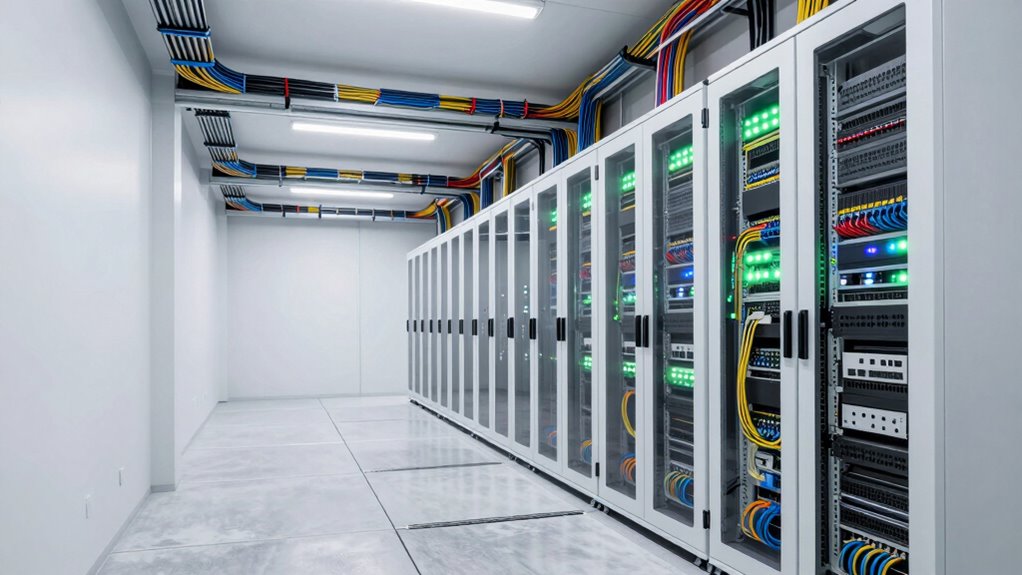

To see if your building is ready for a cabling upgrade, first check if your current cables support modern standards like CAT6 or CAT6A, guaranteeing higher speeds and future growth. Look for signs of damage or outdated wiring that can limit performance or PoE capabilities. Confirm that pathways and infrastructure can accommodate new cabling and additional devices. If you’re unsure, there’s more you can evaluate to ensure your network can handle upcoming demands smoothly.

Get business pricing on networking and server gear
- Business-only prices and quantity discounts
- Tax-exempt purchasing
- Multiple users, one account, clear invoices
Key Takeaways
- Inspect existing cables for damage, outdated standards, or inadequate capacity to support current and future network demands.
- Verify proper cable pathways, organization, and adherence to standards for reliable and scalable infrastructure.
- Assess if current cabling supports sufficient Power over Ethernet (PoE) and wireless access point placement.
- Check infrastructure for physical wear, exposure, or placement issues that could hinder upgrades or expansion.
- Ensure the building’s power supply and network resilience are reliable to prevent outages and support network stability.
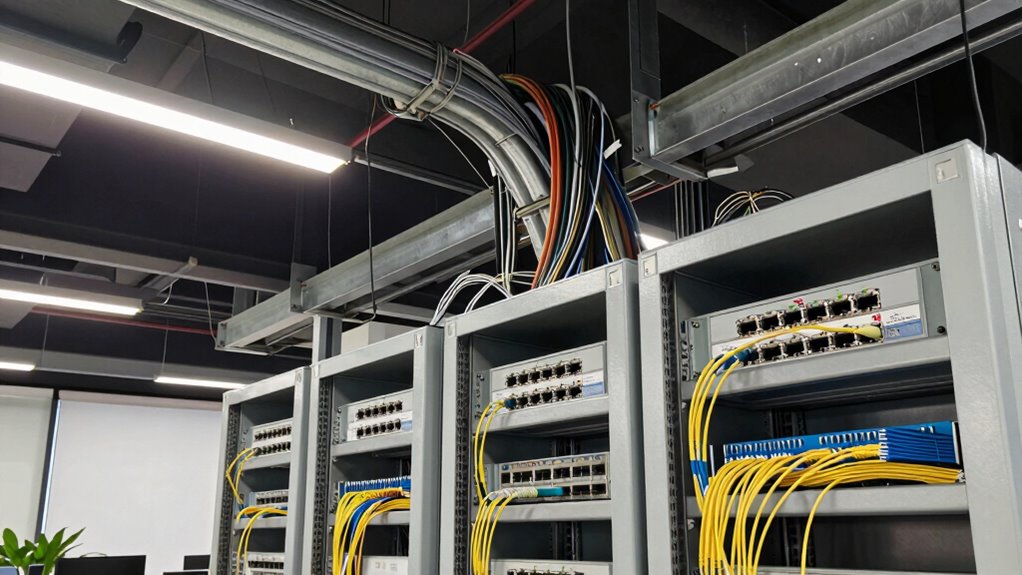
Determining whether a building is ready for a cabling upgrade is vital to guarantee your network runs smoothly and can handle future demands. If you’re planning to improve your infrastructure, start by evaluating the current cabling system’s capacity. Outdated cables, like CAT5 or CAT5e, can slow down your network and limit bandwidth, especially as your data needs grow. Upgrading to newer standards, such as CAT6 or CAT6A, ensures faster speeds and better performance. Check if the existing cabling infrastructure can support these standards without extensive modifications. If it’s not, a full upgrade might be necessary.
Assess your current cabling system’s capacity to ensure it supports future network performance and upgrades.
Next, consider how well your building supports wireless integration. As more devices rely on Wi-Fi, your cabling system should facilitate seamless wireless connectivity. This means installing access points in ideal locations, which requires proper cabling from the network core to these points. If your current setup lacks the capacity to support additional or higher-powered access points, it’s a sign that an upgrade is overdue. Also, evaluate whether your wiring can support the increased power supply needed for advanced wireless equipment. Power over Ethernet (PoE) is increasingly common, powering devices like cameras, phones, and access points through a single cable. If your current cabling isn’t designed to handle PoE, you might experience power shortages or reduced device performance, indicating a need for a more durable infrastructure.
Another vital factor is the building’s physical infrastructure. Look for signs of wear and tear, such as damaged cables, loose connections, or insufficient cable pathways. If cables are exposed or run through high-traffic areas, it increases the risk of damage and network outages. Also, verify if your wiring supports future growth. An outdated or limited cabling system can restrict your ability to add new devices or expand your network without costly and disruptive upgrades later on. Additionally, cabling standards play a crucial role in ensuring your network’s reliability and future-proofing your setup.
Finally, review your power supply setup. An unreliable power source can cause network downtime, especially during outages. Modern cabling solutions often incorporate backup power options or are designed to work efficiently with your existing power infrastructure. If your power supply isn’t reliable or compatible with newer cabling standards, upgrading can greatly improve your network’s resilience and performance.
As an affiliate, we earn on qualifying purchases.
Frequently Asked Questions
What Are Common Signs of Outdated Cabling Infrastructure?
If your building has outdated cabling infrastructure, you’ll notice signs like frequent connectivity issues, slow data transfer, and poor cable durability under stress. Infrastructure aging can cause cables to become brittle or frayed, leading to unreliable connections. You might also see old connectors or tangled wires cluttering your space. These signs indicate it’s time for an upgrade to guarantee better performance, reliability, and to support modern technology demands.
How Often Should Buildings Undergo Cabling Assessments?
Think of your building’s cabling as a ticking clock—regular checks are vital. You should conduct cabling assessments every 3 to 5 years, considering the cabling lifespan and infrastructure durability. As technology advances, older cables may become unreliable, risking data loss or downtime. Frequent inspections ensure your network stays current, efficient, and ready for future demands, preventing costly upgrades or repairs down the line.
Can Existing Cabling Support Future Technology Needs?
Your existing cabling might support future technology needs if it’s wireless compatible and meets your power requirements. Check if your current infrastructure supports the latest wireless standards like Wi-Fi 6, which enhances connectivity. Also, assess whether your cabling can handle increased power demands for emerging devices and smart systems. If these aspects aren’t up to date, you should consider upgrading to guarantee seamless integration with future technologies.
What Safety Precautions Are Required During Cabling Upgrades?
Think of cabling upgrades like steering through a storm; safety first. You must prioritize fire safety by guaranteeing fire alarms and extinguishers are functional. Avoid electrical hazards by turning off power before starting, and wear insulated gloves and safety glasses. Keep clear pathways free of clutter to prevent trips. Regularly check for exposed wires and secure all cables properly. These precautions protect everyone and make certain a smooth, hazard-free upgrade process.
Who Should I Hire for Professional Cabling Evaluations?
You should hire a professional with proper cabling certifications to guarantee a thorough evaluation. Look for vendors with strong experience in cabling evaluations and a solid reputation. They’ll assess your current infrastructure, recommend upgrades, and help with vendor selection to meet your needs. Prioritize certified experts who stay up-to-date with industry standards, ensuring your cabling system is reliable, scalable, and compliant with safety regulations.
As an affiliate, we earn on qualifying purchases.
Conclusion
When you assess your building, look for signs like slow network speeds or outdated infrastructure. For example, a small business in a historic building upgraded their cabling after experiencing frequent outages, boosting their productivity. If your space shows similar issues or hasn’t had an upgrade in years, it’s time to evaluate a cabling overhaul. Staying proactive ensures your network stays reliable and ready for future growth—so don’t wait until performance drops!
As an affiliate, we earn on qualifying purchases.
wireless access point installation kit
As an affiliate, we earn on qualifying purchases.
As an affiliate, we earn on qualifying purchases.
Halloween Picks
halloween
As an affiliate, we earn on qualifying purchases.