When it comes to maintaining a reliable network, having the right tools makes all the difference. A multimeter is essential for diagnosing issues, whether you’re checking cable continuity or measuring voltage levels. But knowing how to use one effectively can save you time and prevent unnecessary replacements. Curious about how this versatile device can streamline your troubleshooting process and keep your network running smoothly? Let’s explore the key features and best practices.
Key Takeaways
- Multimeters are essential tools for testing cable continuity and identifying faulty or damaged network cables.
- They measure voltage levels to verify proper power supply and detect electrical issues in network devices.
- Combining cable testing and voltage measurement, multimeters streamline troubleshooting and reduce the need for multiple tools.
- Proper usage involves selecting correct functions, connecting probes accurately, and interpreting readings for effective diagnostics.
- Regular multimeter testing helps maintain reliable network performance and prevents unnecessary replacements or downtime.
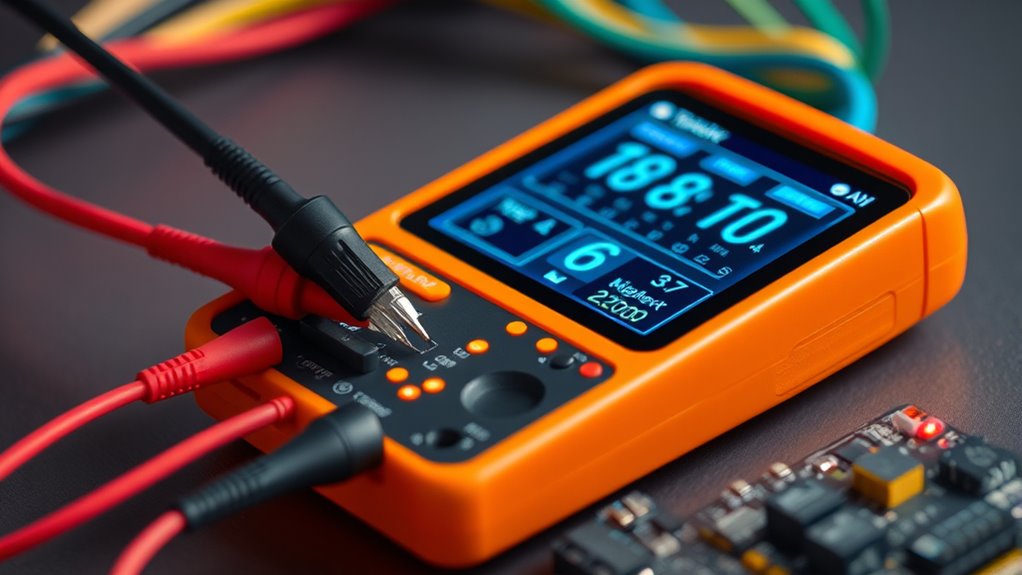
When troubleshooting network issues, having the right tools can make all the difference, and multimeters are indispensable for accurate diagnostics. They help you quickly identify problems by measuring electrical properties like voltage and resistance, which are essential for maintaining a reliable network. One of the primary tasks you’ll perform with a multimeter is cable testing. This process involves checking the continuity of network cables, ensuring that each wire inside the cable is properly connected and not broken. By doing so, you can pinpoint issues such as damaged or faulty cables that could cause connectivity problems. Proper cable testing with a multimeter saves you time and prevents unnecessary replacement of working cables, making your troubleshooting process more efficient.
Voltage measurement is another critical function of a multimeter when diagnosing network issues. Many network devices and components rely on proper voltage levels to operate correctly. Using the multimeter’s voltage measurement feature, you can verify that power supplies and network equipment are delivering the correct voltage. For example, if a switch or router isn’t functioning properly, measuring the voltage at the power input can reveal if the device is receiving sufficient power or if there’s a power supply problem. This quick check can often eliminate unnecessary replacements or repairs, allowing you to focus on the actual source of the problem. It’s also useful for testing PoE (Power over Ethernet) connections, where you need to confirm that power is being transmitted correctly through network cables.
Incorporating a multimeter into your network diagnostic toolkit enhances your ability to troubleshoot effectively. Its versatility allows you to perform both cable testing and voltage measurement with a single device, reducing the need for multiple tools. When you test cables, you ensure continuity and identify faults that could be causing poor network performance. When measuring voltage, you confirm that power levels are within acceptable ranges, preventing issues caused by electrical inconsistencies. Getting accurate readings with a multimeter is straightforward once you understand how to select the appropriate functions and probes. Always start with the correct settings, connect the probes properly, and interpret the readings carefully to diagnose issues accurately.
Ultimately, a multimeter is an indispensable asset in your troubleshooting arsenal. It provides precise, real-time data that helps you quickly identify whether the problem stems from faulty cables, insufficient power, or other electrical issues. By mastering cable testing and voltage measurement with your multimeter, you improve your efficiency and ensure your network remains stable and reliable. This proactive approach reduces downtime and keeps your network functioning smoothly, saving you both time and resources in the long run.
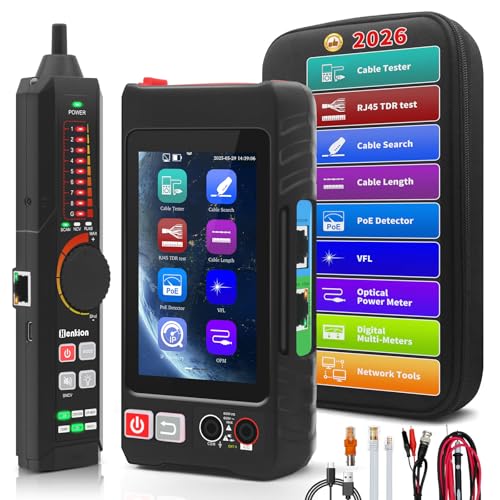
Henkion Multifunction RJ45 Network Caber Tester,UTP Cable Tester Ethernet Cable Tracer,4" IPS Touch Screen Support Network Tools,Digital Multi-Meter,OPM,POE++ Detect,RJ45 TDR,Length,FTP,(LT-600M)
【Upgrade Network Cable Tester&Cable Tracer】Advanced UTP cable test,test UTP cable's sequence,type and remote kit,quickly detect the near-end,mid-end and…
As an affiliate, we earn on qualifying purchases.
As an affiliate, we earn on qualifying purchases.
Frequently Asked Questions
Can Multimeters Detect Network Cable Faults Beyond Basic Continuity?
Yes, multimeters can detect some network cable faults beyond basic continuity, but their capabilities are limited. They help with cable testing by measuring resistance and checking for shorts or opens, aiding in fault detection. However, for thorough diagnostics like testing for crosstalk or signal loss, you’ll need specialized tools like cable testers or TDRs. Multimeters are useful for initial troubleshooting, but they won’t catch all network-specific issues.
What Is the Best Multimeter for Diagnosing Wireless Network Issues?
You need a multimeter that excels in wireless signal analysis and offers high multimeter accuracy. The Fluke 115 or Klein Tools MM6000 are excellent choices, providing precise readings and reliable performance. These devices help you identify signal strength issues, interference, and other wireless network problems efficiently. With their advanced features, you can troubleshoot effectively, ensuring your wireless network remains strong, stable, and optimized for seamless connectivity.
How Do Multimeters Compare to Network-Specific Testing Tools?
Multimeters excel at circuit analysis and basic cable testing, making them versatile tools for electrical troubleshooting. However, they lack the specialized features of network-specific testing tools, such as analyzing signal strength, identifying interference, or testing network cables for continuity and faults. While multimeters give you a broad electrical overview, network tools provide detailed insights into network performance and connectivity, making them more effective for diagnosing network-specific issues.
Are Digital or Analog Multimeters More Accurate for Network Diagnostics?
You might think digital multimeters are always more accurate, but in network diagnostics, analog accuracy often surpasses digital precision in certain situations. Analog meters excel in providing a quick visual trend, helping you catch fluctuations instantly. Digital meters, however, offer precise readings and stability, essential for detailed troubleshooting. So, your choice depends on whether you need real-time visual cues or exact measurements, keeping you a step ahead in diagnostics.
Can Multimeters Measure Network Signal Strength Directly?
Multimeters can’t measure network signal strength directly because they’re designed for electrical parameters, not RF testing. For signal strength, you need specialized tools like a signal meter or spectrum analyzer. These instruments assess RF signals and give accurate readings on network quality. While multimeters are handy for troubleshooting electrical issues, they won’t provide precise RF testing results or measure signal strength in wireless networks.

AstroAI Digital Multimeter Tester 2000 Counts with DC AC Voltmeter and Ohm Volt Amp Meter; Measures Voltage, Current, Resistance, Continuity and Diode, Blue
Additional Tips – The following incorrect operations may cause the multimeter not to show results: Firstly, the plugs…
As an affiliate, we earn on qualifying purchases.
As an affiliate, we earn on qualifying purchases.
Conclusion
By now, you see how essential a multimeter is for network diagnostics. It helps you quickly pinpoint issues, saving time and avoiding unnecessary repairs. Remember, a stitch in time saves nine—using a multimeter now can prevent bigger problems later. Keep it handy during maintenance, and you’ll ensure your network stays reliable and running smoothly. Don’t wait for problems to escalate—be proactive and trust your multimeter to maintain things in check.
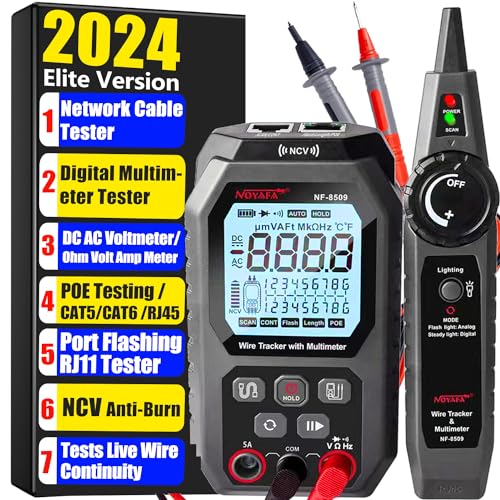
NOYAFA NF-8509 Network Cable Tester with Multimeter Tester, POE/RJ45 RJ11 CAT5 CAT6 LAN/Ethernet Port Flashing, Anti-Interference TDR Network Tester/NCV Anti-Burnout AC DC Voltmeter Network Tool
ETHERNET CABLE TESTER: NOYAFA NF-8509 Network Tester Combines network and cable tester and multimeter functions. The multimeter functions…
As an affiliate, we earn on qualifying purchases.
As an affiliate, we earn on qualifying purchases.

Everything Electrical How To Use All The Functions On Your Multimeter
As an affiliate, we earn on qualifying purchases.
As an affiliate, we earn on qualifying purchases.