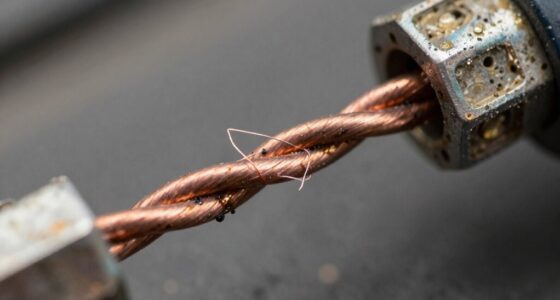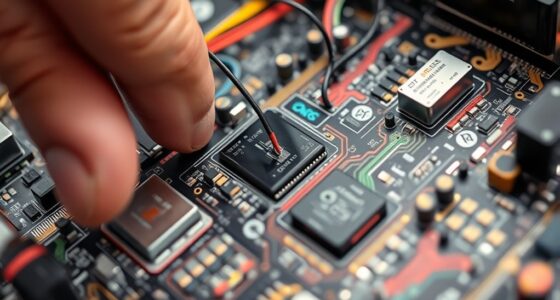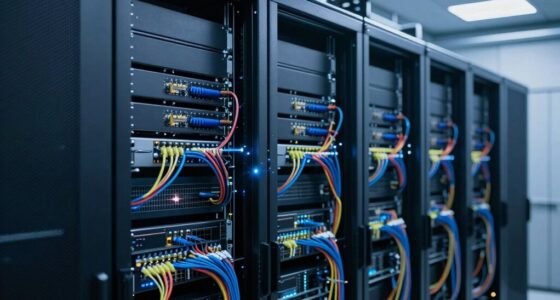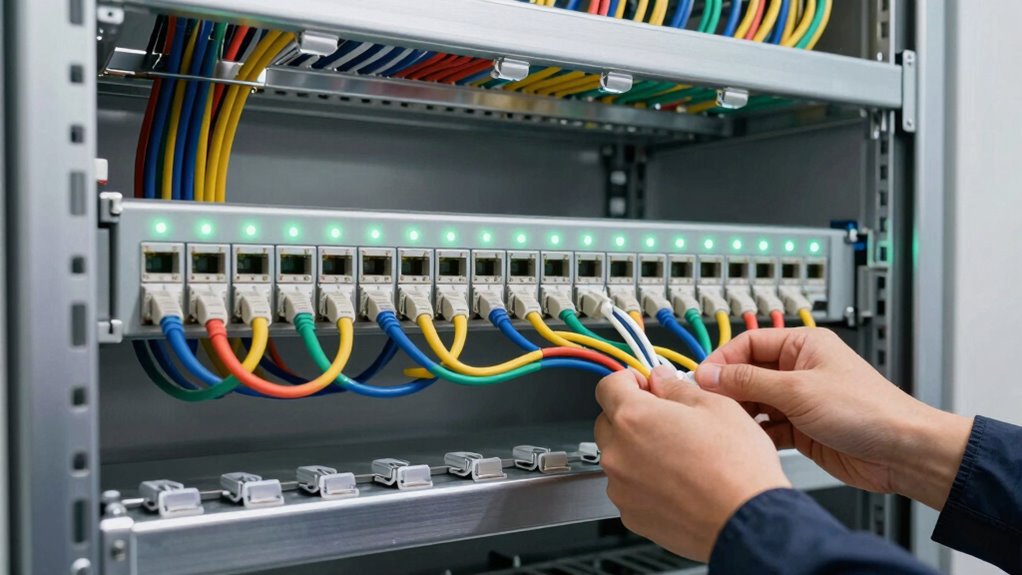
An easier cable installation to troubleshoot involves following proper practices, such as careful cable management, avoiding sharp bends, and ensuring clean, secure connections. Using high-quality, shielded cables and proper grounding helps reduce interference that can cause issues. Incorporating diagnostic tools and monitoring features allows you to quickly identify problems, while a well-designed system minimizes environmental interference. To learn more about making installations easier to handle, continue exploring essential tips and techniques.
Key Takeaways
- Proper installation practices, such as avoiding sharp bends and ensuring correct connectorization, simplify troubleshooting.
- Use of diagnostic tools and regular monitoring quickly identifies problem areas.
- Shielded fiber optic cables reduce external electromagnetic interference, easing fault detection.
- Organized cable management and labeling facilitate faster identification of issues.
- Skilled technicians following best practices ensure high-quality installations that are easier to maintain and troubleshoot.
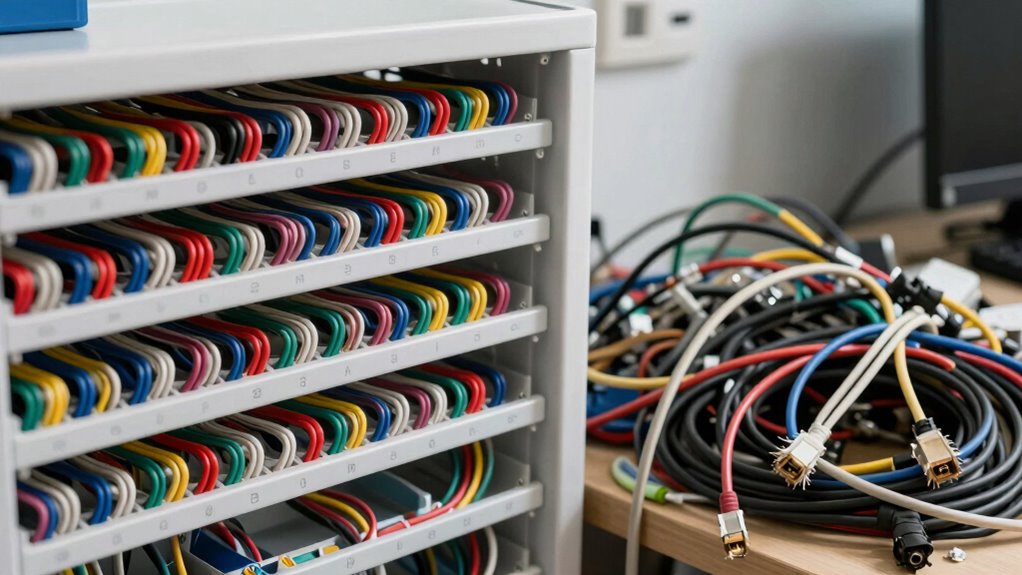
Another factor that makes some cable installations easier to troubleshoot is the presence or absence of signal interference. Signal interference can cause inconsistent performance or complete signal loss, so if your system was installed with shielding or proper grounding, you’re likely to face fewer issues. Shielded fiber optic cables, for example, are less prone to external electromagnetic interference, which is common with wireless signals or poorly shielded copper cables. When troubleshooting, you’ll find it easier to isolate issues if the system was designed to minimize interference from other electronic devices or environmental factors, like fluorescent lights or radio signals. If interference is suspected, using a fiber optic test kit can help you verify whether the signal is degrading due to external factors, making the troubleshooting process more straightforward. Proper installation practices also help reduce the likelihood of interference-related issues. The quality of the installation also plays an essential role; for instance, proper cable management can help prevent accidental damage and improve overall system reliability, further easing troubleshooting efforts. Skilled technicians who follow best practices — such as avoiding sharp bends in fiber optic cables, ensuring proper connectorization, and maintaining clean, dust-free connections — markedly reduce troubleshooting time. When connectors are well-installed and cables are not damaged or frayed, you’re less likely to encounter issues that require extensive testing or replacement. Additionally, implementing diagnostic tools or built-in monitoring features** can pinpoint where the signal drops or weakens, guiding you directly to the problem area instead of guessing or testing multiple points. Regular inspection and maintenance of the cable system can also prevent minor issues from escalating into major problems, simplifying ongoing troubleshooting. Incorporating verified specifications** during installation ensures compatibility and reduces potential sources of failure, which ultimately streamlines troubleshooting efforts. Overall, a well-planned, properly executed fiber optic installation, combined with features that help identify issues quickly, makes troubleshooting considerably easier. When you set up your cable system with these principles in mind, you’ll find diagnosing and fixing problems becomes a much smoother process.

Elfcam® – 100m/328ft Outdoor and Indoor Shielded Armored Fiber Optic Cable LC/UPC to LC/UPC OS2 Singlemode Duplex 9/125μm LSZH, Black 100 Meters
- Durable Armored Steel Construction: Resists damage from harsh environments, stress, rodents
- Indoor and Outdoor Use: Suitable for outdoor, concealed, and industrial installations
- High-Quality Singlemode Fiber: Reliable 9/125μm OS2 duplex fiber for clear signals
As an affiliate, we earn on qualifying purchases.
As an affiliate, we earn on qualifying purchases.
Frequently Asked Questions
How Does Cable Quality Affect Troubleshooting Ease?
Cable quality directly impacts troubleshooting ease by ensuring better durability and signal integrity. Higher-quality cables resist damage, wear, and interference, reducing the likelihood of faults. When your cables are durable, you spend less time on repairs. Superior signal integrity makes diagnosing issues simpler, as it minimizes loss and noise. Overall, investing in quality cables means quicker troubleshooting, fewer headaches, and more reliable connections for your setup.
What Tools Are Essential for Quick Cable Troubleshooting?
You need a cable tester and a multimeter to troubleshoot quickly. These tools help you check connector integrity and identify signal interference issues efficiently. A cable tester verifies continuity and detects faults, while a multimeter measures voltage or resistance, pinpointing problematic sections. Keeping these tools handy allows you to quickly diagnose and resolve connection problems, ensuring your cable installation remains reliable and easy to troubleshoot.
Does Cable Length Impact Troubleshooting Complexity?
Yes, cable length impacts troubleshooting complexity. Longer cables increase signal attenuation, making it harder to identify issues like weak signals or interference. When your cable runs extend beyond ideal lengths, you might notice degraded performance or inconsistent connections. Shorter runs are easier to troubleshoot because they reduce signal loss and allow for more straightforward testing. Keeping cable lengths within suggested limits simplifies diagnosing problems and guarantees better overall signal quality.
How Can Installation Environment Influence Troubleshooting?
Did you know that 60% of troubleshooting issues are linked to installation environments? Your installation site and ambient conditions considerably influence how easily you can identify problems. Harsh temperatures, moisture, or electromagnetic interference can obscure signals and complicate diagnostics. By choosing a stable, controlled environment and ensuring proper setup, you make troubleshooting more straightforward, saving you time and reducing frustration during maintenance or repairs.
Are There Common Signs Indicating Cable Faults?
You’ll notice common signs like signal interference or inconsistent connectivity, which often indicate cable faults. If you see frequent dropouts or degraded image quality, it suggests issues such as connector problems or signal interference. Loose or corroded connectors are quick clues, while persistent disruptions point to underlying faults. Addressing these issues promptly can help restore reliable performance and make troubleshooting more straightforward.
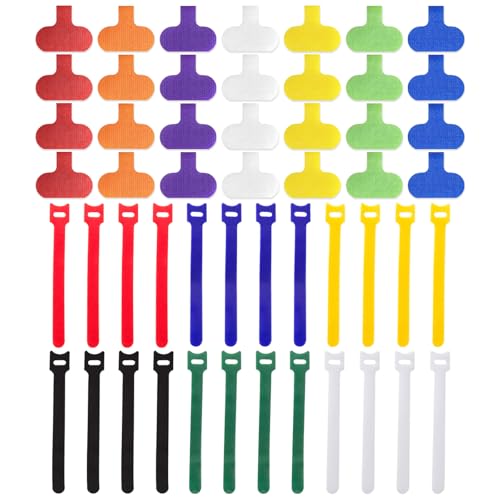
Cable Management Kit, 28 Pcs Multi-color Cable Labels and 24 Pcs Reusable Fastening Cable Ties, Cord Labels/Wire Ties For Home, Office, Desk, Cable Organizer, Cord Management
- Complete Cable Management Kit: Includes 28 labels and 24 ties
- Compact Label Size: Labels measure 1.2 x 0.63 inches
- Universal Cable Ties: 6-inch reusable nylon ties
As an affiliate, we earn on qualifying purchases.
As an affiliate, we earn on qualifying purchases.
Conclusion
So, next time your cable setup is a mess, remember—it’s all about the troubleshooting dance. Clear labels, neat wiring, and a little patience turn chaos into clarity. But hey, if you prefer the thrill of endless confusion, ignore these tips and keep living on the edge. After all, who needs a smooth connection when you can chase your tail in the dark? Happy troubleshooting—or not, if you’re into the chaos!

fyboptwu – Fiber Optic Cable Troubleshoot Kit Visual Fault Locator
- Easy Fault Detection: Detects fiber breaks and issues accurately
- Universal Compatibility: Fits ST, SC, FC, and LC connectors
- Portable and Lightweight: Ideal for field testing on the go
As an affiliate, we earn on qualifying purchases.
As an affiliate, we earn on qualifying purchases.

Diagnostic Cable Tool Scanner Kit Fit Yamaha YDS 1.33 Marine Outboard
- Compatibility: Yamaha YDS 1.33, all models up to 2017
- Includes Complete Kit: Cable, software, and data files included
- Durable Connectors: Professional molded connectors for longevity
As an affiliate, we earn on qualifying purchases.
As an affiliate, we earn on qualifying purchases.