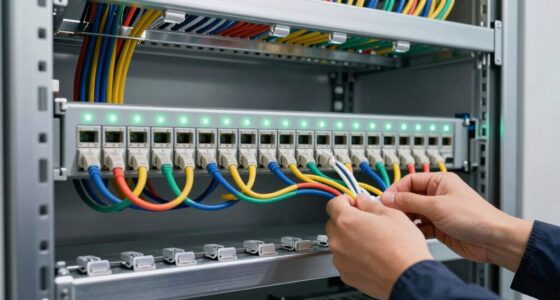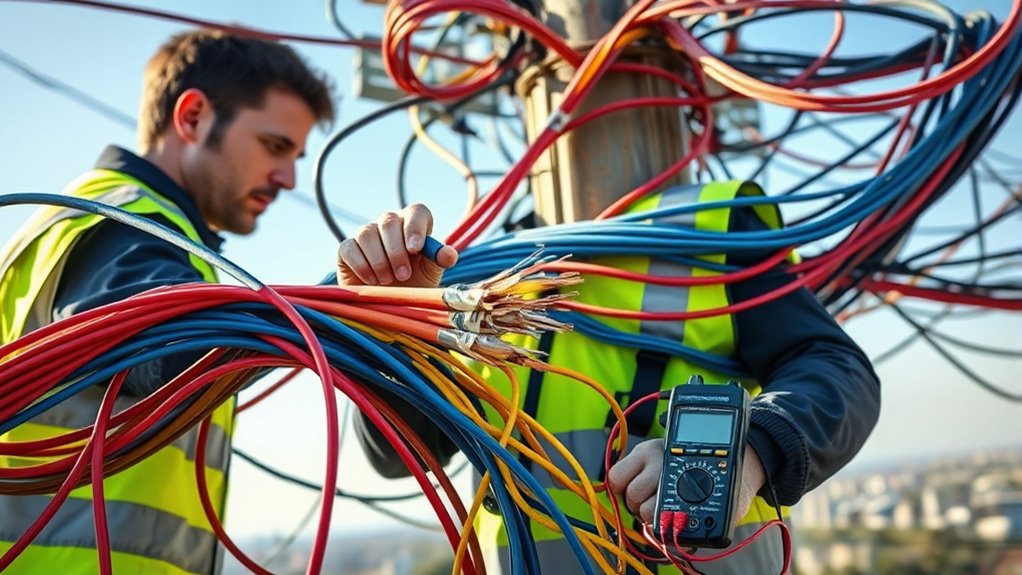
A damaged cable is like a silent warning, signaling that something is wrong beneath the surface. When faults occur, they can disrupt signals, compromise safety, and cause costly downtime. To prevent this, you need to understand how to identify the signs of wear and accurately locate the fault points. The process involves careful inspection and precise testing methods — but mastering these steps can save you time and resources in the long run.

Get networking and server gear delivered free — and shop member deals
- Fast, free delivery on millions of items
- Access to Prime Big Deal Days deals on October 6–7
- Prime Video, Amazon Music and more included
Key Takeaways
- Conduct visual inspections to spot signs of insulation damage, wear, or physical abrasions.
- Use insulation resistance testers and TDRs to measure resistance and locate fault points accurately.
- Check for external EMI sources like motors or wireless devices that may cause signal interference.
- Reroute or shield cables to minimize exposure to interference and external damage factors.
- Repair or replace damaged sections, re-insulate exposed conductors, and implement regular inspections for prevention.
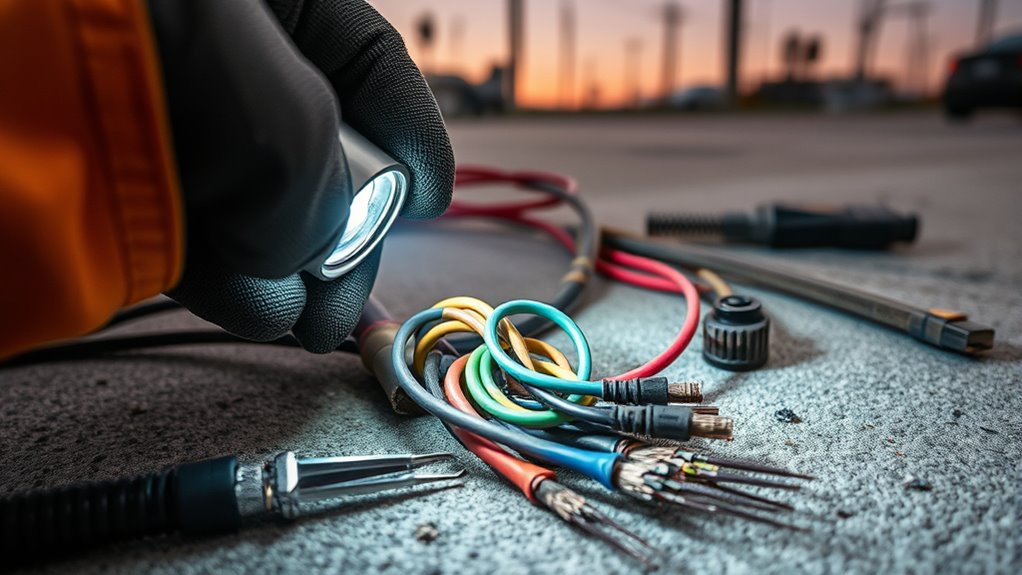
Cable faults are disruptions or failures in electrical or communication cables that can cause service outages and safety hazards. When you experience a sudden loss of signal or a drop in service quality, the fault often stems from issues with cable insulation or signal interference. Cable insulation acts as a protective barrier, preventing current from leaking and shielding against external elements. Over time, insulation can degrade due to environmental factors like moisture, heat, or physical damage. When insulation deteriorates, it exposes the conductor, increasing the risk of short circuits and electrical faults. Similarly, damaged insulation can lead to signal interference, where external electromagnetic signals disrupt the intended flow of data or power. This interference can manifest as static, noise, or reduced signal clarity, hampering device performance and communication reliability.
Cable faults disrupt signals and safety by degrading insulation and causing interference.
To identify cable faults related to insulation, start by visually inspecting the cable for signs of wear, cuts, or abrasions. Areas where the insulation appears cracked or frayed are likely trouble spots. If physical inspection doesn’t reveal obvious damage, using specialized testing equipment such as insulation resistance testers can help. These tools measure the resistance between conductors and ground, indicating whether insulation is compromised. A low resistance reading suggests the presence of faults or leaks that need correction. For signal interference issues, you should check for sources of electromagnetic interference (EMI) nearby, such as fluorescent lights, motors, or wireless devices. Moving the cable away from these sources or rerouting it can often reduce interference. Additionally, understanding industry trends can help in selecting the most effective shielding and insulation techniques for future installations.
Another effective method to diagnose faults is using cable testers or time domain reflectometers (TDR). These devices send signals down the cable and analyze the reflections caused by faults or breaks. If the TDR indicates a reflection at a specific point, you’ve pinpointed the location of the problem. Once identified, fixing the fault might involve repairing or replacing damaged sections, re-insulating exposed areas, or shielding cables against external interference sources. In cases of severe damage, replacing entire cable runs could be the safest and most dependable solution.
Preventative measures are equally important. Regular inspections, proper cable management, and using high-quality insulation materials can minimize faults over time. Ensuring cables are shielded or twisted can also reduce susceptibility to signal interference. When you properly identify and address cable faults early, you prevent larger outages, improve safety, and maintain ideal system performance. Being proactive in inspecting insulation and shielding against interference helps keep your communication and electrical systems running smoothly and safely.
Frequently Asked Questions
How Can I Prevent Cable Faults From Occurring?
To prevent cable faults, prioritize regular cable maintenance and inspection. Keep cables away from potential hazards like sharp objects, heat sources, and moisture. Use proper installation techniques to avoid stress or damage over time. Fault prevention also involves securing cables properly and using protective conduits where needed. By staying proactive with routine checks and maintenance, you reduce the risk of faults, ensuring reliable performance and extending your cable’s lifespan.
What Tools Are Best for Diagnosing Cable Faults?
You might think specialized tools are too expensive, but investing in quality cable testing equipment saves time and money in the long run. For diagnosing cable faults, use a cable tester or time domain reflectometer (TDR) for accurate fault location. These tools help you quickly identify issues, ensuring precise repairs. Reliable fault location tools are essential for minimizing downtime and maintaining ideal cable performance.
How Long Does It Typically Take to Fix a Cable Fault?
Fixing a cable fault usually takes anywhere from a few hours to a couple of days, depending on the causes and complexity. If the fault is caused by simple issues like a broken connector or minor damage, repair time estimates are shorter. More complex causes, such as severe physical damage or multiple faults, extend the process. Proper diagnosis with the right tools helps streamline repairs and minimize downtime.
Are There Safety Precautions When Repairing Cable Faults?
When repairing cable faults, you should always wear safety gear like gloves and eye protection, and stay aware of hazards such as live wires and electrical sparks. Make certain the power is turned off before starting work, and use insulated tools to prevent shocks. Keep your work area clear of obstacles, and follow safety procedures strictly to protect yourself and others from injury or accidents.
Can Cable Faults Affect Internet or Phone Service Quality?
Cable faults can definitely affect your internet or phone service quality. Common causes include damaged insulation, corrosion, or physical wear, which lead to cable fault symptoms like slow connection, dropped calls, or signal loss. When you notice these issues, it’s likely due to a cable fault. Addressing these faults quickly helps restore service and prevents further disruptions. Regular maintenance can also help catch potential cable fault causes early.
Conclusion
By thoroughly inspecting, testing, and repairing cable faults, you guarantee your system stays safe and reliable. For example, if you notice a sudden signal loss in your network, using a TDR can pinpoint the exact fault location. Replacing the damaged section and reapplying insulation restores performance. Regular inspections and preventative measures keep future faults at bay, helping you maintain ideal signal quality and system safety without unexpected downtime.
Halloween Picks
halloween
As an affiliate, we earn on qualifying purchases.