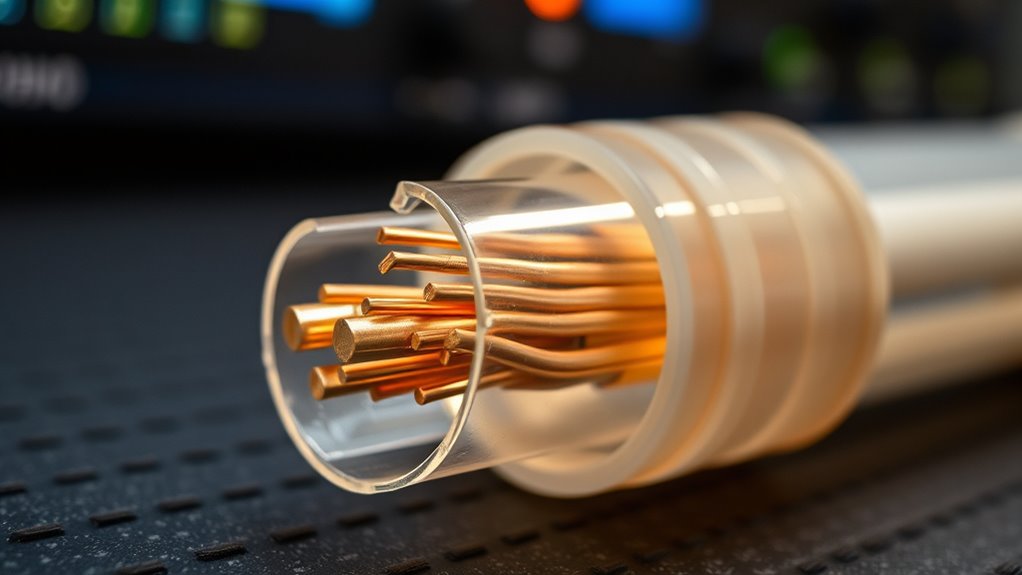
Did you know that signals can weaken by up to 50% over just 100 meters of cable? This significant loss can cause data errors, slow speeds, and connection issues. Understanding how and why signals diminish is vital for maintaining reliable communication. If you’re interested in ensuring your systems perform at their best, it’s important to explore what factors contribute to this attenuation and how to mitigate it effectively.

Get business pricing on networking and server gear
- Business-only prices and quantity discounts
- Tax-exempt purchasing
- Multiple users, one account, clear invoices
Key Takeaways
- Signal attenuation occurs when signal strength weakens as it travels through a cable, affecting clarity and data integrity.
- Longer cables and poor physical properties increase attenuation, leading to higher signal loss.
- Impedance mismatch causes reflections within the cable, further reducing signal quality.
- External interference and cable resistance convert electrical energy into heat, degrading the signal.
- Using properly matched, high-quality, and well-installed cables minimizes signal loss and maintains signal integrity.
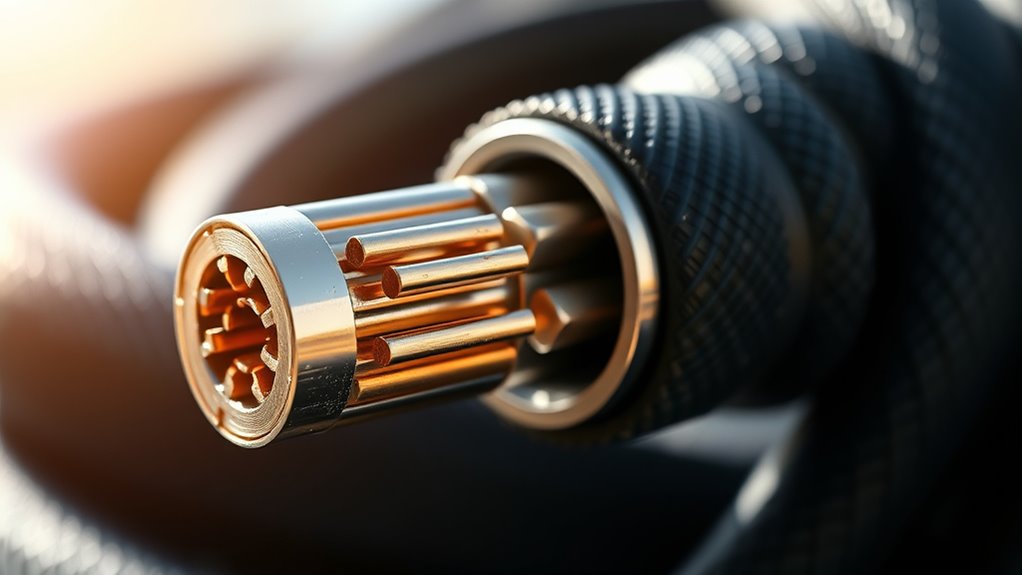
Signal attenuation in cables refers to the gradual loss of signal strength as it travels through a wire or cable. When your signal weakens, the data you’re trying to transmit becomes less clear and more prone to errors. Several factors influence this process, but one critical aspect is impedance mismatch. Impedance is the measure of resistance the cable presents to the signal, and when the impedance of your cable doesn’t match the connected devices, it causes reflections and energy loss. These reflections bounce back down the cable, interfering with the original signal and leading to signal degradation. This mismatch can occur if you connect a device with a different impedance rating or use incompatible cables, and it substantially reduces the quality and strength of your signal as it propagates.
Impedance mismatch causes reflections, energy loss, and signal degradation in cables.
Understanding impedance mismatch is vital because it directly impacts how well your system performs. When impedance isn’t properly matched, part of the signal’s energy gets reflected rather than transmitted forward. Over long distances, these reflections accumulate, making the signal weaker and more distorted. As the signal degrades, the quality of data transmission diminishes, resulting in slower speeds, increased errors, or complete communication failures. That’s why maintaining proper impedance matching is essential in cable installations, especially for high-frequency signals like audio, video, or data transfer.
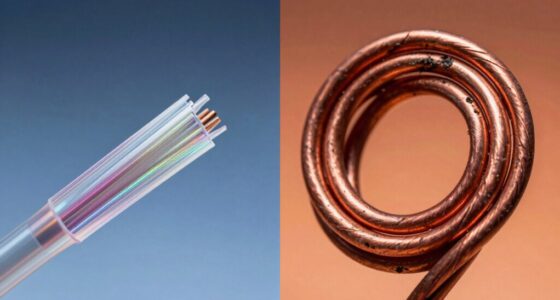
Another key contributor to signal degradation is the physical properties of the cable itself. As a signal travels, it encounters resistance within the wire, and this resistance converts some of the electrical energy into heat, reducing the signal’s strength. Higher resistance cables, or those with poor shielding, exacerbate this loss. External interference, such as electromagnetic noise from other devices or power lines, also plays a role by corrupting the signal, making it harder for your equipment to distinguish the original data from unwanted noise. Additionally, cable quality and proper installation practices significantly influence how well your system maintains signal integrity over distances.
To combat these issues, engineers design cables with specific impedance ratings suited for their applications and use connectors that match these ratings. Proper installation practices, such as avoiding sharp bends and maintaining the correct cable length, also help reduce signal loss. Using quality cables with good shielding minimizes external interference, preserving signal integrity over longer distances. In essence, understanding how impedance mismatch and physical properties of cables contribute to signal degradation allows you to choose the right cables and setup to guarantee a stronger, clearer signal from start to finish.
As an affiliate, we earn on qualifying purchases.
Frequently Asked Questions
How Does Temperature Affect Signal Attenuation in Cables?
Temperature affects signal attenuation in cables by causing thermal effects that increase resistance. When temperatures rise, the metal conductors expand slightly and resistance goes up, which weakens the signal. This resistance increase leads to more signal loss over distance, reducing cable performance. Conversely, cooler temperatures lower resistance, allowing signals to pass more efficiently. Keep in mind that extreme temperatures can profoundly impact overall signal quality and cable lifespan.
Can Signal Attenuation Be Completely Eliminated?
No, you can’t completely eliminate signal attenuation, but you can minimize it through signal amplification and proper cable shielding. Signal amplification boosts the signal strength to counteract losses over long distances, while cable shielding reduces external interference that causes attenuation. By combining these methods, you guarantee clearer signals and better performance, though some degree of attenuation remains inevitable due to physical limitations of the cables.
What Are the Best Practices for Reducing Attenuation?
To reduce attenuation effectively, you should prioritize proper shielding effectiveness and ideal cable routing. Use cables with high-quality shielding to minimize external interference, which helps maintain signal strength. Keep cables away from sources of electromagnetic interference and avoid tight bends or physical stress during routing. Regularly inspect and replace damaged cables, and choose the shortest, most direct paths to guarantee minimal signal loss and preserve signal integrity throughout your system.
How Does Cable Quality Influence Signal Loss?
Your cable quality directly impacts signal loss; higher-quality cables use better materials and construction to minimize electromagnetic interference and improve shielding. When cables have effective shielding, they block external interference that can cause attenuation. Poor-quality cables often lack sufficient shielding, making your signals more vulnerable to electromagnetic interference, which leads to increased signal loss. Investing in high-quality cables with proper shielding guarantees stronger, clearer signals over longer distances.
Are There Specific Cable Types More Resistant to Attenuation?
Your best bet is to choose cables with superior shielding effectiveness and high-quality cable material, as they’re practically impervious to attenuation. Shielded twisted pair or coaxial cables excel because their design minimizes signal loss even over long distances. These cables are engineered to block interference and maintain signal integrity, making them ideal if you want a resilient connection that withstands the harshest conditions. Think of them as the armor of cable types.
As an affiliate, we earn on qualifying purchases.
Conclusion
By understanding how signal attenuation affects your cables, you realize that proper selection and installation are vital. Just as careful planning prevents signal loss, so does attention to detail in your setup preserve data integrity. When you match impedance, avoid sharp bends, and choose shielded cables, you’re not just preventing errors—you’re ensuring reliable, high-speed communication. Ultimately, it’s a reminder that managing attenuation isn’t just technical; it’s essential for seamless, dependable connectivity.
As an affiliate, we earn on qualifying purchases.
As an affiliate, we earn on qualifying purchases.
Fall Picks
fall essentials
As an affiliate, we earn on qualifying purchases.