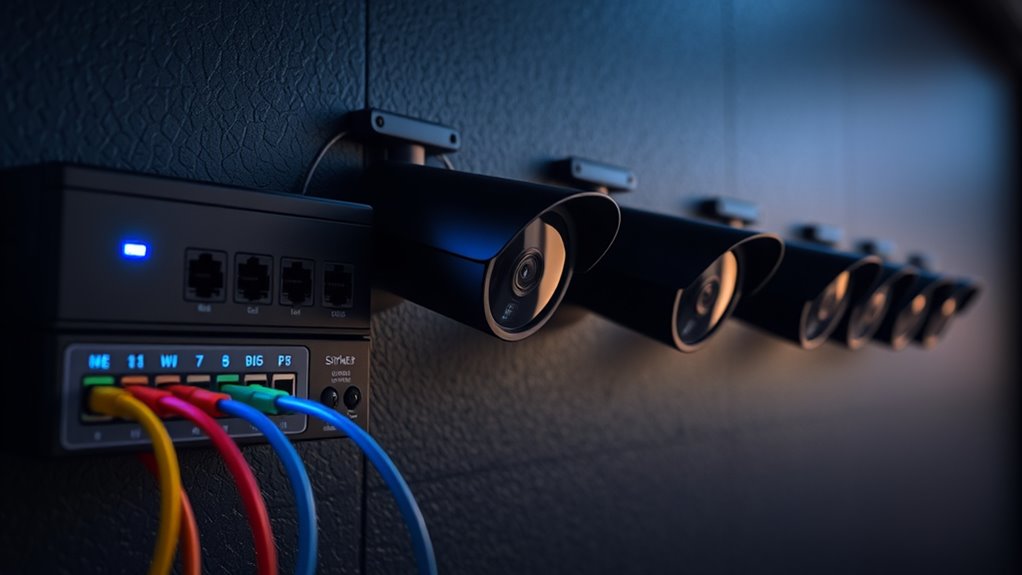

When powering cameras with PoE, use high-quality Ethernet cables rated for your environment to guarantee durability and reliable data transfer. Select a PoE switch that matches your cameras’ power needs and offers enough ports for future expansion. Organize your cables with clips or conduits to prevent damage and keep things neat. Proper cable management and choosing the right equipment help maintain system performance and simplify troubleshooting. Keep going to discover more best practices that will boost your setup.

Get networking and server gear delivered free — and shop member deals
- Fast, free delivery on millions of items
- Access to Prime Big Deal Days deals on October 6–7
- Prime Video, Amazon Music and more included
Key Takeaways
- Use a PoE switch that matches your cameras’ power requirements and supports standards like IEEE 802.3af or 802.3at.
- Ensure high-quality, weather-rated Ethernet cables for outdoor or industrial environments for durability and reliable data transfer.
- Implement organized cable management with clips or conduits to prevent damage, tangling, and maintain system neatness.
- Calculate the total power budget of your switch to ensure it can support all connected cameras simultaneously.
- Regularly inspect and troubleshoot cables and connections to maintain system reliability and facilitate easy expansion.
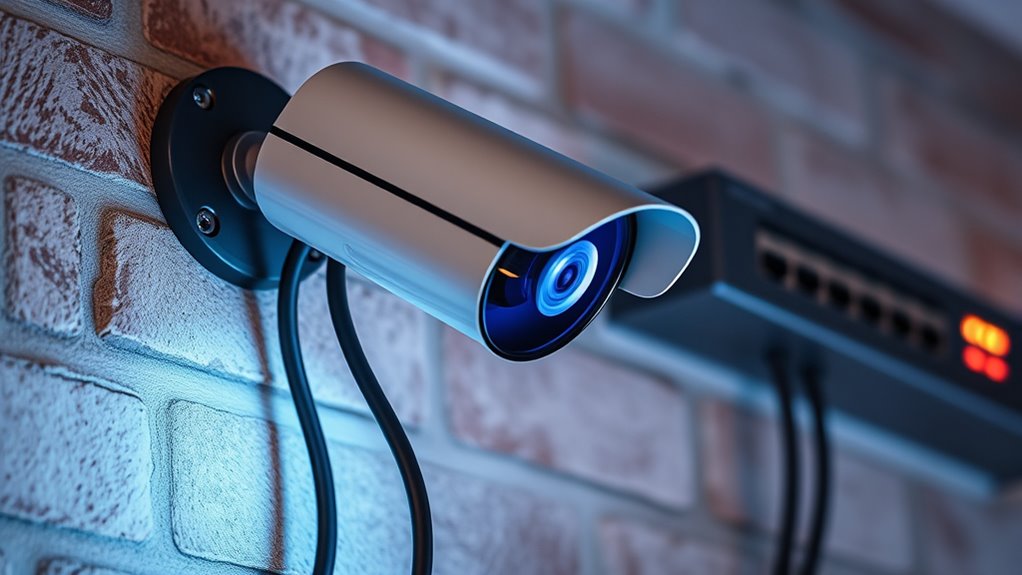
Using Power over Ethernet (PoE) to power cameras simplifies installation and reduces clutter by combining power and data into a single cable. This approach streamlines setup, especially in environments where running separate power lines can be time-consuming or impractical. To maximize benefits, you need to pay close attention to proper cable management. Keeping cables organized not only improves the overall appearance but also prevents accidental disconnections and makes future maintenance easier. Use cable clips, conduits, or cable ties to route cables neatly along walls or ceilings, avoiding tangles and damage. Proper cable management ensures consistent power delivery and reliable network performance, which are vital for security cameras.
Effective cable management ensures reliable Power over Ethernet (PoE) camera performance and easier maintenance.
Selecting the right PoE switch is a vital step in your setup. Your choice depends on the number of cameras you plan to install and their power requirements. A switch with enough ports ensures you can connect all your cameras without the need for multiple devices, reducing complexity and potential points of failure. Consider switches that support the IEEE 802.3af or 802.3at standards, depending on your camera’s power needs. Higher-end switches with features like VLAN support or Power Management can give you added control and future-proofing, making it easier to expand your system later. When choosing a PoE switch, also evaluate its power budget. Ensure it can supply sufficient wattage for all connected cameras, particularly if some require higher power levels.
In addition to selecting the switch, pay attention to your cable quality. Use high-quality Ethernet cables rated for outdoor or industrial use if your cameras are exposed to harsh environments. This guarantees durability and consistent data transfer. Proper cable management combined with a well-chosen PoE switch reduces downtime and enhances system reliability. It also simplifies troubleshooting, since well-organized cables make it easier to identify issues or replace components quickly. Remember, a neat installation isn’t just about aesthetics; it’s about maintaining a robust and dependable security system.
Investing in proper cable selection ensures optimal data transfer rates and reduces the risk of signal loss or interference, which is crucial for high-quality footage. Ultimately, your goal is a clean, efficient setup that minimizes risks and maximizes performance. Invest time in planning your cable routes and selecting the right switch to handle your current needs and future growth. With proper cable management and strategic PoE switch selection, powering your cameras becomes straightforward, reliable, and less stressful to manage long-term. This approach ensures your surveillance system remains operational, secure, and easy to maintain, giving you peace of mind knowing your cameras are always ready to capture what matters most.
As an affiliate, we earn on qualifying purchases.
Frequently Asked Questions
Can Poe Power Multiple Cameras Simultaneously?
Yes, you can power multiple cameras simultaneously with PoE. When setting up your camera wiring, make certain your PoE switch or injector provides enough power for all devices. Power over Ethernet simplifies wiring because it combines data and power in a single cable. Just verify the total power requirements of your cameras and use a switch or injector that supports the combined wattage to ensure reliable operation.
What Are the Limitations of Poe Power Delivery?
Imagine trying to water a garden with a hose that has limited flow; your power delivery faces similar constraints. Poe’s power limitations mean you can’t exceed the maximum power output, often around 15.4W to 30W per port, depending on the standard. Voltage constraints also cap how much power you can push through, making sure devices receive consistent power without damage. Always check your equipment’s specifications to avoid overloading and ensure reliable camera operation.
Is Poe Compatible With Wireless Cameras?
Yes, Poe is generally not compatible with wireless cameras because it relies on Ethernet cables for power and data transmission. Wireless cameras typically use Wi-Fi for connectivity and power over wifi for power, so they don’t need Poe. If you want to combine Poe with wireless cameras, you’d need a hybrid setup with both Ethernet and Wi-Fi, but Poe itself doesn’t power wireless cameras directly.
How Does Poe Affect Camera Installation Flexibility?
Poe is like a magic wand for camera installation, boosting flexibility by reducing the need for separate power cables. It streamlines cable management, making setups neater and easier to troubleshoot. Plus, it offers power redundancy, so your cameras stay powered even if one connection drops. With Poe, you gain the freedom to position your cameras where needed without worrying about complicated wiring, making your surveillance system more adaptable and reliable.
What Troubleshooting Steps for Poe-Powered Camera Issues?
If your Poe-powered camera faces issues, start troubleshooting by checking for power loss and inspecting the cable quality. Confirm the Ethernet cable is securely connected and free of damage or kinks. Test the Poe switch or injector to verify it supplies sufficient power. If problems persist, try replacing the cable with a higher-quality one. These steps help identify whether power loss or poor cable quality causes the camera issues.
outdoor industrial Ethernet cable
As an affiliate, we earn on qualifying purchases.
As an affiliate, we earn on qualifying purchases.
Conclusion
Now that you know how to power your cameras with PoE, you’re well on your way to a streamlined setup. Remember, a chain is only as strong as its weakest link, so follow best practices to guarantee reliable performance. By choosing the right equipment and maintaining proper connections, you’ll keep your security system running smoothly. Ultimately, “a stitch in time saves nine”—investing a little effort now prevents bigger headaches later.
cable management clips for Ethernet cables
As an affiliate, we earn on qualifying purchases.
As an affiliate, we earn on qualifying purchases.
As an affiliate, we earn on qualifying purchases.
Halloween Picks
halloween
As an affiliate, we earn on qualifying purchases.