Installing network cables in broadcast studios is a critical task that demands careful planning and attention to detail. Proper cable management, quality shielding, and interference avoidance are essential to guarantee reliable signal transmission. If done correctly, your setup can operate smoothly with minimal disruptions. However, the steps involved can be complex, and mistakes can be costly. Understanding the best practices will help you achieve a professional, efficient installation that supports your studio’s needs.
Key Takeaways
- Plan cable routes considering studio layout and minimize electromagnetic interference sources.
- Use appropriate tools like cable trays, ties, and labels for organized installation and easy identification.
- Test all cables thoroughly with high-quality testers to ensure continuity and detect faults before connection.
- Separate power and data cables to reduce noise and maintain signal integrity during installation.
- Document testing results and cable layouts for efficient troubleshooting and future upgrades.
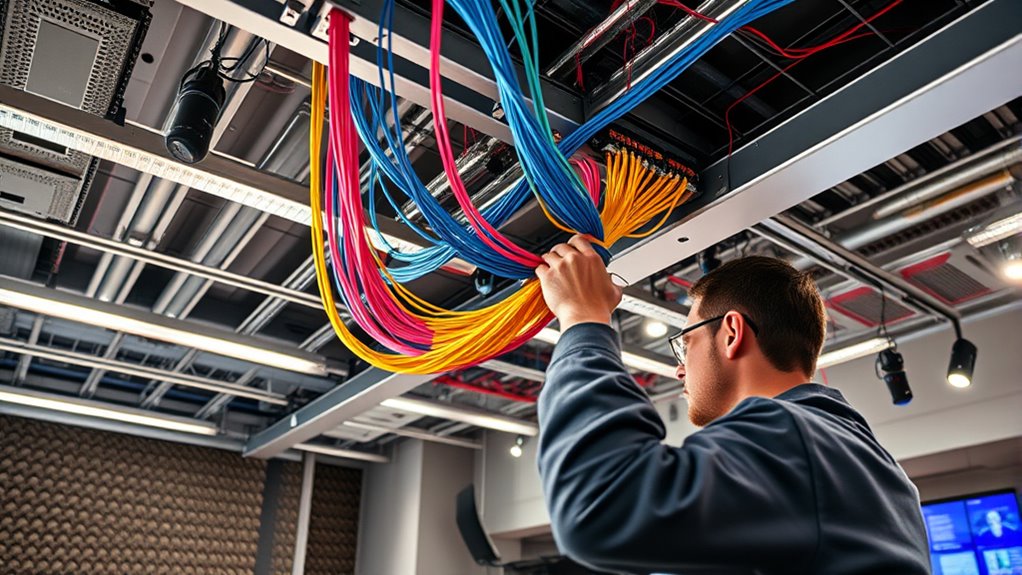
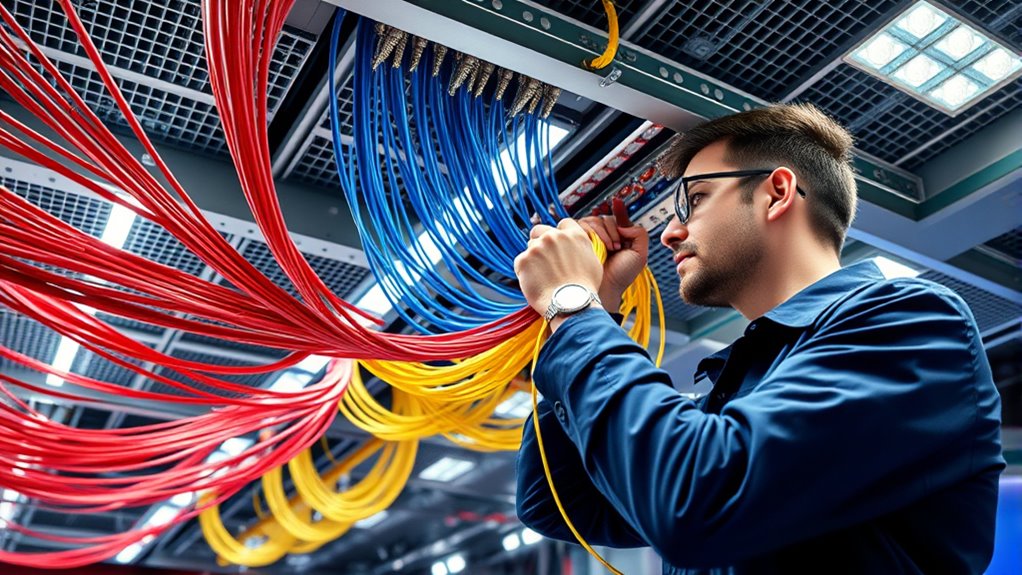
Are you prepared to guarantee your broadcast studio’s network runs smoothly? Properly installing network cables is essential for reliable performance, and that begins with solid cable management. As you set up, focus on organizing your cables efficiently to prevent tangles, reduce interference, and make future maintenance easier. Use cable trays, ties, or velcro straps to keep everything neat and secure, avoiding clutter that can cause signal issues down the line. Good cable management not only improves airflow and cooling but also minimizes accidental disconnections or damage. When cables are properly routed and labeled, troubleshooting becomes faster, saving you valuable time during live broadcasts or critical operations.
Before you connect anything, it’s vital to conduct thorough signal testing. This step ensures your cables are transmitting data correctly and that no faults exist in your setup. Use a high-quality cable tester to verify continuity, identify any shorts, or detect potential crosstalk issues. Testing early helps you catch problems before they impact your broadcast, preventing interruptions or degraded quality. When testing, pay attention to signal strength and integrity throughout the entire cabling run. If you notice inconsistencies or weak signals, troubleshoot immediately—replace damaged cables or re-route to eliminate interference sources. Making signal testing a regular part of your installation process guarantees that your network will perform reliably, especially during critical live transmissions.
Start by planning your cable routes carefully, considering the studio layout and equipment locations. Avoid running cables near sources of electromagnetic interference, such as fluorescent lights or large motors, which can disrupt signal quality. When installing, use shielded cables where appropriate, and maintain proper separation between power and data lines to reduce noise. Once your cables are in place, perform thorough signal testing at various points along the network. This helps identify weak links and confirms that each connection meets your required specifications. Document your testing results for future reference, especially if you need to troubleshoot or expand your setup later.

Klein Tools VDV526-200 Cable Tester, LAN Scout Jr. 2 Ethernet Tester for CAT 5e, CAT 6/6A Cables with RJ45 Connections
VERSATILE CABLE TESTING: Cable tester for data (RJ45) terminated cables and patch cords, ensuring comprehensive testing capabilities
As an affiliate, we earn on qualifying purchases.
As an affiliate, we earn on qualifying purchases.
Frequently Asked Questions
What Is the Optimal Cable Length for Studio Connections?
You should aim for cable lengths between 25 to 100 feet for studio connections, depending on your setup. When selecting cable material, opt for high-quality, shielded cables to reduce interference. Always follow installation safety standards to prevent accidents and guarantee signal integrity. Keep cables as short as possible to minimize signal loss, but don’t compromise safety or flexibility. Proper planning helps maintain ideal performance and safety in your broadcast studio.
How Do I Prevent Electromagnetic Interference in Cable Runs?
To prevent electromagnetic interference in cable runs, you should implement proper grounding practices and use shielding techniques. Make certain cables are grounded at both ends to dissipate interference safely. Use shielded cables, such as twisted pair or coaxial, and keep them away from power sources or electronics that generate strong electromagnetic fields. Proper cable routing and maintaining separation between data and power cables also help reduce interference, enhancing signal quality.
What Testing Methods Ensure Cable Integrity After Installation?
To test cable integrity, you should start with thorough cable testing, guaranteeing each run is continuous and free of faults. Use signal verification to confirm that signals transmit clearly without distortion or loss. Perform insulation resistance tests to check for leaks, and utilize time domain reflectometers (TDRs) to identify any faults or breaks. These methods ensure your cables are reliable, robust, and ready for broadcast demands.
How Should Cables Be Labeled for Easy Troubleshooting?
To make troubleshooting easier, you should use clear cable color coding combined with consistent labeling best practices. Assign specific colors to different functions or areas, and label each cable with concise, durable tags that include details like source, destination, and purpose. Keep labels visible and organized, using a standardized format. This approach helps you quickly identify cables, reduces errors, and streamlines maintenance in your broadcast studio setup.
What Certifications Should Cables and Connectors Have for Broadcast Use?
You should confirm your cables and connectors meet industry standards like ISO/IEC and TIA/EIA certification standards, which verify their reliability and performance. High-quality connectors with proper quality assurance help prevent signal loss and interference. Investing in certified cables means you’re adhering to proven standards, reducing troubleshooting time, and ensuring consistent broadcast quality. Always verify certification labels before installation to guarantee your setup’s integrity and future-proof your broadcast infrastructure.

GEARit Shielded CAT6 Ethercon Cable (150 Feet) Professional Audio & Lighting RJ45 EtherCON-Compatible Cable for Studio, Stage, Concerts – 150ft Black
Ethernet Cable for Pro Audio and DMX Lights – 150 ft. shielded CAT6 Ethernet network cable with EtherCON-compatible…
As an affiliate, we earn on qualifying purchases.
As an affiliate, we earn on qualifying purchases.
Conclusion
By carefully installing and managing your network cables, you’re building a foundation that champions reliability and clarity, much like a well-conducted orchestra. Remember, every properly placed cable is a note in the symphony of a seamless broadcast. When you prioritize quality, organization, and testing, you’re not just preventing disruptions—you’re ensuring your studio’s voice is heard loud and clear, echoing professionalism and precision in every broadcast.

5 PCS Network Cable Untwist Tool,Wires Separator Tools, Wire Straightener Engineer Wire Straightener for CAT5/CAT5e/CAT6/CAT7 Wires Pair Separator Tools Quickly Easily Untwists (blue)
Ergonomic and User-Friendly: Designed with a focus on user comfort, this set of 5 cable separators features ergonomic…
As an affiliate, we earn on qualifying purchases.
As an affiliate, we earn on qualifying purchases.

kwmobile Cable Comb Organizers (Set of 5) – Cable Management Wire Combs Clips for Ethernet Cables – Organizer Kit Includes Mounting Screws – Blue
CABLE ORGANIZERS: Get multiple cables under control with a cable comb organizer set by kwmobile. These cable management…
As an affiliate, we earn on qualifying purchases.
As an affiliate, we earn on qualifying purchases.