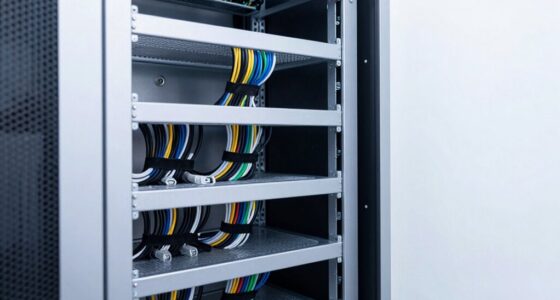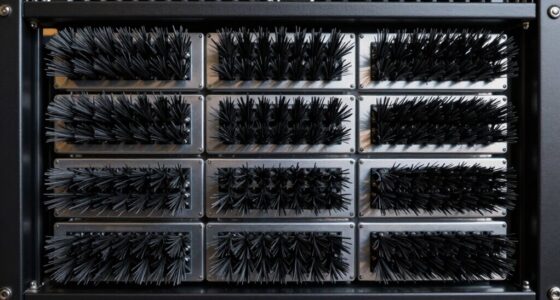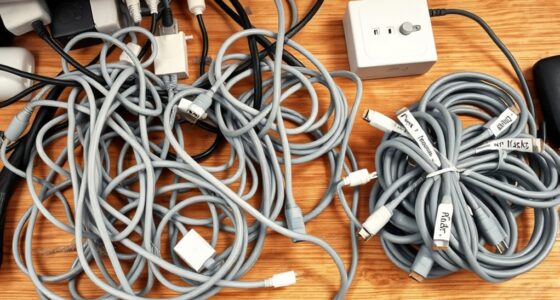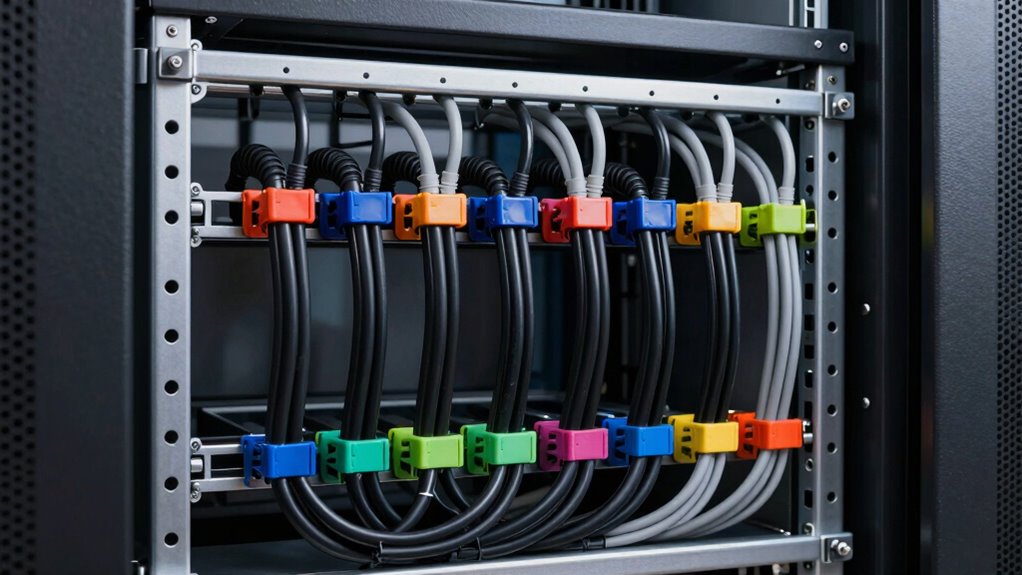

To make better use of vertical cable managers, plan your cable routes beforehand and group similar cables together, like power or data. Use appropriately sized managers to prevent congestion and secure bundles with Velcro straps or ties. Keep cables loosely bent and avoid overpacking to maintain airflow. Regularly inspect and reorganize as your setup evolves. Properly managing cables in this way keeps your racks tidy, cool, and easier to maintain, ensuring peak performance over time.

Get business pricing on networking and server gear
- Business-only prices and quantity discounts
- Tax-exempt purchasing
- Multiple users, one account, clear invoices
Key Takeaways
- Plan cable routes before installation to ensure a clean, logical, and accessible layout.
- Distribute cables evenly across multiple vertical managers to improve airflow and prevent congestion.
- Secure bundles with Velcro straps or cable ties to maintain organization during maintenance.
- Avoid overpacking managers, keeping cables loosely bent and tension-free for optimal performance.
- Regularly inspect and update cable arrangements to adapt to infrastructure changes and maintain efficiency.
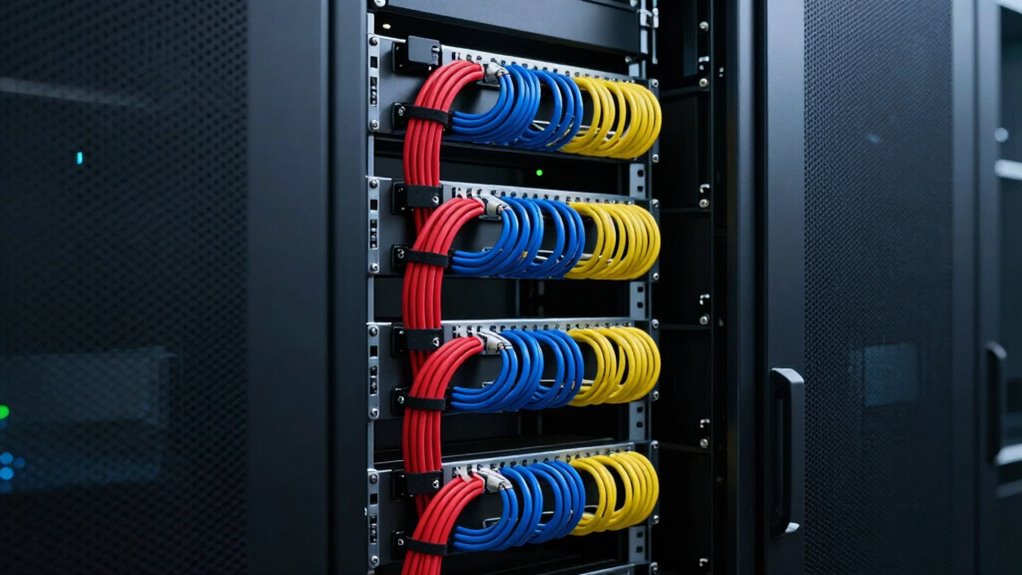
Have you ever struggled with tangled or cluttered cables behind your server racks or workstations? It’s a common issue that can make maintenance a nightmare and compromise your equipment’s performance. Using vertical cable managers effectively can transform your setup, making cable organization straightforward and keeping everything neat. When you properly utilize vertical cable managers, you not only reduce clutter but also markedly improve airflow optimization. Good airflow is essential to prevent overheating, which can lead to hardware failures or reduced lifespan of your components.
Proper use of vertical cable managers reduces clutter and boosts airflow, preventing overheating and extending hardware lifespan.
To get the most out of your vertical cable managers, start by planning your cable routes carefully. Before installing, map out the paths your cables will take, ensuring they follow a clean, logical flow. This helps prevent overpacking the managers, which can restrict airflow and cause cables to become tangled. When placing cables, group similar types together—power cables separate from data cables, for instance—and use the vertical managers to hold bundles securely. This arrangement makes it easy to identify and troubleshoot issues later on, saving time and effort. Properly managing cables also reduces the risk of hardware damage, which can occur when cables are left unmanaged or tangled. Additionally, maintaining organized cable routes can assist in preventing signal interference, especially in high-density setups. Regularly updating your cable management plan can also help maintain optimal airflow, especially as your cabling needs change over time.
Make sure to use the right size and number of vertical cable managers for your rack. If you try to cram too many cables into one, it defeats both cable organization and airflow optimization. Instead, spread cables across multiple managers if necessary, giving each bundle room to breathe. Properly secured bundles prevent sagging or accidental disconnections, which can be problematic during routine maintenance or upgrades. Additionally, consider using Velcro straps or cable ties to keep bundles neat and prevent them from spilling into other parts of the rack. Regular inspection and adjustment are crucial, especially as cabling infrastructure evolves, to prevent buildup of unnecessary clutter and ensure ongoing efficiency. Incorporating cable management best practices can further streamline your setup and enhance overall performance. This ongoing effort helps maintain ideal airflow, reducing hot spots within the rack that could cause hardware issues. Also, ensure that cables are not tightly bent or stretched, which can damage them over time and impair signal quality.
As an affiliate, we earn on qualifying purchases.
Frequently Asked Questions
Can Vertical Cable Managers Support Different Cable Types Simultaneously?
Yes, vertical cable managers can support different cable types simultaneously. Their design promotes cable flexibility, allowing you to organize various cables like Ethernet, power, and fiber efficiently. By using cable segmentation within the manager, you can keep different cable types separated, reducing interference and improving airflow. This setup helps you optimize space and maintain a tidy, accessible rack, making your network setup more organized and easier to troubleshoot.
How Do I Prevent Overheating With Vertical Cable Managers?
Think of your vertical cable manager as a chimney; if blocked, heat builds up. To prevent overheating, guarantee proper cable airflow by avoiding overcrowding. Use cable ties to keep cables organized and spaced out, enhancing heat dissipation. Regularly inspect for dust or obstructions that hinder airflow. Optimizing cable arrangement allows heat to escape efficiently, keeping your equipment cool and preventing failures caused by excessive heat.
Are Vertical Cable Managers Compatible With All Rack Sizes?
Vertical cable managers aren’t compatible with all rack sizes, so you should check rack compatibility first. Use cable management tips like measuring your rack’s dimensions to guarantee a proper fit. Many vertical managers are adjustable or come in different sizes, but it’s essential to confirm they match your rack’s specifications. Proper compatibility helps streamline your setup, improves airflow, and keeps your cables organized effectively.
What Is the Ideal Cable Capacity for a Vertical Cable Manager?
Imagine your rack as a busy highway, where the ideal cable capacity acts like well-placed lanes for smooth traffic flow. For effective cable organization and airflow optimization, a vertical cable manager should typically handle 80-100% of your cables without overcrowding. This balance prevents clutter, promotes better cooling, and guarantees easy access. Keep your cables neat yet flexible, and you’ll enjoy a tidy, efficient rack that performs at its best.
How Often Should I Clean or Maintain Vertical Cable Managers?
You should clean and maintain your vertical cable managers at least every three to six months to guarantee ideal cable organization and airflow. Regular maintenance schedules help prevent dust buildup and tangled cables, which can cause overheating or connectivity issues. During each cleaning, remove dust, check for any loose or damaged cables, and straighten the organization. Consistent upkeep keeps your rack system efficient, prolongs equipment lifespan, and maintains a tidy, professional appearance.
Velcro cable straps for server racks
As an affiliate, we earn on qualifying purchases.
As an affiliate, we earn on qualifying purchases.
Conclusion
Using vertical cable managers isn’t just about neatness—it’s about efficiency. Think of them as the spine of your rack, supporting everything and keeping it aligned. I once saw a data center with tangled cables that slowed airflow and caused overheating, but after installing proper managers, everything moved smoothly again—like a well-oiled machine. When you organize your cables effectively, you’re not just tidying up—you’re ensuring your entire system runs reliably and effortlessly.
As an affiliate, we earn on qualifying purchases.
high airflow cable management system
As an affiliate, we earn on qualifying purchases.
As an affiliate, we earn on qualifying purchases.
Halloween Picks
halloween
As an affiliate, we earn on qualifying purchases.