Your cables directly impact your network’s bandwidth and speed. High-quality cables, like fiber optics or Category 6, support faster data transfer and reduce signal loss. Proper shielding and twisted pairs help minimize interference, keeping your connection stable. Longer cables can weaken signals, so shorter runs improve performance. Choosing standards-compliant, well-made cables guarantees reliability. Want to know how to maximize your network’s performance? Keep going to discover more about optimizing your cables.

Get business pricing on networking and server gear
- Business-only prices and quantity discounts
- Tax-exempt purchasing
- Multiple users, one account, clear invoices
Key Takeaways
- High-quality fiber optic cables provide higher bandwidth and faster speeds compared to copper cables, especially over long distances.
- Ethernet cable categories (e.g., Cat 5e, Cat 6, Cat 8) determine maximum data transfer speeds and influence overall network performance.
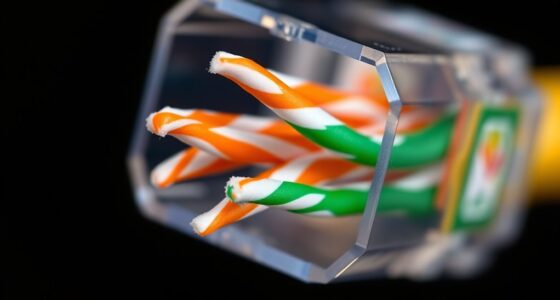
- Proper shielding and twisted pair design reduce electromagnetic interference, maintaining signal integrity and optimal data throughput.
- Longer cable lengths can cause signal attenuation, decreasing speed and bandwidth; keeping cables within recommended distances preserves performance.
- Compatibility with industry standards ensures cables support the intended bandwidth and speed capabilities, preventing performance bottlenecks.
As an affiliate, we earn on qualifying purchases.
Types of Network Cables and Their Characteristics
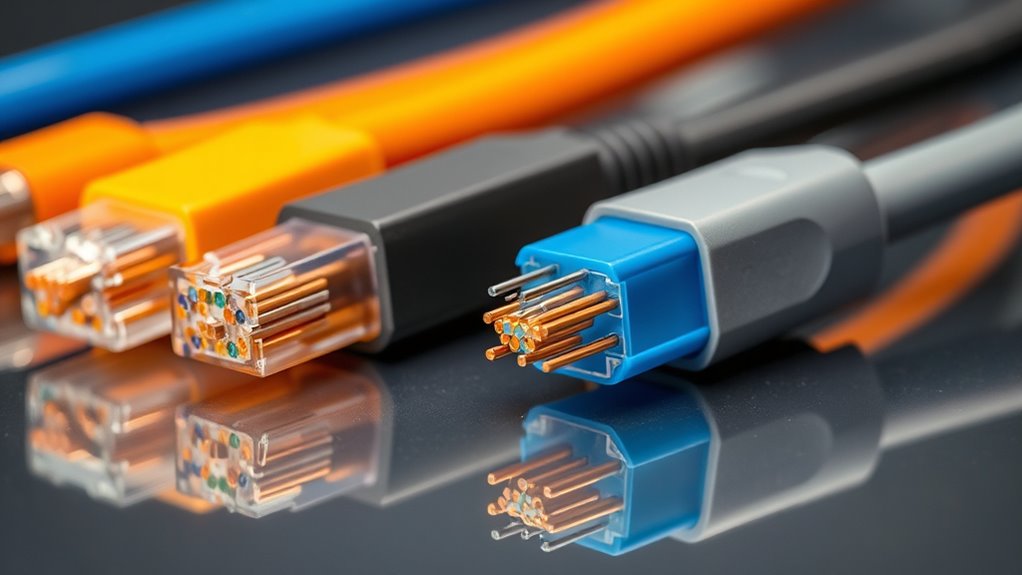
When choosing a network cable, understanding the different types and their characteristics is essential, as each offers varying speeds, distances, and reliability. Fiber optic cables deliver extremely fast data transmission over long distances with minimal signal loss, making them ideal for high-performance networks. Twisted pair cables, like Ethernet cables, are common for short to medium distances and are cost-effective, but their speed may be limited compared to fiber optics. Wireless alternatives, such as Wi-Fi, provide convenience and flexibility, eliminating the need for physical cables, but they often compromise on speed and stability. Coaxial cables are also used in some setups, offering decent performance for specific applications. Additionally, cable quality can significantly impact the overall network performance and stability. The signal integrity of a cable is crucial for maintaining high data transfer rates and reducing errors, especially over longer distances. Choosing cables with proper shielding can further enhance performance by reducing electromagnetic interference. Recognizing the importance of network standards can help ensure compatibility and optimal performance across devices. By understanding these options, you can select the best cable type based on your network’s needs and environment.
As an affiliate, we earn on qualifying purchases.
Impact of Cable Quality on Data Transmission

The quality of your network cable directly influences the speed and reliability of data transmission. High-quality cables, like those made with premium materials, reduce signal loss and interference, ensuring faster, more consistent connections. Fiber optic cables stand out because they transmit data using light, providing much higher bandwidth and lower latency compared to traditional copper cables. Poor-quality cables, on the other hand, can cause data errors, slower speeds, and connection drops. While wireless alternatives offer convenience, they often lack the stability and speed of well-made wired cables. Investing in good quality cables minimizes these issues, allowing your network to perform at its best. Ultimately, cable quality plays a *vital* role in maximizing data transmission efficiency and maintaining a reliable network connection.
Shielded twisted pair Ethernet cable
As an affiliate, we earn on qualifying purchases.
As an affiliate, we earn on qualifying purchases.
Comparing Ethernet Cable Categories and Their Speeds
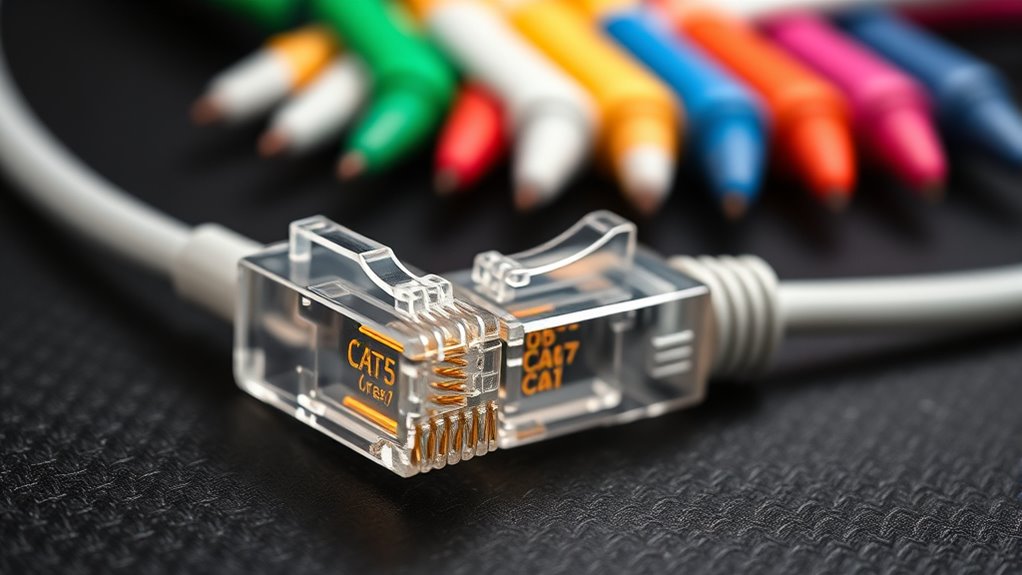
Ethernet cable categories determine the maximum speeds and performance you can expect from your network. Category 5e supports up to 1 Gbps, while Category 6 can handle 10 Gbps over shorter distances. Category 6a and 7 push speeds further, with Category 8 reaching 25-40 Gbps. Here’s a quick comparison:
| Category | Max Speed | Typical Use Case |
|---|---|---|
| Cat 5e | 1 Gbps | Basic home networks |
| Cat 6 | 10 Gbps | Gaming, streaming |
| Cat 7 | 10 Gbps+ | High-performance work |
While Ethernet cables excel, fiber optic options offer even faster speeds over longer distances. Wireless alternatives, like Wi-Fi, provide convenience but may lack the stability of wired connections. Vetted networking standards ensure reliable performance for different needs, and understanding cable category differences can help optimize your network setup.
As an affiliate, we earn on qualifying purchases.
How Cable Length Affects Signal Strength and Performance

Long cable runs can markedly weaken signal strength, leading to slower speeds and decreased reliability. As the cable length increases, signal attenuation occurs, reducing the strength of the data transmitted. This weakening can cause data packets to become corrupted or lost, forcing retransmissions that slow down your network. Longer cables often introduce bandwidth constraints, limiting the maximum data transfer rates you can achieve. To minimize these issues, it’s best to keep cable lengths within recommended limits—typically 100 meters for Ethernet cables. Using high-quality cables or signal boosters can help mitigate the effects of length-related attenuation. Additionally, understanding industry trends and the importance of proper cable management can help maintain optimal network performance. Implementing proper cable organization can further reduce signal interference and improve overall network reliability. Ultimately, understanding how cable length impacts signal quality guarantees you maintain ideal performance and consistent speeds across your network. Selecting cables with shielding features can also decrease interference and enhance signal integrity over longer distances.
The Role of Shielding and Twisted Pairs in Reducing Interference

Shielding materials play a vital role in blocking external interference, ensuring your signals stay clear. Twisted pairs help cancel out noise by balancing electromagnetic interference, improving overall performance. Understanding how these features work can help you choose cables that deliver faster, more reliable connections. Proper appliance integration can optimize your home’s network infrastructure, reducing potential points of interference. Recognizing the importance of attention during cable installation can further enhance signal quality and reduce disruptions. Moreover, selecting cables with appropriate shielding techniques can further minimize electromagnetic interference and boost data integrity.
Shielding Materials Effectiveness
Because electromagnetic interference (EMI) can disrupt data transmission, effective shielding materials are essential for maintaining cable performance. High-quality shielding, like foil or braided shields, absorbs or deflects EMI, preventing it from reaching the conductors. The effectiveness of these materials depends on proper grounding techniques that help drain unwanted interference safely away from the cable. Without proper grounding, shielding can’t fully protect against electromagnetic interference, reducing data integrity and speeds. You should choose shielding that provides continuous coverage and solid grounding to maximize interference reduction. This ensures your cable stays resilient against external signals and maintains high bandwidth. Investing in well-shielded cables with effective materials and grounding techniques is key to reducing interference and optimizing performance.
Twisted Pair Interference Reduction
Twisted pairs are designed to reduce electromagnetic interference by canceling out noise that can disrupt data signals. The twisting of each pair helps to negate interference from external sources, including wireless interference and nearby cables. Shielding enhances this effect further, preventing electromagnetic signals from penetrating the cable. Unlike fiber optic cables, which are immune to electromagnetic interference, twisted pair cables rely heavily on twisting and shielding to maintain signal integrity. This design minimizes crosstalk and noise, ensuring faster, more reliable data transfer. Properly twisted pairs are especially important in environments with high wireless interference, where external signals can easily corrupt data. By combining twisted pairs with shielding, you substantially improve your cable’s performance and reduce data loss or delays caused by interference.
Tips for Choosing the Right Cables for Optimal Performance
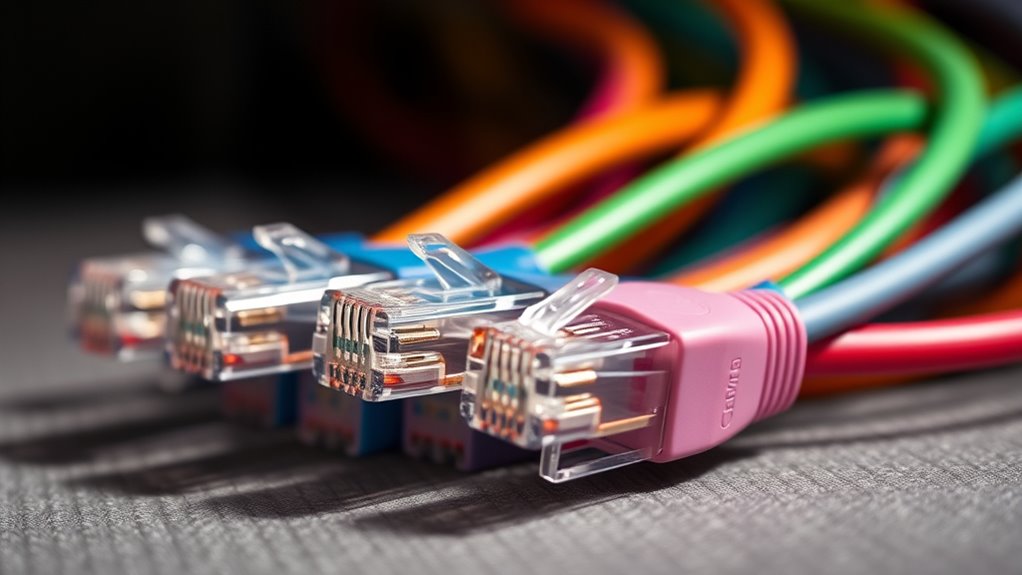
Choosing the right cables starts with guaranteeing compatibility and following industry standards to avoid performance issues. You should also prioritize high-quality materials to assure durability and signal integrity. Additionally, consider cable length and placement to prevent signal loss and maintain ideal speed. Furthermore, selecting cables designed for specific environments, such as shielded cables for noisy electrical conditions, can further enhance performance for optimal results. Ensuring that cables meet industry standards not only safeguards performance but also prolongs their lifespan and reduces the risk of failure.
Compatibility and Standards
Selecting the right cables starts with understanding compatibility and standards. You need to check connector compatibility to guarantee the cable fits your devices properly. Using incompatible connectors can limit performance or cause connection issues. Additionally, look for certification standards like UL, HDMI, or USB compliance, which assure the cable meets safety and quality benchmarks. Certified cables are tested for performance, reducing the risk of signal loss and interference. Always verify that the cable’s standards match your device requirements and intended use. Ignoring compatibility and standards can lead to subpar speeds or damage to your equipment. By choosing cables that adhere to industry standards and fit your connectors, you secure maximum performance and longevity of your setup. Understanding zodiac compatibility can also help in choosing devices and accessories that work well together.
Cable Material Quality
The quality of cable materials directly impacts signal integrity and overall performance. Choosing high-quality cables means paying attention to connector types and cable insulation. Poor materials can cause signal loss or interference, degrading your connection. To guarantee peak performance, consider:
- Connector types: Opt for gold-plated connectors for better durability and conductivity.
- Cable insulation: Choose cables with durable, high-grade insulation to prevent interference and damage.
- Shielding: Look for cables with proper shielding to block external noise.
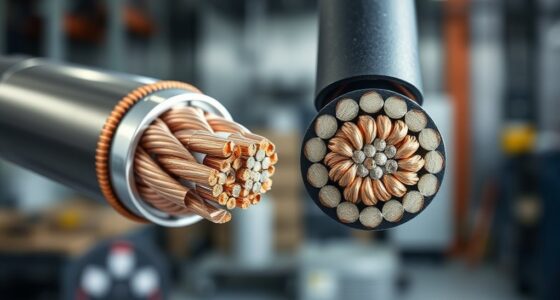
- Conductors: Use cables with thick copper or silver conductors for better signal transmission.
- Material quality: High-quality cable materials ensure reliable signal transmission and longevity.
Length and Placement
To guarantee your cables deliver the best possible performance, paying attention to their length and placement is crucial. Keep fiber optics cables as short as possible to minimize signal loss and maximize speed, especially over long distances. Avoid running cables near sources of electrical interference, like motors or fluorescent lights, which can degrade signal quality. If your setup requires longer runs, consider fiber optics, as they maintain high performance over extended distances better than traditional copper cables. Additionally, evaluate wireless alternatives, such as Wi-Fi or Bluetooth, for areas where cabling isn’t practical or could cause clutter. Proper placement ensures maximum bandwidth and reduces latency, helping you get the most from your network. Regularly checking your cable quality and ensuring proper installation can significantly impact your connection’s speed and reliability. Paying attention to signal integrity can help prevent potential issues before they affect your network performance, especially by choosing cables with high-quality shielding to reduce interference. Also, selecting cables with the appropriate specifications for your specific environment can further enhance overall network stability.
Frequently Asked Questions
How Does Cable Installation Affect Overall Network Speed and Reliability?
Cable installation directly impacts your network’s speed and reliability. Properly shielded cables reduce signal interference, ensuring a stable connection. Poor installation, like loose connectors or excessive bending, can cause disruptions and slow speeds. When you choose high-quality cables with effective shielding and install them carefully, you minimize interference and maintain a consistent, faster network performance. Proper setup is essential for reliable, high-speed connectivity.
Can Using Longer Cables Cause Latency Issues in High-Speed Networks?
Using longer cables can cause latency issues in high-speed networks because increased cable length adds resistance and signal degradation. When cable length surpasses recommended limits, your network experiences delays as signals take longer to travel, leading to potential lag or reduced performance. To avoid latency issues, keep cable runs within ideal lengths, and consider using active or fiber-optic cables for longer distances, ensuring your network remains fast and reliable.
Are There Differences in Durability Between Indoor and Outdoor Cables?
You might think indoor and outdoor cables are equally durable, but outdoor cables are specifically designed to withstand harsh conditions like moisture, UV rays, and temperature changes, making them more durable outdoors. Indoor cables focus on resilience against inside environmental factors, like limited exposure to elements. So, if you’re planning an installation, choose outdoor cables for durability outside and indoor cables for reliable performance inside your space.
How Do Connectors and Terminations Influence Data Transmission Quality?
You can improve data transmission quality by paying attention to connector quality and termination techniques. High-quality connectors ensure a solid connection, reducing signal loss and interference. Proper termination techniques further enhance performance by preventing signal reflections and ensuring consistent data flow. When you select premium connectors and apply correct termination methods, you minimize errors, boost speed, and maintain reliable network performance. This careful approach makes a noticeable difference in overall cable efficiency.
What Are the Environmental Factors That Impact Cable Performance Over Time?
Environmental factors like temperature fluctuations and electromagnetic interference can substantially impact your cable’s performance over time. When temperatures vary greatly, your cables may expand or contract, causing potential damage or signal loss. Electromagnetic interference from nearby devices can disrupt data transmission, leading to slower speeds or errors. To maintain peak performance, keep cables away from heat sources and electromagnetic sources, and guarantee proper shielding and installation.
Conclusion
Choosing the right cables might seem overwhelming, but with the right info, you’ll see how quality and type directly boost your network’s speed. Don’t settle for cheap, low-quality cables—they can cause slowdowns and frustration. Investing in the right Ethernet cables ensures strong, reliable connections that handle your data needs now and in the future. With a little knowledge, you’ll enjoy seamless performance without the headaches of sluggish or dropped signals.
Columbus Day / Indigenous Peoples' Day Picks
long weekend sales
As an affiliate, we earn on qualifying purchases.