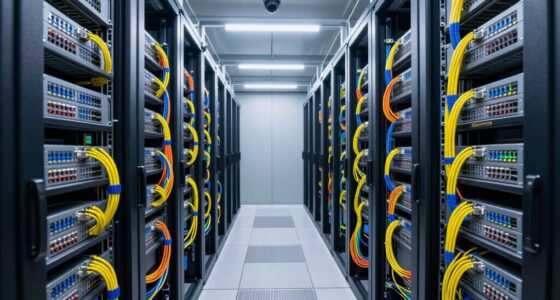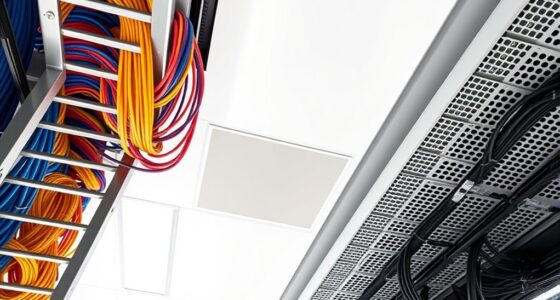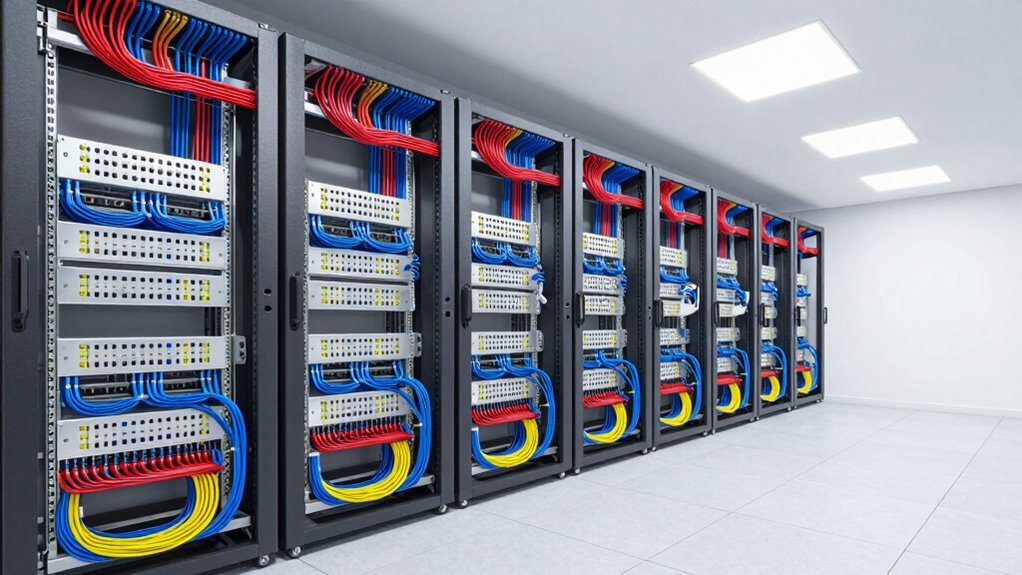

Good cable planning in small data centers means organizing cables for efficient airflow, easy access, and future growth. You should use clear labeling, color coding, and proper routing to prevent tangles and reduce interference. Incorporate structured layouts that allow quick maintenance and accommodate expansion. Using cable trays and separating power and data lines helps improve performance and reliability. Keep your setup clean and regularly review it to stay optimized—you’ll discover how to make this process even smoother as you go along.

Get business pricing on networking and server gear
- Business-only prices and quantity discounts
- Tax-exempt purchasing
- Multiple users, one account, clear invoices
Key Takeaways
- Implement organized cable routing with labeled, color-coded cables for quick identification and reduced troubleshooting time.
- Use cable trays, conduits, and proper separation to prevent interference and ensure good airflow.
- Plan for future growth by leaving slack and maintaining clear access for upgrades and maintenance.
- Optimize fiber optic layouts to minimize signal loss, interference, and simplify future expansions.
- Regularly review and update cable layouts to maintain organization and adapt to evolving technology needs.
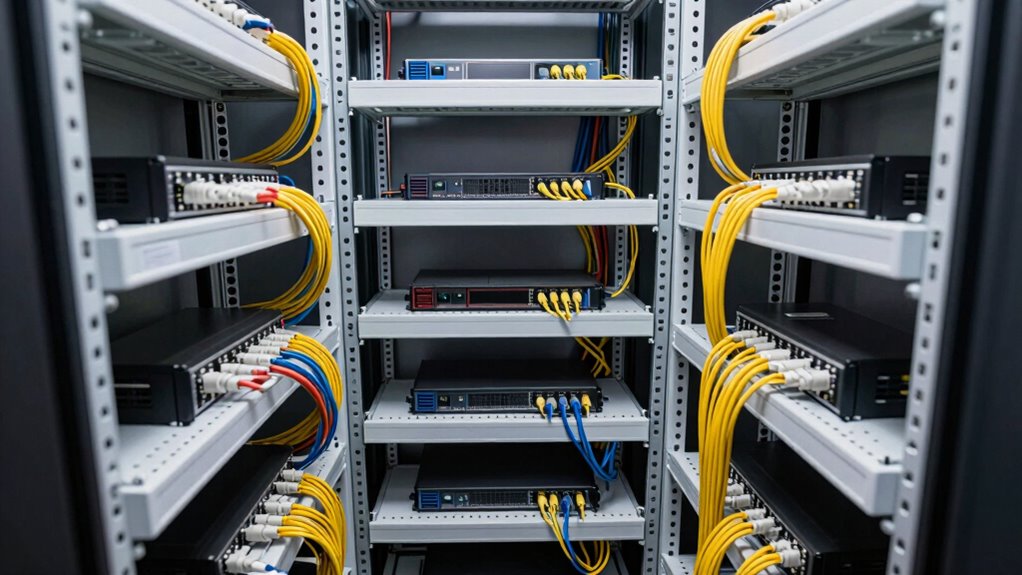
Effective cable planning is essential for ensuring your small data center operates smoothly and efficiently. When you’re managing limited space and resources, thoughtful cable management becomes even more critical. You want your setup to support quick maintenance, minimize downtime, and maximize performance. To achieve this, start by mapping out your network and power needs carefully. Clear planning helps you avoid tangled cables and makes troubleshooting much easier. Focus on fiber optimization by selecting high-quality fiber optic cables that match your bandwidth requirements. Proper fiber planning not only improves data transfer speeds but also reduces signal loss and interference, ensuring reliable connectivity. When you optimize your fiber layout, you prevent bottlenecks and future-proof your network for growth. Keep in mind that organized fiber paths reduce the risk of damage and simplify upgrades or repairs. Additionally, considering long-term adaptability during planning ensures your cabling infrastructure remains effective as your data center expands or technology evolves. Incorporating landscape design principles can also help in creating a more efficient and accessible layout, especially in constrained spaces. Regularly reviewing your cabling setup and making adjustments as needed further contributes to optimal operation. Implementing calibration techniques can also enhance overall system performance by ensuring consistent signal quality across your network.
Power distribution is another key aspect of good cable planning. You need to ensure your power sources are distributed evenly and securely across your equipment. Use properly rated power cables and outlets to prevent overloads and potential failures. Consider implementing redundant power paths, so if one line fails, your system stays operational without interruption. Proper cable routing for power and data lines helps prevent electrical interference that can degrade network performance. Keep data and power cables separated where possible, and use cable trays or conduits to keep everything tidy and accessible. This organization not only improves airflow and cooling but also makes it easier to identify issues when they arise. Paying attention to cable labeling enhances maintenance efficiency and reduces troubleshooting time. A well-designed cable plan also factors in future growth. You want to leave room for additional cables or hardware without creating clutter. Label all cables clearly at both ends, so you can identify and replace or upgrade components quickly. Use color-coded cables for different functions—such as data, power, or management connections—to streamline maintenance and troubleshooting. Regularly review and update your cabling layout to adapt to changes and new equipment. By maintaining a clean and organized system, you minimize the risk of accidental disconnections or damage.
Cable management rack for data centers
As an affiliate, we earn on qualifying purchases.
As an affiliate, we earn on qualifying purchases.
Frequently Asked Questions
How Often Should Cable Infrastructure Be Inspected and Maintained?
You should inspect and maintain your cable infrastructure at least quarterly, aligning with your maintenance schedules. Regular checks ensure proper cable organization, preventing tangles and damage. During inspections, look for wear, loose connections, or signs of deterioration. By staying proactive, you reduce downtime and improve performance. Consistent maintenance helps you identify issues early, keeping your small data center running smoothly and securely.
What Are the Cost Implications of Different Cable Management Options?
Choosing ideal cable routing and power distribution methods impacts your costs considerably. Structured cable routing may require higher upfront investment but reduces maintenance and repair expenses over time. Using proper cable management tools minimizes damage and downtime, saving money. Conversely, poor cable routing can lead to costly troubleshooting and power issues. Investing in efficient cable management ensures reliable power distribution, lowers long-term costs, and improves overall data center performance.
How to Future-Proof Cable Planning for Scaling Needs?
Think of your cable routing as planting a flexible garden that can grow with your needs. To future-proof, choose versatile connector types and keep pathways open for expansion. Use modular cable management systems that adapt easily, and plan routes that aren’t just for today but can handle tomorrow’s growth. This way, when your data center scales, your cables will flow smoothly, ready to support new servers and increased traffic without chaos.
What Safety Standards Apply to Cable Installation in Small Data Centers?
You must follow safety standards like the NFPA 70 (NEC) and local electrical codes during cable installation in small data centers. Guarantee proper cable labeling for easy identification, reducing the risk of accidental disconnections or mishandling. Focus on fire safety by using fire-resistant cables and maintaining clear pathways. Regular inspections and adhering to these standards help prevent hazards, protect equipment, and ensure a safe, compliant environment.
How Can Cable Planning Improve Overall Data Center Cooling Efficiency?
Proper cable planning promotes better cooling by balancing cable layout and airflow optimization. When you strategically position cables, you prevent airflow blockages and guarantee cool air reaches equipment efficiently. Clear, organized cable layouts minimize hotspots, reducing cooling demands and energy use. By prioritizing airflow and layout, you enhance cooling efficiency, keeping your data center running smoothly, saving energy, and extending equipment lifespan. Good cable planning is key to a cool, cost-effective data center.
As an affiliate, we earn on qualifying purchases.
Conclusion
When you plan your cables with care, it’s like laying a clear, flowing river through your data center—each wire a essential tributary guiding information smoothly to its destination. Good cable planning transforms chaos into a symphony of order, where every connection sings in harmony. With thoughtful layout, you create a resilient backbone that supports your data center’s heartbeat, ensuring your operation runs seamlessly. In this well-orchestrated network, efficiency and reliability flourish like a thriving, well-tended garden.
Cable labeling tags for networking
As an affiliate, we earn on qualifying purchases.
As an affiliate, we earn on qualifying purchases.
Power distribution unit for data centers
As an affiliate, we earn on qualifying purchases.
As an affiliate, we earn on qualifying purchases.
Evergreen bestsellers Picks
bestsellers
As an affiliate, we earn on qualifying purchases.