
TL;DR
A buyer’s guide from Thorsten Meyer AI compares 10 network-attached storage devices for home and business use. It highlights the Synology DS225+ as its best overall balance, while stressing that drive count, included disks, software and setup needs should guide the choice.
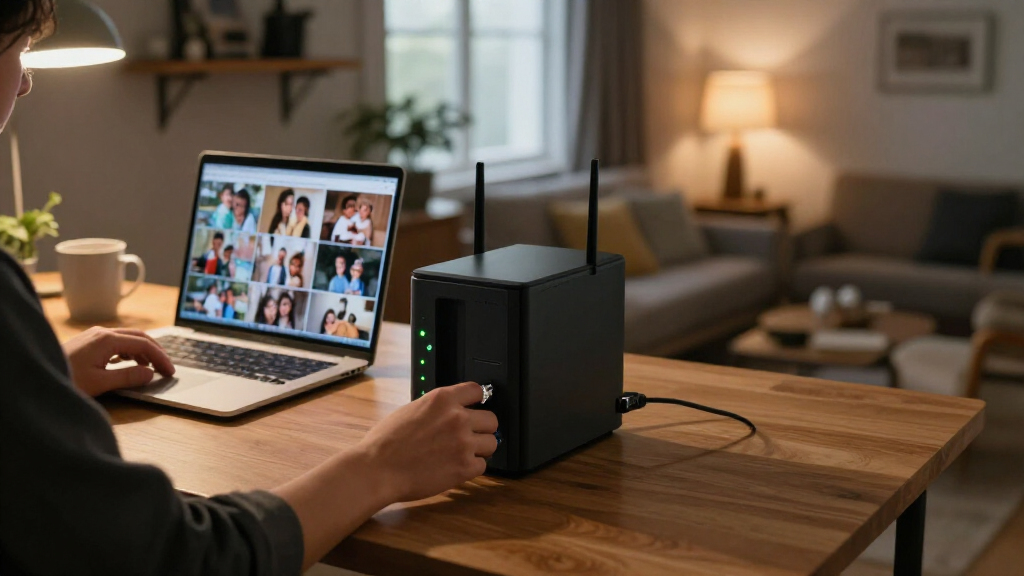
Thorsten Meyer AI has published a buyer’s guide comparing 10 network-attached storage (NAS) devices for home and business use, ranking the two-bay Synology DS225+ as its best overall balance. The comparison spans single-drive personal storage, multi-bay systems and rackmount units, making the trade-offs around redundancy, capacity, included drives and setup central to choosing a model.

Get business pricing on networking and server gear
- Business-only prices and quantity discounts
- Tax-exempt purchasing
- Multiple users, one account, clear invoices
The guide names the Synology DS225+ as its leading all-rounder for buyers seeking a flexible two-bay system. It is diskless, so purchasers must add drives. The guide points to Synology’s DiskStation Manager software for automated backups to cloud services, external drives and remote NAS devices. It also recommends the UGREEN NASync DXP2800 for technically experienced home users: its listed Intel N100 quad-core processor and 8 GB of DDR5 memory are aimed at applications such as Docker, virtual machines and media servers. Its hard drives and NVMe SSDs are sold separately.
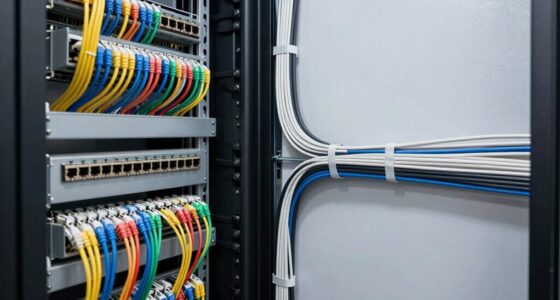
For larger, rack-based setups, the guide highlights the QNAP TS-864eU-8G-US, an eight-bay diskless model, and the four-bay BUFFALO TeraStation 5420RN. The Buffalo listing includes four 8 TB NAS-grade drives and gives 24 TB as usable capacity in RAID 5. The guide describes it as ready to deploy, while the QNAP offers more bays but requires buyers to supply storage drives.
Less complex options include the BUFFALO LinkStation 210 in 2 TB and 4 TB bundled-drive versions, and the single-bay Synology DS124. Two-bay alternatives include the diskless Synology DS223j and the UGREEN DH2300, which the guide presents for personal storage and phone backup, alongside other NAS enclosures buyers can consider. It lists warranty periods ranging from two to three years for models where that information is supplied; warranty details for the DXP2800 are listed as unavailable.
Choosing a NAS for home and business
A 2027 guide compares network storage from simple single-drive models to rackmount systems. Match drive bays, included storage, software and setup to your needs.
Best fit depends on the setup
The guide’s picks serve different workloads and levels of technical experience.
Synology DS225+
A flexible two-bay choice with backup software. Drives are sold separately.
UGREEN DXP2800
Its listed processor and memory target Docker, virtual machines and media servers. Storage drives are separate.
QNAP and Buffalo
The eight-bay QNAP is diskless; the four-bay Buffalo listing includes four 8 TB drives.
Compare storage needs
More bays can support larger storage plans; included drives affect flexibility and setup.
- Single-bay models suit basic sharing and backups.
- LinkStation 210 versions include 2 TB or 4 TB drives.
- Two-bay systems offer more options.
- Four- and eight-bay models target larger plans and rack environments.
Check before buying
Drive configuration and support can vary by model, region and workload.
- Confirm whether drives are included and the supported drive sizes.
- Check software features, compatibility and support periods.
- For business use, verify usable capacity for your intended RAID setup.
- Compare current price and total system cost.
Choosing Capacity and Redundancy
The comparison shows why the number of drive bays affects more than headline capacity. A one-bay NAS cannot mirror data across a second internal drive, so the LinkStation 210 and DS124 suit simpler file-sharing or backup needs but do not provide that form of redundancy. Two-bay systems allow more flexibility, while four- and eight-bay devices are aimed at larger storage plans and rack environments.
Buyers also need to compare like with like. A diskless NAS adds the cost and work of selecting drives, while bundled-drive models include storage but may offer less flexibility over the drives supplied. The guide’s picks are recommendations from its publisher, not independent performance test results, so workload, software support and total cost remain important considerations.
Products Worth Considering

Kindle Paperwhite Signature Edition 32GB (2024 Model) – Metallic Black

Jackery Explorer 300 Portable Power Station, 292Wh

Bose Smart Ultra Dolby Atmos Soundbar with Voice Control, HDMI eARC, Black
As an affiliate, we earn on qualifying purchases.
How the Models Differ
NAS devices connect to a network so multiple computers and other supported devices can access shared files and backups. The models in the guide range from a basic single-drive network share to systems with several bays and rackmount designs. The guide says the DS225+ balances flexibility with manageable home setup, while the DXP2800 is aimed at users who want to run additional applications.
Software and supported workloads vary across the listed products. The guide associates Synology models with private-cloud access and backups across devices; it describes UGREEN’s DXP2800 as suited to more demanding applications and the DH2300 as focused on personal storage and phone backup. It does not provide a uniform benchmark or side-by-side testing method for these claims.
“The DS225+ is the strongest all-rounder in this lineup.”
— Thorsten Meyer AI buying guide
Details Buyers Should Verify
The source does not give a publication date, current prices, availability, noise or power measurements, or a consistent test method across the devices. Its list is incomplete in the supplied material: although it says it covers 10 devices, product details for all 10 are not present. The guide also does not specify the precise drive compatibility, software support periods or total system cost for each model. Those details may vary by region and configuration and should be checked with manufacturers or sellers before purchase.
The source labels itself as AI-assisted and discloses that it may earn commission on qualifying purchases. Its rankings and product descriptions should therefore be read as the publisher’s buying-guide assessments, rather than as independently verified findings.
Check Prices and Drive Support
Prospective buyers should confirm the latest price, included drive configuration, supported drive sizes and software features for the exact model and region they are considering. Business buyers comparing rackmount systems should also check usable capacity under their intended RAID setup and whether the device fits their network and backup requirements.
The source does not announce a follow-up review or a date for updated pricing. Its recommendations may change as models, availability and prices change.
Key Questions
Which NAS does the guide recommend as the best overall choice?
The guide ranks the Synology DS225+ as its best overall balance, citing its two-bay format and backup software. It is diskless, so drives must be purchased separately.
Which listed NAS is aimed at rack-based business storage?
The guide points to the QNAP TS-864eU-8G-US and the four-bay BUFFALO TeraStation 5420RN for rack environments. The QNAP is diskless; the Buffalo listing includes four 8 TB drives.
What is the main limitation of a one-bay NAS?
A one-bay model has no second internal drive for mirroring, so it cannot provide that form of drive redundancy. The guide presents single-bay devices as simpler options for basic shared storage and backups.
Are drives included with every model?
No. Several listed models, including the DS225+, DS223j and DXP2800, are diskless. The LinkStation 210 versions and the TeraStation listing include drives, according to the source.
Source: Thorsten Meyer AI