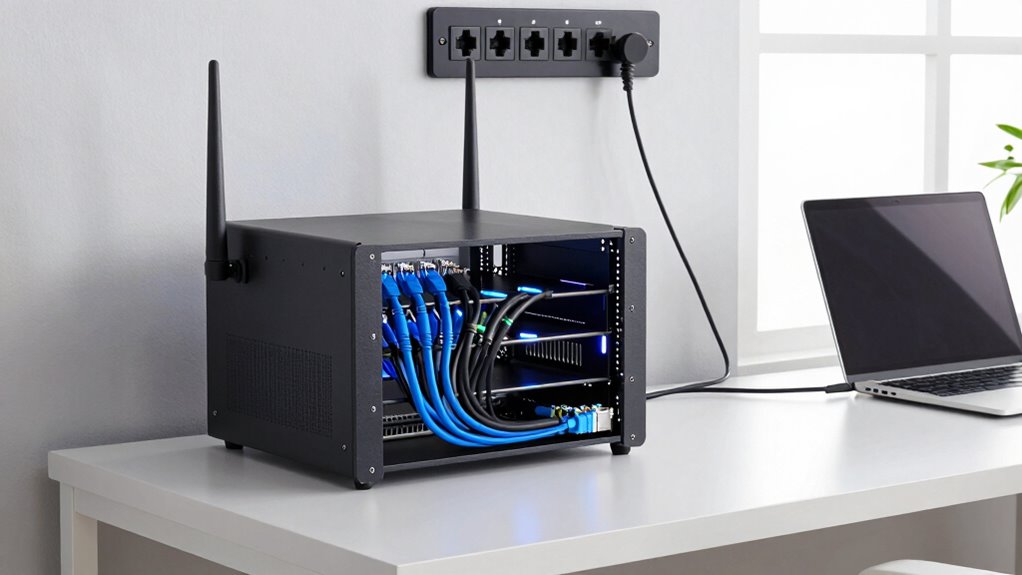
To build a better home network around wired core connections, start by installing high-quality Ethernet cables to key devices like desktops and smart TVs for reliable, high-speed internet. Use strong passwords and enable WPA3 encryption to keep your network secure. Position your router centrally away from interference sources, and switch to dual-band or less congested channels for best Wi-Fi. Regularly monitor and update your hardware to guarantee peak performance. Keep exploring for more tips to maximize your network’s stability and security.

Get business pricing on networking and server gear
- Business-only prices and quantity discounts
- Tax-exempt purchasing
- Multiple users, one account, clear invoices
Key Takeaways
- Establish a wired backbone with high-quality Ethernet cables for stable, high-speed core connectivity.
- Segment your network using VLANs to enhance security and manage traffic efficiently.
- Position routers centrally and away from interference sources to optimize wireless performance.
- Regularly update firmware and monitor network performance for proactive maintenance.
- Use dual-band routers and channel optimization to reduce wireless interference and improve speed.
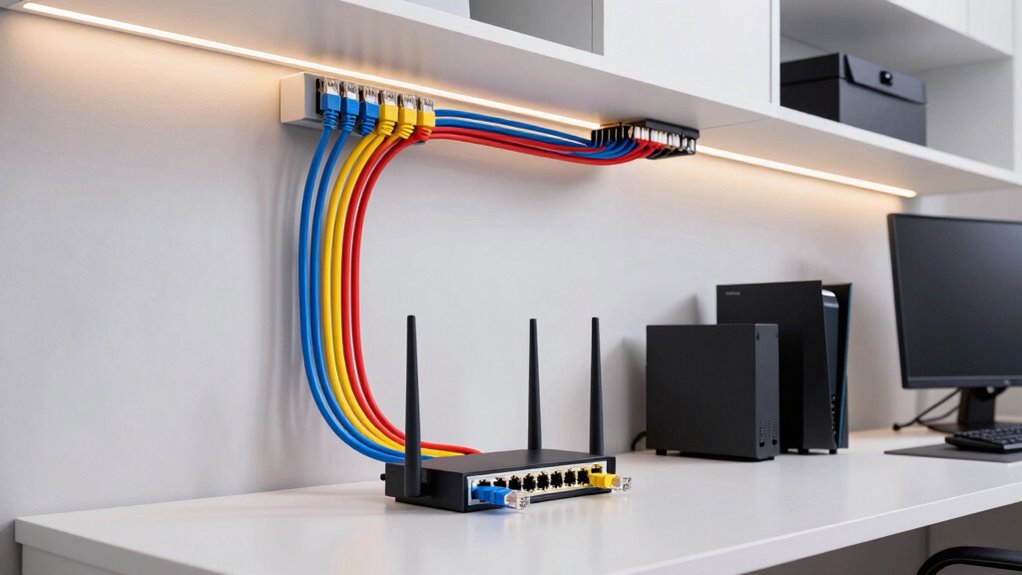
Ever wonder why your home internet feels sluggish or keeps dropping? The culprit often lies in how your network is set up and managed. Relying solely on Wi-Fi without a solid wired core can lead to frequent interruptions and slow speeds. To build a better home network, start by establishing a reliable wired backbone. Ethernet cables provide a stable, high-speed connection that’s less prone to issues caused by wireless interference or congested channels. With a wired core connecting your router to key devices—like your desktop, smart TV, and gaming consoles—you ensure those critical gadgets always have the bandwidth they need.
A wired backbone ensures faster, more reliable internet for your essential devices.
But simply plugging in Ethernet cables isn’t enough. You need to think about network security. A wired core makes it easier to control who accesses your network and prevents unauthorized devices from connecting. Use strong, unique passwords on your router and enable network encryption standards like WPA3. Regularly update your router’s firmware to patch vulnerabilities and keep your network secure from cyber threats. Segregating your network into separate segments or VLANs can also add an extra layer of protection, ensuring that even if one device is compromised, the rest of your network stays safe.
Wireless interference is another obstacle you should address. Even with a wired backbone, many devices depend on Wi-Fi, which can be disrupted by other electronic devices, thick walls, or neighboring networks. To minimize interference, position your router in a central, open location away from cordless phones, microwave ovens, and other electronics that emit radio signals. Switching to a less congested Wi-Fi channel, especially on the 5 GHz band, can also improve performance. Using dual-band routers allows you to dedicate the 5 GHz band to high-bandwidth activities like streaming and gaming, while keeping the 2.4 GHz band for less demanding tasks. Additionally, understanding network topology can help you optimize device placement and cable routing for maximum performance. Regularly monitoring your network’s performance and security settings** helps you identify issues early and keep your home network resilient against potential threats. Incorporating knowledge of home network best practices can further enhance your setup and ensure reliable connectivity. Implementing wireless interference mitigation strategies can significantly improve overall network stability and speed, especially in complex environments. Keeping an eye on network equipment** and upgrading hardware when necessary can also help maintain optimal performance. By combining a wired core with smart management of wireless elements, you’re setting yourself up for a faster, more secure, and dependable home internet experience.
High-speed Ethernet cables for home network
As an affiliate, we earn on qualifying purchases.
As an affiliate, we earn on qualifying purchases.
Frequently Asked Questions
How Can I Future-Proof My Home Network Infrastructure?
To future-proof your home network, you should invest in a robust wired core connection and design a flexible network topology. Incorporate high-speed, gigabit Ethernet switches and consider installing a dedicated smart home hub. This setup will support your evolving smart home devices and high-bandwidth activities. Regularly update firmware, add new switches as needed, and plan for scalable expansion to guarantee your network remains reliable and ready for future technology upgrades.
What Are the Best Cable Types for High-Speed Wired Connections?
For high-speed wired connections, you should opt for Cat6a or Cat7 Ethernet cables. They offer excellent cable durability and shield against signal interference, ensuring stable and fast data transfer. Cat6a supports up to 10 Gbps over 100 meters, while Cat7 provides even better shielding and performance. Choosing these cable types helps future-proof your network, minimizes interruptions, and maintains peak speeds for your connected devices.
How Do I Troubleshoot Wired Connection Issues Effectively?
Your wired connection isn’t just slow—it’s practically a snail’s pace! To troubleshoot effectively, start by checking for wireless interference near your cables, which can disrupt signals. Next, examine your cable management; verify cables are securely connected and organized, avoiding tangles that cause signal loss. Test your cables with a cable tester, and replace any damaged ones. These steps will restore your network’s speed and reliability.
What Security Measures Should I Implement for Wired Networks?
You should implement strong security measures like network segmentation to isolate sensitive devices and reduce access points for potential breaches. Use strong, unique passwords and enable encryption protocols like WPA3 for wireless interference protection, even on wired segments. Regularly update firmware and monitor network activity to spot suspicious behavior. These steps help prevent unauthorized access and guarantee your wired network remains secure against evolving threats.
How Can I Optimize Network Performance With Multiple Devices?
To optimize network performance with multiple devices, you should minimize wireless interference by placing your router in a central, open location away from electronic devices. Enable device prioritization to give important devices, like work computers or streaming gadgets, higher bandwidth. Additionally, consider using Quality of Service (QoS) settings to manage traffic efficiently, ensuring smooth performance across all devices and reducing lag or buffering issues.
As an affiliate, we earn on qualifying purchases.
Conclusion
By giving your home network a solid wired core, you’re gently steering your digital life toward smoother sailing. Think of it as laying a sturdy foundation beneath your favorite cozy home. With reliable connections tucked away behind the scenes, you’ll enjoy seamless streaming, quick downloads, and fewer frustrations. It’s a small step that quietly transforms your daily tech experience into something more comfortable and dependable—making your digital haven truly feel like home.
As an affiliate, we earn on qualifying purchases.
As an affiliate, we earn on qualifying purchases.
Fall Picks
fall essentials
As an affiliate, we earn on qualifying purchases.