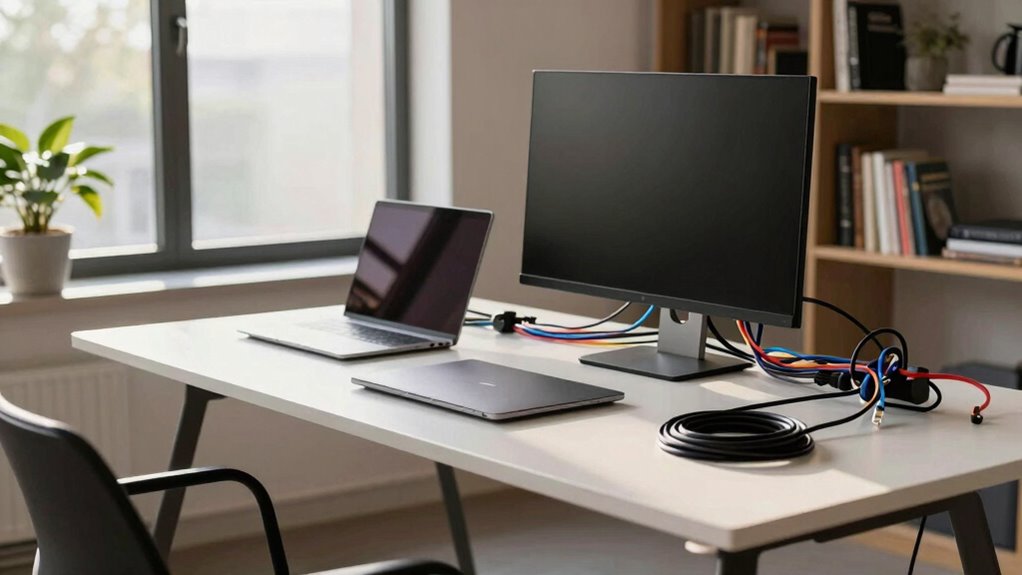

As remote work becomes more common, better cabling plans are essential for your home office. Well-organized cables ensure reliable internet, prevent workspace clutter, and keep everything safe from hazards. A good plan also makes it easier to upgrade devices and adapt to new technology. Without it, your workspace can become chaotic and less efficient. Keep exploring to discover how a solid cabling strategy can transform your home office into a safer, more productive environment.

Get business pricing on networking and server gear
- Business-only prices and quantity discounts
- Tax-exempt purchasing
- Multiple users, one account, clear invoices
Key Takeaways
- Increased remote work reliance demands stable, high-speed connections to support video conferencing and cloud-based applications.
- Better cabling reduces clutter, improving safety and creating a professional, organized workspace for productivity.
- Upgraded cabling plans enable future-proofing for evolving technology and additional devices or upgrades.
- Effective cable management enhances ergonomics, making equipment adjustments easier and workspace more comfortable.
- A comprehensive cabling plan minimizes disruptions, ensuring consistent performance and reducing downtime in home office setups.
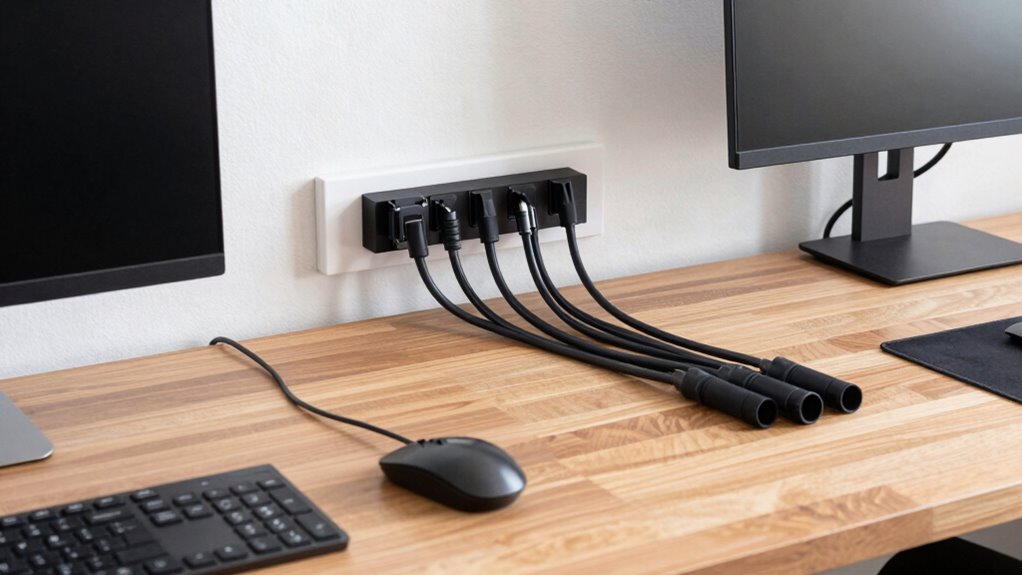
Are you planning to set up a home office that’s both efficient and organized? If so, one of the most critical aspects often overlooked is cabling. A well-thought-out cabling plan can make a huge difference in how smoothly your workspace functions. With the increasing reliance on wireless solutions, you might think cabling isn’t as important, but the truth is, a solid cable setup supports your entire system by reducing clutter and preventing disruptions. Your internet connection, printers, external drives, and other peripherals all need dependable wiring to operate seamlessly. Investing in an extensive cabling plan ensures these connections stay stable, reducing frustration and downtime.
A well-planned cabling system reduces clutter and ensures seamless, reliable connections for your home office.
As you design your home office, consider how ergonomic furniture and cable management go hand in hand. Ergonomic furniture helps you stay comfortable and productive, but if cables are left dangling or tangled, they can cause discomfort or even accidents. Implementing proper cable management solutions—like cable trays, clips, or sleeves—keeps cords organized and out of your way. This not only enhances safety but also preserves the aesthetic of your workspace, making it look sleek and professional. When your cables are managed properly, you can easily access and adjust your equipment without digging through a jumble of wires. Additionally, understanding cabling infrastructure can help you make smarter decisions when designing your setup for long-term reliability. Incorporating cable management strategies into your plan can further improve the overall functionality and safety of your home office. A well-designed cabling plan also considers potential future upgrades, ensuring your setup remains adaptable as technology evolves.
While wireless solutions have come a long way, they aren’t a complete substitute for wired connections. For high-speed internet, large file transfers, or video conferencing, wired Ethernet connections provide the stability and speed that wireless signals often can’t match. Having a reliable wired backbone in your home office minimizes lag and buffering, especially during critical work tasks. Plus, wired connections reduce the number of visible cables, helping your workspace stay tidy. When combined with wireless options for less demanding tasks, this balanced approach gives you flexibility without sacrificing performance. Planning your cabling with future upgrades in mind ensures your setup remains adaptable as your technology needs evolve. Ultimately, a thoughtful cabling plan isn’t just about neatness; it’s about creating a reliable, efficient environment where your work can flow smoothly without interruptions or hazards.
home office cable management kit
As an affiliate, we earn on qualifying purchases.
As an affiliate, we earn on qualifying purchases.
Frequently Asked Questions
How Often Should Home Office Cabling Be Inspected or Replaced?
You should inspect your home office cabling every 6 to 12 months to guarantee proper cable organization and prevent issues. Replace any frayed or damaged cables immediately to avoid disruptions. With wireless alternatives available, you can reduce clutter and reliance on physical cables, but regular inspections help maintain peak performance. Keeping cables in good condition minimizes risks and ensures your setup remains efficient and safe for daily work.
What Are the Cost Implications of Upgrading Cabling Infrastructure?
Upgrading your cabling infrastructure costs upfront but offers long-term savings through enhanced wireless flexibility and fewer disruptions. You’ll spend on quality cables and installation, but the improved aesthetic considerations mean your workspace looks cleaner and more professional. Investing now mitigates future expenses related to repairs or frequent upgrades. Plus, a reliable setup ensures seamless connectivity, boosting productivity and making your home office a more efficient, comfortable environment.
Can DIY Cabling Upgrades Ensure Safety and Efficiency?
DIY cabling upgrades can improve safety and efficiency if you follow proper guidelines, but they might not always be enough. You should consider wireless alternatives for less clutter and better flexibility. Also, keep ergonomic considerations in mind to prevent strain or injury. If you’re unsure, consulting a professional guarantees your cabling is safe, efficient, and compliant with standards, giving you peace of mind without compromising your workspace’s functionality.
How Does Cabling Affect Home Network Security?
Did you know that poor cabling can expose your network to security breaches? You need to prioritize wireless security and cable encryption to protect sensitive data. Secure cabling prevents unauthorized access, reduces interference, and guarantees your network stays safe from intruders. By properly managing your cabling, you make it harder for hackers to intercept signals, keeping your home office information private and secure at all times.
Are There Specific Regulations for Home Office Cabling?
There aren’t strict regulations for home office cabling, but you should follow best practices to guarantee wireless connectivity and maintain aesthetic design. Keep cables organized and hidden to prevent hazards and improve signal quality. Use quality materials to reduce interference, and consider professional installation if your setup is complex. Prioritizing proper cabling helps enhance security, reliability, and a clean look, making your home office more efficient and comfortable.
As an affiliate, we earn on qualifying purchases.
Conclusion
A solid cabling plan keeps your home office organized and efficient, preventing the chaos of tangled cords and unreliable connections. Imagine working from home and suddenly losing power because a cable was tripped over — frustrating, right? By investing a little time now, you can set up a system that’s both tidy and dependable. Don’t wait for a costly mishap; upgrade your cabling plan today to enjoy seamless, stress-free workdays.
As an affiliate, we earn on qualifying purchases.
power strip with surge protection for home office
As an affiliate, we earn on qualifying purchases.
As an affiliate, we earn on qualifying purchases.
Halloween Picks
halloween
As an affiliate, we earn on qualifying purchases.