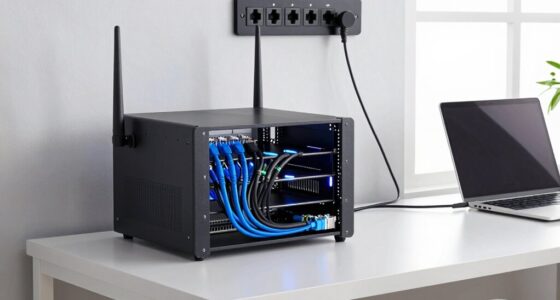
Like building a sturdy bridge between your devices and the internet, installing Ethernet in a multi-story house requires careful planning and precision. You might think it’s straightforward, but the layout of your home can present unexpected challenges and opportunities. Properly running cables through walls, choosing the right equipment, and securing your network are essential steps that can make or break your connection quality—yet many overlook these details. Understanding these aspects now can save you time and frustration later.

Get business pricing on networking and server gear
- Business-only prices and quantity discounts
- Tax-exempt purchasing
- Multiple users, one account, clear invoices
Key Takeaways
- Map house layout and plan cable routes to optimize coverage and minimize interference across floors.
- Use quality cables like Cat6 and protect them with conduits for durability and safety.
- Run cables through walls and ceilings carefully, avoiding electrical wiring and plumbing.
- Connect cables to a central switch or router, and configure network security with encryption and strong passwords.
- Consider professional installation for complex routes or DIY with detailed planning and safety precautions.
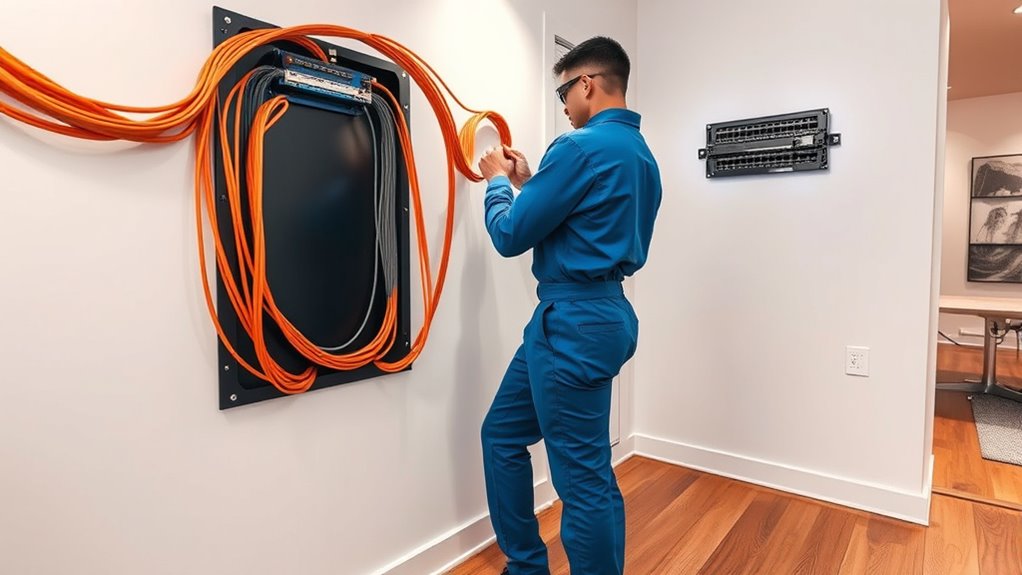
Installing Ethernet in a multi-story house can considerably boost your internet speed and reliability, but it requires careful planning and execution. When setting up your wired network, you need to consider not just the physical installation but also how to keep your network secure. Ethernet connections are inherently more secure than wireless alternatives because they’re less vulnerable to hacking or unauthorized access. However, the moment you start running cables through your walls and floors, it becomes vital to implement strong network security measures, like encrypted connections and secure router configurations, to prevent potential breaches. This is especially important if you’re handling sensitive information or running smart home devices that could be exploited if improperly protected.
Before you begin, map out the layout of your house. Identify the locations where you need the strongest internet connection—living rooms, home offices, bedrooms—and plan your cable routes accordingly. Running Ethernet cables through walls and ceilings can be complicated, but it’s worth the effort for a stable connection. You may also want to contemplate the use of wireless alternatives like mesh Wi-Fi systems, which can extend coverage seamlessly across multiple floors. While wireless options are convenient, they can sometimes be less reliable due to interference from walls, furniture, and other electronic devices. A hybrid approach, combining Ethernet for critical devices and wireless systems for general use, often delivers the best results.
When installing Ethernet, choose quality cables—preferably Cat6 or higher—to future-proof your setup and improve speeds. Use cable conduits or raceways to protect cables and keep the installation tidy. Running cables through walls and ceilings requires careful planning to avoid electrical wiring and plumbing. Some homeowners opt for professional installation to guarantee safety and essential placement, especially if they aren’t comfortable with DIY projects. Once cables are in place, connect them to a central network switch or router, and make sure your network settings are refined for security, like enabling WPA3 encryption and changing default passwords.
Cat6 Ethernet cable for home wiring
As an affiliate, we earn on qualifying purchases.
As an affiliate, we earn on qualifying purchases.
Frequently Asked Questions
How Do I Choose the Best Ethernet Cable Type for My Home?
To choose the best Ethernet cable, consider cable durability and signal attenuation. Opt for high-quality cables like Cat6 or Cat6a, which offer better durability and reduced signal attenuation over longer distances. If you need to run cables through walls or outdoors, choose shielded or weatherproof options. Your goal is to get a reliable connection with minimal signal loss, so prioritize cables that match your home’s size and installation needs.
Can I Install Ethernet Wiring Myself Without Professional Help?
Yes, you can do DIY wiring if you’re comfortable with basic tools and follow safety guidelines. However, for a complex multi-story house, professional installation guarantees proper wiring, avoids damage, and maintains network performance. If you lack experience, hiring a professional can save you time and prevent costly mistakes. Evaluate your skills carefully before attempting DIY wiring, and consider consulting a professional for advice or assistance.
What Is the Typical Cost of Ethernet Installation in a Large House?
The typical cost of Ethernet installation in a large house ranges from $1,000 to $4,000, depending on your project’s scope. You should consider cost estimation and material selection carefully, as choosing higher-quality cables and connectors increases expenses but improves performance. If you opt for a DIY approach, you can save money, but professional installation guarantees ideal wiring, especially in complex multi-story setups.
How Can I Troubleshoot Connectivity Issues After Installation?
To troubleshoot connectivity issues, start by checking for signal interference from nearby electronics or wireless devices. Make certain your Ethernet cables are securely connected and properly managed, avoiding tangling or damage. Test the connection with different cables or ports to identify potential hardware issues. Also, verify your router and network settings, and consider updating firmware if problems persist. Good cable management helps prevent damage and interference, improving overall stability.
Are There Any Security Concerns With Ethernet Wiring in a Home?
Did you know that wired connections are generally more secure than Wi-Fi? With Ethernet wiring, you mainly face wiretap risks if someone gains physical access to your cables. To protect your data, use data encryption and secure your network with strong passwords. Keep cables hidden and restrict access to prevent unauthorized tapping. Regularly update your network equipment to patch vulnerabilities, ensuring your home remains safe from potential security threats.
As an affiliate, we earn on qualifying purchases.
Conclusion
Installing Ethernet in your multi-story home boosts internet speed and security, making your connected experience seamless. With over 80% of households now relying on wired connections for reliability, careful planning ensures peak performance and a tidy look. By choosing quality cables, proper routing, and secure network settings, you’ll enjoy faster, safer internet across all floors. Invest the time now—your future self will thank you for the improved connectivity and peace of mind.
network switch for multi-story house
As an affiliate, we earn on qualifying purchases.
As an affiliate, we earn on qualifying purchases.
As an affiliate, we earn on qualifying purchases.
Halloween Picks
halloween
As an affiliate, we earn on qualifying purchases.