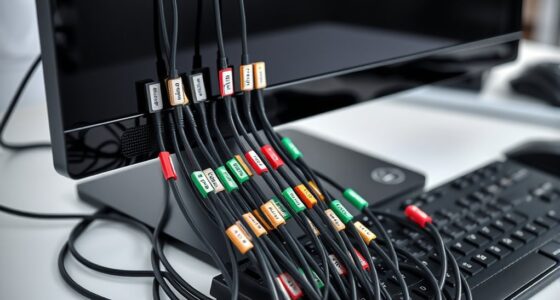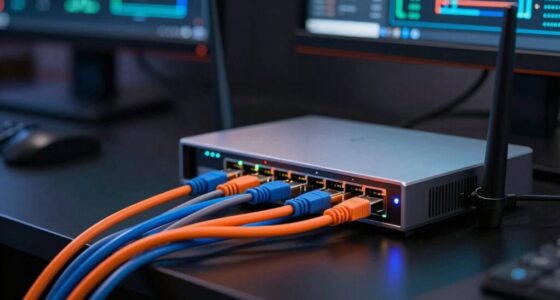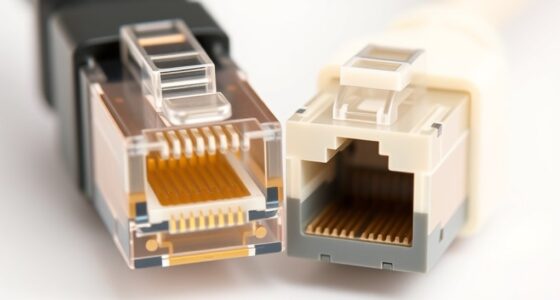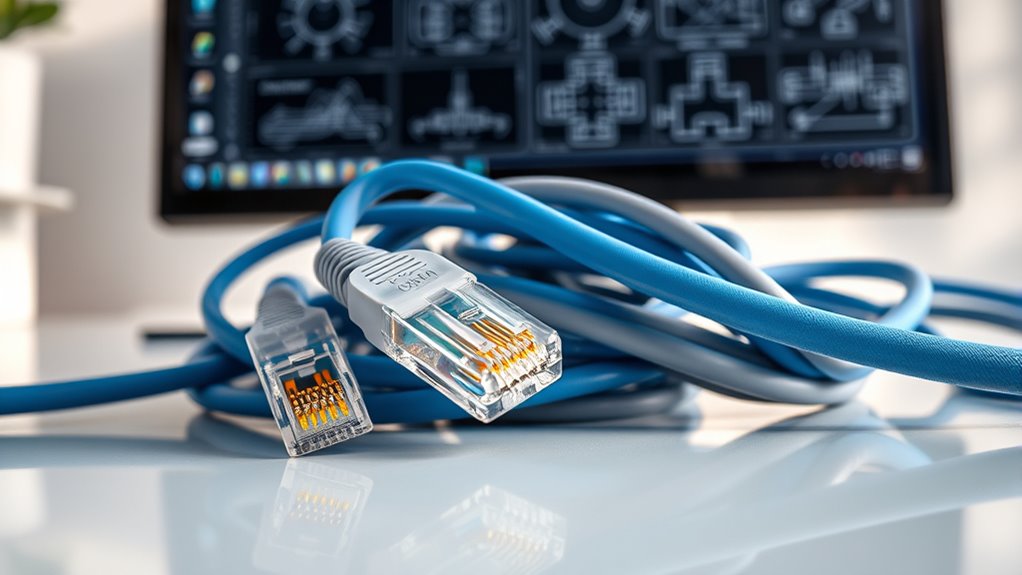

Many believe all Ethernet cables are the same, but performance varies widely by type, with fiber optic offering higher speeds over longer distances. You might think fiber is too complex or costly, yet prices have dropped and installation is easier than ever. Wireless options are often seen as inferior, but they can be reliable for everyday use. To avoid common misconceptions and choose the best setup for your needs, discover the facts behind these Ethernet myths.

Get business pricing on networking and server gear
- Business-only prices and quantity discounts
- Tax-exempt purchasing
- Multiple users, one account, clear invoices
Key Takeaways
- Not all Ethernet cables are equal; performance varies by type, and higher quality often means better speed and reliability.
- Fiber optic cables are no longer prohibitively expensive or complex, making them accessible for various network needs.
- Wireless solutions can be fast and reliable, often suitable for everyday use, challenging the myth that wired is always superior.
- Ethernet provides consistent, low-latency connections ideal for high-demand applications, contrary to the belief that wireless can fully replace wired.
- Many assume all Ethernet cables are the same, but different categories (e.g., Cat 5, Cat 6, Cat 7) have distinct performance characteristics.
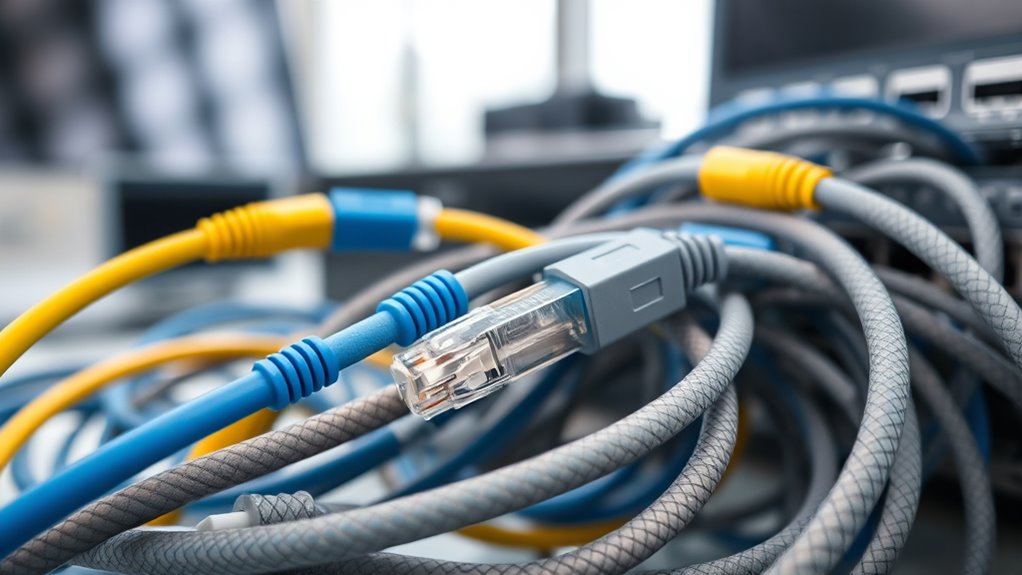
Many people believe that all Ethernet cables are created equal, but this isn’t true. While many assume that any Ethernet cable will serve their needs, the reality is that different types vary considerably in quality and performance. For example, traditional copper Ethernet cables are popular, but they have limitations in speed and distance. This is where fiber optic cables come into play, offering higher bandwidth, faster data transfer, and longer reach without signal degradation. Fiber optic cables use light to transmit data, making them ideal for large networks or environments requiring high-speed connections. They are less susceptible to electromagnetic interference, which can affect copper cables, especially in crowded or electrically noisy settings. If you’re considering upgrading your network, fiber optic might be the best choice for future-proofing, especially if you need to support high data loads or extensive distances.
However, many assume that fiber optic cables are overly complicated or expensive, which isn’t entirely true anymore. The cost of fiber has decreased, and installation has become more straightforward, making it a viable option even for small businesses or home setups. Still, fiber optic isn’t always necessary for every situation. For most everyday uses, wireless alternatives like Wi-Fi can provide sufficient connectivity, eliminating the need for physical cables altogether. Wireless options have improved dramatically over recent years, offering fast speeds and reliable connections that can replace Ethernet in many scenarios. Yet, wireless signals can be affected by walls, distance, and interference, which might lead you to believe that wired Ethernet is always superior. While this is often the case for stable, high-speed, low-latency connections—such as gaming or large data transfers—wireless is a convenient alternative, especially in environments where running cables isn’t practical.
In reality, the choice depends on your specific needs. Ethernet cables, whether copper or fiber optic, can deliver consistent, high-performance connections where stability matters most. Wireless alternatives provide flexibility and ease of setup, making them perfect for casual browsing or mobile devices. Understanding these differences helps you make informed decisions about your network setup. Instead of falling for myths that suggest all Ethernet cables are the same or that wireless is always inferior, recognize that each option has its place. Fiber optic cables offer unmatched speed and distance, while wireless solutions provide convenience and mobility. The key is evaluating your requirements and choosing the right technology to match them, rather than relying on misconceptions.
As an affiliate, we earn on qualifying purchases.
Frequently Asked Questions
Can Ethernet Cables Improve Wi-Fi Signal Strength?
Ethernet cables don’t directly improve your Wi-Fi signal strength, but they can help reduce Wi-Fi interference by providing a stable wired connection. This minimizes signal boosting issues caused by wireless interference, which often weakens Wi-Fi. By using Ethernet cables for devices that need consistent internet, you free up Wi-Fi bandwidth for other devices, leading to a stronger overall network and better performance without relying solely on Wi-Fi signal strength.
Are All Ethernet Cables Suitable for Outdoor Use?
Like a shielded knight protecting its fortress, not all Ethernet cables are suitable for outdoor use. You need cables with outdoor durability and specialized cable insulation to withstand weather, UV rays, and moisture. Regular indoor cables can deteriorate quickly outside, so always check the specifications and choose cables explicitly designed for outdoor environments. This guarantees reliable connections and longevity, keeping your network running smoothly regardless of the weather.
Do Higher-Priced Ethernet Cables Always Offer Better Performance?
Higher-priced Ethernet cables don’t always guarantee better performance. You should consider the balance between cost vs performance and cable quality. Expensive cables might offer better shielding or durability, but if your setup doesn’t need those features, a more affordable option could work just as well. Focus on matching the cable’s specifications to your needs rather than just the price tag to make sure you get the best value.
Can Ethernet Cables Transmit Power Along With Data?
Think of your Ethernet cable as a busy highway, not just for data but also for power. Yes, they can transmit power along with data through Power over Ethernet (PoE) compatibility. This allows you to power devices like cameras or VoIP phones without extra cords. So, when choosing a cable, make certain it supports PoE for seamless power transmission, making your setup smarter and cleaner.
Is It Necessary to Upgrade Ethernet Cables Regularly?
You don’t need to upgrade Ethernet cables regularly if they remain in good condition. Focus on cable durability and installation frequency; high-quality cables last longer and resist wear and tear. If your cables show signs of damage or performance issues, replace them promptly. Regular checks ensure peak connectivity, but frequent upgrades aren’t necessary unless you’re upgrading your network speed or infrastructure. Proper maintenance keeps your Ethernet setup reliable and efficient.
As an affiliate, we earn on qualifying purchases.
Conclusion
Now that you’ve uncovered these Ethernet cable myths, you’re better equipped to make smarter choices. But here’s the twist—there’s always more to learn, and technology keeps evolving. Will what you know today hold up tomorrow? Stay curious, stay informed, and don’t settle for misconceptions. The world of networking is full of surprises, and the next revelation could be just around the corner. Are you ready to discover what’s next?
As an affiliate, we earn on qualifying purchases.
As an affiliate, we earn on qualifying purchases.
Fall Picks
fall essentials
As an affiliate, we earn on qualifying purchases.